


Cardinal Chains
Graj na PC z BlueStacks – Platforma gamingowa Android, która uzyskała zaufanie ponad 500 milionów graczy!

Strona zmodyfikowana w dniu: Oct 4, 2025
Play Cardinal Chains on PC
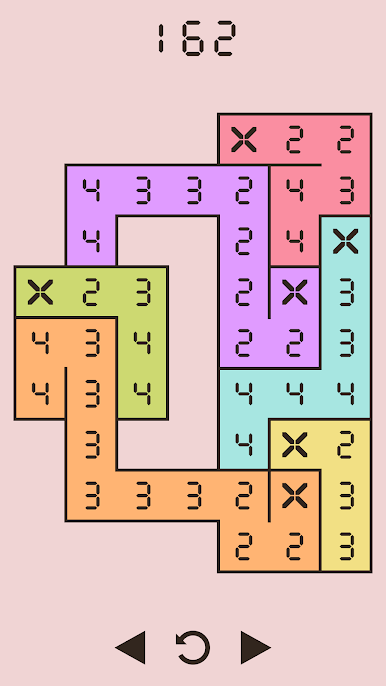
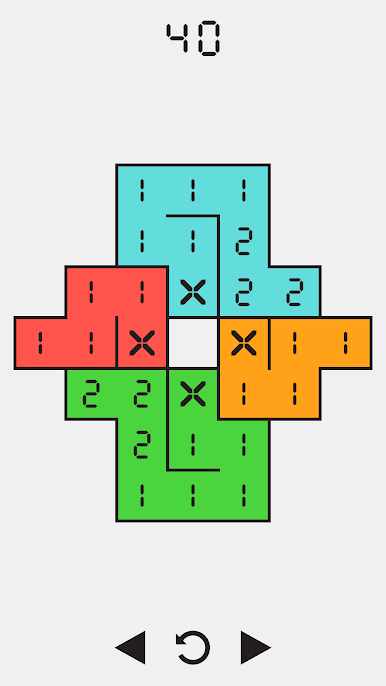
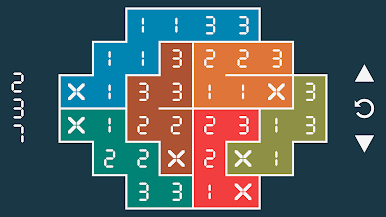
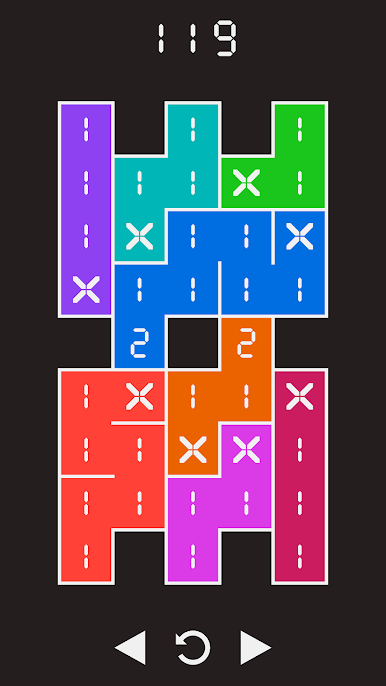
Each puzzle begins with a monochrome grid of numbers, plus a few colored cells marked with an X. Starting at these cells, you must link up numbers in non-decreasing order until the whole grid is filled with color.
• 500 unique, carefully handcrafted puzzles of varying difficulty, each with a single solution
• Beautiful, lengthy chill-out soundtrack created by accomplished professional artists
• Minimalist, elegant design without timers, ads, purchases or other hassles - just pure gameplay
• Several built-in color themes, including colorblind options. Or...
• ...make your own color themes - right from within the game!
• Features achievements and cloud saves



Zagraj w Cardinal Chains na PC. To takie proste.
-
Pobierz i zainstaluj BlueStacks na PC
-
Zakończ pomyślnie ustawienie Google, aby otrzymać dostęp do sklepu Play, albo zrób to później.
-
Wyszukaj Cardinal Chains w pasku wyszukiwania w prawym górnym rogu.
-
Kliknij, aby zainstalować Cardinal Chains z wyników wyszukiwania
-
Ukończ pomyślnie rejestrację Google (jeśli krok 2 został pominięty) aby zainstalować Cardinal Chains
-
Klinij w ikonę Cardinal Chains na ekranie startowym, aby zacząć grę

