

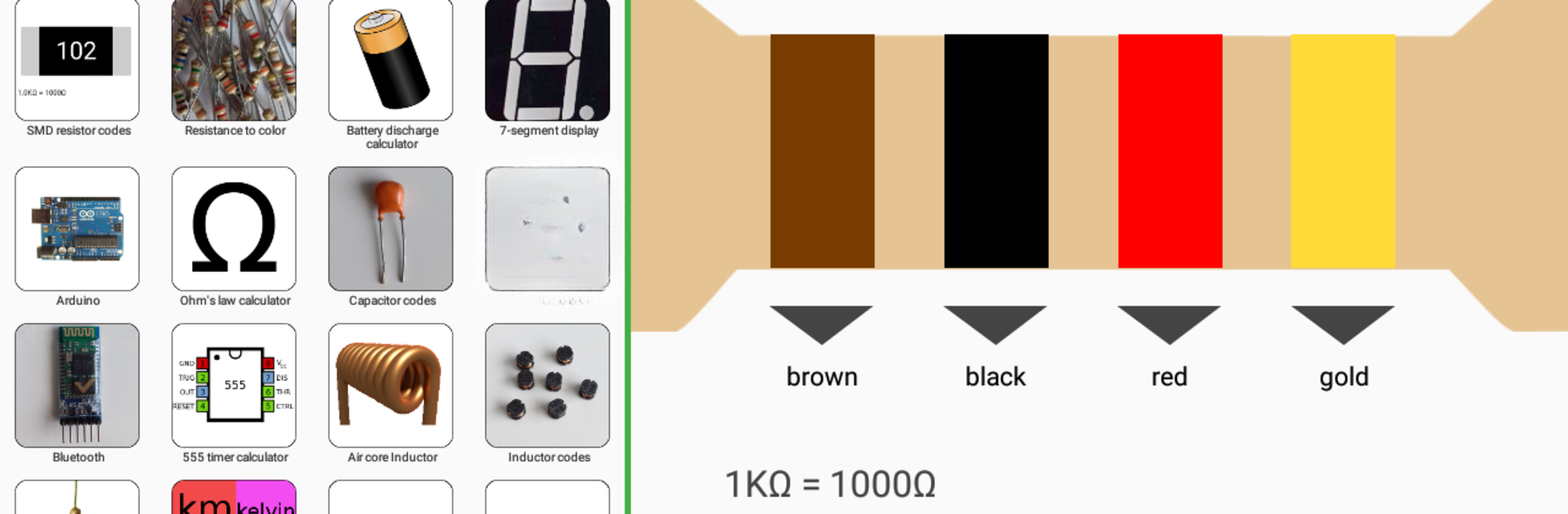
Electronics Toolkit
Chơi trên PC với BlueStacks - Nền tảng chơi game Android, được hơn 500 triệu game thủ tin tưởng.

Trang đã được sửa đổi vào: Oct 2, 2023
Run Electronics Toolkit on PC or Mac
Upgrade your experience. Try Electronics Toolkit, the fantastic Education app from Electronial, from the comfort of your laptop, PC, or Mac, only on BlueStacks.
About the App
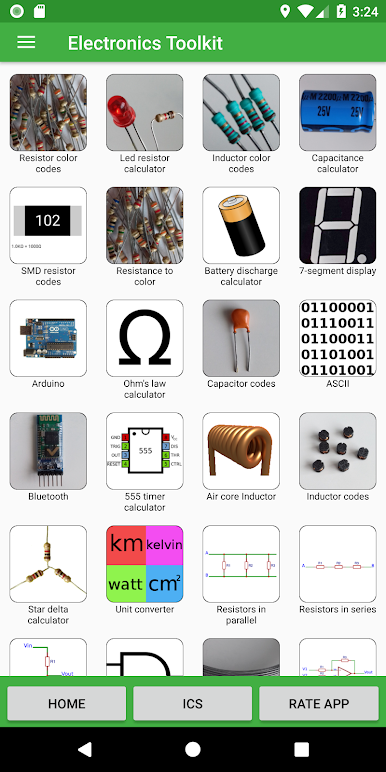
Ever wished you had a Swiss Army knife for electronics in your pocket? Electronics Toolkit by Electronial is just that—an all-in-one helper for anyone who tinkers with circuits, learns electronics, or loves to experiment with gadgets. Whether you’re a student deep into a project, an engineer double-checking calculations, or a hobbyist figuring out resistor values, this toolkit puts a ton of handy info and calculators at your fingertips.
App Features
-
Resistor & Capacitor Cheatsheets
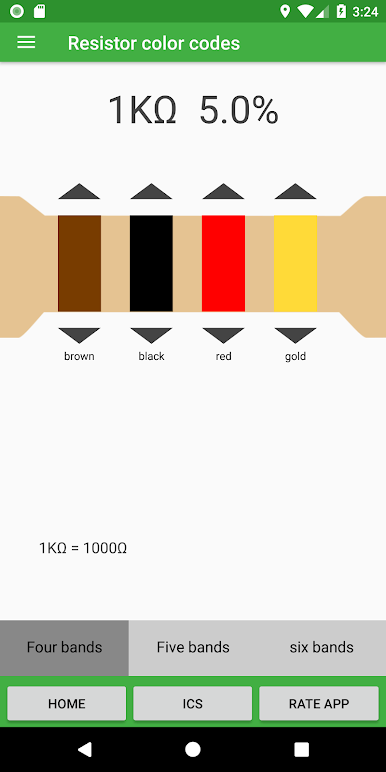
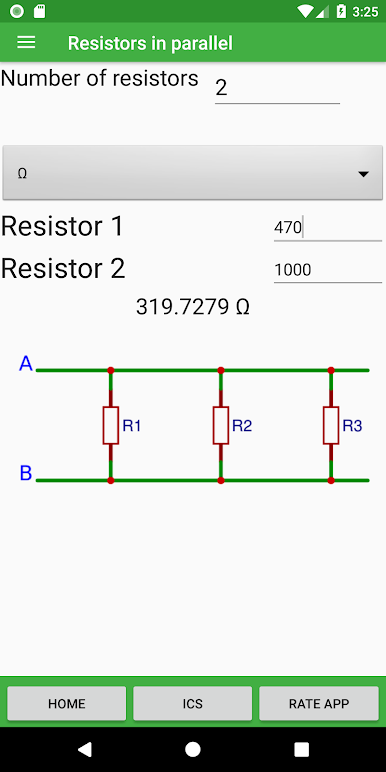
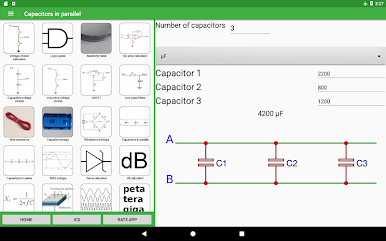
Can’t remember those color bands? Use the resistor and inductor color code tools or type in SMD codes for instant answers. Finding the right resistance or capacitance—whether they’re in series or parallel—is simple and quick. -
Ohm’s Law & More
Lost in equations? Ohm’s law, op-amp setups, voltage dividers, even battery discharge estimations—they’re ready for you. Just plug in what you know, and Electronics Toolkit does the rest. -
Unit Conversion Galore
Need to shift from volts to millivolts, grams to pounds, or Fahrenheit to Celsius? There’s a robust unit converter for all sorts of measurements. -
Logic & IC Pinout Tables
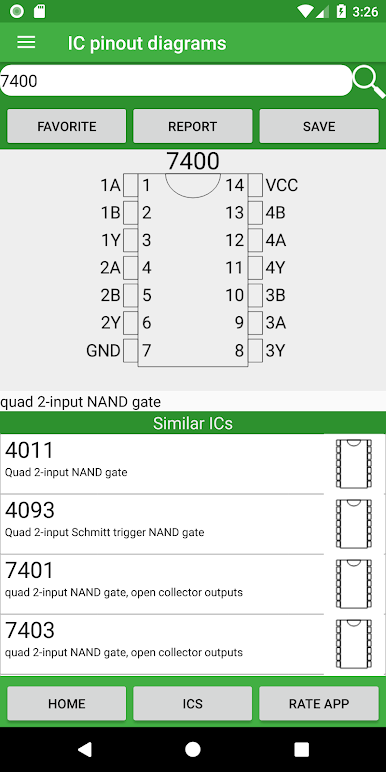
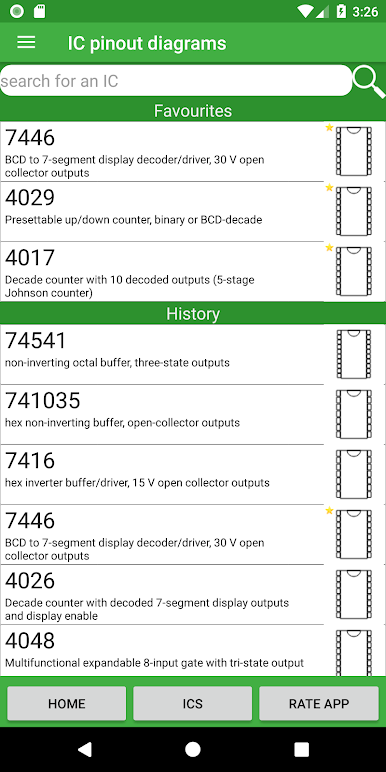
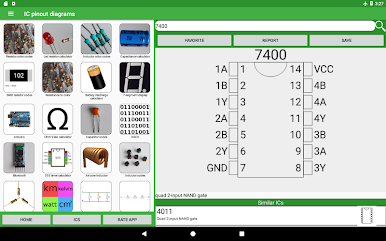
View interactive truth tables for logic gates, check out 7-segment displays, browse detailed pinouts for Arduino boards and classic ICs—all effortless, without flipping through textbooks or datasheets. -
Specialized Calculators
Waveforms, digital converters (like DAC, ADC), 555 timer settings, slew rates, air core inductors, Zener diodes, LM317 output—you name it, there’s probably a calculator for it. -
Bluetooth Terminal
Easily hook up to a Bluetooth module (like HC-05) to send or receive commands from your Arduino or other microcontroller. Switch between terminal, slider, or button modes as suits your project. -
Quick Reference Tables
Glance at tables for ASCII codes, resistivity of metals, SI prefixes, or wire resistance. No more googling random values when you’re in the zone.
Electronics Toolkit works great whether you’re on the go or using BlueStacks for a bigger screen when working at your desk. From calculating resistor values to checking pinouts, this is like having an electronics lab in your pocket (or on your laptop).
Switch to BlueStacks and make the most of your apps on your PC or Mac.
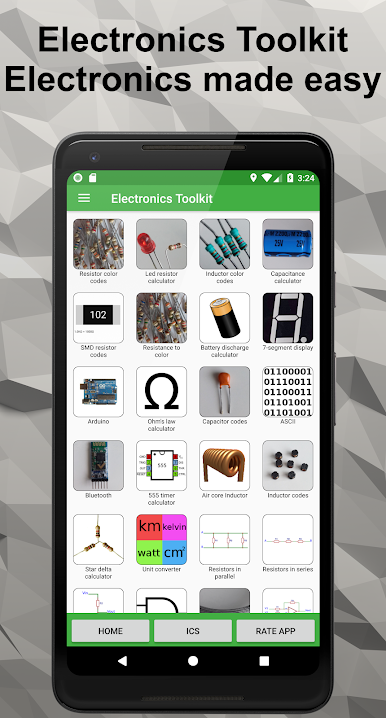
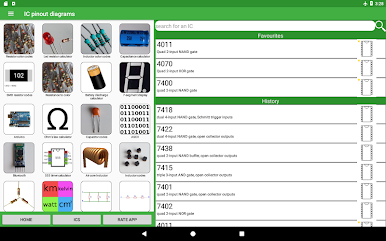
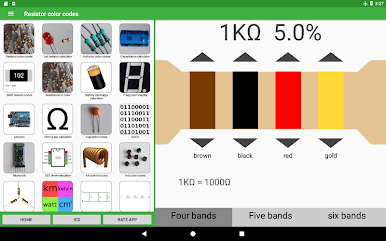
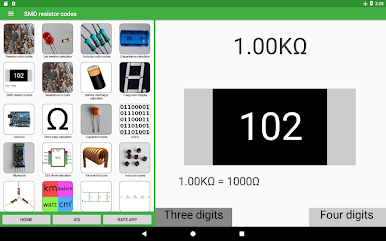
Chơi Electronics Toolkit trên PC. Rất dễ để bắt đầu
-
Tải và cài đặt BlueStacks trên máy của bạn
-
Hoàn tất đăng nhập vào Google để đến PlayStore, hoặc thực hiện sau
-
Tìm Electronics Toolkit trên thanh tìm kiếm ở góc phải màn hình
-
Nhấn vào để cài đặt Electronics Toolkit trong danh sách kết quả tìm kiếm
-
Hoàn tất đăng nhập Google (nếu bạn chưa làm bước 2) để cài đặt Electronics Toolkit
-
Nhấn vào icon Electronics Toolkit tại màn hình chính để bắt đầu chơi

