

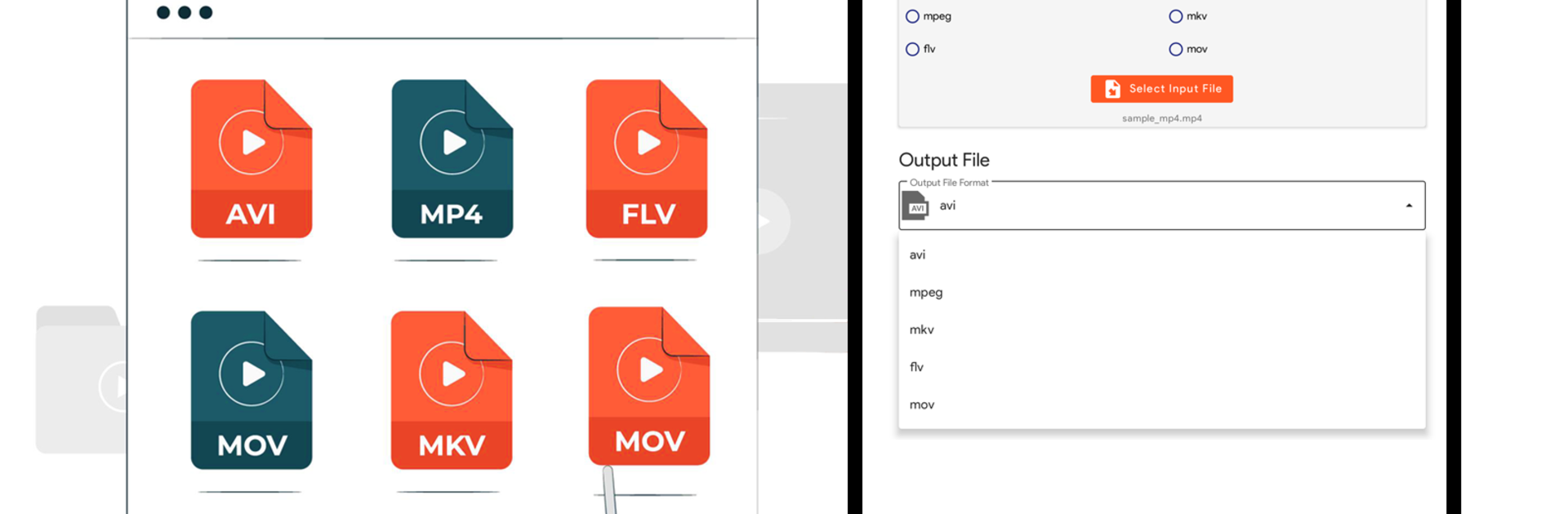
Konwerter wideo : MP4 do MP3
Graj na PC z BlueStacks – Platforma gamingowa Android, która uzyskała zaufanie ponad 500 milionów graczy!

Strona zmodyfikowana w dniu: Aug 5, 2024
Run Video Converter : MP4 to MP3 on PC or Mac
Why limit yourself to your small screen on the phone? Run Video Converter : MP4 to MP3, an app by Digit Grove, best experienced on your PC or Mac with BlueStacks, the world’s #1 Android emulator.
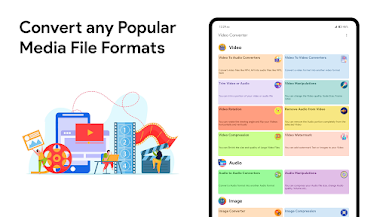
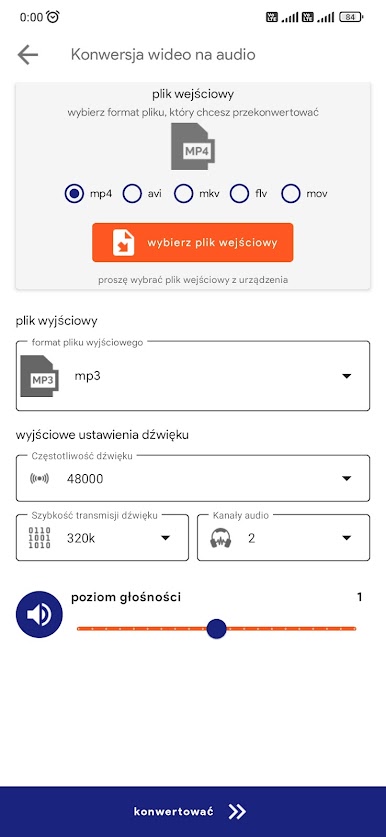
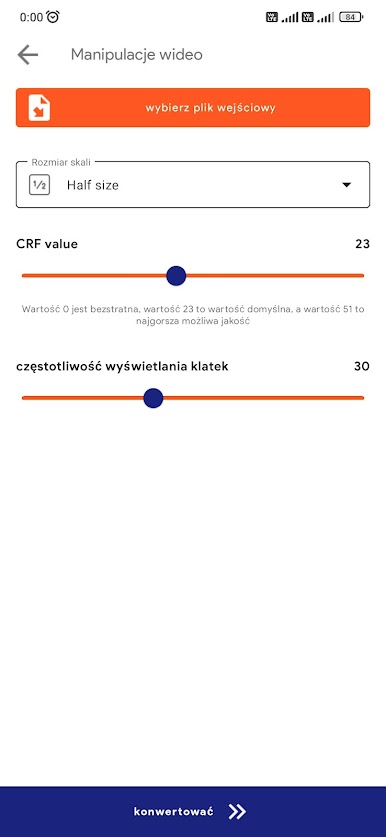
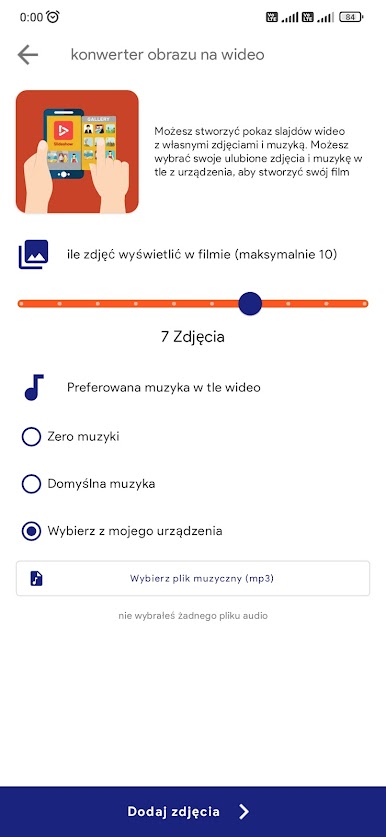
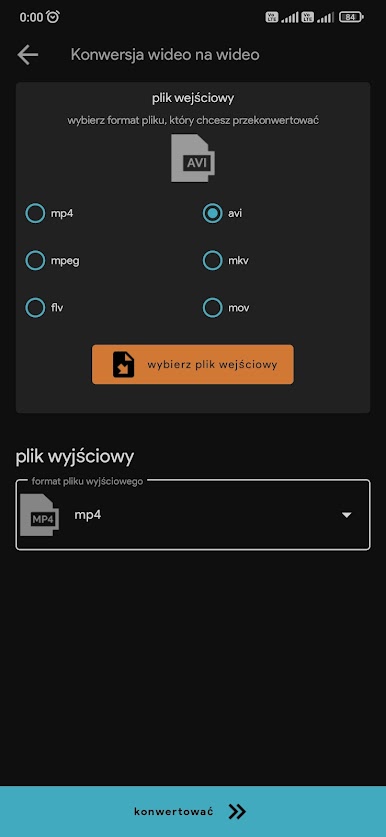
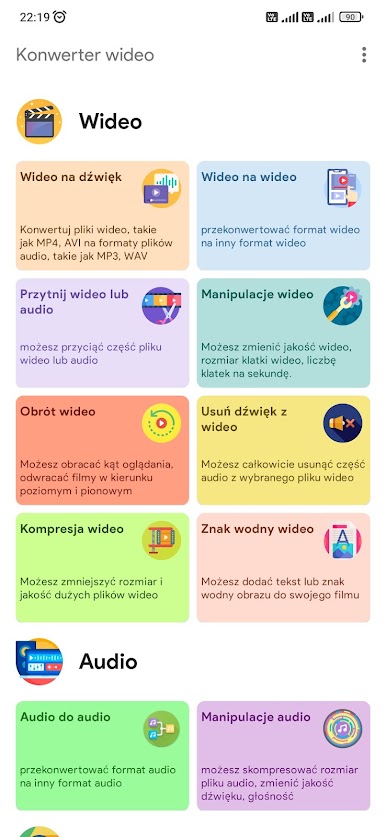
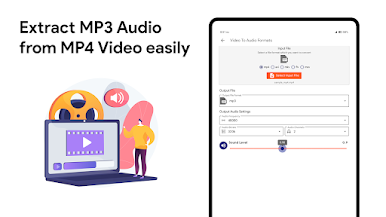
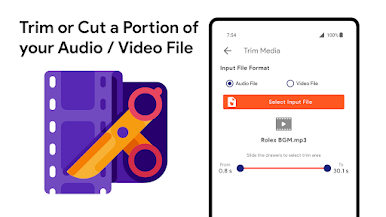
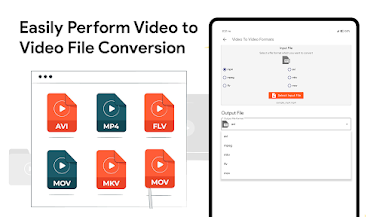
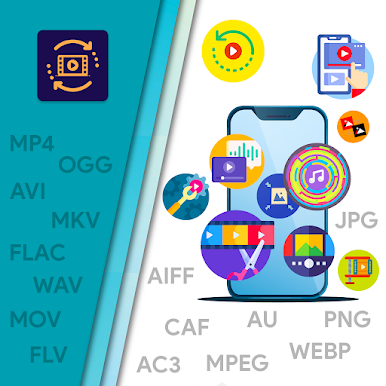
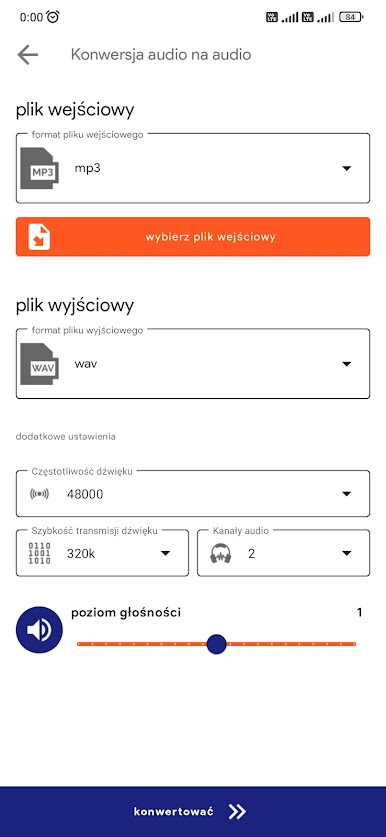
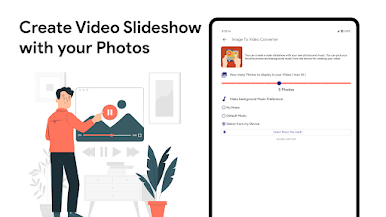
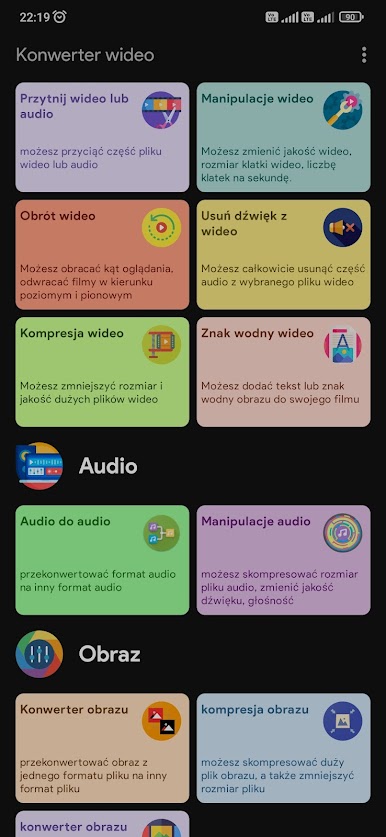
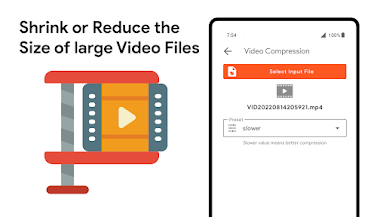
This app is one of those handy little tools that makes media files feel less stubborn. It will take most common video files, chop out the audio and save it as MP3 or WAV, or go the other way and change audio formats. The interface is straightforward, with sliders and drop down menus for resolution, bitrate and frame rate so converting or compressing a file is not mysterious. Trimming clips is easy to see and scrub through, and rotating or flipping a video takes only a couple clicks. Adding a watermark or stripping audio out completely are simple options, and there is even a basic image to video slideshow maker where pictures can be stitched together and a track added as background music.
On a PC using BlueStacks it feels roomy and more precise, the mouse and keyboard make setting exact bitrates and durations less fiddly than on a phone. Batch jobs run predictably and the app uses FFMPEG under the hood so results tend to be solid. It is not flashy, more practical, and sometimes the settings menu can feel dense if someone only wants a quick MP3. Overall it is a solid utility for anyone who wants full control over conversion, compression and basic edits without learning a complicated program, and it will save time when dealing with lots of files.
BlueStacks brings your apps to life on a bigger screen—seamless and straightforward.
Zagraj w Konwerter wideo : MP4 do MP3 na PC. To takie proste.
-
Pobierz i zainstaluj BlueStacks na PC
-
Zakończ pomyślnie ustawienie Google, aby otrzymać dostęp do sklepu Play, albo zrób to później.
-
Wyszukaj Konwerter wideo : MP4 do MP3 w pasku wyszukiwania w prawym górnym rogu.
-
Kliknij, aby zainstalować Konwerter wideo : MP4 do MP3 z wyników wyszukiwania
-
Ukończ pomyślnie rejestrację Google (jeśli krok 2 został pominięty) aby zainstalować Konwerter wideo : MP4 do MP3
-
Klinij w ikonę Konwerter wideo : MP4 do MP3 na ekranie startowym, aby zacząć grę

