

mydlink Lite
Chơi trên PC với BlueStacks - Nền tảng chơi game Android, được hơn 500 triệu game thủ tin tưởng.

Trang đã được sửa đổi vào: Oct 20, 2023
Run mydlink Lite on PC or Mac
Why limit yourself to your small screen on the phone? Run mydlink Lite, an app by D-Link Corporation, best experienced on your PC or Mac with BlueStacks, the world’s #1 Android emulator.
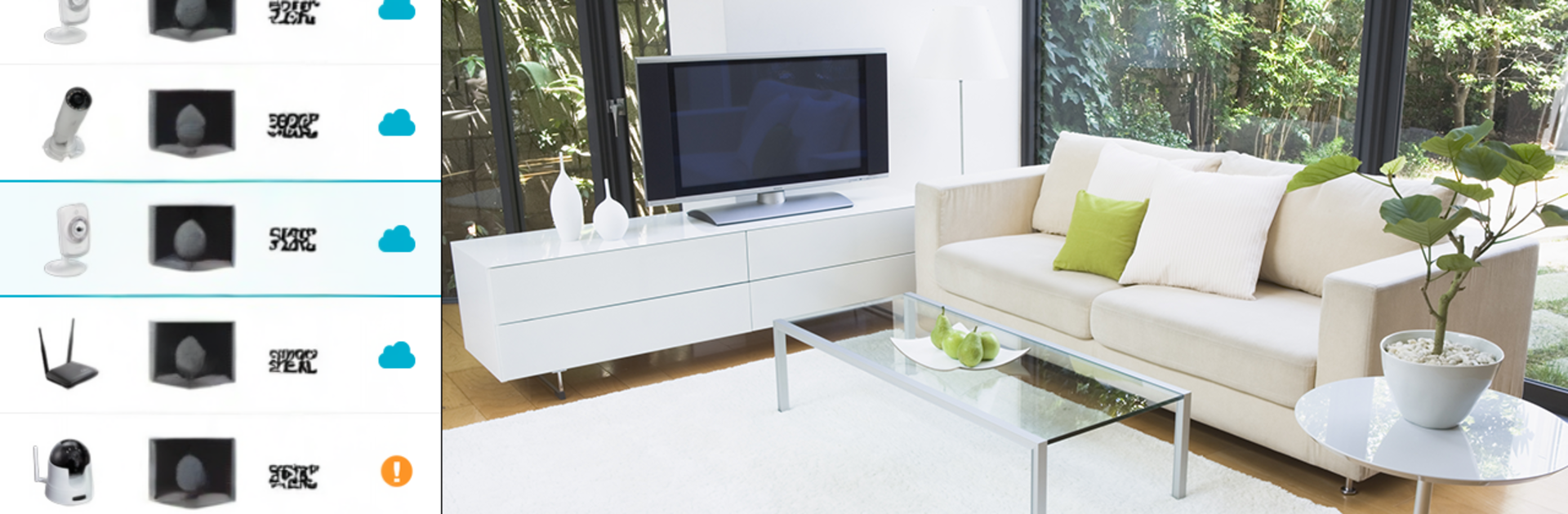
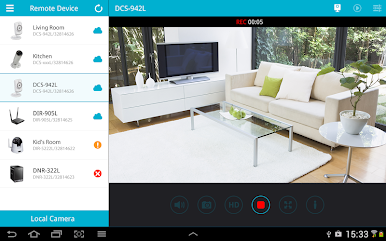
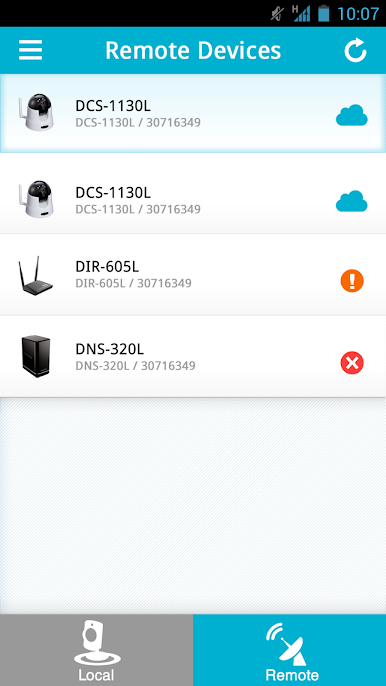
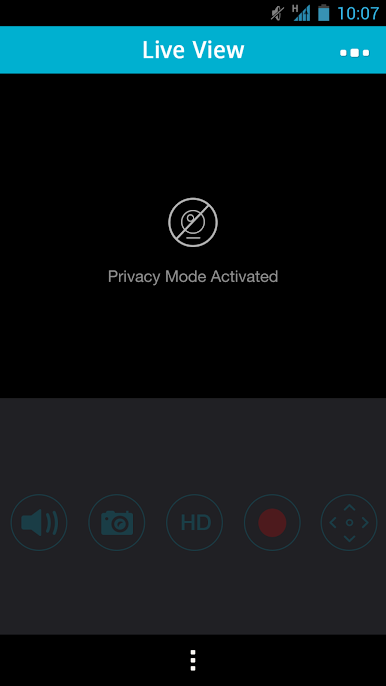
mydlink Lite feels like a straight-to-the-point control room for D‑Link stuff. It opens to live camera feeds fast, and the video is smooth on supported models. There is a simple toolbar feel to it, nothing flashy, just the important buttons. Tap to switch day or night modes, pinch to zoom, drag the view around on non‑PT cams, and save a quick snapshot if something looks off. Two‑way audio is there on certain cameras, so talking through the mic to a pet or telling someone at the door is possible, though it mutes the camera mic during talkback to avoid weird feedback. It also plugs into an NVR for viewing, but that is video only. There is a five minute relay viewing limit with a countdown, which at least gives a heads‑up before it cuts.
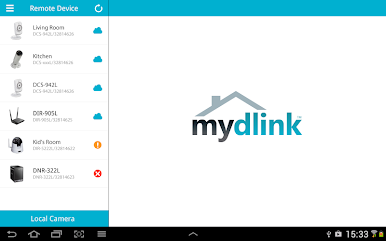
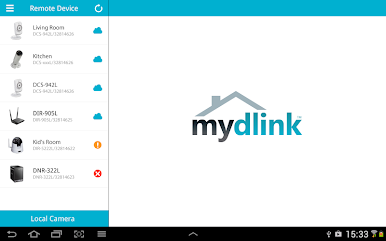
Beyond cameras, it shows router status and bandwidth at a glance, and the parental controls are practical. See what sites were visited, block a device, or unlock it later. Firmware updates and SD card playback live in the app too, plus push notifications that can be toggled per device. Setup is guided, so adding a new camera does not feel like a puzzle. Running it on a PC through BlueStacks gives a bigger, cleaner look at multiple feeds, and mouse dragging to pan feels tidy. Not every feature works on every model, so it helps to check what each camera supports, but the core stuff works reliably and without drama. It is more utility than entertainment, which is exactly the point.
Switch to BlueStacks and make the most of your apps on your PC or Mac.







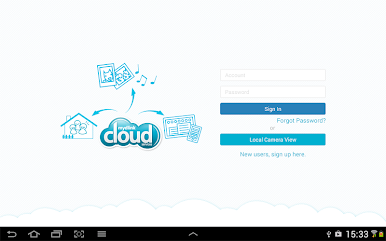
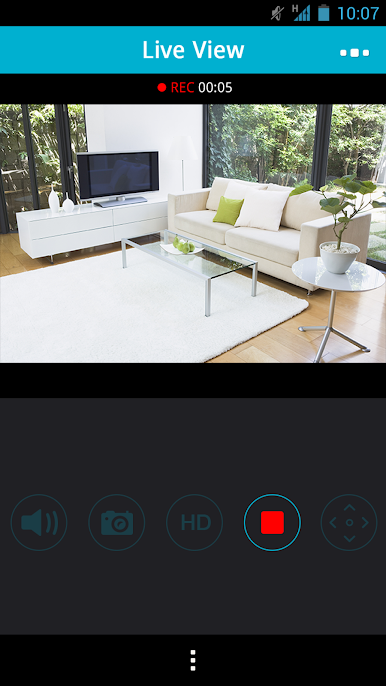
Chơi mydlink Lite trên PC. Rất dễ để bắt đầu
-
Tải và cài đặt BlueStacks trên máy của bạn
-
Hoàn tất đăng nhập vào Google để đến PlayStore, hoặc thực hiện sau
-
Tìm mydlink Lite trên thanh tìm kiếm ở góc phải màn hình
-
Nhấn vào để cài đặt mydlink Lite trong danh sách kết quả tìm kiếm
-
Hoàn tất đăng nhập Google (nếu bạn chưa làm bước 2) để cài đặt mydlink Lite
-
Nhấn vào icon mydlink Lite tại màn hình chính để bắt đầu chơi

