


eBooking: Rezerwacje hotelowe.
Graj na PC z BlueStacks – Platforma gamingowa Android, która uzyskała zaufanie ponad 500 milionów graczy!

Strona zmodyfikowana w dniu: Apr 16, 2025
Play Booking Hotels with eBooking on PC
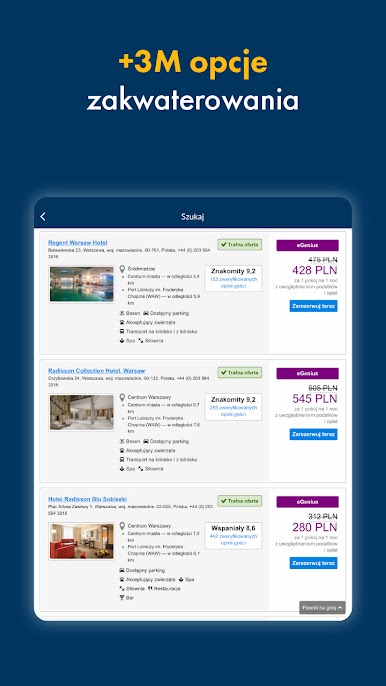
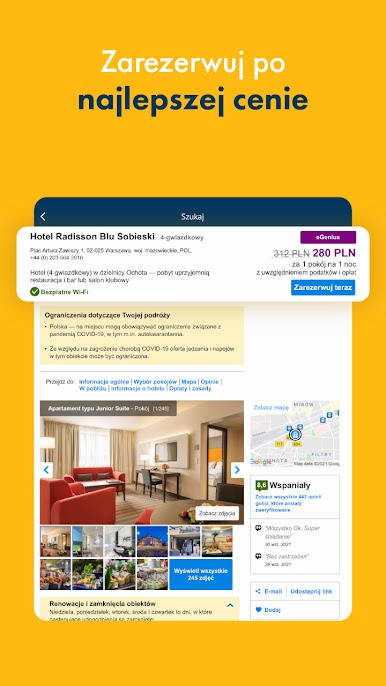
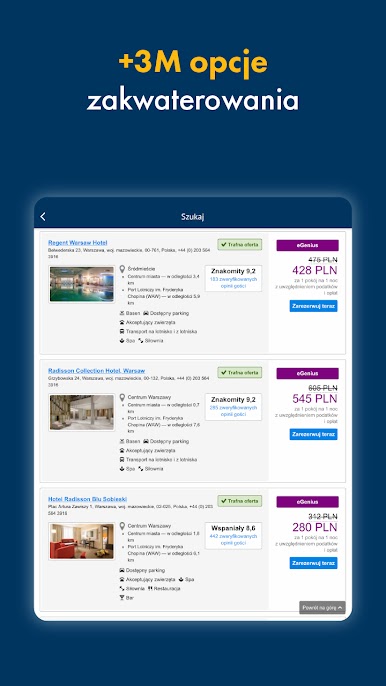
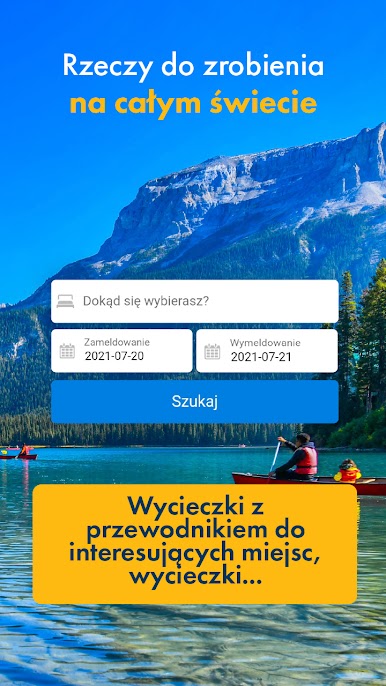
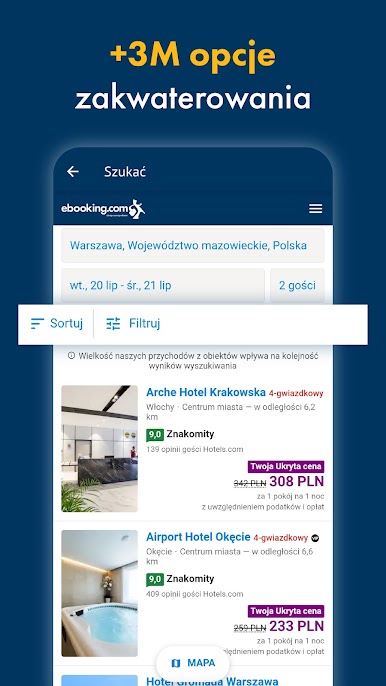
Here you will find over 3.000.000 hotels, hostels, houses and apartments in all the destinations you can imagine. Organising your trips has never been easier!
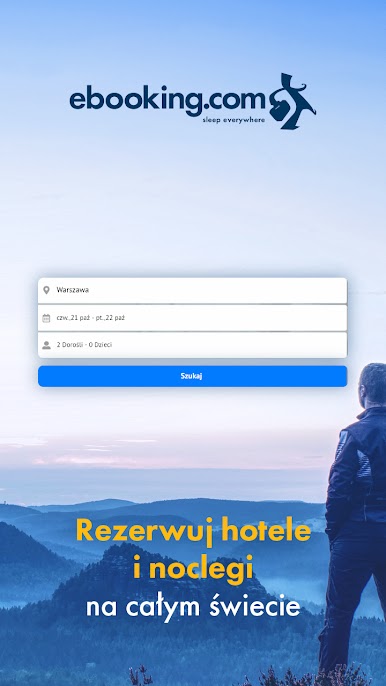
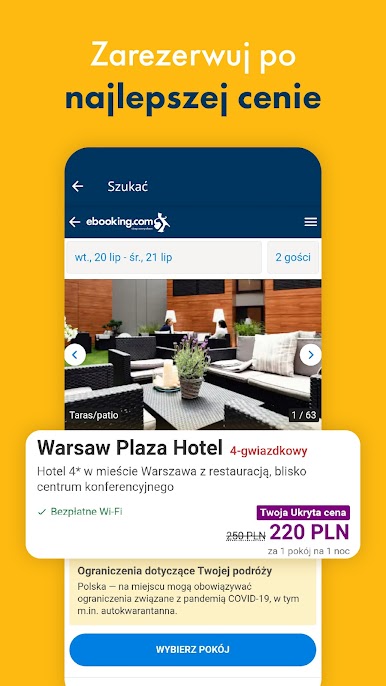
Organise your trips with eBooking, booking hotels all over the world with great deals
FIND DEALS IN THOSE HOTELS WHICH BEST FIT YOUR TRAVEL PREFERENCES
Find good deals in all kinds of apartments, hotels, cheap lodges, houses at the beach, romantic getaways, incredible hostels, country houses, all inclusive hotels and a long etcetera. Make your booking now!
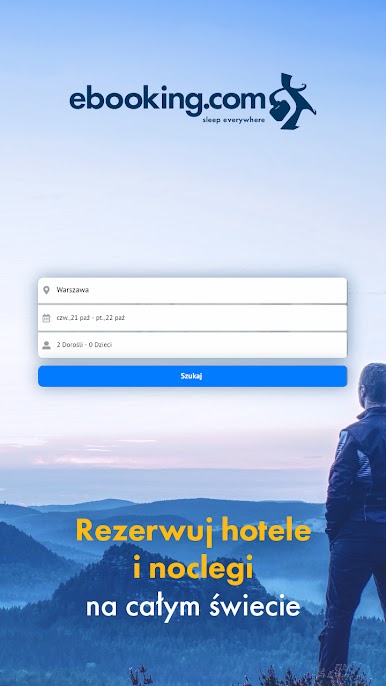
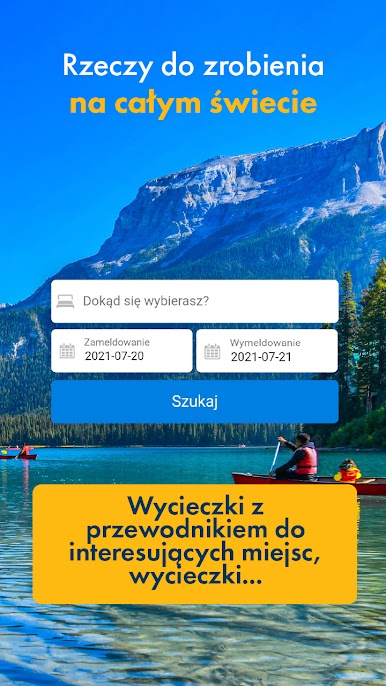
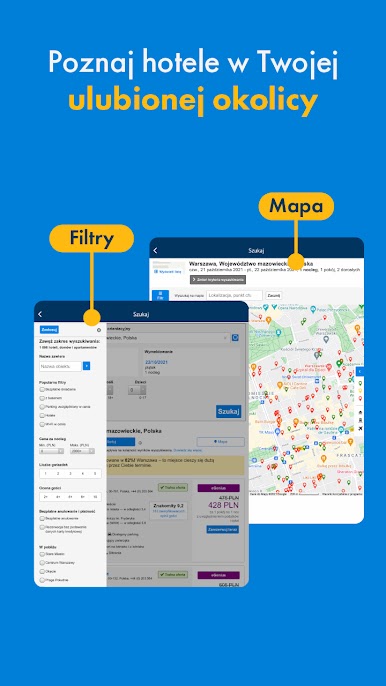
- Search by city, place of interest, hotel name or nearby accommodations.
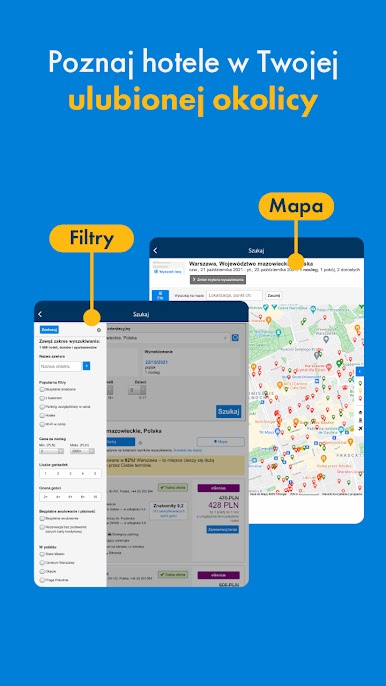
- Filter by the specifications of your hotel, apartment or hostel.
- We have millions of authentic opinions from clients to help you get the best opinion of your stay.
- For your road trip, add the booking to your calendar to have everything perfectly organised and make your trip easy.
ADVANTAGES OF E-BOOKING’S APP TO BOOK HOTELS AND TRIPS
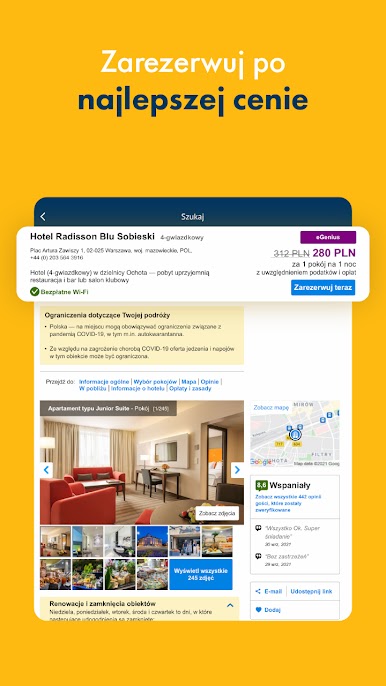
- Get your confirmation immediately on your smartphone or tablet.
- Paperless check-in and the option to pay at the hotel
- eBooking has no cancellation penalties neither for changes or cancellations on almost any hotel booking.
- Make a list with your favorite booking and share it with friends and family.
- Last minute hotel? Last minute deals available
MANAGE YOUR BOOKING AT ANY TIME
- Download the app, log-in in your eBooking account and make your booking.
- We synchronize your hotel booking, search and list with the app.
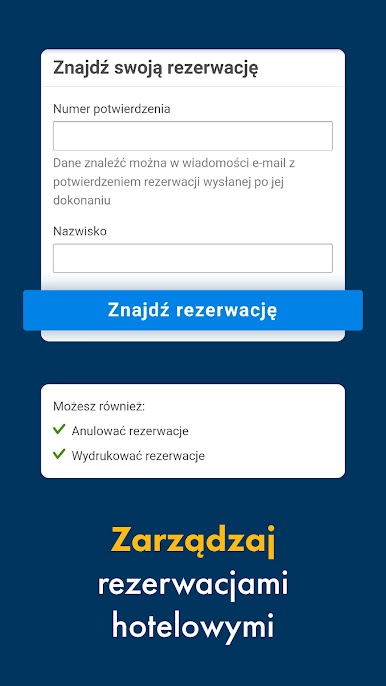
- Make changes at any given moment for your online travel reservations.
- 24h customer service, every day, via phone or email, in English and 40 other languages.
Still don’t have an account? Download e-Booking app now and don’t miss our deals on hotels all around the world.





Zagraj w eBooking: Rezerwacje hotelowe. na PC. To takie proste.
-
Pobierz i zainstaluj BlueStacks na PC
-
Zakończ pomyślnie ustawienie Google, aby otrzymać dostęp do sklepu Play, albo zrób to później.
-
Wyszukaj eBooking: Rezerwacje hotelowe. w pasku wyszukiwania w prawym górnym rogu.
-
Kliknij, aby zainstalować eBooking: Rezerwacje hotelowe. z wyników wyszukiwania
-
Ukończ pomyślnie rejestrację Google (jeśli krok 2 został pominięty) aby zainstalować eBooking: Rezerwacje hotelowe.
-
Klinij w ikonę eBooking: Rezerwacje hotelowe. na ekranie startowym, aby zacząć grę

