


Draw Easy: Drawing Grid Maker
Graj na PC z BlueStacks – Platforma gamingowa Android, która uzyskała zaufanie ponad 500 milionów graczy!

Strona zmodyfikowana w dniu: Aug 7, 2021
Play Draw Easy: Drawing Grid Maker and more on PC
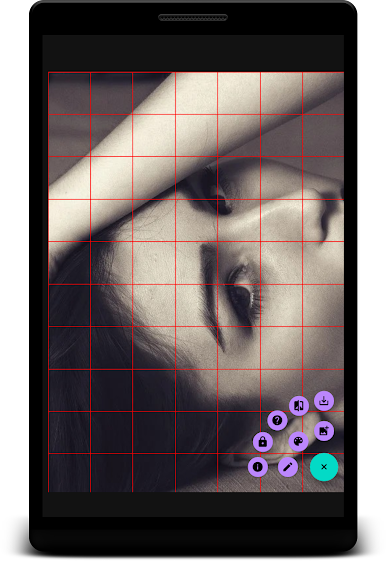
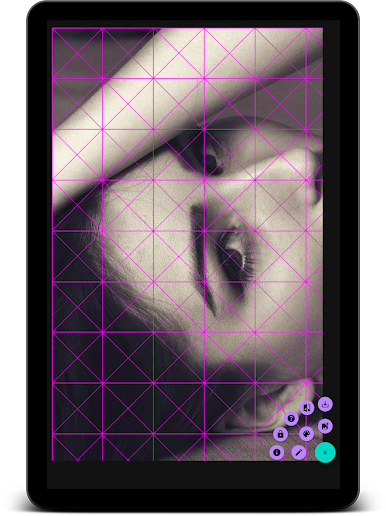
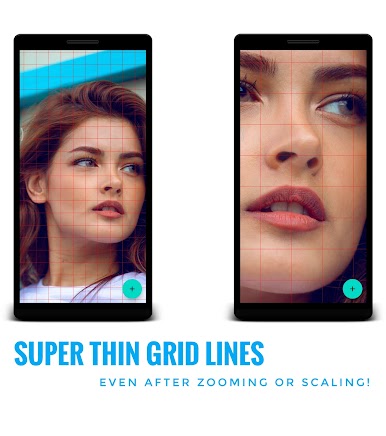
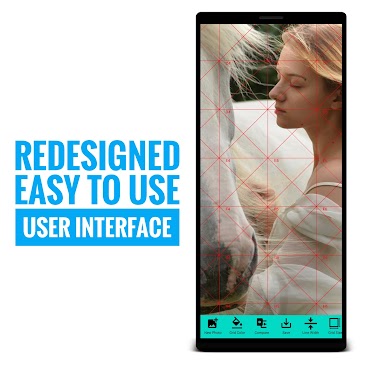
Why Draw Easy is an awesome grid maker app:
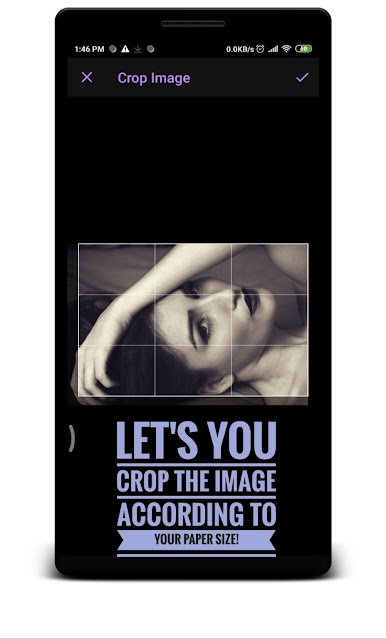
1. Draw Easy let's crop your reference image according to your canvas size.
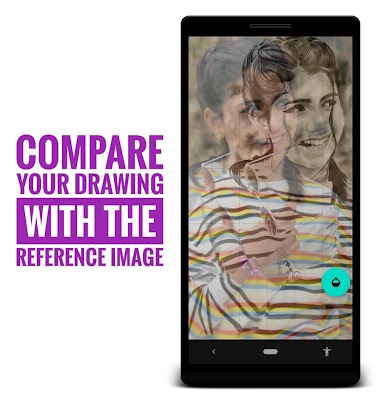
2. It let's you compare your drawing with the reference picture.
3. Full screen app with a single button on screen so that you can have a crystal clear focus.
4. There are even more...
Zagraj w Draw Easy: Drawing Grid Maker na PC. To takie proste.
-
Pobierz i zainstaluj BlueStacks na PC
-
Zakończ pomyślnie ustawienie Google, aby otrzymać dostęp do sklepu Play, albo zrób to później.
-
Wyszukaj Draw Easy: Drawing Grid Maker w pasku wyszukiwania w prawym górnym rogu.
-
Kliknij, aby zainstalować Draw Easy: Drawing Grid Maker z wyników wyszukiwania
-
Ukończ pomyślnie rejestrację Google (jeśli krok 2 został pominięty) aby zainstalować Draw Easy: Drawing Grid Maker
-
Klinij w ikonę Draw Easy: Drawing Grid Maker na ekranie startowym, aby zacząć grę

