


Sudoku - Classic Puzzle Game
Graj na PC z BlueStacks – Platforma gamingowa Android, która uzyskała zaufanie ponad 500 milionów graczy!

Strona zmodyfikowana w dniu: Jan 4, 2023
Play Sudoku - Free Brain Puzzle Game & Offline on PC or Mac
Join millions to experience Sudoku – Free Brain Puzzle Game & Offline, an exciting Puzzle game from DotFinger Games. With BlueStacks App Player, you are always a step ahead of your opponent, ready to outplay them with faster gameplay and better control with the mouse and keyboard on your PC or Mac.
About the Game
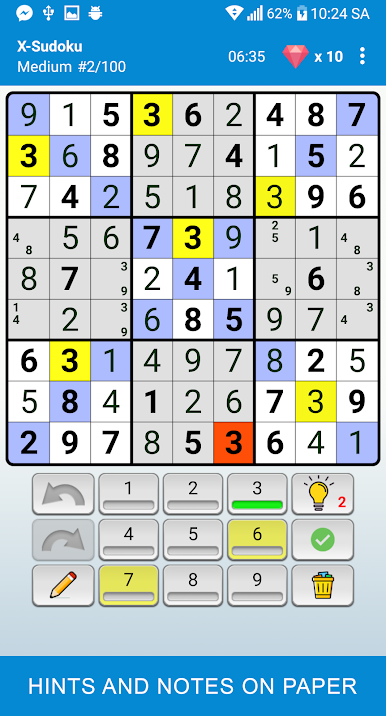
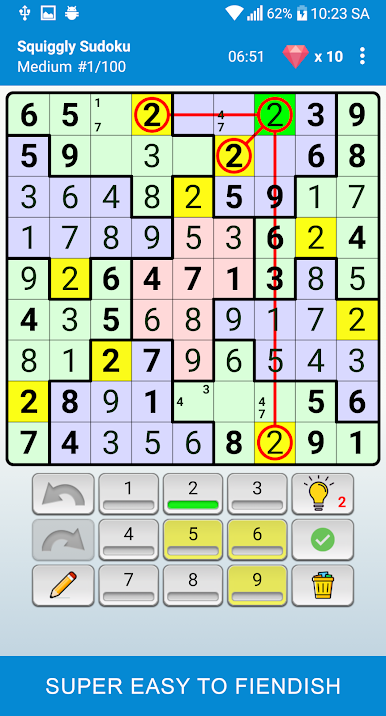
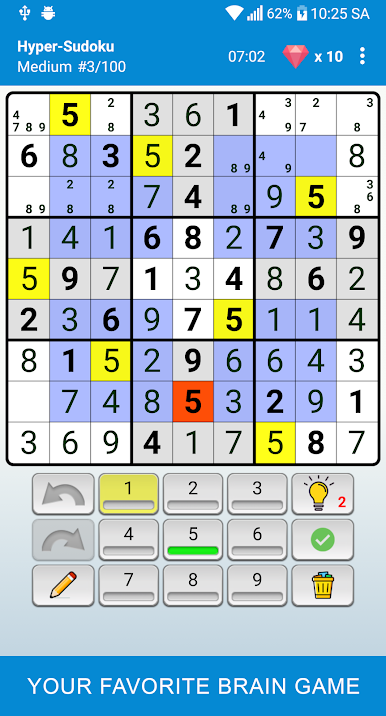
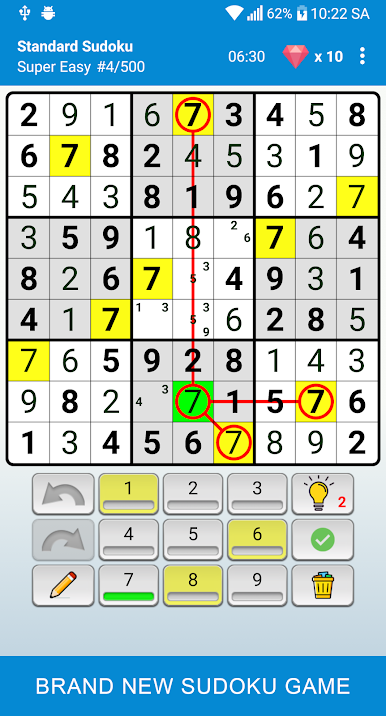
If Sudoku’s your thing—or you’re just itching to try your hand at one of the world’s favorite number puzzles—Sudoku – Free Brain Puzzle Game & Offline from DotFinger Games is ready to keep your brain busy. This puzzle game invites everyone, from total beginners to self-described number wizards, to challenge themselves and enjoy a massive range of Sudoku grids. You can play absolutely anywhere since it’s designed to work offline, and if you feel like changing up your usual mobile experience, it runs smoothly on BlueStacks for a bigger, relaxed approach.
Game Features
-
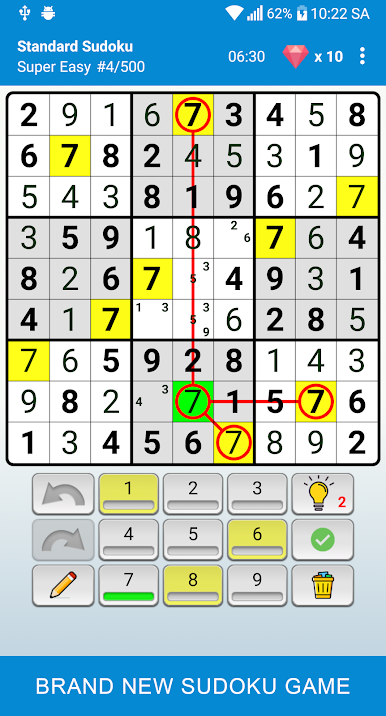
Plenty of Difficulty Levels
Whether you want to breeze through an easy round or test your logic with hard Sudoku, there are six levels to pick from. There’s something here for everyone, no matter your mood. -
Fresh Grid Types
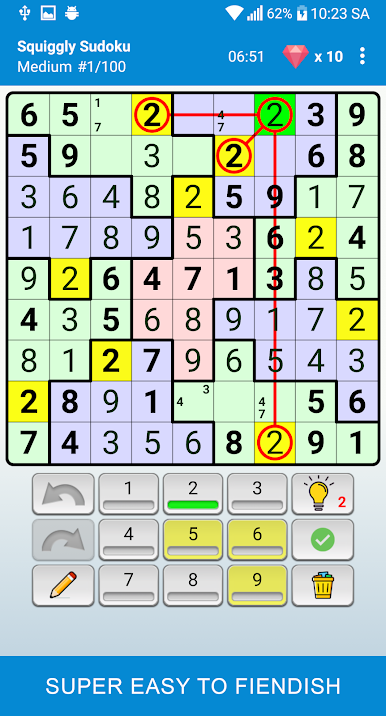
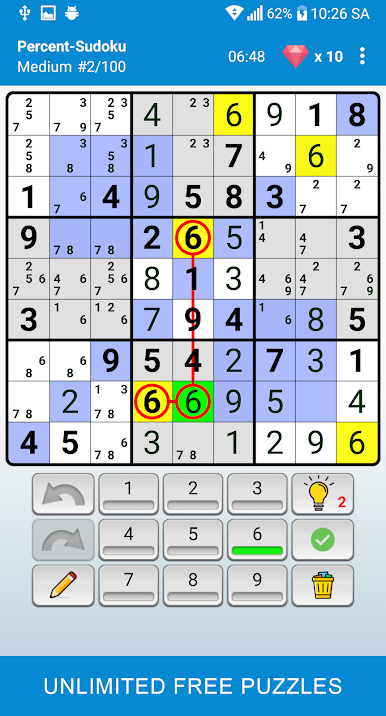
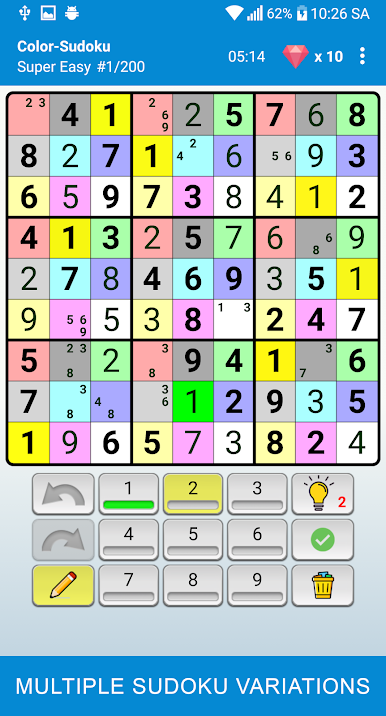
Alongside traditional Sudoku boards, you’ll bump into new twists and special grids. Keeps things fresh for anyone who thinks they’ve seen it all. -
Endless Puzzles
With millions of free puzzles updated every day, you’re unlikely to run out. It’s a real endless supply for anyone who can’t get enough brain teasers. -
Helpful Tools and Hints
Hit a wall? The game’s hint system’s got your back. You can also pencil in possible numbers while you work things out—just like scribbling on a real paper grid. -
Smart Error Checking
No need to second-guess every move: automatic checking highlights any mistakes, and you can toggle this on or off in case you want a pure challenge. -
Undo/Redo, Mistake Erasing, and Save Progress
Changed your mind? Oh well, just use unlimited undo or redo to backtrack. Wrecked the grid? Trash all errors and start fresh. You’ll never lose your spot, since the game saves as you go—even if you get interrupted. -
Offline Play & Lightweight Design
No data or Wi-Fi? Doesn’t matter—you can train your brain anywhere, anytime. The app is tiny and doesn’t hog your battery, plus it works smoothly across all kinds of devices, even tablets or when running on BlueStacks. -
Clear, No-Nonsense Layout
A neat, minimalist design means all you really see is the puzzle—no distractions, just you and the numbers.
Slay your opponents with your epic moves. Play it your way on BlueStacks and dominate the battlefield.
Zagraj w Sudoku - Classic Puzzle Game na PC. To takie proste.
-
Pobierz i zainstaluj BlueStacks na PC
-
Zakończ pomyślnie ustawienie Google, aby otrzymać dostęp do sklepu Play, albo zrób to później.
-
Wyszukaj Sudoku - Classic Puzzle Game w pasku wyszukiwania w prawym górnym rogu.
-
Kliknij, aby zainstalować Sudoku - Classic Puzzle Game z wyników wyszukiwania
-
Ukończ pomyślnie rejestrację Google (jeśli krok 2 został pominięty) aby zainstalować Sudoku - Classic Puzzle Game
-
Klinij w ikonę Sudoku - Classic Puzzle Game na ekranie startowym, aby zacząć grę

