


La bàn số
Chơi trên PC với BlueStacks - Nền tảng chơi game Android, được hơn 500 triệu game thủ tin tưởng.

Trang đã được sửa đổi vào: Aug 7, 2025
Play Accurate Compass on PC
🚶USE IT ANYWHERE🌎
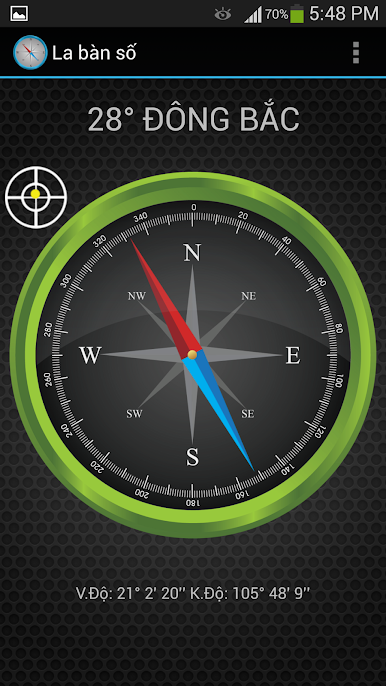
You can use the app for most outdoor activities such as travel, picnics, camping, hiking, or boating. The live Compass can adjust for any setting giving you an excellent overview of your current location and direction. It works anywhere, and it looks exquisite.
🌏 WORKS ALL OVER THE GLOBE🌍
Our navigation compass app can work accurately all over the world. Just open and you'll compellingly receive precise information! There are many compass apps on the market, but most of them work accurately only in America but are less accurate in Australia and Asia.
📥USEFUL INFO DISPLAYED📲
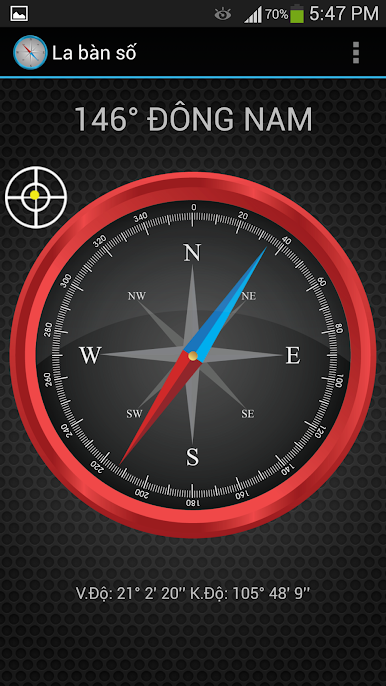
Make use of this tremendous directional Compass! You'll love our navigation app as it's exact and can display True North (default, GPS on) or Magnetic North and Level (tilt). On top of that, you can SHARE that exact GPS coordinates with your friends or family via SMS and EMAIL.
🛃CUSTOMIZE IT AS YOU WANT🌐
With this application, you can customize your Compass as follow:
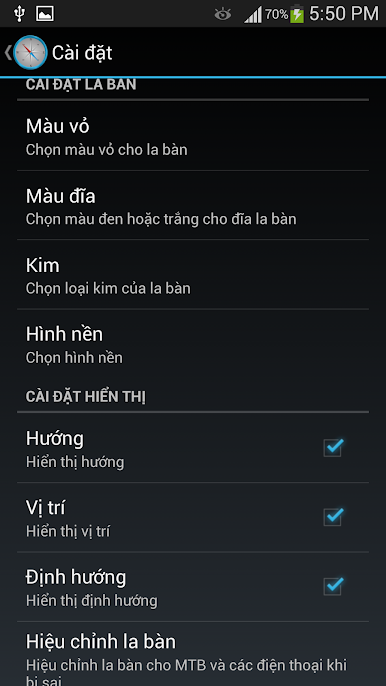
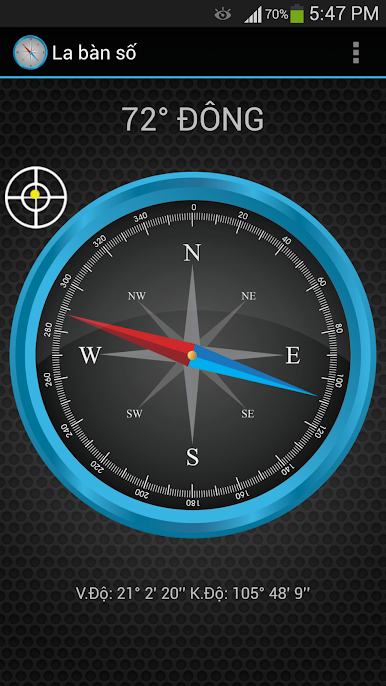
✅ 7 housing (case) colors from white to blue.
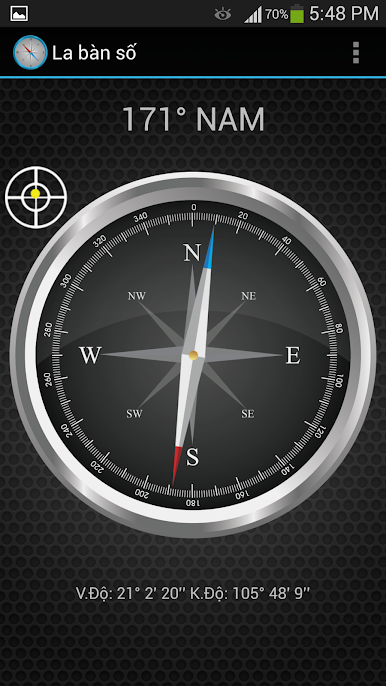
✅ Option for black or white disk.
✅ 4 background options.
✅ 3 types of direction needles.
🌐ACCURATE COMPASS FEATURES🌐
✅ Display directions in magnetic north and true north.
✅ Display location with coordinates and altitude (check Setting). Click location will show on the map.
✅ Display bubble level.
✅ Share your location with friends through email or SMS.
------------------------
See why our users label us as the best Compass for Android.
Note:
* GPS must be turned on and fixed for True North, coordinates, and altitude; you choose "Allow" for location permission when the first run
* Important note:
Hold phone/tablet in a fixed magnetic field, away from computers, other phones/tablets, cables, and electrical devices for accurate measurement results.
*** We welcome your ideas and suggestions; please email us at: support+compass@pvdapps.com
Follow our official Twitter account: https://twitter.com/pvdapps or Facebook page: https://www.facebook.com/accucompass/.
Chơi La bàn số trên PC. Rất dễ để bắt đầu
-
Tải và cài đặt BlueStacks trên máy của bạn
-
Hoàn tất đăng nhập vào Google để đến PlayStore, hoặc thực hiện sau
-
Tìm La bàn số trên thanh tìm kiếm ở góc phải màn hình
-
Nhấn vào để cài đặt La bàn số trong danh sách kết quả tìm kiếm
-
Hoàn tất đăng nhập Google (nếu bạn chưa làm bước 2) để cài đặt La bàn số
-
Nhấn vào icon La bàn số tại màn hình chính để bắt đầu chơi

