


Educational Word Search Game
Graj na PC z BlueStacks – Platforma gamingowa Android, która uzyskała zaufanie ponad 500 milionów graczy!

Strona zmodyfikowana w dniu: Jan 5, 2024
Play Educational Word Search Game on PC
From the creators of your favorite educational games, Educational Hangman, Capitals Quiz, Flags Quiz, and The Incredible physics experiments, here comes another fun and educational game.
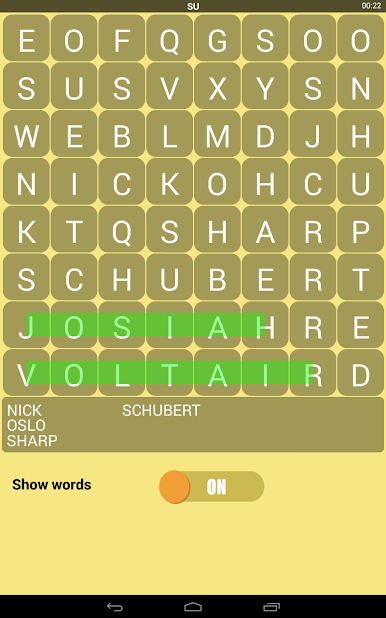
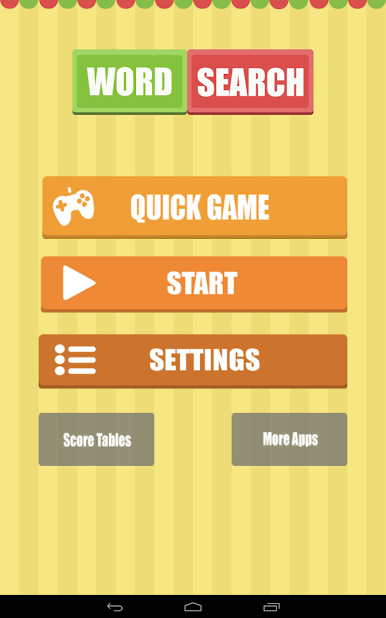
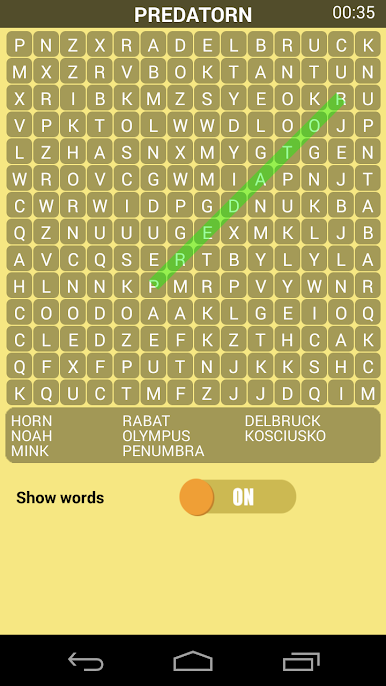
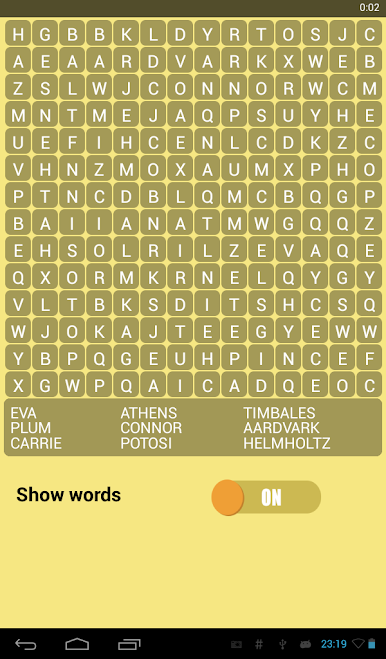
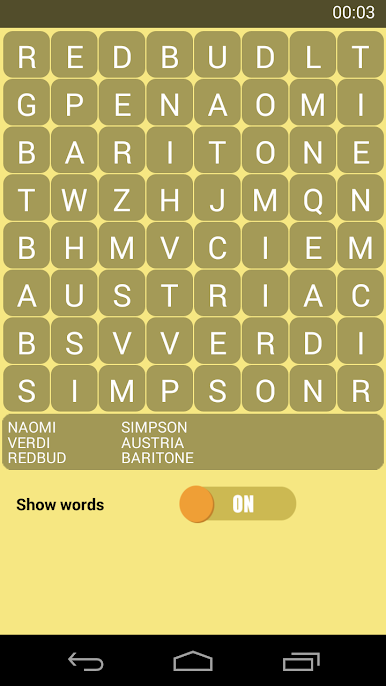
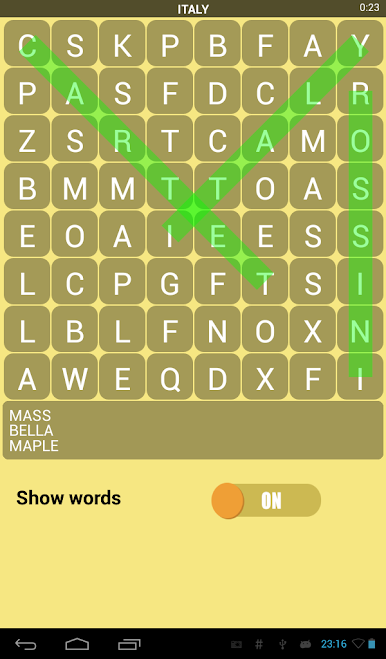
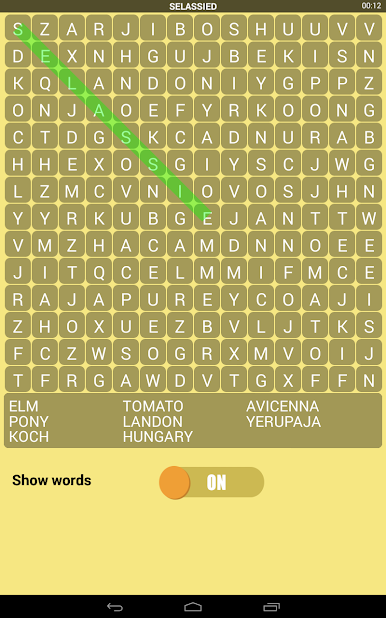
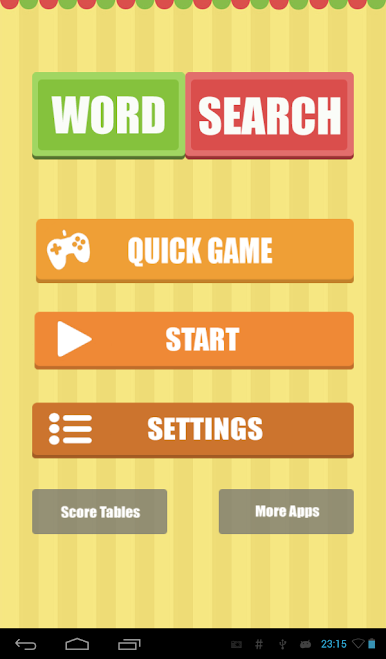
If you like Word Search puzzles, and this game will amaze you. Your goal is to find the hidden words.
The game offers:
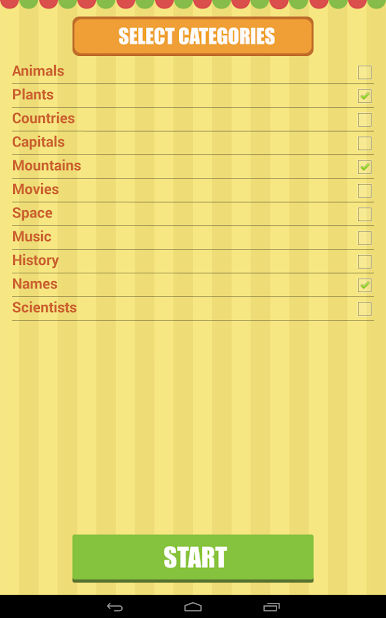
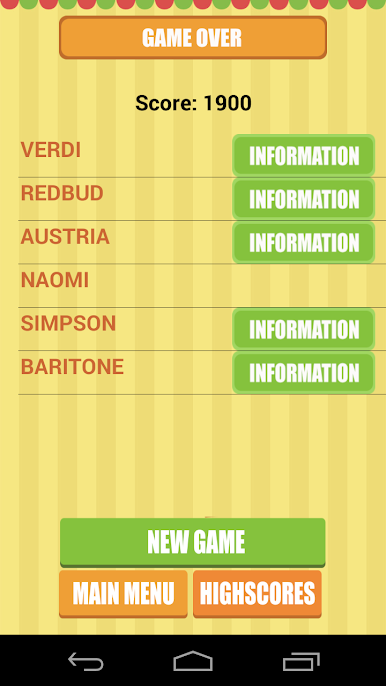
★ Thousands of words divided into many categories selected for entertaining but also educational character.
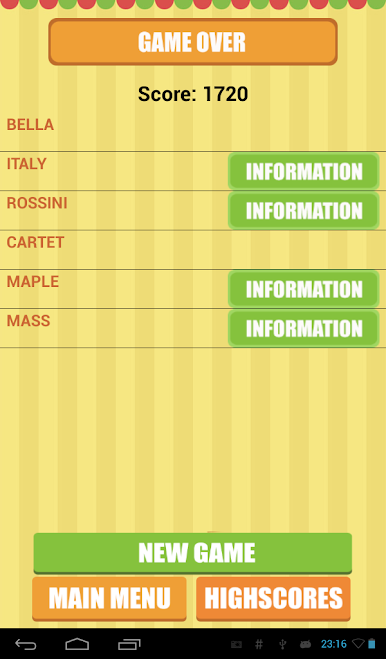
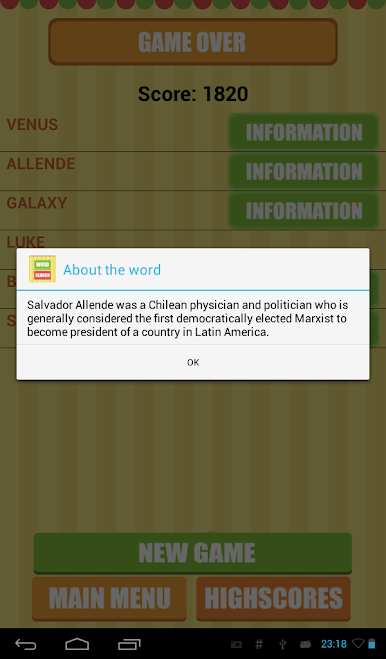
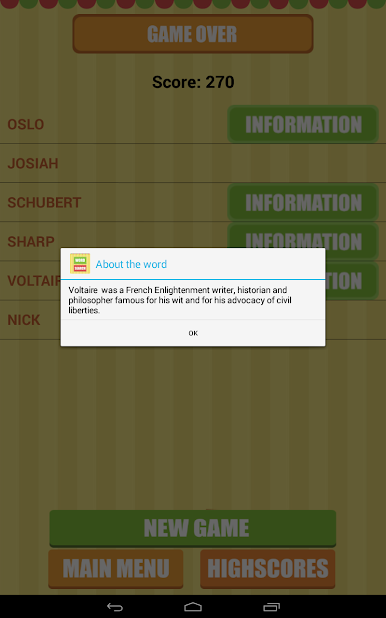
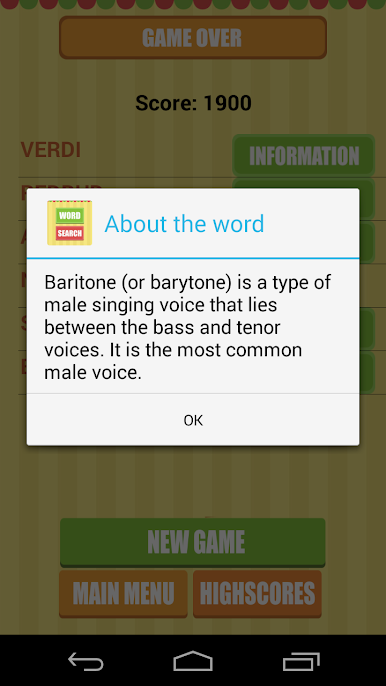
★ For every word our game offers encyclopedic information.
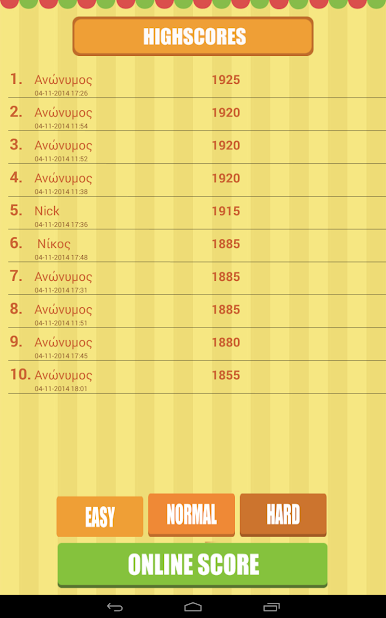
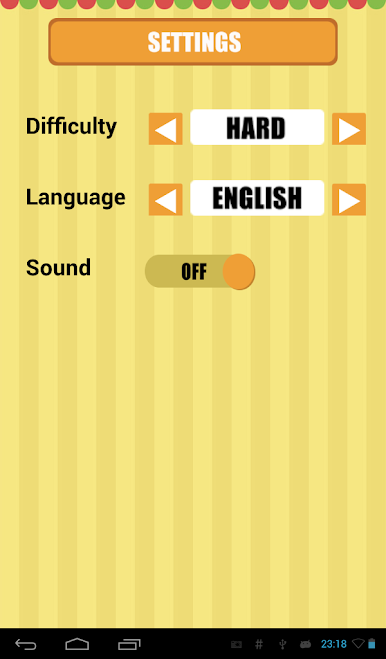
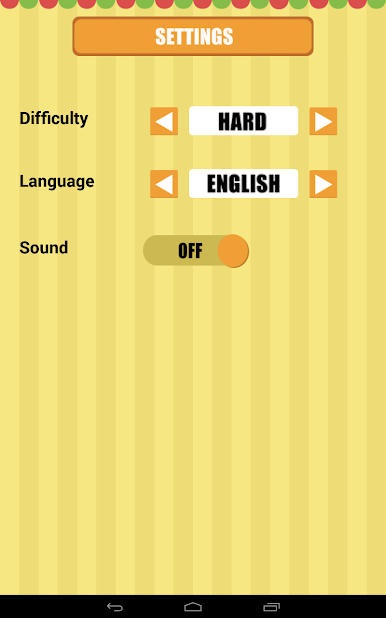
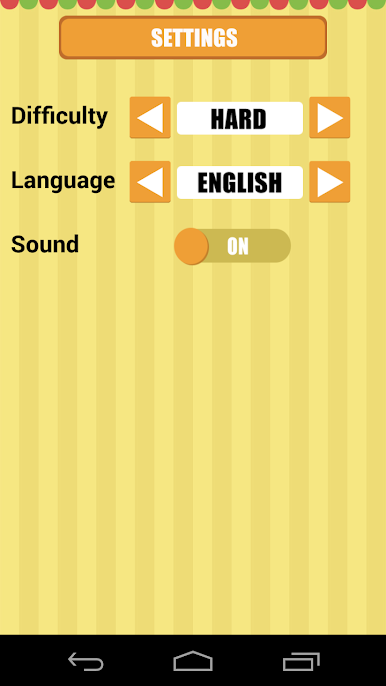
★ 3 levels of dificulty, Easy, Normal, Hard
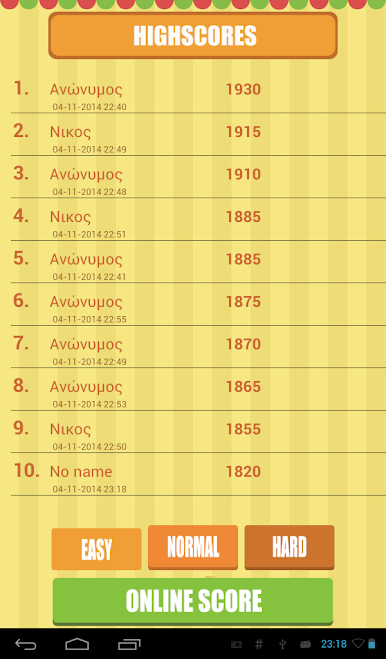
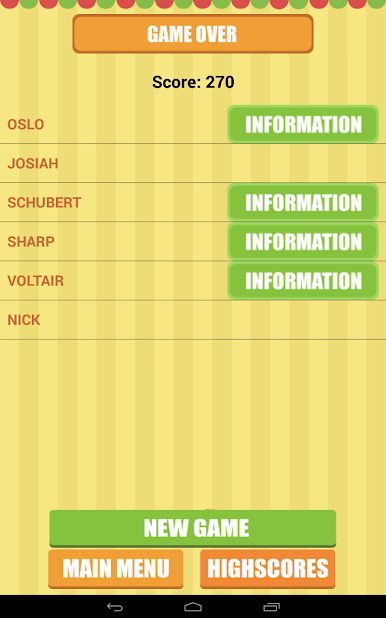
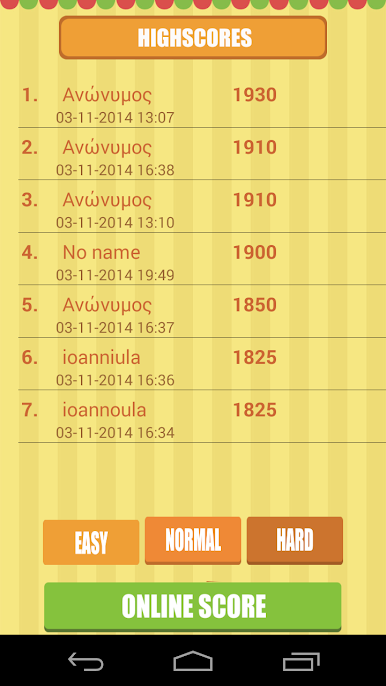
★ Score
★ Online score.
★ Supports 4 languages, English, Spanish, Italian and Greek
★ Very small size, only 2.6 Mb.
★ It has been developed in cooperation with highly experienced teachers.
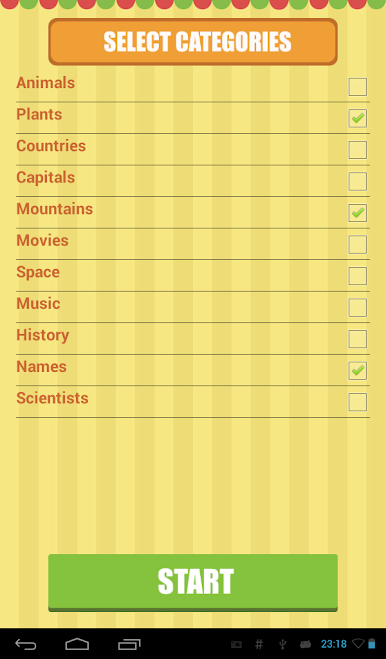
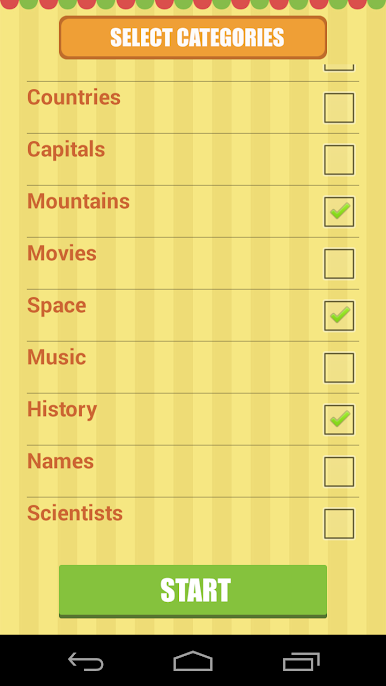
Categories of words:
Animals
Plants
Countries
Capitals
Mountains
Movies
Space
Music
History
Names
Scientists
We hope you enjoy our game. For suggestions and comments about the application, do not hesitate to contact us at info@educ8s.com
Zagraj w Educational Word Search Game na PC. To takie proste.
-
Pobierz i zainstaluj BlueStacks na PC
-
Zakończ pomyślnie ustawienie Google, aby otrzymać dostęp do sklepu Play, albo zrób to później.
-
Wyszukaj Educational Word Search Game w pasku wyszukiwania w prawym górnym rogu.
-
Kliknij, aby zainstalować Educational Word Search Game z wyników wyszukiwania
-
Ukończ pomyślnie rejestrację Google (jeśli krok 2 został pominięty) aby zainstalować Educational Word Search Game
-
Klinij w ikonę Educational Word Search Game na ekranie startowym, aby zacząć grę

