


Linebit Icon Pack
Graj na PC z BlueStacks – Platforma gamingowa Android, która uzyskała zaufanie ponad 500 milionów graczy!

Strona zmodyfikowana w dniu: Nov 12, 2025
Play Linebit Icon Pack on PC
Features:
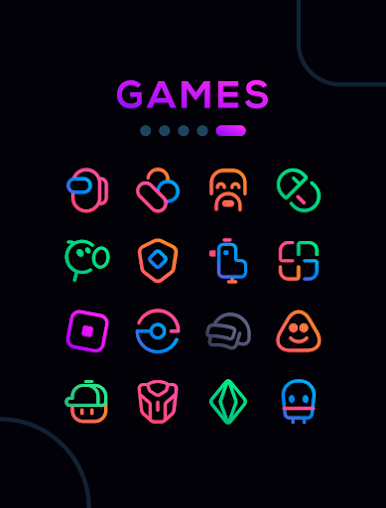
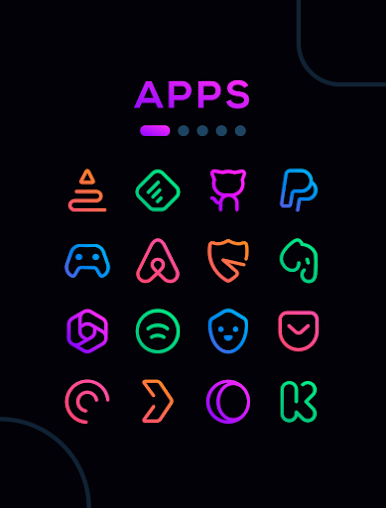
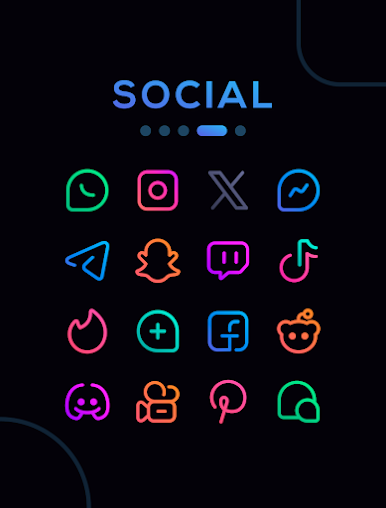
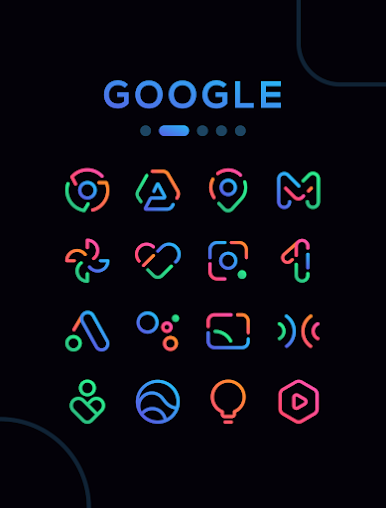
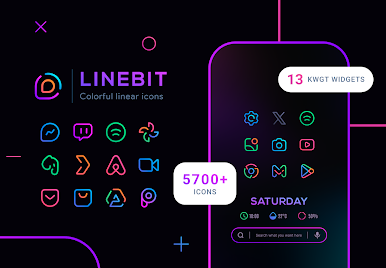
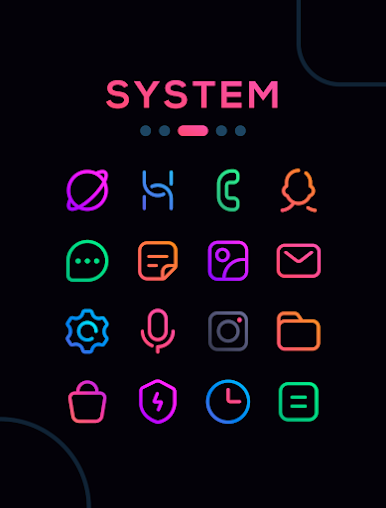
★ 5600+ Colorful icons
★ 30 Wallpapers
★ 13 KWGT Widgets
★ Dynamic calendar icons
★ Support for many launchers
★ Efficient icon request system
★ Frequent updates with new icons and improvements
How to apply these icons?
1. Install a compatible launcher
2. Open Linebit, go to the Apply section, and select your launcher
Compatible Launchers:
Smart Launcher, Nova Launcher, Lawnchair, Action Launcher, Apex Launcher, Flick Launcher, GO Launcher, Hyperion Launcher, Lucid Launcher, Microsoft Launcher, Mint Launcher, Niagara Launcher, Pie Launcher
(These launchers have been tested and are fully compatible, may also work with other unlisted launchers)
How to apply on Samsung phones?
1. Download Good Lock (Theme Park) from Galaxy Store
2. Open Theme Park and select Icon > Create New
3. Choose Linebit Icon Pack, assign a name, and save
4. Select the pack and tap Apply
Contact
If you have questions or suggestions, contact me at edzon.dm@gmail.com
Zagraj w Linebit Icon Pack na PC. To takie proste.
-
Pobierz i zainstaluj BlueStacks na PC
-
Zakończ pomyślnie ustawienie Google, aby otrzymać dostęp do sklepu Play, albo zrób to później.
-
Wyszukaj Linebit Icon Pack w pasku wyszukiwania w prawym górnym rogu.
-
Kliknij, aby zainstalować Linebit Icon Pack z wyników wyszukiwania
-
Ukończ pomyślnie rejestrację Google (jeśli krok 2 został pominięty) aby zainstalować Linebit Icon Pack
-
Klinij w ikonę Linebit Icon Pack na ekranie startowym, aby zacząć grę

