


eTraffic
Chơi trên PC với BlueStacks - Nền tảng chơi game Android, được hơn 500 triệu game thủ tin tưởng.

Trang đã được sửa đổi vào: Sep 2, 2025
Play eTraffic on PC
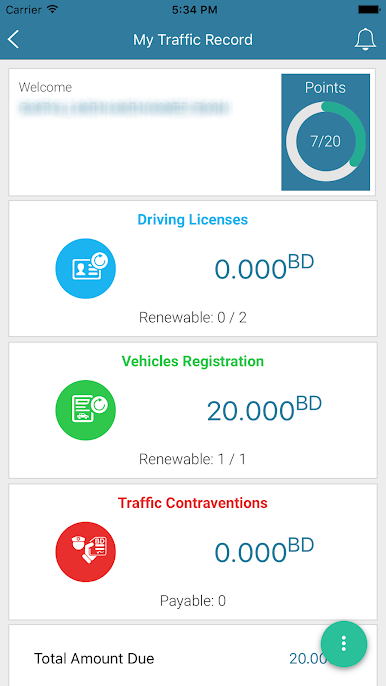
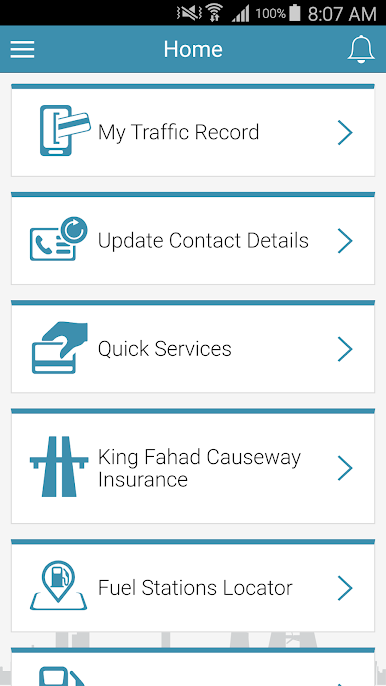
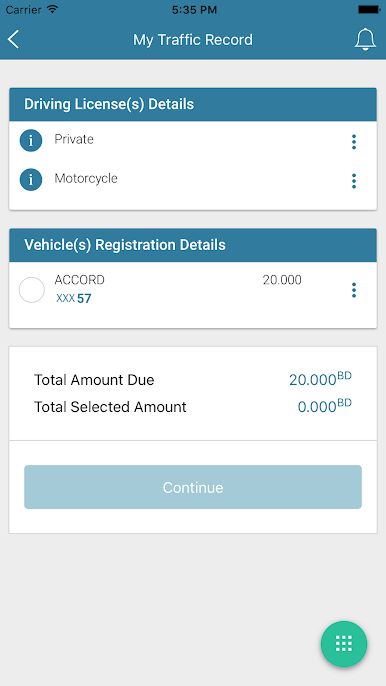
- My Traffic Record
- View Driving Licenses, Vehicle and Plate Numbers Ownerships
- Update Contact Details
- Quick Services which include:
1. Payment of Traffic Contraventions
2. Vehicle Registration Renewal
3. License Registration Renewal
4. Discount of Vehicle Registration Renewal Fees
- Traffic Accidents Services which include:
1. Report Traffic Accidents
2. Traffic Accident Acknowledgment
3. View Reported Traffic Accidents
4. Insurance Companies Locator
- Speed Cameras Locator
- Traffic and Inspection Centers Locator
- Vehicle Authorization for King Fahad Causeway which includes:
1. Issuance of Vehicle Authorization
2. Manage Issued Vehicle Authorizations
3. Authorization Validity Verification
- King Fahad Causeway Insurance
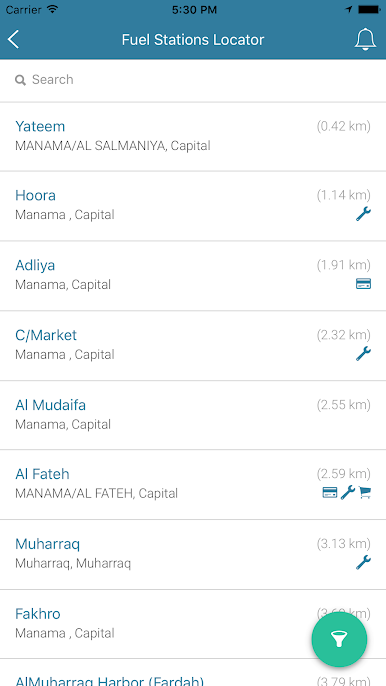
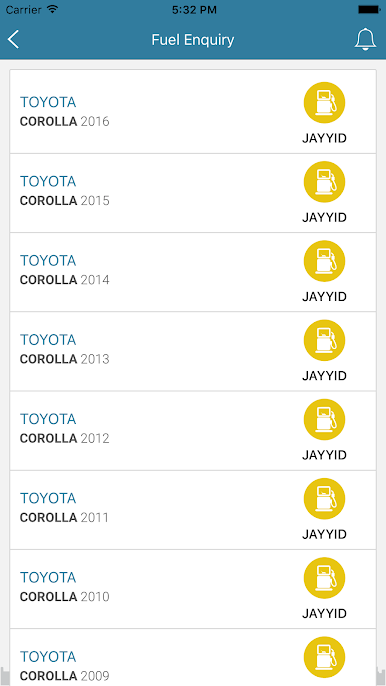
- Fuel Services which include:
1. Fuel Stations Locator
2. Fuel Enquiry
- Related Services which include a bundle of services related to the app.
Chơi eTraffic trên PC. Rất dễ để bắt đầu
-
Tải và cài đặt BlueStacks trên máy của bạn
-
Hoàn tất đăng nhập vào Google để đến PlayStore, hoặc thực hiện sau
-
Tìm eTraffic trên thanh tìm kiếm ở góc phải màn hình
-
Nhấn vào để cài đặt eTraffic trong danh sách kết quả tìm kiếm
-
Hoàn tất đăng nhập Google (nếu bạn chưa làm bước 2) để cài đặt eTraffic
-
Nhấn vào icon eTraffic tại màn hình chính để bắt đầu chơi

