


FreeCell
Chơi trên PC với BlueStacks - Nền tảng chơi game Android, được hơn 500 triệu game thủ tin tưởng.

Trang đã được sửa đổi vào: Sep 3, 2025
Play FreeCell on PC
How to play
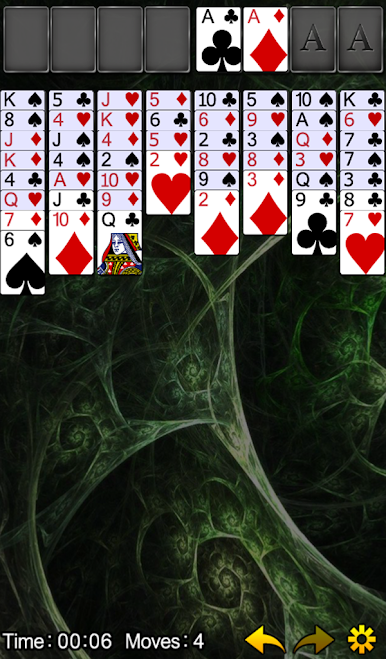
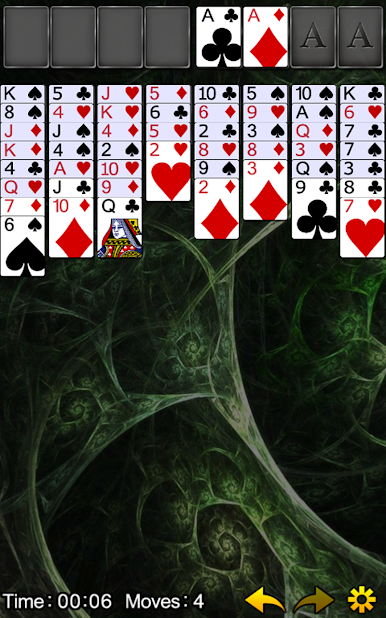
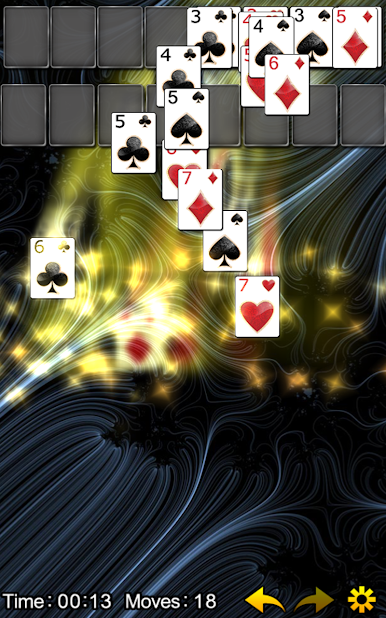
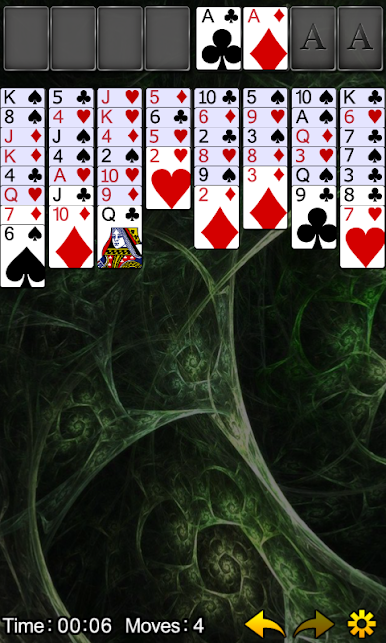
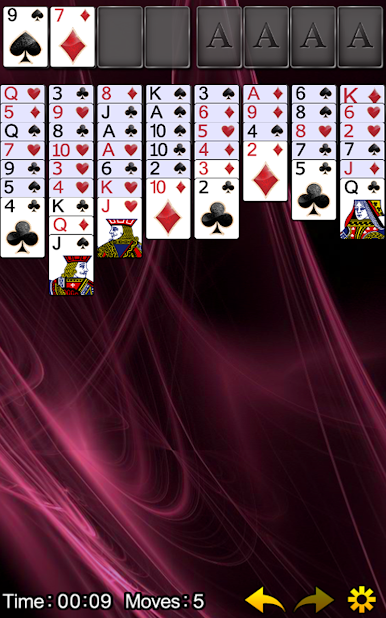
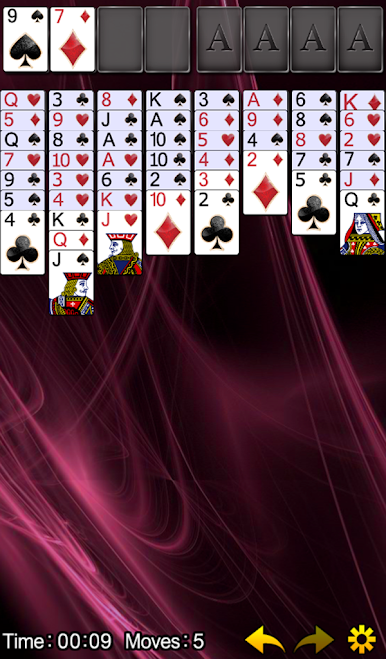
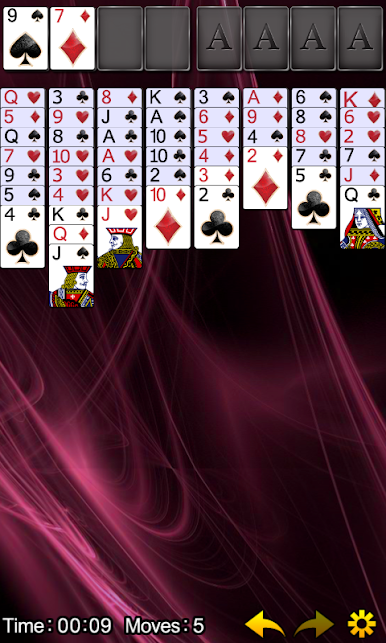
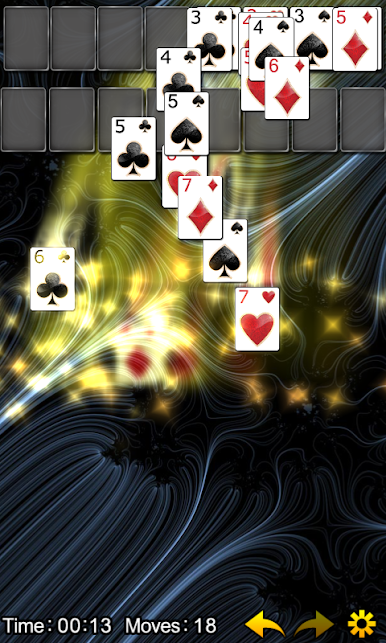
Draw cards from the bottom of each column and move them in the following ways
-From column to free cell. Only one card can occupy each free cell at a time.
-From column to column (or free cell to column). Cards must be placed on a column in descending sequential order, and alternating red and black.
-From column to home cell. Each stack must consist of a single suit, and start with an ace.
Features
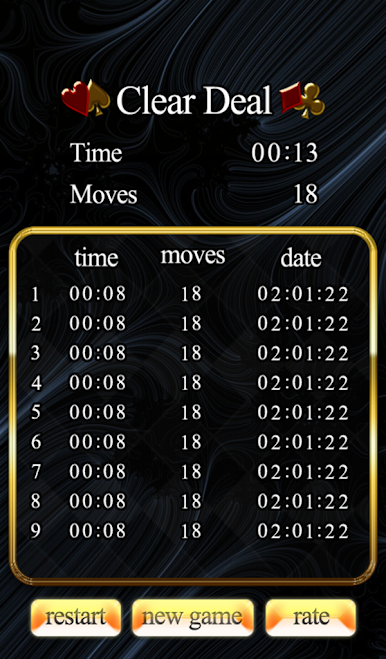
- Unlimited undo, redo
- Auto Save
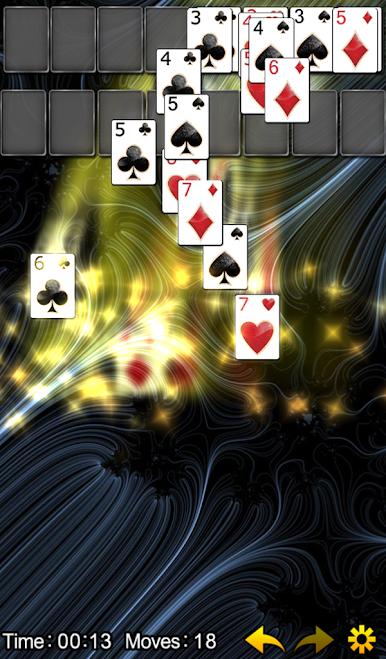
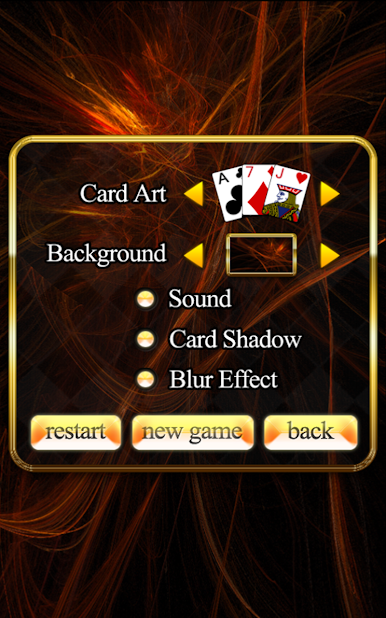
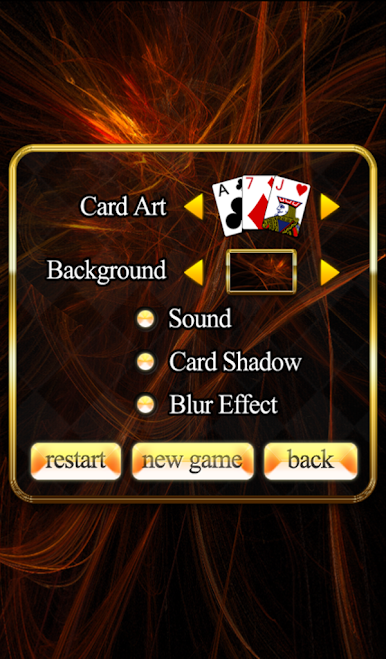
- Various card and background arts
- Awesome graphic
Enjoy!
Chơi FreeCell trên PC. Rất dễ để bắt đầu
-
Tải và cài đặt BlueStacks trên máy của bạn
-
Hoàn tất đăng nhập vào Google để đến PlayStore, hoặc thực hiện sau
-
Tìm FreeCell trên thanh tìm kiếm ở góc phải màn hình
-
Nhấn vào để cài đặt FreeCell trong danh sách kết quả tìm kiếm
-
Hoàn tất đăng nhập Google (nếu bạn chưa làm bước 2) để cài đặt FreeCell
-
Nhấn vào icon FreeCell tại màn hình chính để bắt đầu chơi

