


Mate Launcher for harmony
Graj na PC z BlueStacks – Platforma gamingowa Android, która uzyskała zaufanie ponad 500 milionów graczy!

Strona zmodyfikowana w dniu: Sep 9, 2025
Play Mate Launcher for harmony on PC
Announcement:
+ Android™ is a registered trademark of Google, Inc.
+ Mate Launcher support to run on ALL the Android 4.3+ devices
🔥 Mate Launcher features:
+ Mate Launcher support almost all the icon pack in Play Store
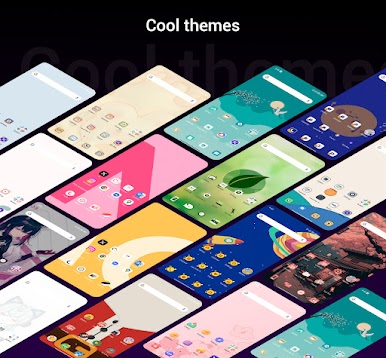
+ Mate Launcher has 600+ themes and 1000+ wallpapers
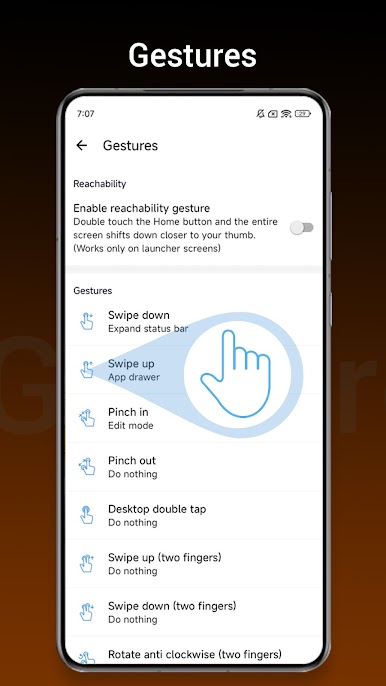
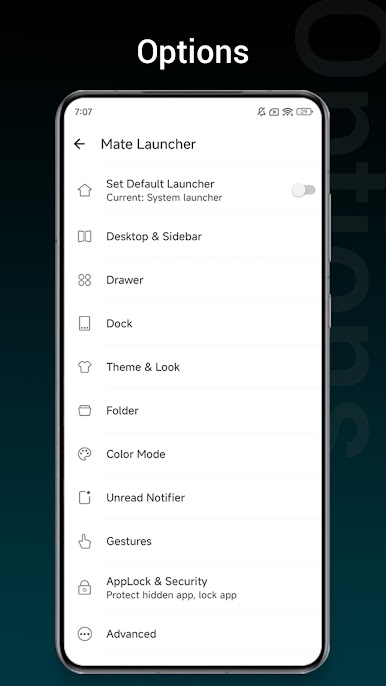
+ Mate Launcher support gestures: swipe gestures, pinch gestures, two fingers gestures
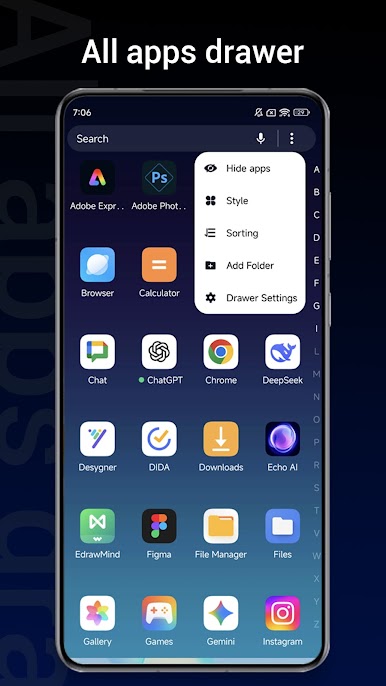
+ Mate Launcher has 4 drawer style: horizontal, vertical, category, or list drawer
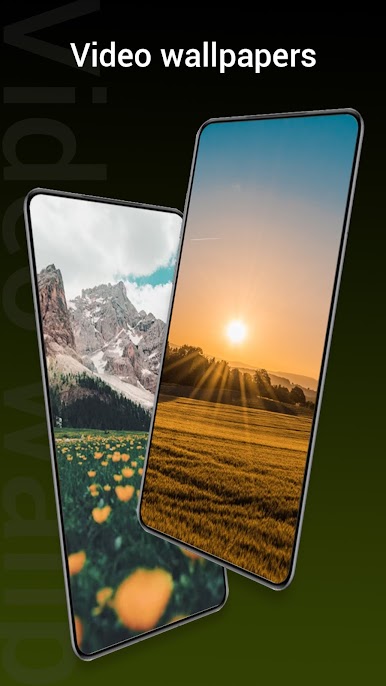
+ Mate Launcher has Video Wallpapers, Live Wallpapers, so cool
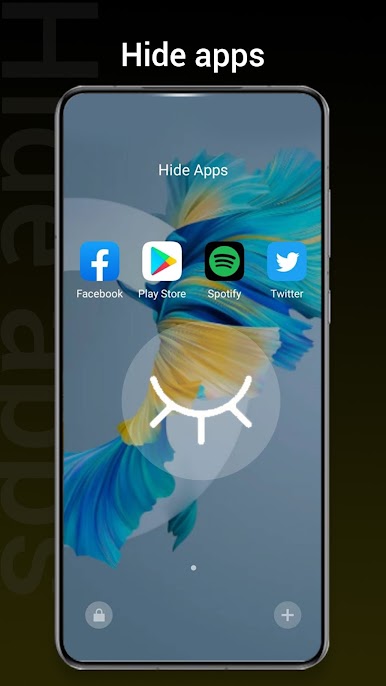
+ Hide Apps, lock the hidden apps
+ App Lock, protect your privacy
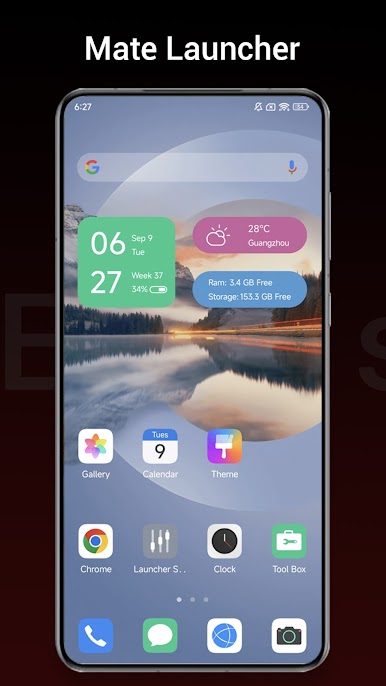
+ Round Corner feature make your phone like full screen phone
+ 3 color mode: light launcher mode, dark launcher mode, automatic mode
+ Unread Notifier shown on launcher desktop icon, never miss important message
+ Mate Launcher can let you change icon size, launcher grid size
+ Mate Launcher has many launcher desktop transition effect
+ Mate Launcher has multi dock pages
+ Quick search app with T9 search in launcher desktop
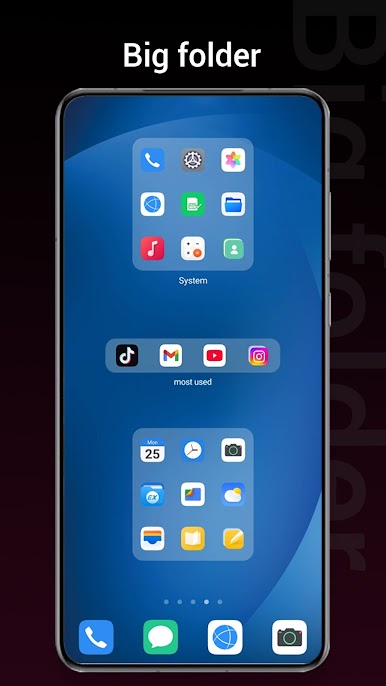
+ Many options: Dock background options, folder color options, folder style options
+ Support changing font
❤️ Hope you will like Mate Launcher, please rate us to make Mate Launcher better and better, thanks a lot.
Zagraj w Mate Launcher for harmony na PC. To takie proste.
-
Pobierz i zainstaluj BlueStacks na PC
-
Zakończ pomyślnie ustawienie Google, aby otrzymać dostęp do sklepu Play, albo zrób to później.
-
Wyszukaj Mate Launcher for harmony w pasku wyszukiwania w prawym górnym rogu.
-
Kliknij, aby zainstalować Mate Launcher for harmony z wyników wyszukiwania
-
Ukończ pomyślnie rejestrację Google (jeśli krok 2 został pominięty) aby zainstalować Mate Launcher for harmony
-
Klinij w ikonę Mate Launcher for harmony na ekranie startowym, aby zacząć grę

