


Orca Tips
Graj na PC z BlueStacks – Platforma gamingowa Android, która uzyskała zaufanie ponad 500 milionów graczy!

Strona zmodyfikowana w dniu: Jul 17, 2025
Play Orca Tips on PC or Mac
Explore a whole new adventure with Orca Tips, a Sports game created by Matic Apps. Experience great gameplay with BlueStacks, the most popular gaming platform to play Android games on your PC or Mac.
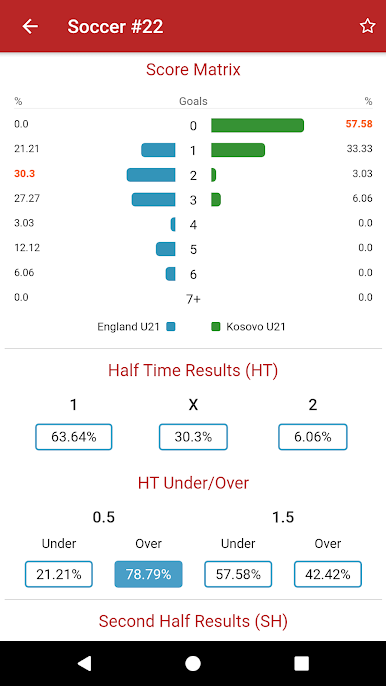
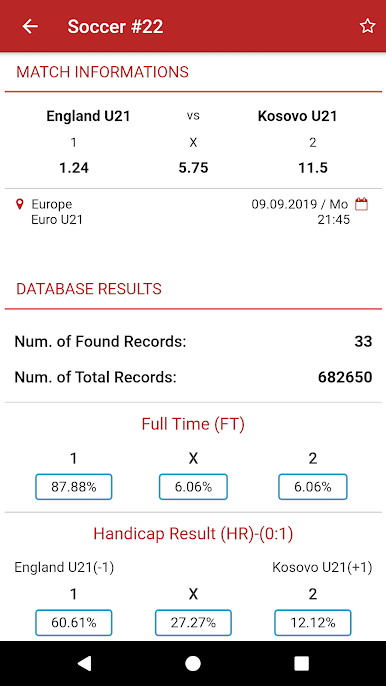
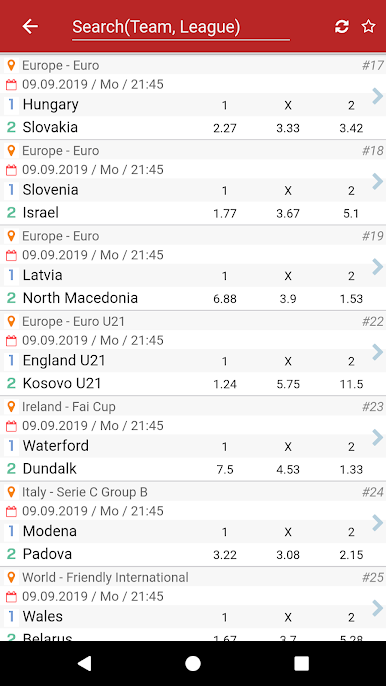
Orca Tips is not really a game, more like a stats-heavy sidekick for people who track sports odds and want some quick reads on likely outcomes. It pulls current bookmaker numbers, compares them with past results, then shows neat percentage chances for things like full time result, handicap lines, over or under totals, both teams to score, half time or full time combos, even a score matrix for soccer. There is a lot of data, but it is laid out in a way that makes sense, with filters for league, team, or country, plus time zone and date format tweaks so nothing feels off. The database refreshes daily and it keeps a small footprint, so it just runs without fuss.
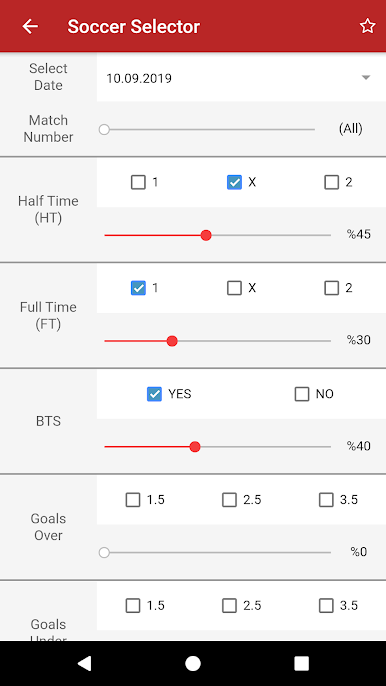
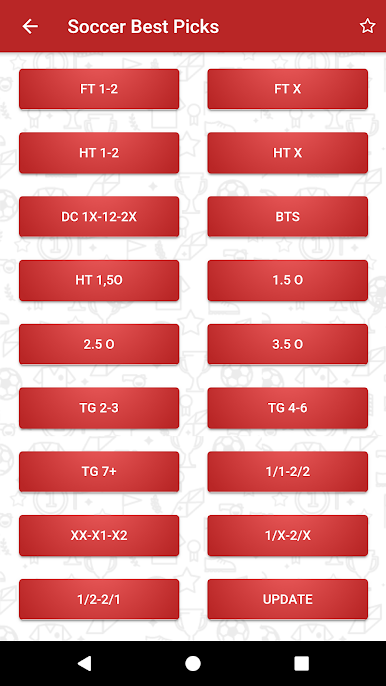
On PC with BlueStacks, the big screen helps a ton. Scrolling through leagues and match pages with a mouse feels faster, and comparing multiple markets side by side is just cleaner. Soccer has the deepest set of markets, but basketball, American football, rugby, and volleyball are covered with their own full time, halves, Asian handicap, and totals sections. There is an auto pick area that suggests top options from the stats, which is handy as a starting point, not a guarantee. Favorites make it easy to track a few teams, and the match selector lets a user tune the analysis to what they actually care about. Future sports like handball, baseball, and even e-sports are on the roadmap, so it keeps growing without being bloated.
Slay your opponents with your epic moves. Play it your way on BlueStacks and dominate the battlefield.



Zagraj w Orca Tips na PC. To takie proste.
-
Pobierz i zainstaluj BlueStacks na PC
-
Zakończ pomyślnie ustawienie Google, aby otrzymać dostęp do sklepu Play, albo zrób to później.
-
Wyszukaj Orca Tips w pasku wyszukiwania w prawym górnym rogu.
-
Kliknij, aby zainstalować Orca Tips z wyników wyszukiwania
-
Ukończ pomyślnie rejestrację Google (jeśli krok 2 został pominięty) aby zainstalować Orca Tips
-
Klinij w ikonę Orca Tips na ekranie startowym, aby zacząć grę

