


Custom Skin Creator Minecraft
Chơi trên PC với BlueStacks - Nền tảng chơi game Android, được hơn 500 triệu game thủ tin tưởng.

Trang đã được sửa đổi vào: Aug 2, 2025
Run Custom Skin Creator Minecraft on PC or Mac
Upgrade your experience. Try Custom Skin Creator Minecraft, the fantastic Entertainment app from Blakzero, from the comfort of your laptop, PC, or Mac, only on BlueStacks.
About the App
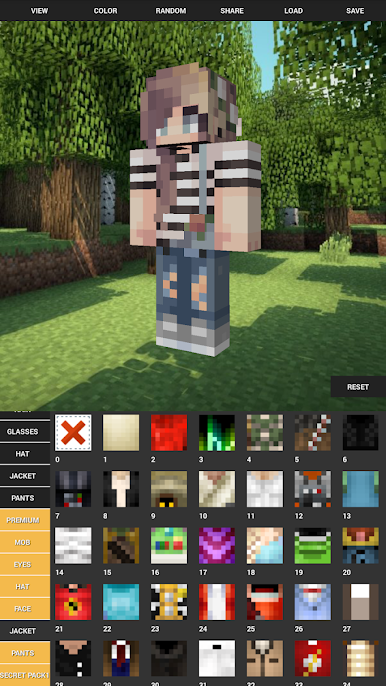
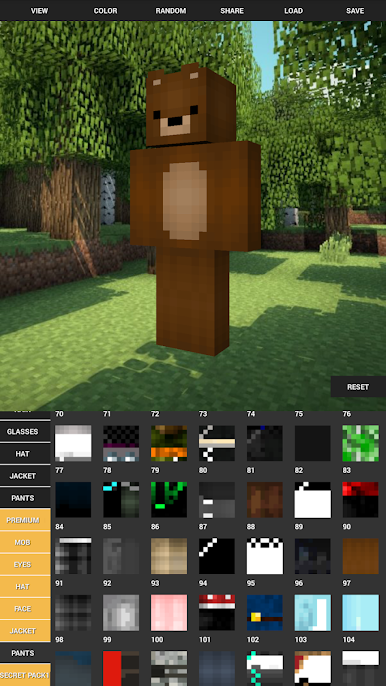
Custom Skin Creator Minecraft by Blakzero is all about letting your imagination run wild with your Minecraft look. If you’ve ever gotten bored scrolling through the same old skins, this app gives you everything you need to craft something totally fresh—and uniquely you. Whether you want to stand out in your world or just switch up your style for fun, there’s a pretty endless mix of options to play with. You don’t need to be an artist; just pick, mix, and tweak to get the skin you want.
App Features
-
Endless Outfit Choices
Pick from a huge range of clothing and accessories. You’ll find everything from hats and glasses to wings, mermaid tails, and costumes for every season or mood. -
Intuitive Customization
Creating your skin doesn’t require any art background. Just tap, choose, and swipe to mix and match the looks you like—no drawing pad needed. -
Save, Edit, and Reload
Want to keep a favorite design or try something new without losing your current choice? Save your skins and come back whenever you want to make changes. -
Color Controls
Fine-tune each part of your skin with easy color changes. Love bright shoes? Prefer a subtle jacket? Tweak it all with just a few taps. -
See It in 3D
There’s a live 3D character preview so you can spin, zoom, and get a real feel for how your creation will appear in game. -
One-Tap Randomizer
Feeling indecisive? Let the app pick a complete look for you at random—you might stumble onto something awesome. -
Share with Friends
Show off your custom skin by sharing a 3D model directly with your friends, making bragging rights that much easier. -
Works Seamlessly on BlueStacks
Enjoy creating Minecraft skins with even more space and control if you’re using BlueStacks, bringing the whole creation experience to your desktop setup.
BlueStacks brings your apps to life on a bigger screen—seamless and straightforward.
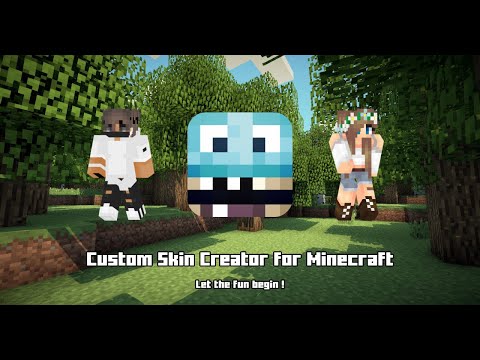
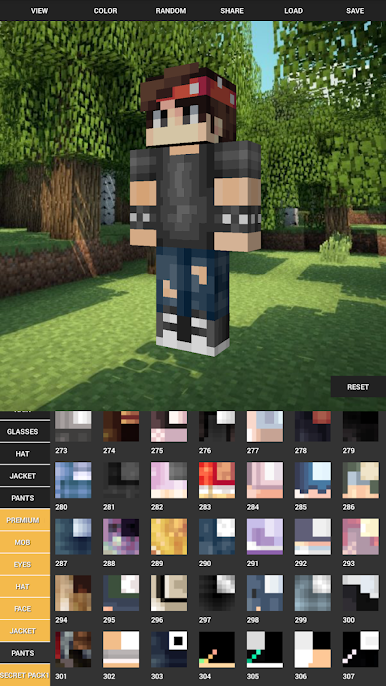
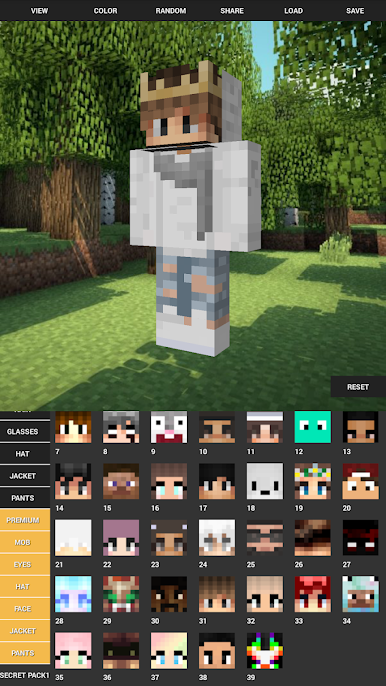
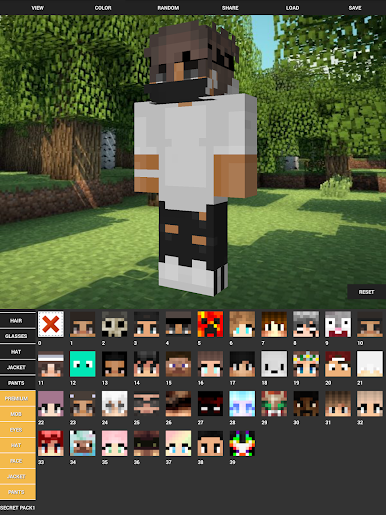
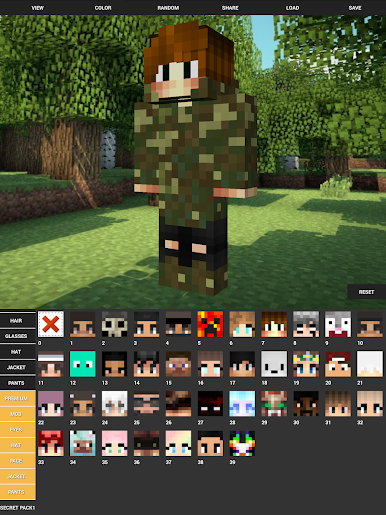
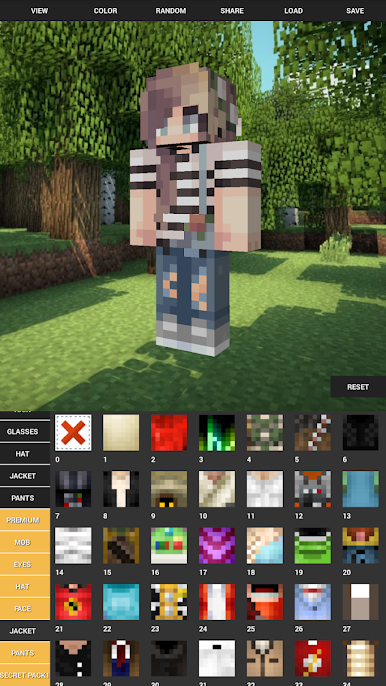
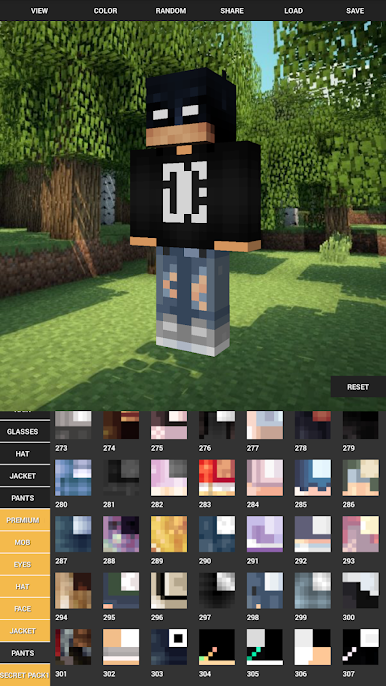
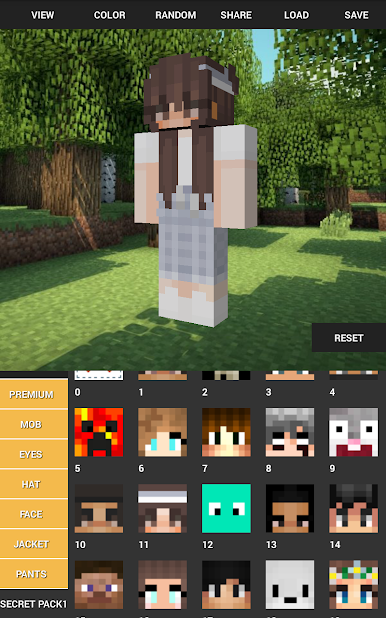
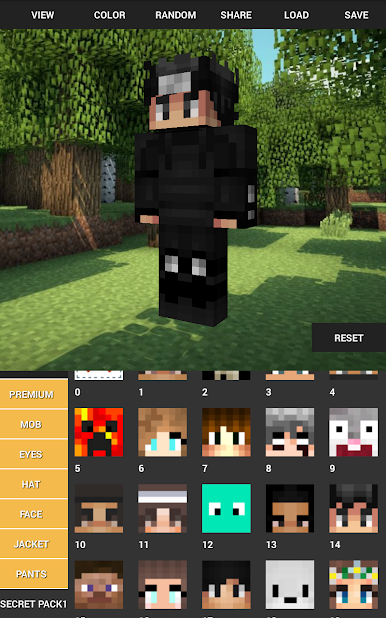
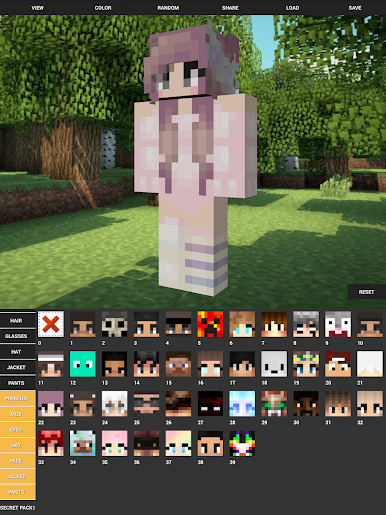
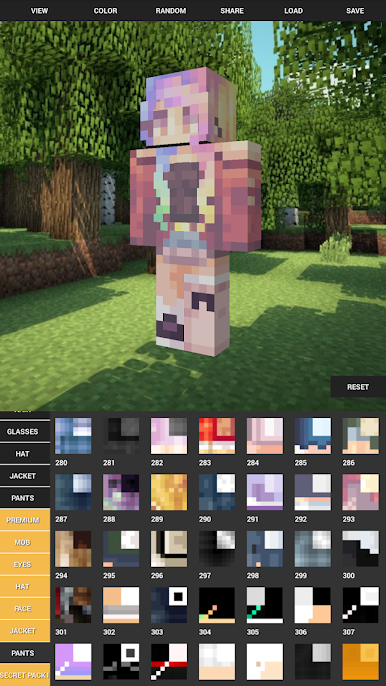
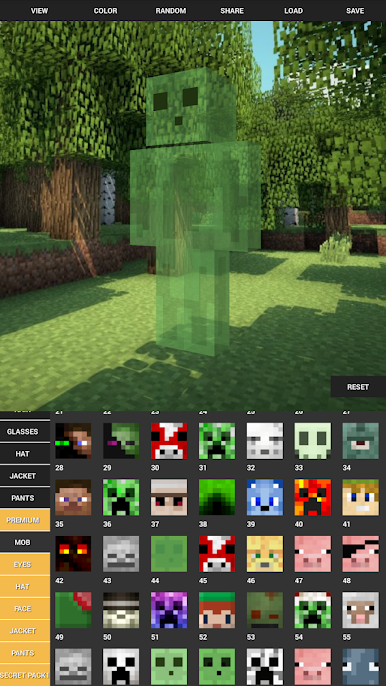
Chơi Custom Skin Creator Minecraft trên PC. Rất dễ để bắt đầu
-
Tải và cài đặt BlueStacks trên máy của bạn
-
Hoàn tất đăng nhập vào Google để đến PlayStore, hoặc thực hiện sau
-
Tìm Custom Skin Creator Minecraft trên thanh tìm kiếm ở góc phải màn hình
-
Nhấn vào để cài đặt Custom Skin Creator Minecraft trong danh sách kết quả tìm kiếm
-
Hoàn tất đăng nhập Google (nếu bạn chưa làm bước 2) để cài đặt Custom Skin Creator Minecraft
-
Nhấn vào icon Custom Skin Creator Minecraft tại màn hình chính để bắt đầu chơi

