


Vinty - Icon Pack
Graj na PC z BlueStacks – Platforma gamingowa Android, która uzyskała zaufanie ponad 500 milionów graczy!

Strona zmodyfikowana w dniu: Nov 24, 2024
Play Vinty - Icon Pack on PC
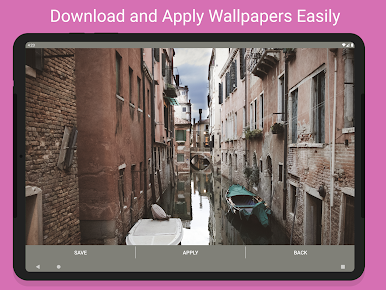
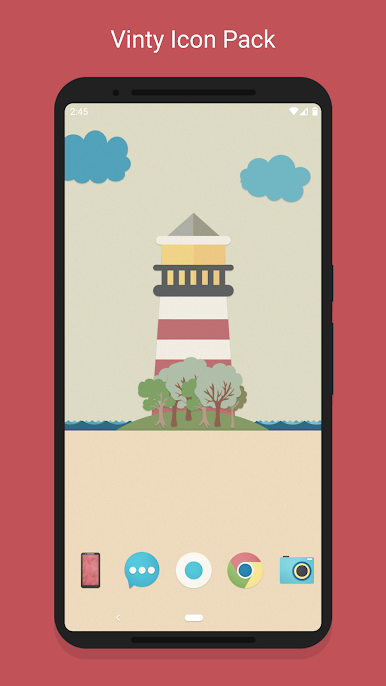
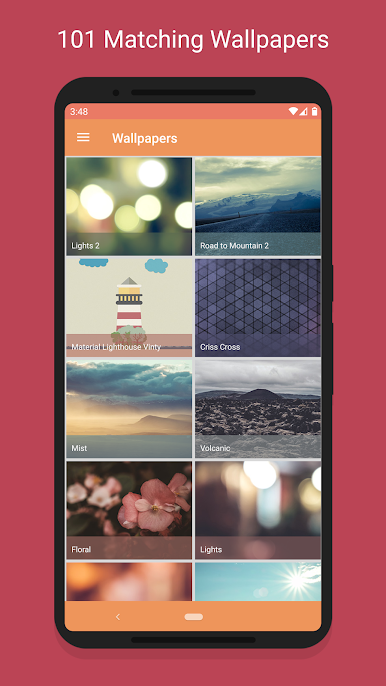
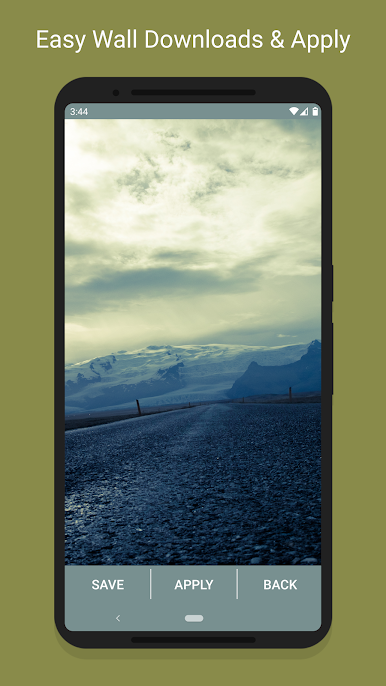
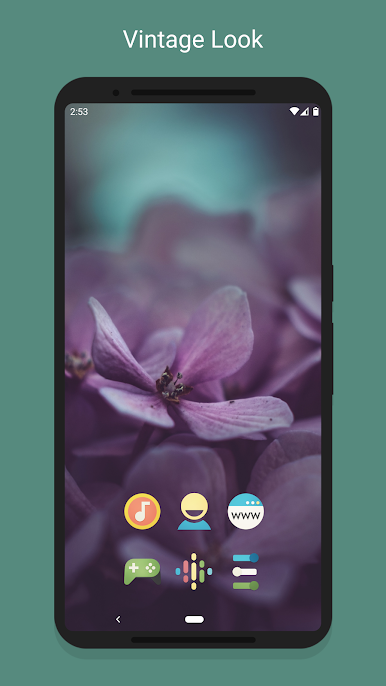
The Wallpapers are all unique and have been given a vintage look and feel. All wallpapers are designed from scratch or photographed by myself and hrs have been spent on post processing them giving them the desired vintage colors.
---------------------
Full Features:
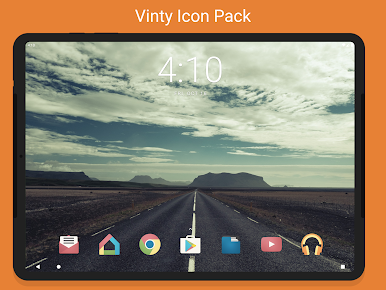
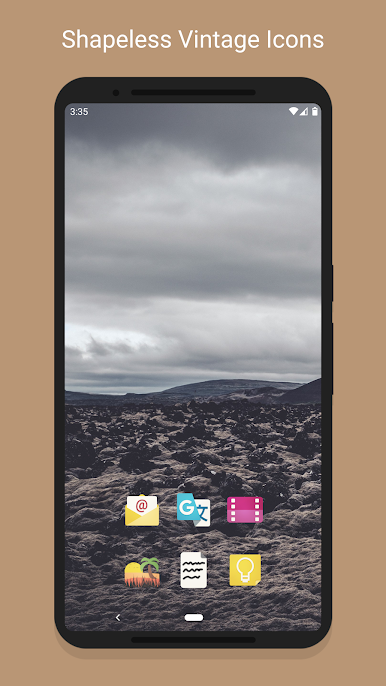
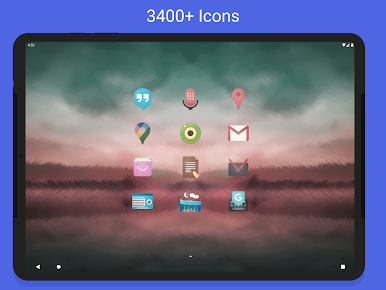
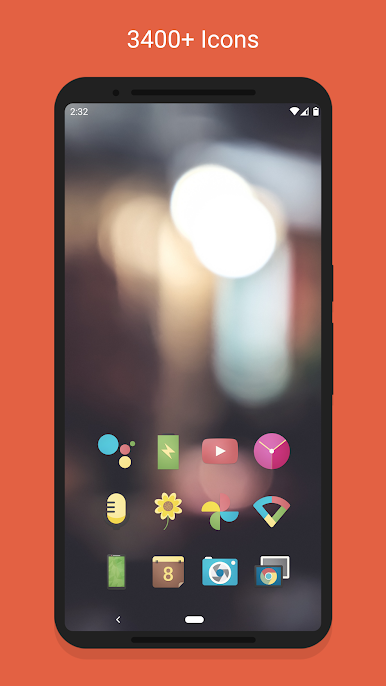
• 3500+ Vinty Icons.
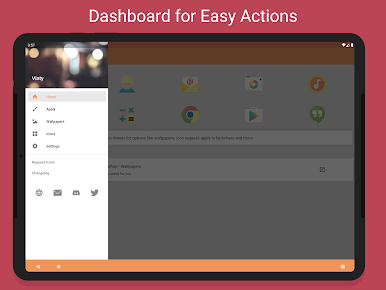
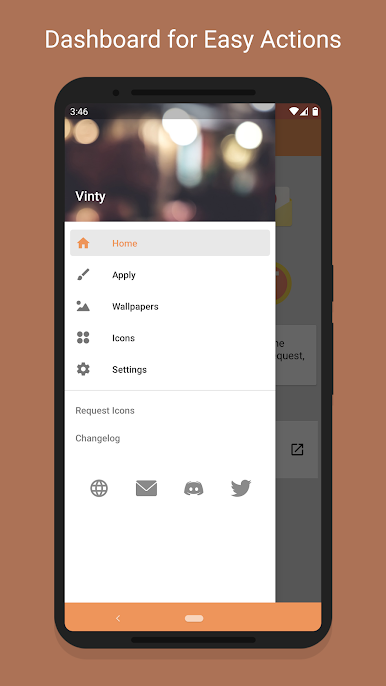
• Dashboard application for easy launcher apply actions
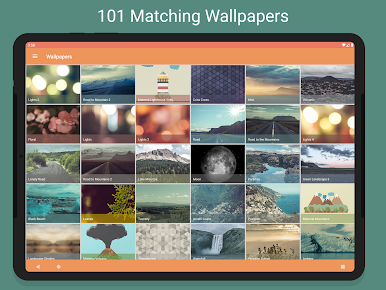
• Cloud based 101 Vintage Wallpapers to match the icons. All walls are around 2-20mb in size. Please be patient while it downloads and applies.
---------------------
Compatible Launchers
• Confirmed Compatibility (Tested on): Nova, Apex, ADW, OnePlus, Niagara, Posidon, Action, Go, Smart, Solo, Holo, Lucid, Evie
• May / May not support other launchers not tested on.
---------------------
Important Links
Twitter: https://twitter.com/gseth83
Discord Community: https://discord.gg/xzmrs6K
F.A.Q: http://gseth.com/faq
Zagraj w Vinty - Icon Pack na PC. To takie proste.
-
Pobierz i zainstaluj BlueStacks na PC
-
Zakończ pomyślnie ustawienie Google, aby otrzymać dostęp do sklepu Play, albo zrób to później.
-
Wyszukaj Vinty - Icon Pack w pasku wyszukiwania w prawym górnym rogu.
-
Kliknij, aby zainstalować Vinty - Icon Pack z wyników wyszukiwania
-
Ukończ pomyślnie rejestrację Google (jeśli krok 2 został pominięty) aby zainstalować Vinty - Icon Pack
-
Klinij w ikonę Vinty - Icon Pack na ekranie startowym, aby zacząć grę

