


ALZip – File Manager & Unzip
Graj na PC z BlueStacks – Platforma gamingowa Android, która uzyskała zaufanie ponad 500 milionów graczy!

Strona zmodyfikowana w dniu: Nov 26, 2025
Run ALZip – File Manager & Unzip on PC or Mac
Why limit yourself to your small screen on the phone? Run ALZip – File Manager & Unzip, an app by ESTsoft Corp., best experienced on your PC or Mac with BlueStacks, the world’s #1 Android emulator.
About the App
Looking for a file manager that also handles your zipping needs? ALZip – File Manager & Unzip by ESTsoft Corp. blends both worlds into one smooth app. Whether you’re juggling a bunch of downloads, sorting through photos, or cracking open giant archives, this Tools app makes everything feel a little easier. With an interface that’s straightforward and, honestly, pretty friendly, you’ll find managing files and decompressing archives on your device a whole lot less stressful.
App Features
-
Compression & Extraction Power
Zip up your files or open almost any archive format you can think of—zip, rar, 7z, and several more obscure ones. Got a huge 4GB+ file to unzip? No sweat, ALZip’s got you. -
All-in-One File Manager
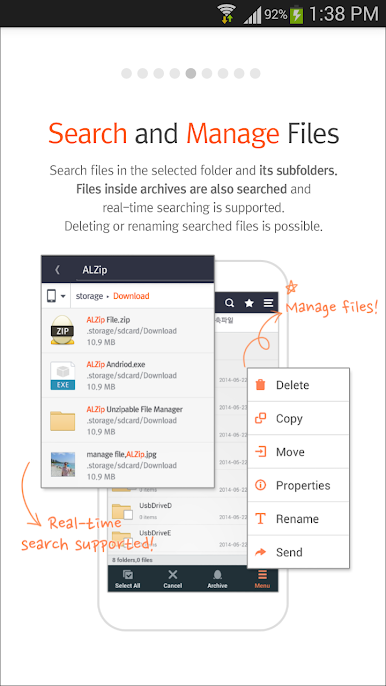
Move, copy, delete, or rename your files and folders just like you would on your desktop. Creating new folders or exploring file properties is a breeze. -
Simple File Explorer
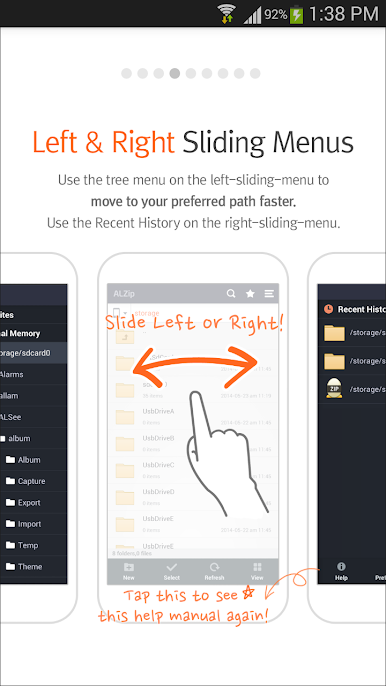
ALZip makes finding files on your device actually manageable—browse through folders quickly without getting lost. -
Image Viewer Inside Archives
Preview photos that are still zipped up, so you don’t have to extract everything before checking what’s inside. -
Search, Even in Subfolders
Not sure where you put that document? The search feature looks everywhere, including inside those hidden subfolders. -
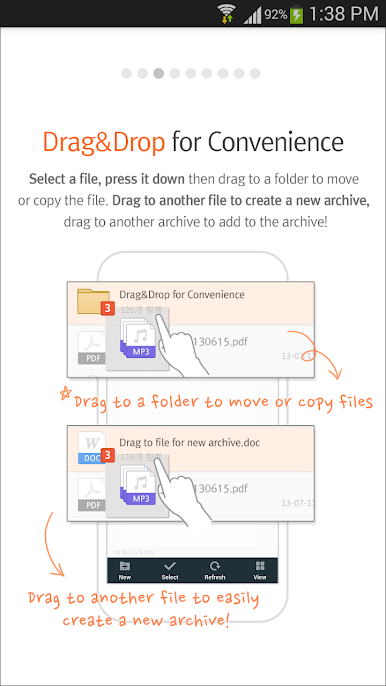
Handy Drag & Drop
Move things around with an easy drag-and-drop—need to compress files right on the spot or shuffle them between folders? Just drag and let go. -
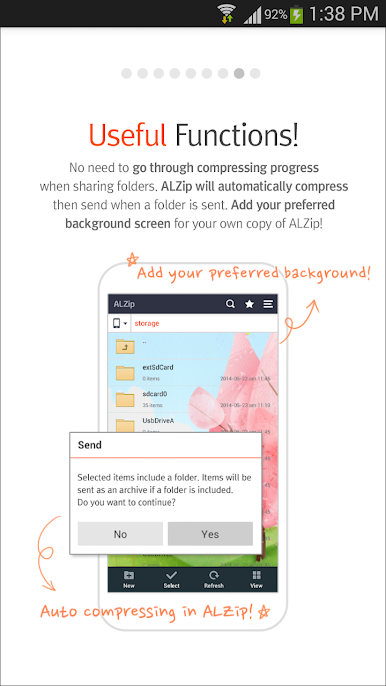
Customizable Look
Personalize your background with your favorite image—make your ALZip feel a bit more like yours. -
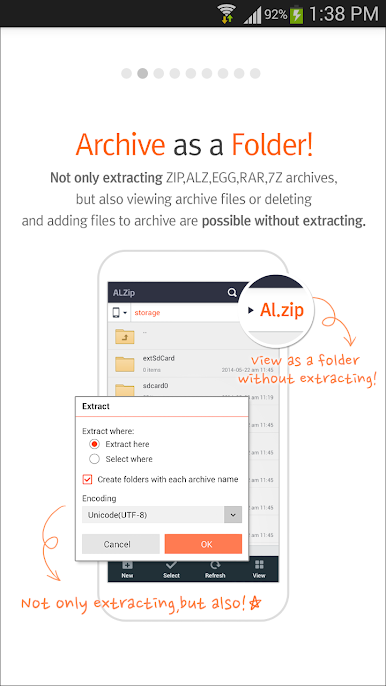
Archives as Folders
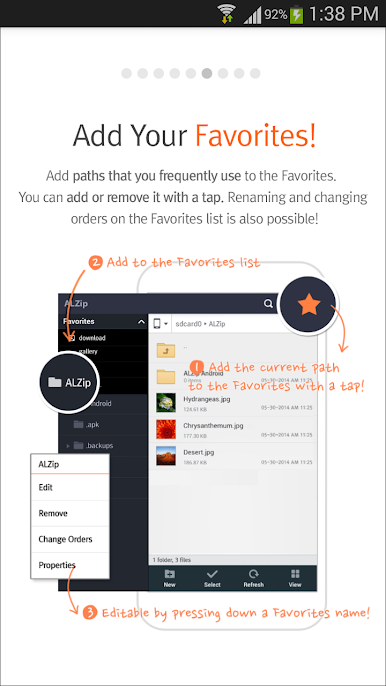
Treat zipped archives like regular folders. Browse inside, add stuff to your favorites, or even pop files into an email or the cloud—no extra steps.
And if you’re hopping between devices, ALZip – File Manager & Unzip works seamlessly with BlueStacks too.
Eager to take your app experience to the next level? Start right away by downloading BlueStacks on your PC or Mac.

Zagraj w ALZip – File Manager & Unzip na PC. To takie proste.
-
Pobierz i zainstaluj BlueStacks na PC
-
Zakończ pomyślnie ustawienie Google, aby otrzymać dostęp do sklepu Play, albo zrób to później.
-
Wyszukaj ALZip – File Manager & Unzip w pasku wyszukiwania w prawym górnym rogu.
-
Kliknij, aby zainstalować ALZip – File Manager & Unzip z wyników wyszukiwania
-
Ukończ pomyślnie rejestrację Google (jeśli krok 2 został pominięty) aby zainstalować ALZip – File Manager & Unzip
-
Klinij w ikonę ALZip – File Manager & Unzip na ekranie startowym, aby zacząć grę

