


Facebook Lite
Chơi trên PC với BlueStacks - Nền tảng chơi game Android, được hơn 500 triệu game thủ tin tưởng.

Trang đã được sửa đổi vào: Dec 18, 2025
Run Facebook Lite on PC or Mac
Multitask effortlessly on your PC or Mac as you try out Facebook Lite, a Social app by Meta Platforms, Inc. on BlueStacks.
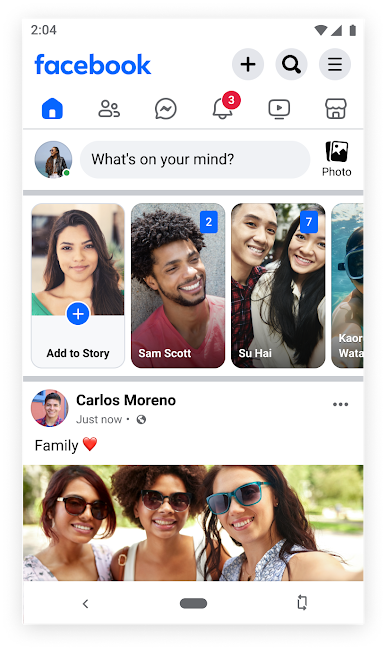
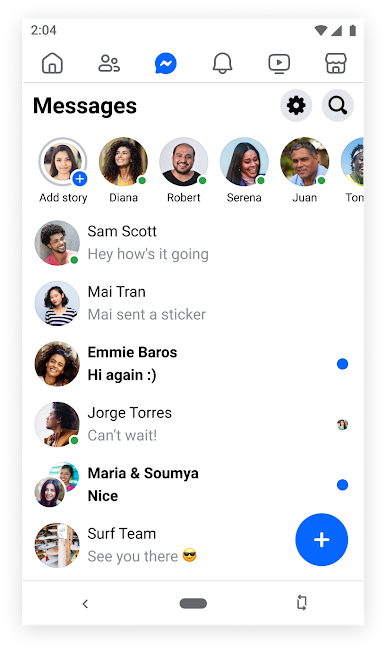
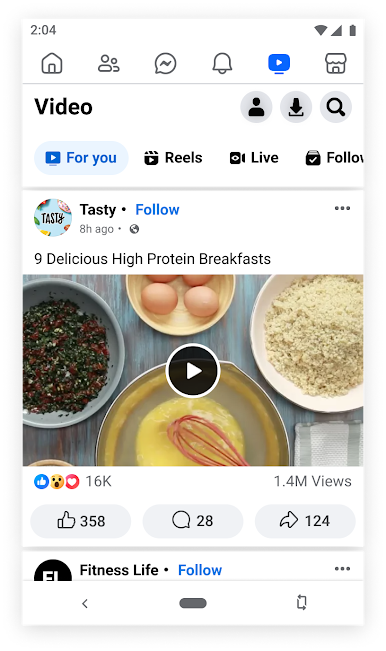
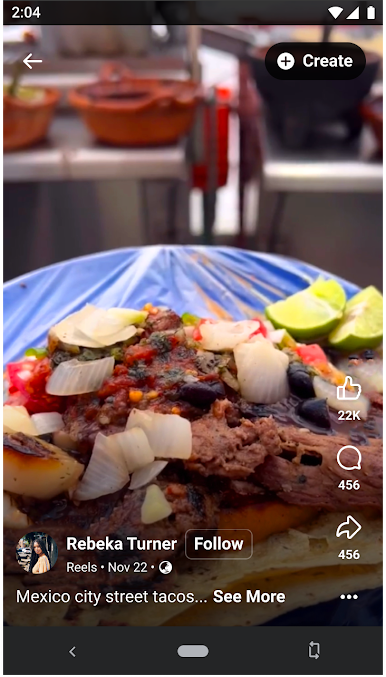
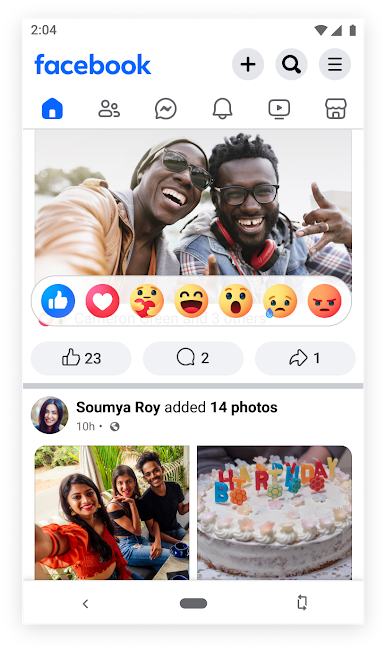
Facebook Lite is basically Facebook without the heavy stuff. It loads fast, takes hardly any space, and keeps the basics front and center. The feed opens quick even on slow connections, so checking updates does not feel like a chore. Think simple scrolling, posting a quick status with a couple emoji, liking photos, and dropping a comment without delay. On PC through BlueStacks it feels clean and uncluttered, and typing longer comments with a keyboard is just easier than pecking on a phone. Nothing fancy, just the core features that most people actually use.
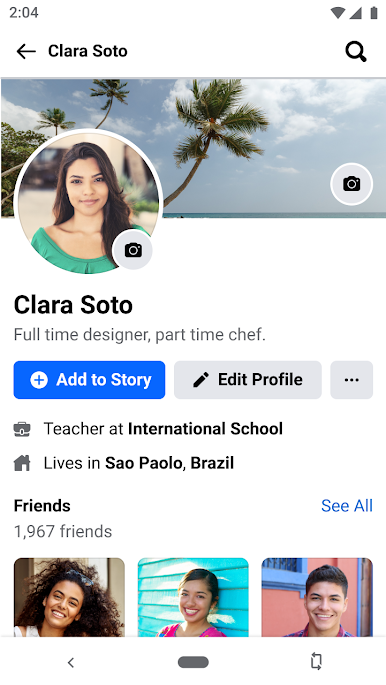
It still does the usual Facebook things: find friends and family, search for people, tweak a profile, manage groups, and follow pages or teams to keep up with news. Photos are handled well for a lite app. Snap something, upload it, save it in albums, and lock down privacy on specific pics or even keep a secret album if that is needed. Notifications arrive when someone reacts or comments, so posts do not get lost. Events are there too, with RSVPs and all that, which is handy for local meetups. Marketplace works fine for browsing and listing small stuff nearby. Looking up a business shows hours, pictures, and reviews without digging around. On a bigger screen through BlueStacks, swiping through albums and skimming long threads is less strain, and the whole thing runs smooth even when the connection is not great. If someone wants Facebook that is fast, light, and gets out of the way, this feels right.
Big screen. Bigger performance. Use BlueStacks on your PC or Mac to run your favorite apps.
Chơi Facebook Lite trên PC. Rất dễ để bắt đầu
-
Tải và cài đặt BlueStacks trên máy của bạn
-
Hoàn tất đăng nhập vào Google để đến PlayStore, hoặc thực hiện sau
-
Tìm Facebook Lite trên thanh tìm kiếm ở góc phải màn hình
-
Nhấn vào để cài đặt Facebook Lite trong danh sách kết quả tìm kiếm
-
Hoàn tất đăng nhập Google (nếu bạn chưa làm bước 2) để cài đặt Facebook Lite
-
Nhấn vào icon Facebook Lite tại màn hình chính để bắt đầu chơi

