


Fareclock Time Clock
Chơi trên PC với BlueStacks - Nền tảng chơi game Android, được hơn 500 triệu game thủ tin tưởng.

Trang đã được sửa đổi vào: Dec 9, 2025
Play Fareclock Time Clock on PC
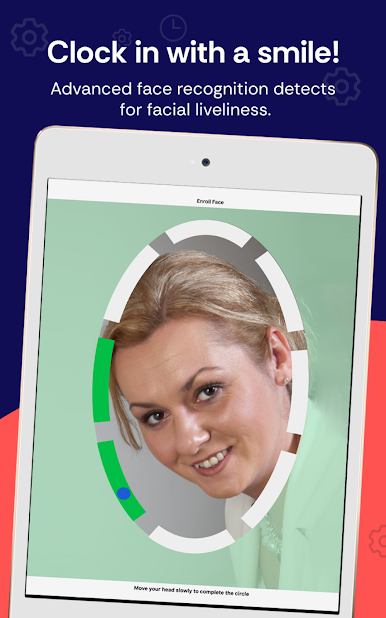
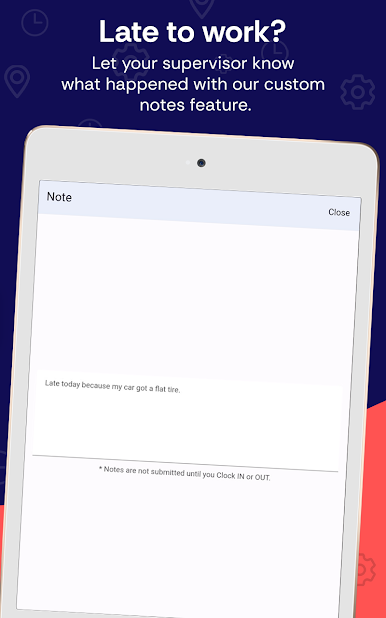
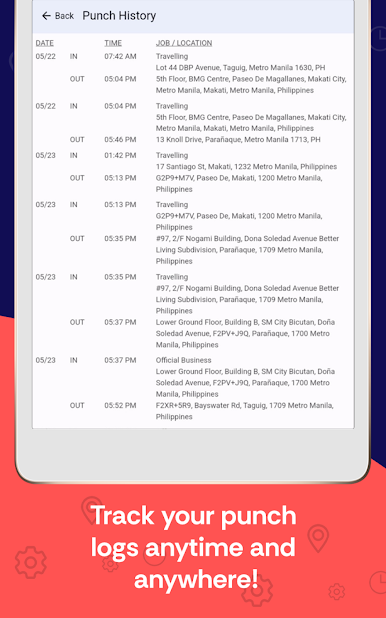
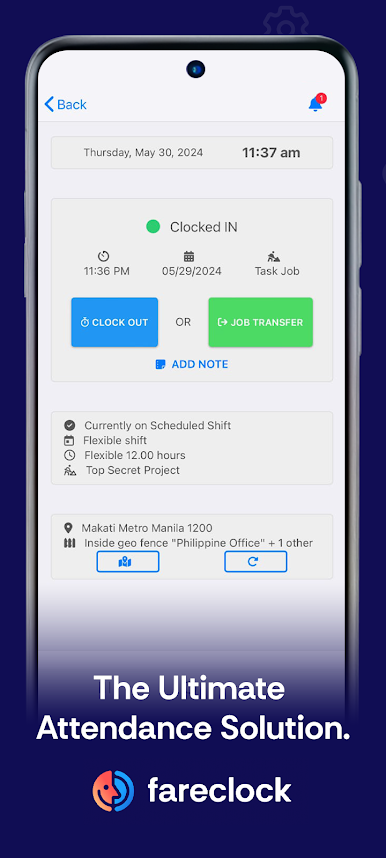
With features like facial recognition, geofencing, smart scheduling, custom report fields, and powerful payroll calculation tools, we can empower your business functions through innovation that meets simplicity without sacrificing efficiency.
Automate Timekeeping, Control Attendance!
Specialties/ Features:
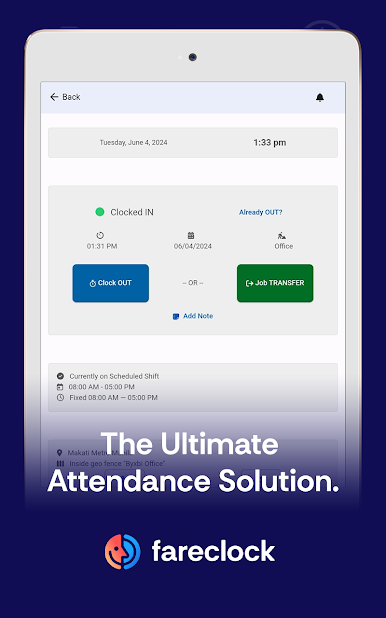
1. Mobile Time Clock App - Group time clock kiosk and/or personal time clocks on workers' phones
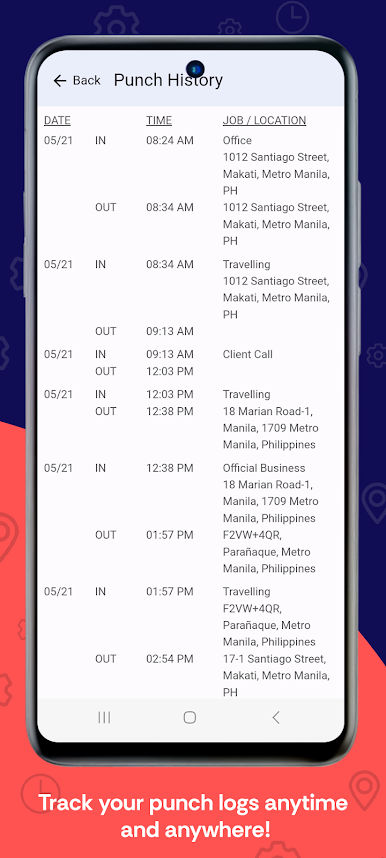
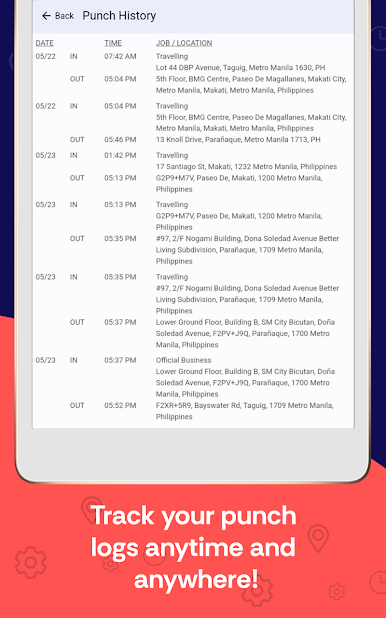
2. Time and attendance management software
3. Time Card Automation
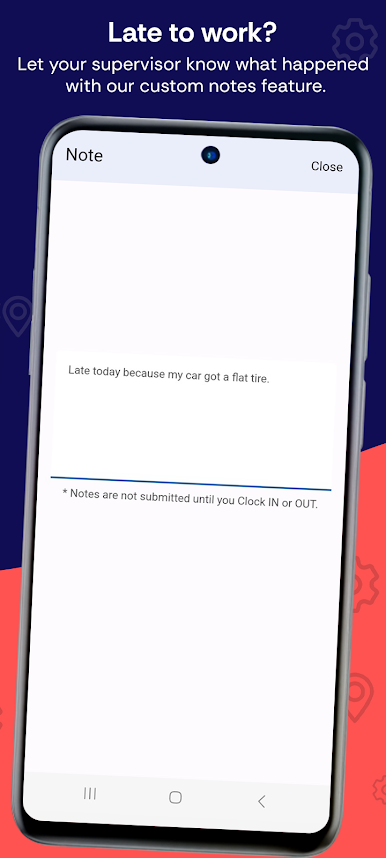
4. Attendance Compliance (Attendance Infractions)
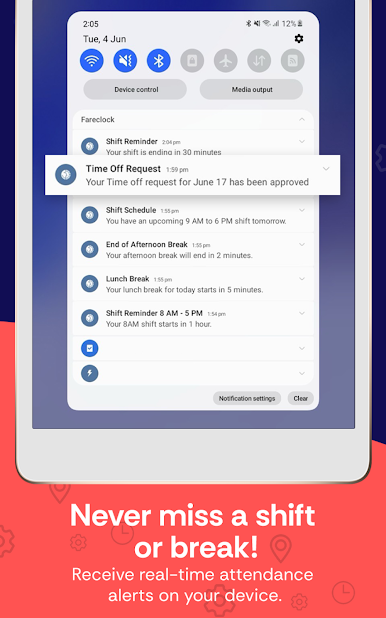
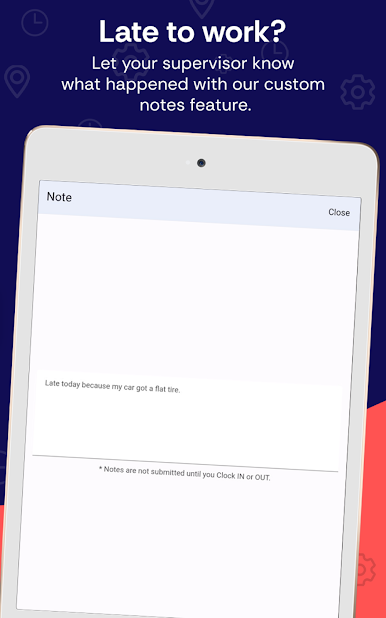
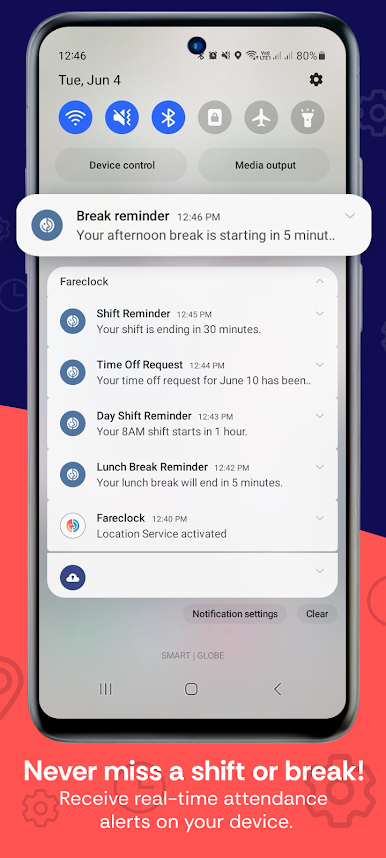
5. Workforce management - Real-time alert notifications, shift reminders, and custom worker announcement.
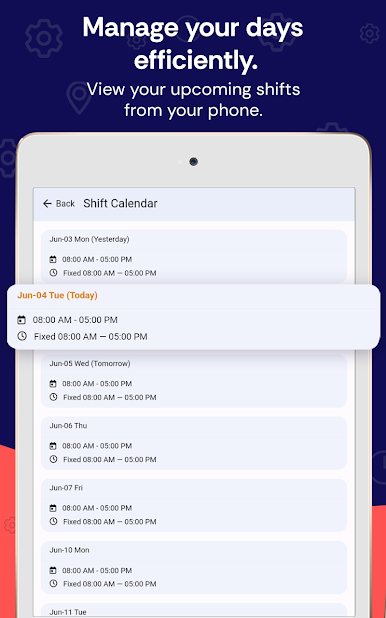
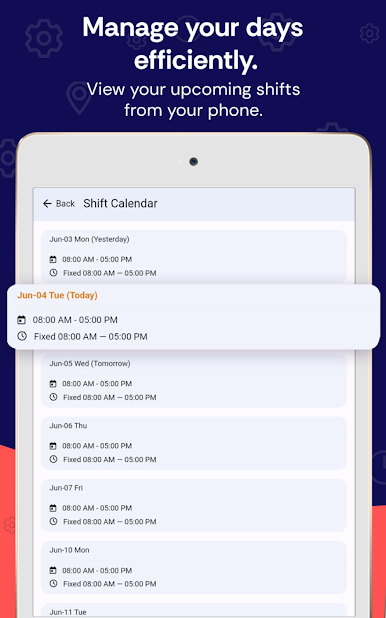
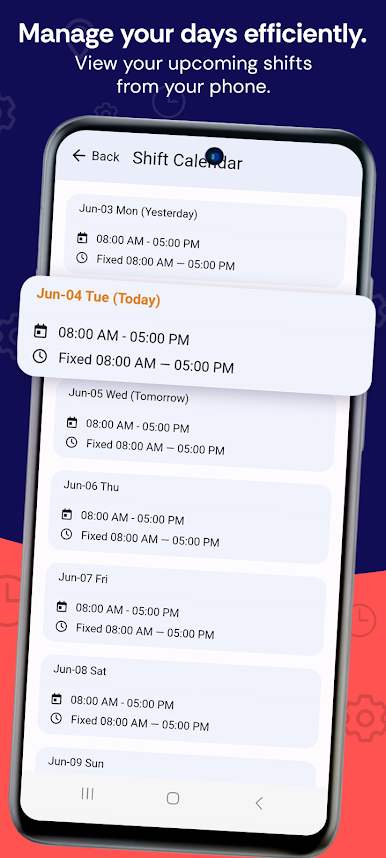
6. Worker Multi-Shift scheduling - Calendar-based schedule, shift classes, breaks, and rounding rules
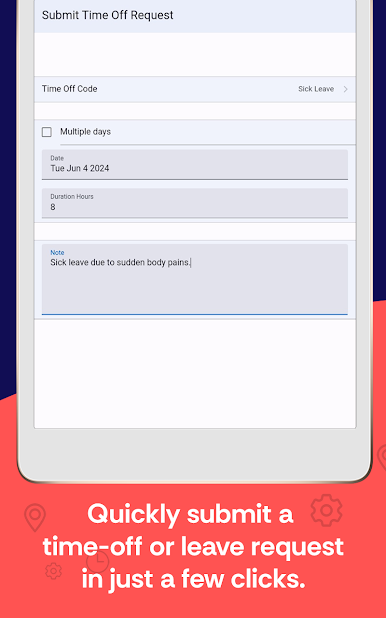
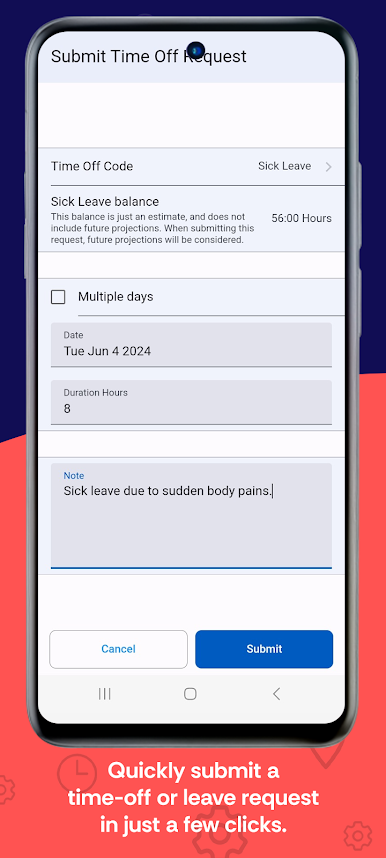
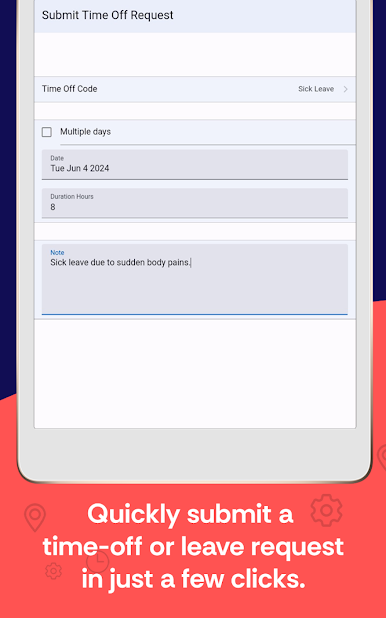
7. Time Off Management and Accrual Tracking (Sick, Vacation, and Service Incentive)
8. Payroll Calculator and Management - Overtime, pay wages and pay codes
9. Payroll Integration with Accounting Software
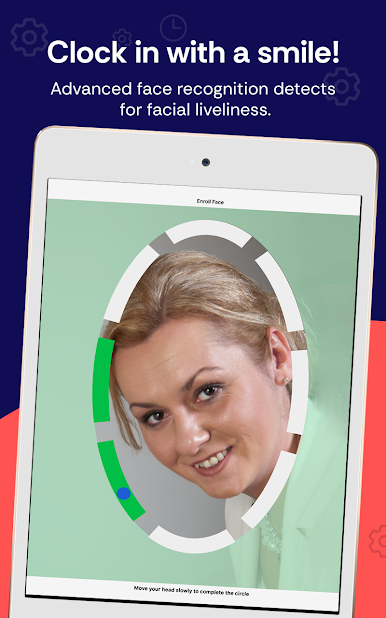
10. Facial Recognition Authentication
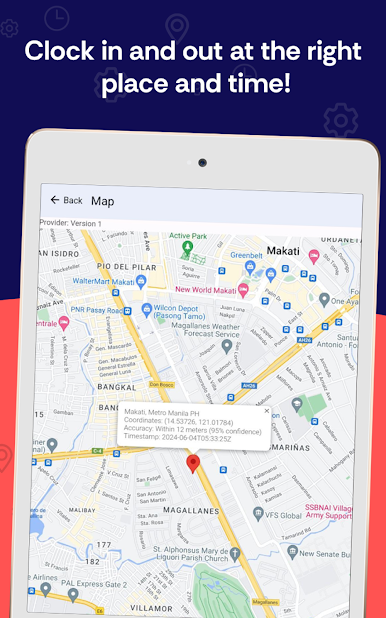
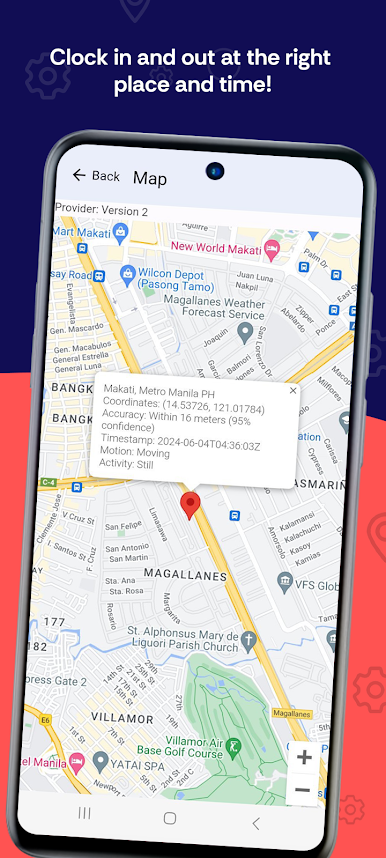
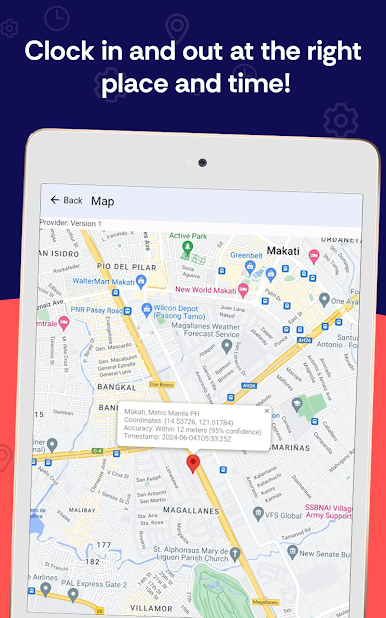
11. Geo-fencing, Geo-location tracking, and Breadcrumb navigation capabilities
12. Cloud-based technology
13. Job Costing - Jobs, job categories, job phases, cost codes, and cost centers
14. Customizable Reporting Formats - Custom fields for users and shifts, exportable to CSV, Excel, and PDF formats
15. API Access for Custom Integrations - Synchronize with multiple online payroll and HR services
System Requirements: Any Android device with a front-facing camera that runs Android version 4.1 or later. But Android 8+ to run the latest version of our app.
Note: This application requires you to have a Fareclock account.
Support Email: support@fareclock.com



Chơi Fareclock Time Clock trên PC. Rất dễ để bắt đầu
-
Tải và cài đặt BlueStacks trên máy của bạn
-
Hoàn tất đăng nhập vào Google để đến PlayStore, hoặc thực hiện sau
-
Tìm Fareclock Time Clock trên thanh tìm kiếm ở góc phải màn hình
-
Nhấn vào để cài đặt Fareclock Time Clock trong danh sách kết quả tìm kiếm
-
Hoàn tất đăng nhập Google (nếu bạn chưa làm bước 2) để cài đặt Fareclock Time Clock
-
Nhấn vào icon Fareclock Time Clock tại màn hình chính để bắt đầu chơi

