

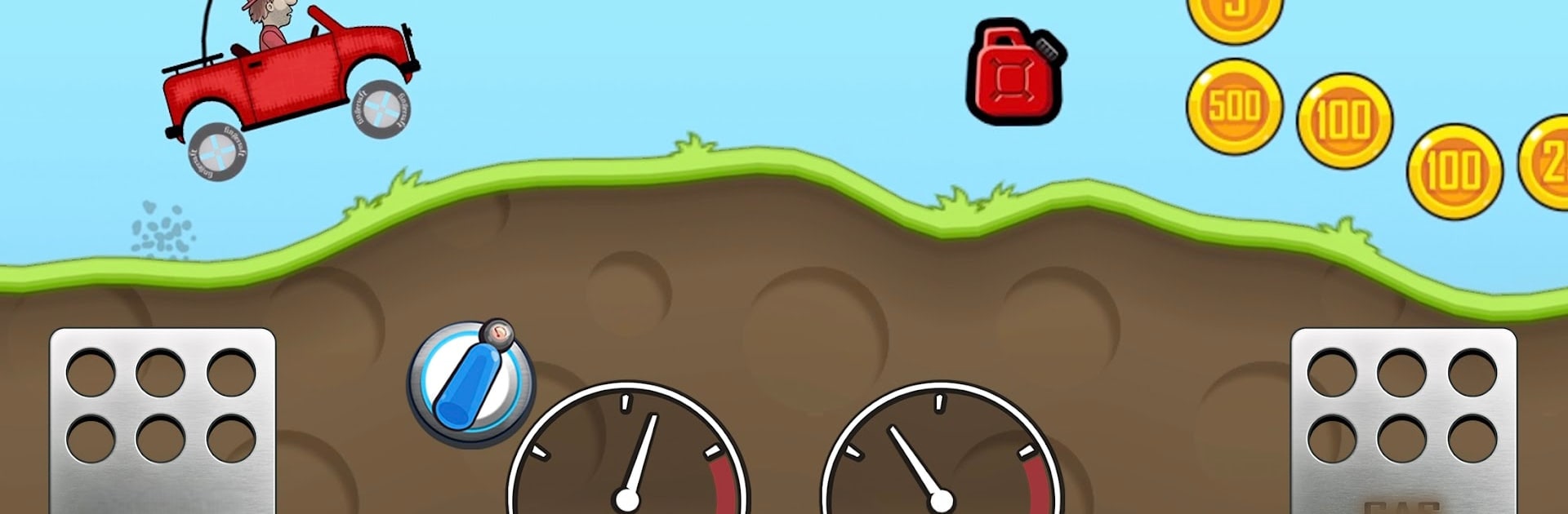
Hill Climb Racing
Graj na PC z BlueStacks – Platforma gamingowa Android, która uzyskała zaufanie ponad 500 milionów graczy!

Strona zmodyfikowana w dniu: Sep 28, 2026
Graj w Hill Climb Racing na PC lub Mac
Odkryj zupełnie nową przygodę z Hill Climb Racing, grą z gatunku Wyścigi opracowaną przez Fingersoft. Doświadcz wspaniałej rozgrywki dzięki BlueStacks, najpopularniejszej platformie do grania w gry na Androida na PC lub Mac.
O grze
Zagraj w Hill Climb Racing, klasyczną grę wyścigową opartą na fizyce od Fingersoft. Wciel się w Billa Newtona, młodego rajdowca, który przemierza nietypowe miejsca, łamiąc prawa fizyki. Odkrywaj unikalne tereny, od Elektrowni Atomowej po Księżyc, i testuj swoje umiejętności na rozmaitych poziomach wyzwań. Ulepszaj pojazdy i zdobywaj monety za akrobacje, ale uważaj na pusty bak!
Cechy gry
-
Rozgrywka offline
Graj wszędzie, bez konieczności łączenia się z internetem. -
Zróżnicowane pojazdy
Odblokuj ponad 29 pojazdów, w tym monster trucki, bolidy czy autobusy turystyczne, i dopasuj je do swojego stylu jazdy. -
Ulepszenia
Poprawiaj osiągi silnika, zawieszenia, opon i napędu 4×4. -
Rozbudowane etapy
Przemierzaj ponad 28 poziomów pełnych wyzwań. -
Optymalizacja
Świetnie działa na urządzeniach o różnych rozdzielczościach. -
Tryb garażu
Stwórz swój wymarzony pojazd, używając własnych części.
Graj w Hill Climb Racing z BlueStacks, by doświadczać płynnej rozgrywki na większym ekranie!
Zniszcz przeciwników swoimi epickimi ruchami. Graj po swojemu na BlueStacks i zdominuj pole bitwy.

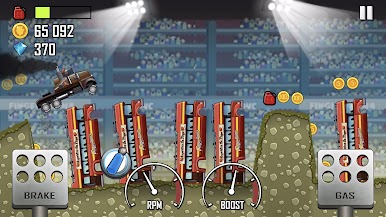
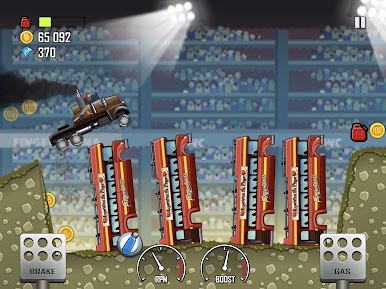
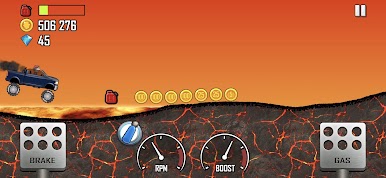
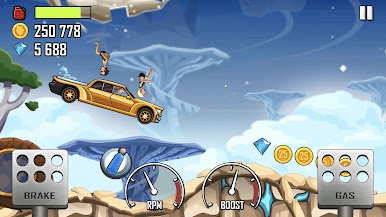
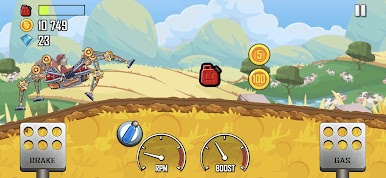
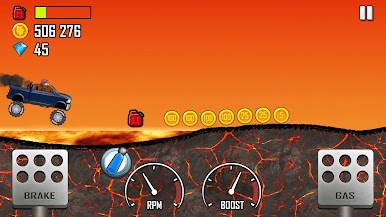
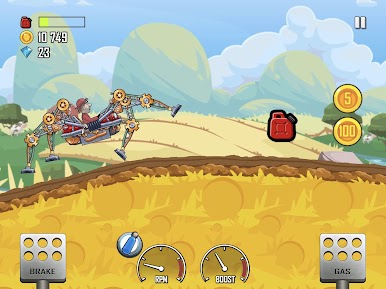
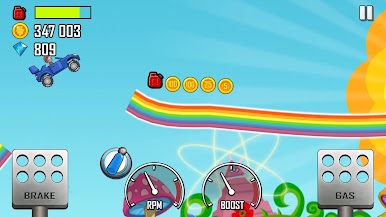
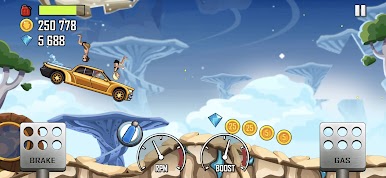
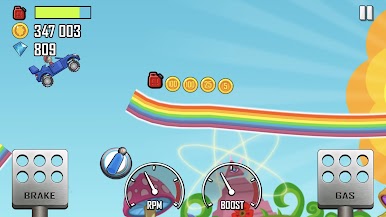
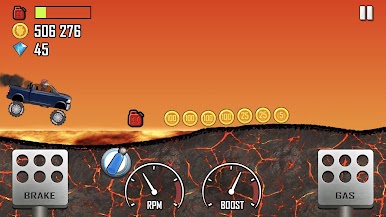
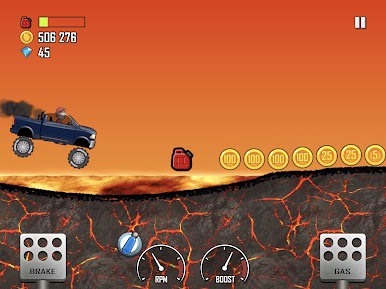
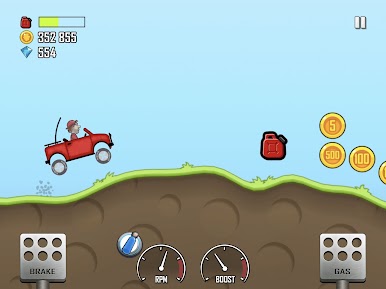
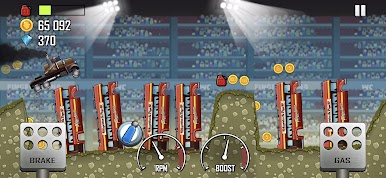
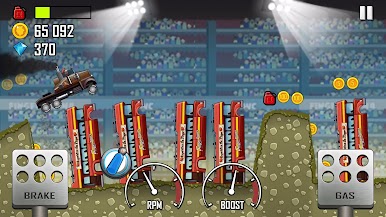
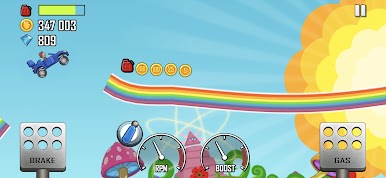
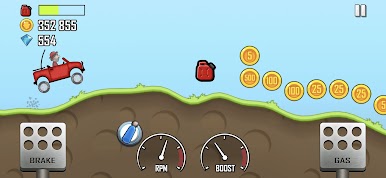
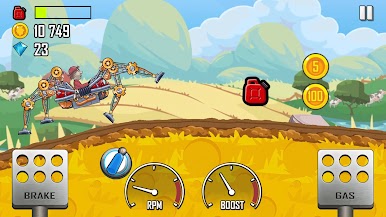
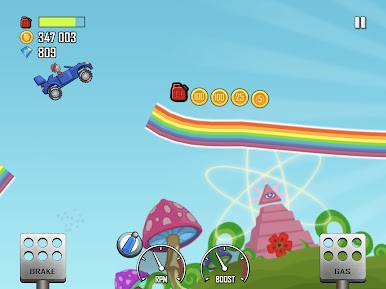
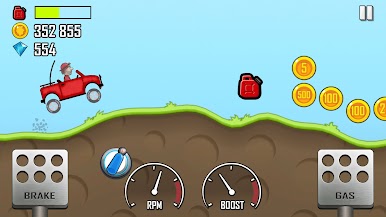
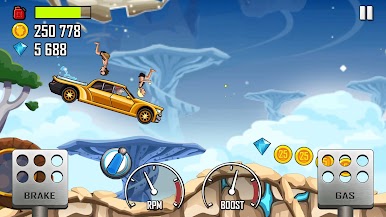
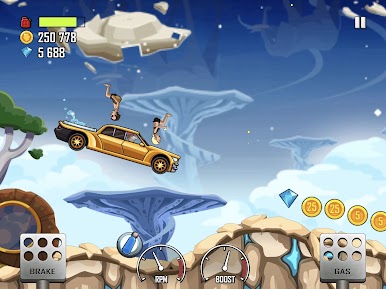
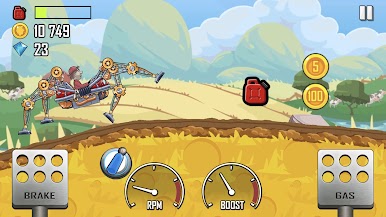
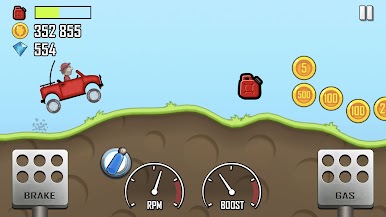
Zagraj w Hill Climb Racing na PC. To takie proste.
-
Pobierz i zainstaluj BlueStacks na PC
-
Zakończ pomyślnie ustawienie Google, aby otrzymać dostęp do sklepu Play, albo zrób to później.
-
Wyszukaj Hill Climb Racing w pasku wyszukiwania w prawym górnym rogu.
-
Kliknij, aby zainstalować Hill Climb Racing z wyników wyszukiwania
-
Ukończ pomyślnie rejestrację Google (jeśli krok 2 został pominięty) aby zainstalować Hill Climb Racing
-
Klinij w ikonę Hill Climb Racing na ekranie startowym, aby zacząć grę

