


Gaggle Paragliding, Ultralight
Chơi trên PC với BlueStacks - Nền tảng chơi game Android, được hơn 500 triệu game thủ tin tưởng.

Trang đã được sửa đổi vào: Dec 15, 2025
Play Gaggle Paragliding, Ultralight on PC
Highlights
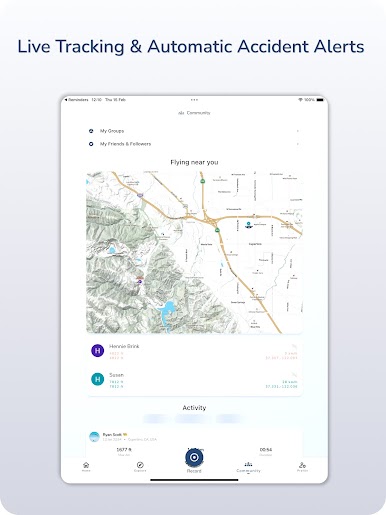
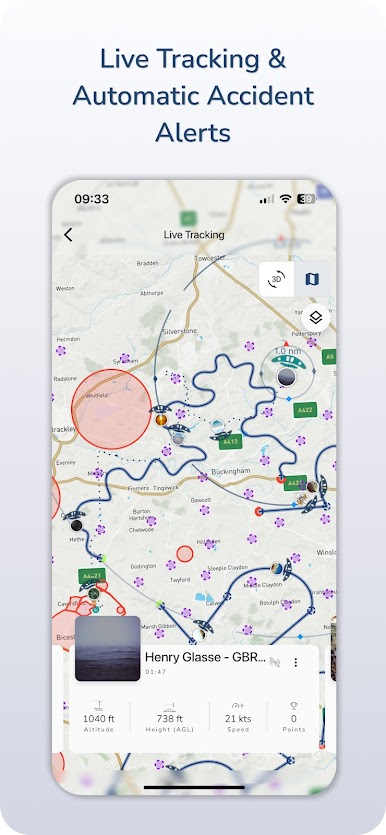
* Live Tracking & Safety: Share your live location; automatic emergency notifications; track nearby friends.
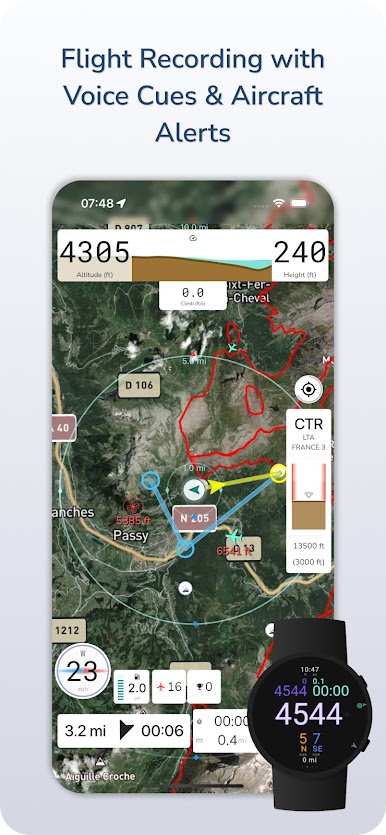
* Instruments: Variometer, altitudes (GPS/pressure), speed, wind, glide ratio, and more.
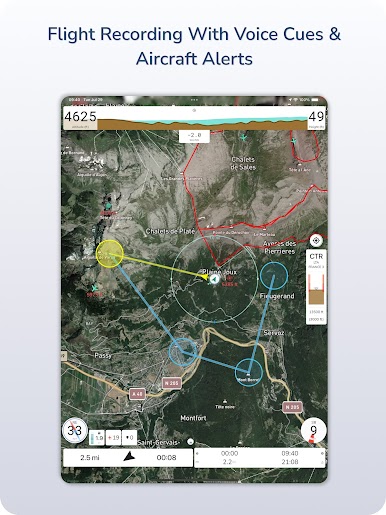
* Airspaces & Alerts: View airspaces (2D/3D, region-dependent) and get voice warnings for nearby aircraft.
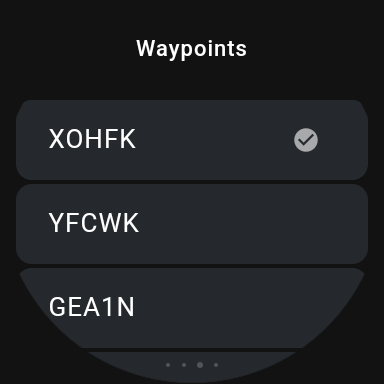
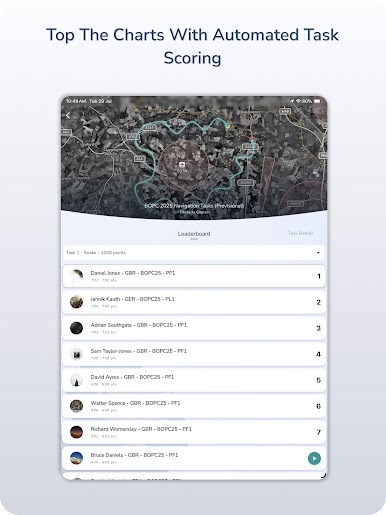
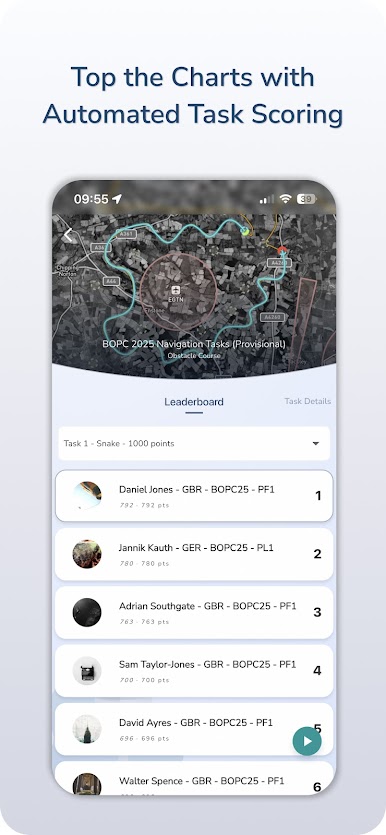
* XC Navigation: Plan waypoints, follow routes, and score tasks (beta) for XC flying.
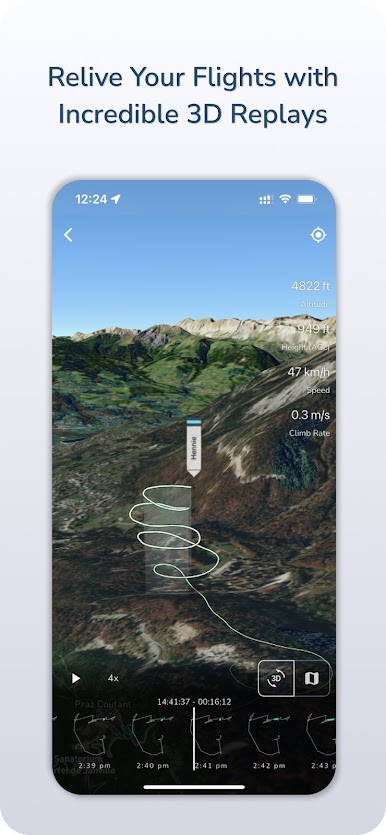
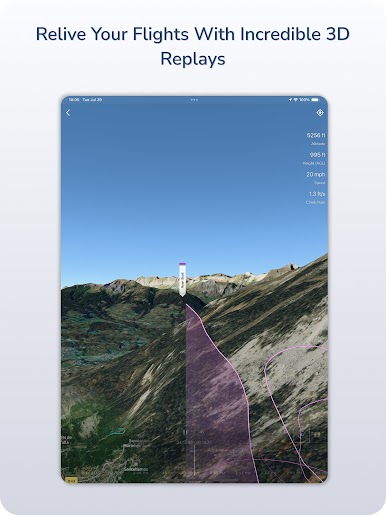
* 3D Flight Replays & Analytics: Replay flights in 3D, review stats, automatic upload to XContest; “Ask Gaggle” assistant.
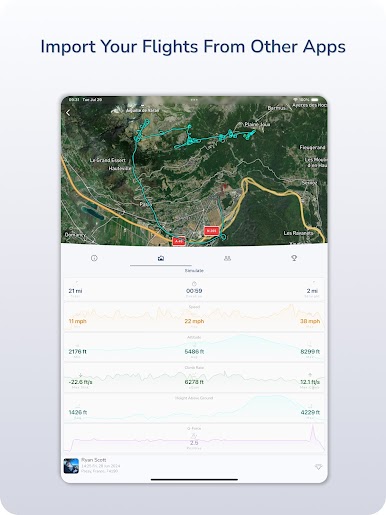
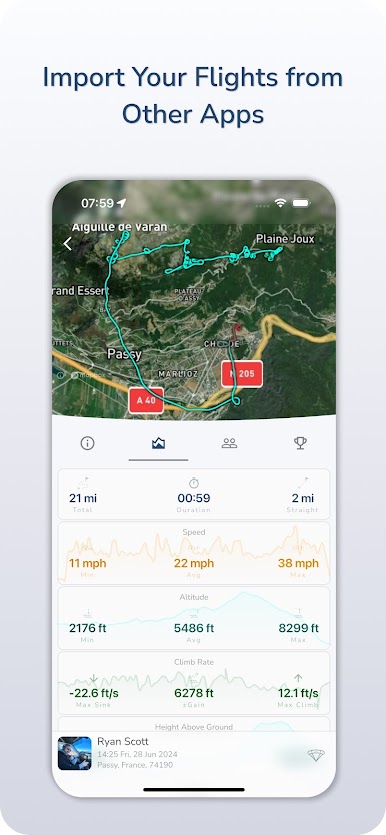
* Imports & Exports: Import IGC/GPX/KML from popular tools like FlySkyHy, PPGPS, Wingman, and XCTrack to replay your flights; export available.
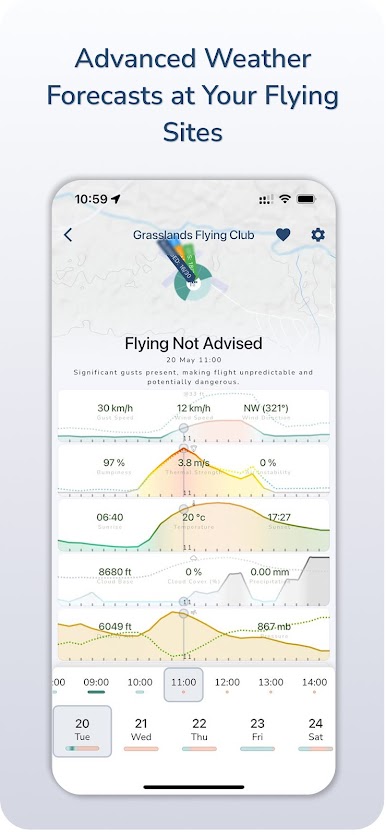
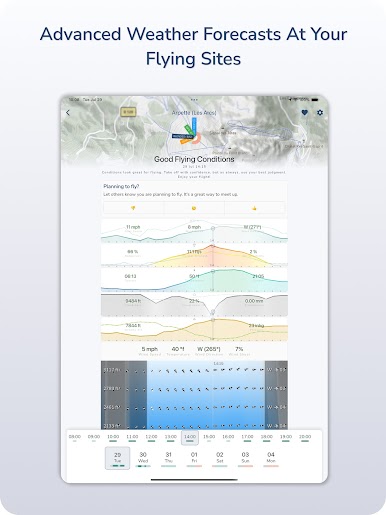
* Sites & Weather: Global paragliding map with site info, chats, and advanced weather forecasts.
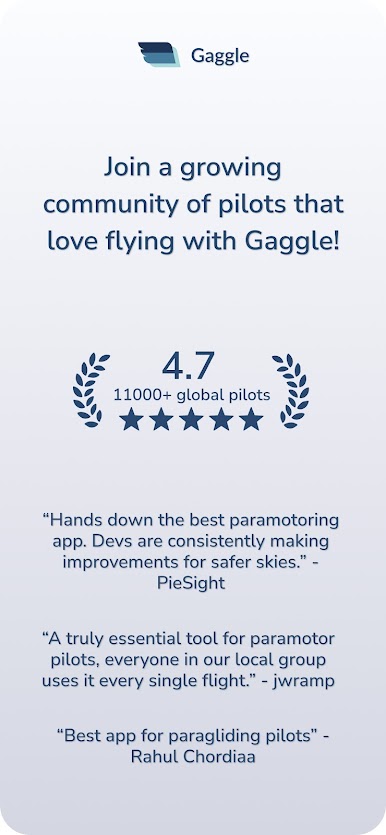
* Community: Groups, messaging, meetups, leaderboards & badges.
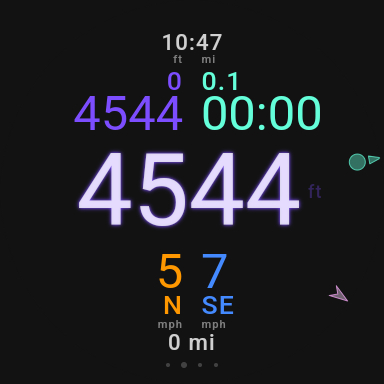
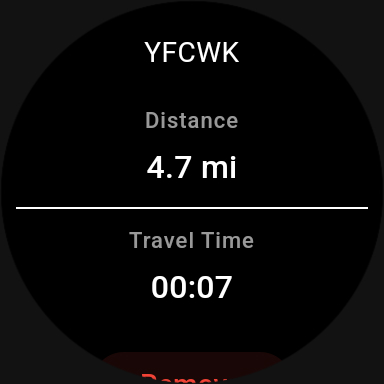
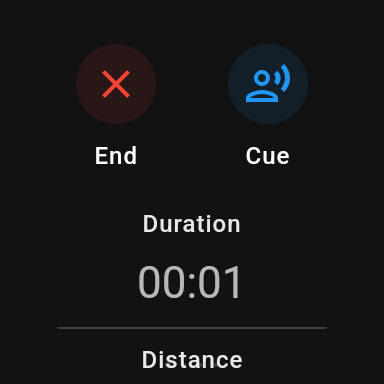
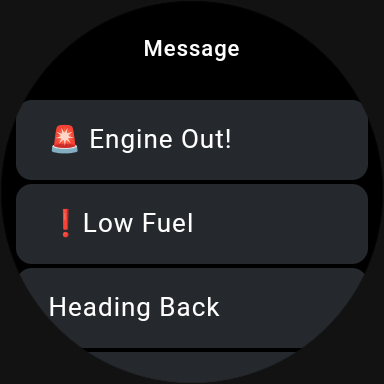
With Wear OS integration, Gaggle provides live telemetry on your wrist—letting you monitor flight stats without using your phone. (Note: The Wear OS app requires an active flight recording on your smartphone.)
Free & Premium
Start free with recording, sharing and live tracking (no ads). Upgrade to unlock advanced navigation, 3D replays, voice cues, weather, leaderboards, and much more.
By installing and using Gaggle, you agree to the Terms of Use available on the Play Store and at https://www.flygaggle.com/terms-and-conditions.html.
Chơi Gaggle Paragliding, Ultralight trên PC. Rất dễ để bắt đầu
-
Tải và cài đặt BlueStacks trên máy của bạn
-
Hoàn tất đăng nhập vào Google để đến PlayStore, hoặc thực hiện sau
-
Tìm Gaggle Paragliding, Ultralight trên thanh tìm kiếm ở góc phải màn hình
-
Nhấn vào để cài đặt Gaggle Paragliding, Ultralight trong danh sách kết quả tìm kiếm
-
Hoàn tất đăng nhập Google (nếu bạn chưa làm bước 2) để cài đặt Gaggle Paragliding, Ultralight
-
Nhấn vào icon Gaggle Paragliding, Ultralight tại màn hình chính để bắt đầu chơi

