


Trình chỉnh sửa video, máy ảnh
Chơi trên PC với BlueStacks - Nền tảng chơi game Android, được hơn 500 triệu game thủ tin tưởng.

Trang đã được sửa đổi vào: Nov 23, 2023
Chơi Trình chỉnh sửa video, máy ảnh on PC
Các tính năng chính
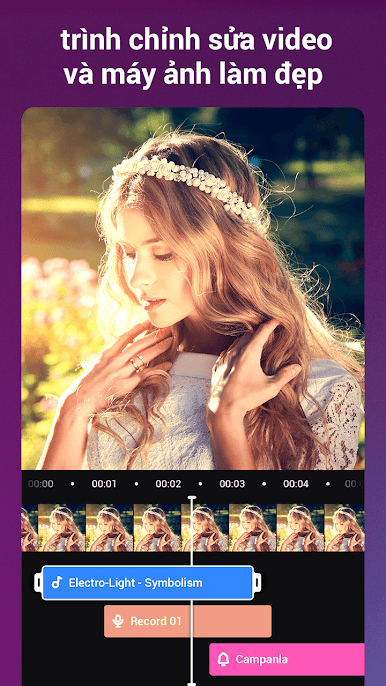
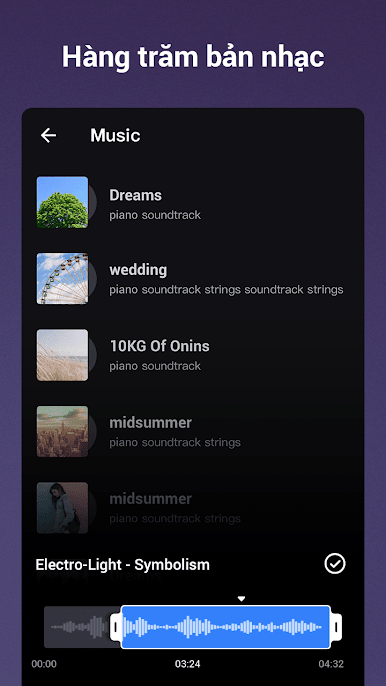
-Thêm nhạc và hiệu ứng vào video trong dòng thời gian nhiều bản nhạc.
-Chỉnh sửa video với phụ đề đặc biệt và âm nhạc phổ biến.
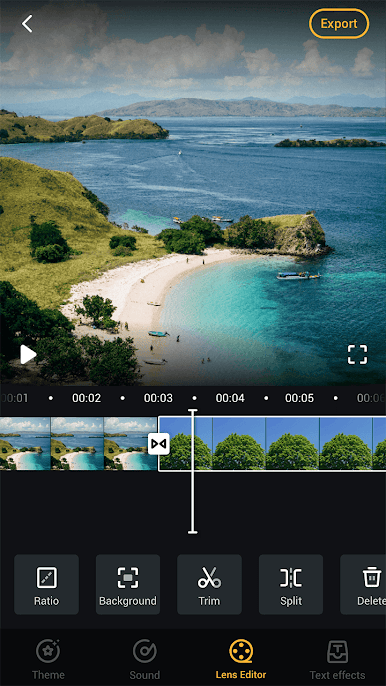
-Trim video như một chuyên gia: hợp nhất hoặc cắt video, chuyển đổi video thành tệp MP3, cắt dán và lặp lại video, nén video trên bảng phân cảnh của bạn.
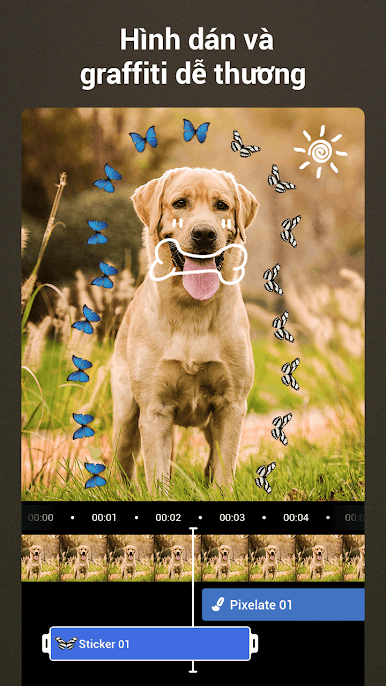
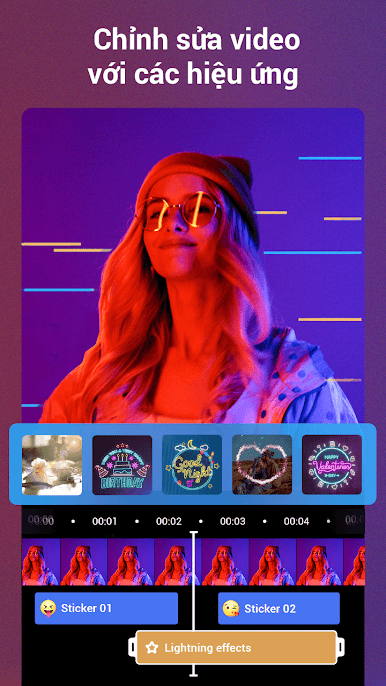
-Chỉnh sửa video của bạn với các hiệu ứng, tạo video hoành tráng như một đạo diễn phim.
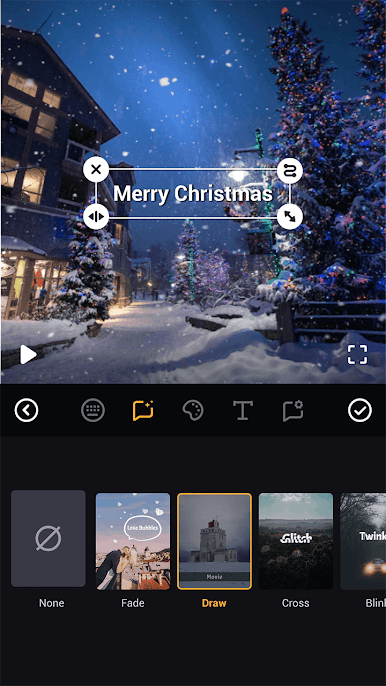
-Viết bất cứ thứ gì bạn muốn trong video, chọn phông chữ bạn thích.
- Khẩu phần khác nhau: Bạn có thể chọn khẩu phần khác nhau để tạo video gốc.
-Chỉnh sửa video với phụ đề hoạt hình, thêm nhạc hợp thời trang. Có nhiều màu sắc khác nhau trong trung tâm vật liệu cho bạn sử dụng.
Tạo video độc đáo:
Với thao tác dễ dàng, bạn có thể biến ảnh hoặc video clip của mình thành video bắt mắt chỉ với vài bước.
Xuất khẩu:
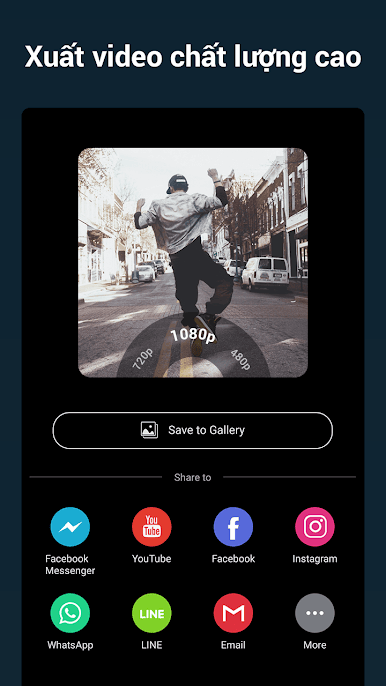
Xuất video và trình chiếu với nhiều độ phân giải. Hỗ trợ hầu hết các định dạng video, như MP4, MOV, AVI, FLV, 3GP, v.v. Bạn có thể lưu video hoặc trình chiếu vào bản nháp của mình bất cứ lúc nào.
Chia sẻ video trên nền tảng xã hội:
Camli Video Editor & Beauty Camera là công cụ chỉnh sửa chuyên nghiệp để bạn tạo video đặc biệt. Chia sẻ video bắt mắt hoặc trình chiếu đặc biệt của bạn trên mạng xã hội.


Chơi Trình chỉnh sửa video, máy ảnh trên PC. Rất dễ để bắt đầu
-
Tải và cài đặt BlueStacks trên máy của bạn
-
Hoàn tất đăng nhập vào Google để đến PlayStore, hoặc thực hiện sau
-
Tìm Trình chỉnh sửa video, máy ảnh trên thanh tìm kiếm ở góc phải màn hình
-
Nhấn vào để cài đặt Trình chỉnh sửa video, máy ảnh trong danh sách kết quả tìm kiếm
-
Hoàn tất đăng nhập Google (nếu bạn chưa làm bước 2) để cài đặt Trình chỉnh sửa video, máy ảnh
-
Nhấn vào icon Trình chỉnh sửa video, máy ảnh tại màn hình chính để bắt đầu chơi

