

Nautical Calculator
Chơi trên PC với BlueStacks - Nền tảng chơi game Android, được hơn 500 triệu game thủ tin tưởng.

Trang đã được sửa đổi vào: Aug 29, 2025
Run Nautical Calculator on PC or Mac
Let BlueStacks turn your PC, Mac, or laptop into the perfect home for Nautical Calculator, a fun Tools app from Gabriele Giacomo.
About the App
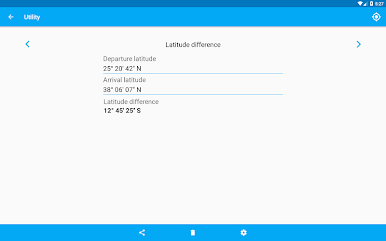
Nautical Calculator is a practical, no-frills companion for anyone who plots courses, studies navigation, or just loves maritime math. Built by Gabriele Giacomo, this Tools app focuses on doing the essentials right: fast calculations, clear outputs, and handy visual aids. Prefer a bigger screen while planning? It also runs smoothly on BlueStacks.
App Features
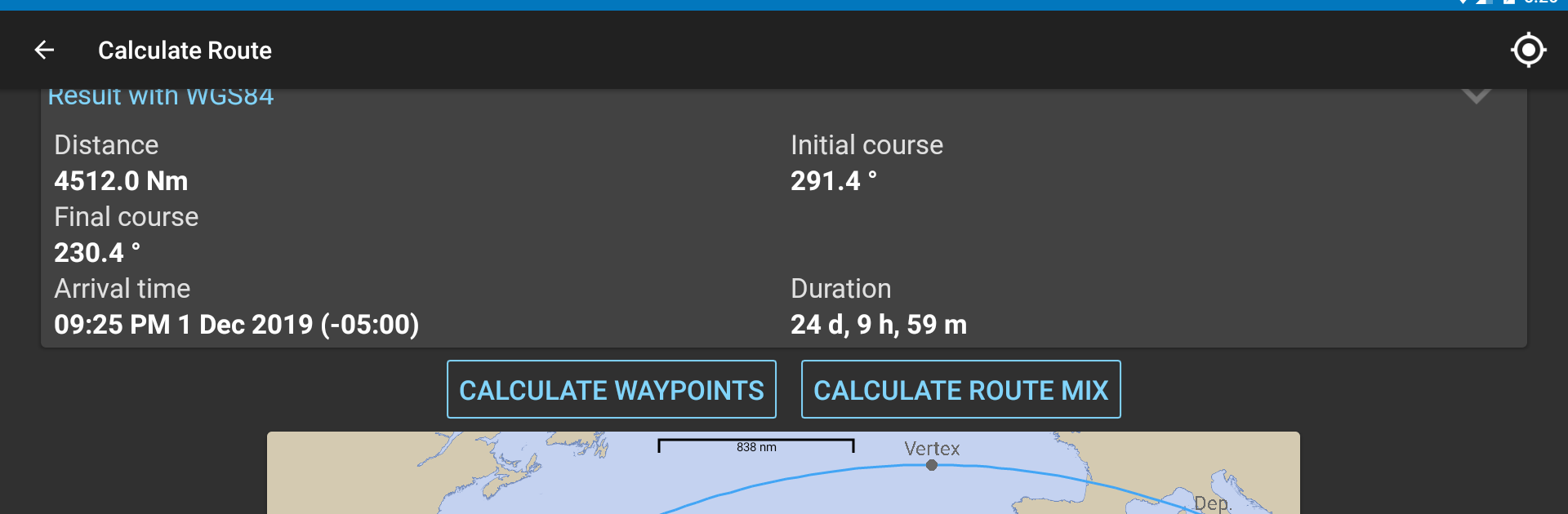
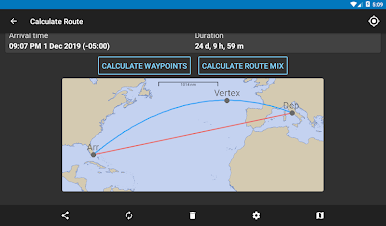
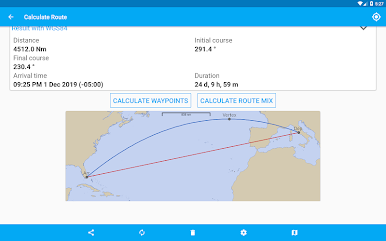
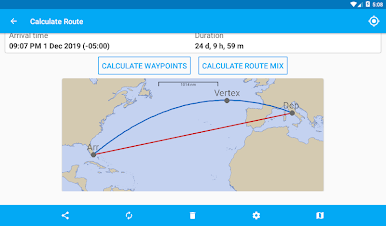
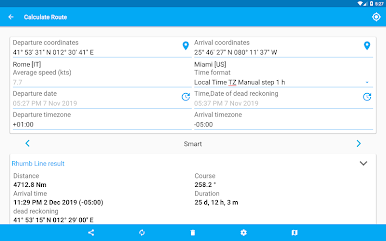
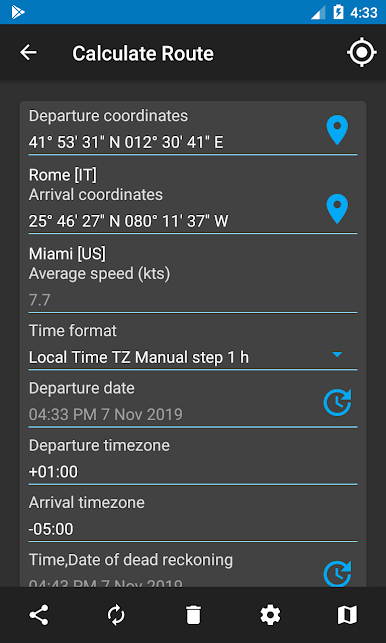
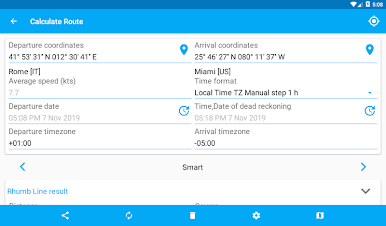
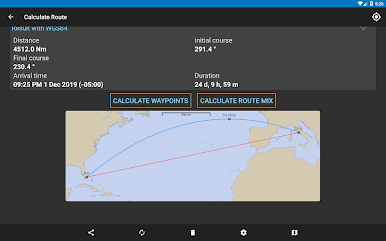
- Great-circle & rhumb-line solver: Enter two positions to get courses, distances, meridional parts, and the great-circle vertex, plus quick visual plots to see it all at a glance.
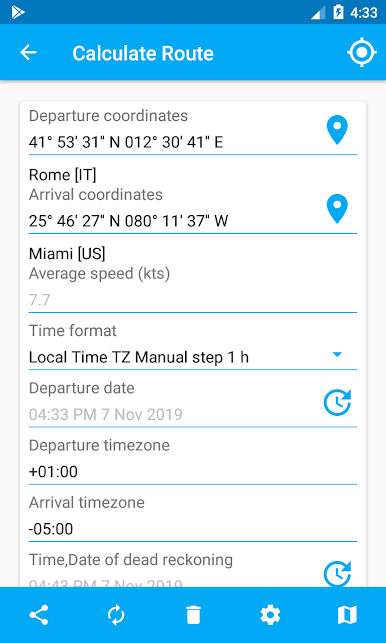
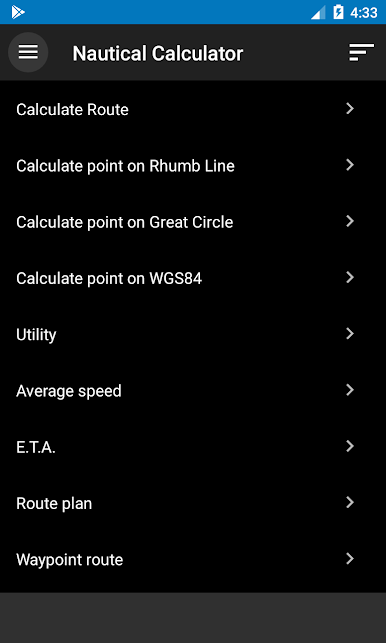
- Advance a position (DR): Start from a known fix and project where you’ll end up after running specific courses and distances. Average speed and ETA checks are right there when you need them.
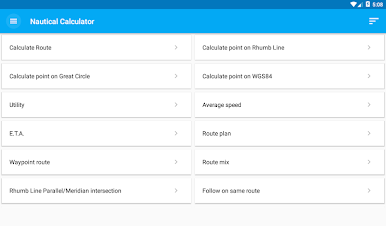
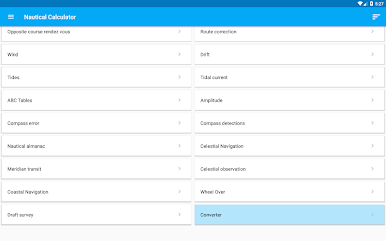
- Route planning, your way: Build waypoint routes manually, stay on the same rhumb line, mix routes with parallel limits, correct legs, find parallel/meridian intersections, and even plan an opposite‑course rendezvous.
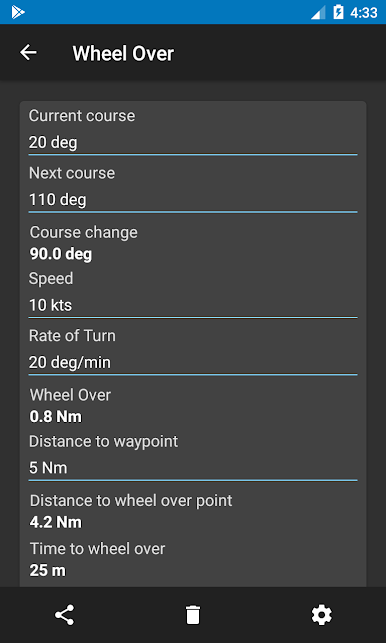
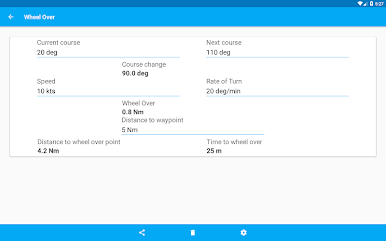
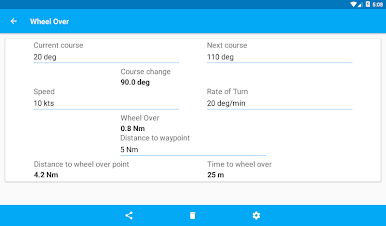
- Wheel-over calculations: Compute the wheel-over point and turning details to cleanly roll into the next leg.
- Compass checks: Assess compass error/deviation and related compass detections to keep headings honest.
- Tides, currents, and drift: Work through tidal height/current problems and solve set-and-drift with straightforward steps.
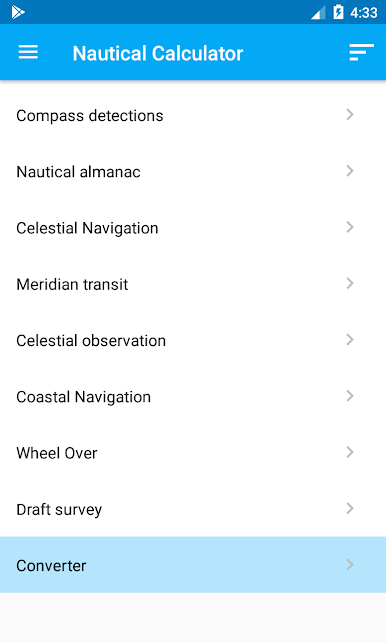
- Sun, stars, and almanac: Use ABC tables, azimuths, right ascension tools, and a built-in nautical almanac. Handle celestial sights, meridian transits, position lines, and amplitude at sunrise/sunset.
- Coastal navigation helpers: Practical tools that support bearings, fixes, and course adjustments near shore.
- Wind with Beaufort: Estimate wind strength and categorize conditions using the Beaufort scale.
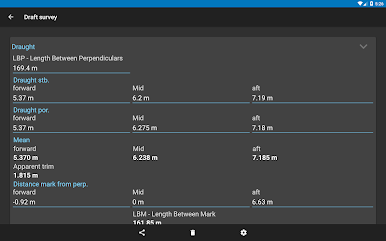
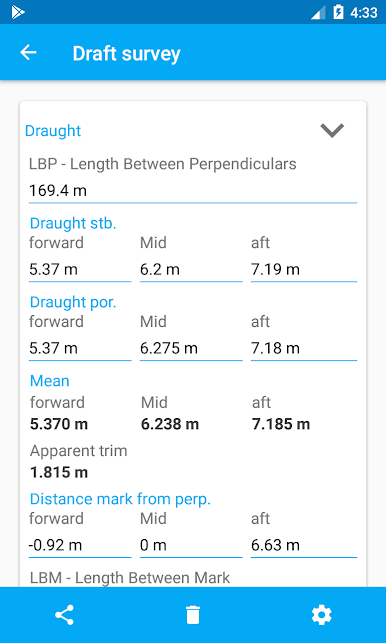
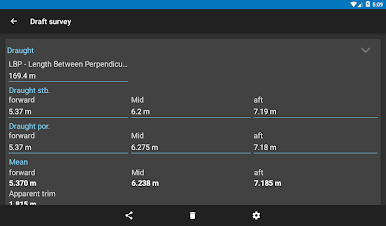
- Draft survey: Run draft survey calculations quickly during loading or unloading.
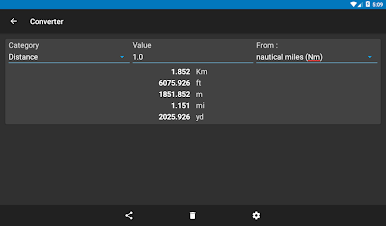
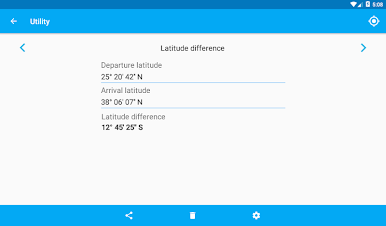
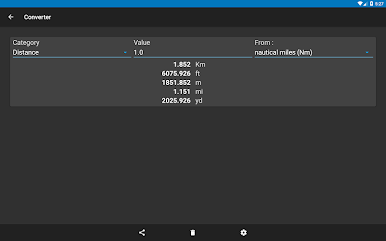
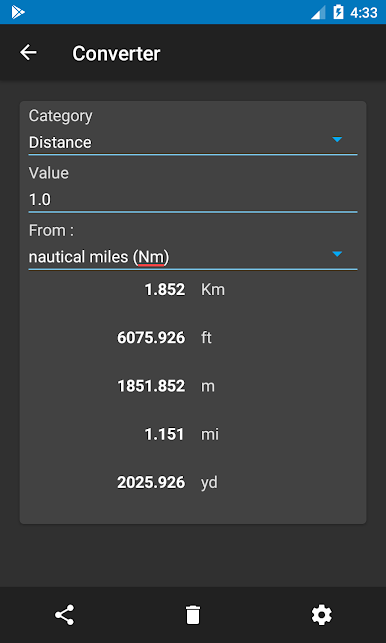
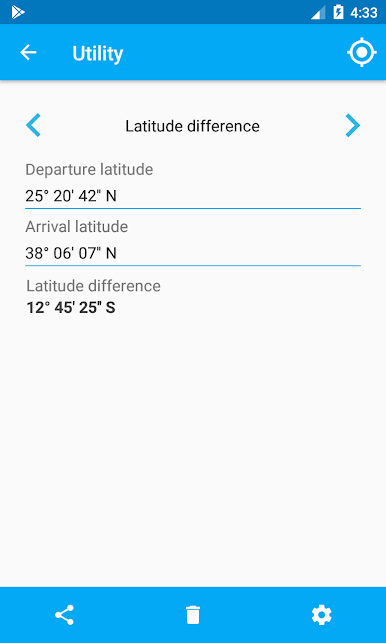
- Converters & utilities: Handy unit converters and other small tools that save time on deck or at the desk.
- World map view (not a chart): See your routes on a simple world map for context. It downloads once for offline use and appears at wider scales (about 60–70 NM and beyond). It’s not a nautical chart and isn’t for real-world navigation.
- Free to use: All the core features are available without cost, making it easy to keep Nautical Calculator in your kit.
BlueStacks brings your apps to life on a bigger screen—seamless and straightforward.

Chơi Nautical Calculator trên PC. Rất dễ để bắt đầu
-
Tải và cài đặt BlueStacks trên máy của bạn
-
Hoàn tất đăng nhập vào Google để đến PlayStore, hoặc thực hiện sau
-
Tìm Nautical Calculator trên thanh tìm kiếm ở góc phải màn hình
-
Nhấn vào để cài đặt Nautical Calculator trong danh sách kết quả tìm kiếm
-
Hoàn tất đăng nhập Google (nếu bạn chưa làm bước 2) để cài đặt Nautical Calculator
-
Nhấn vào icon Nautical Calculator tại màn hình chính để bắt đầu chơi

