


Black Library Audio
Chơi trên PC với BlueStacks - Nền tảng chơi game Android, được hơn 500 triệu game thủ tin tưởng.

Trang đã được sửa đổi vào: Nov 16, 2023
Run Black Library Audio on PC or Mac
Why limit yourself to your small screen on the phone? Run Black Library Audio, an app by Games Workshop, best experienced on your PC or Mac with BlueStacks, the world’s #1 Android emulator.
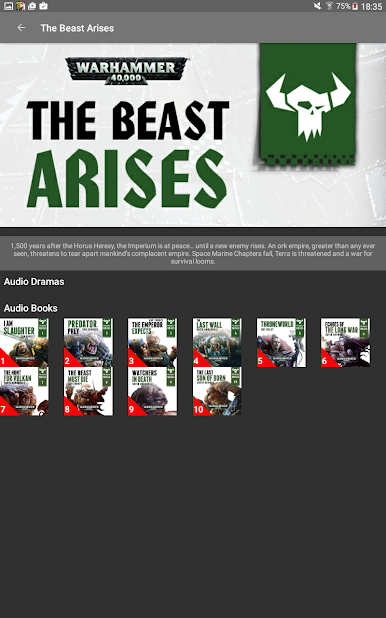
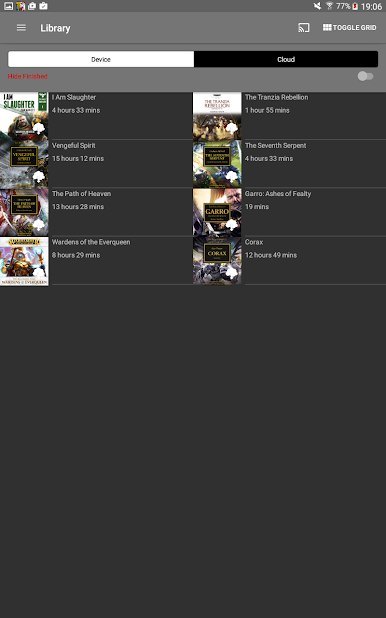
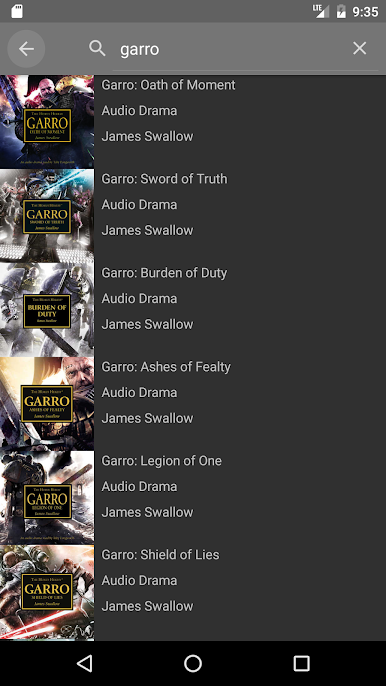
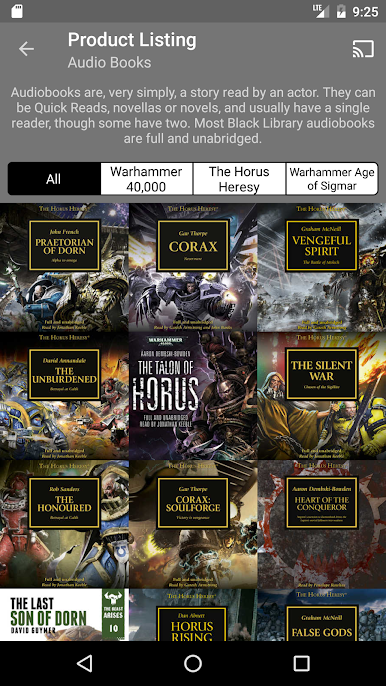
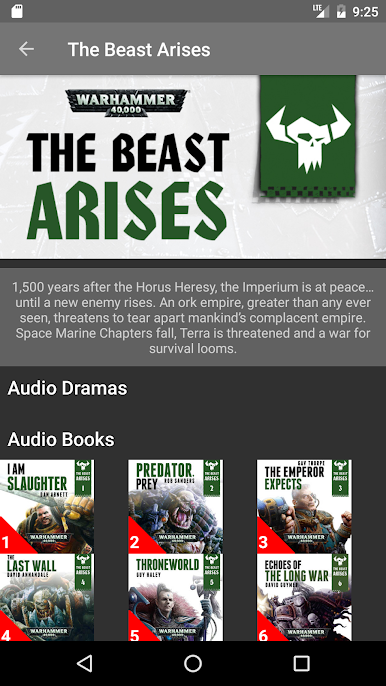
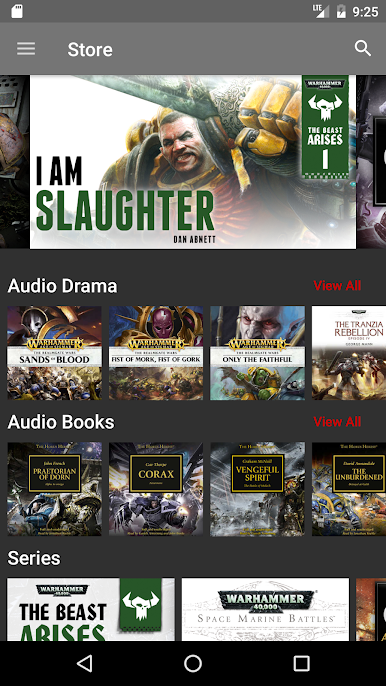
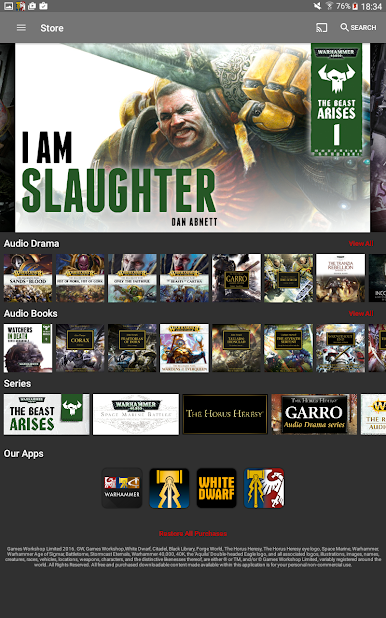
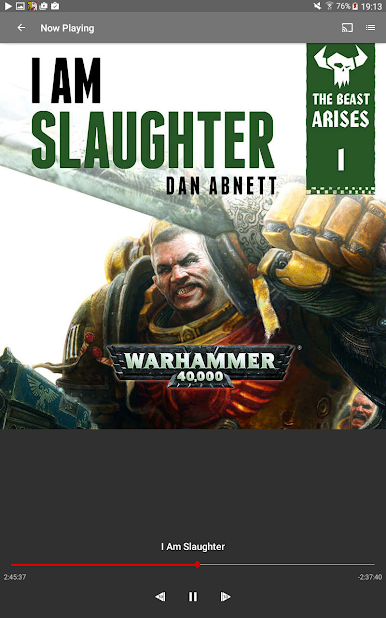
Black Library Audio feels like a tidy hub for Warhammer stories, part store and part player, without a lot of fuss. There is a clean list of more than 175 titles from The Horus Heresy, Warhammer 40,000, and Age of Sigmar. Pick something, buy it in the app, download it, and it pops into the Library where it is easy to find later.
There are two kinds of listening. Audiobooks are straight readings, usually full and unabridged, so the whole novel or novella is there word for word. Audio dramas feel like a mini show, with actors, gunfire and battle cries, plus music, and a narrator tying scenes together so the story stays clear. Those range from very short pieces around 10 minutes to longer ones close to two hours, which is handy for short breaks or a full evening.
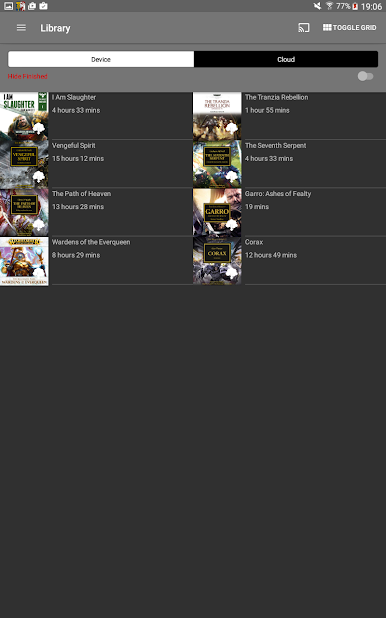
The built in player keeps things simple in a good way. Play, pause, skip, and it remembers what was downloaded. No file wrangling. On a PC with BlueStacks, scrolling the library with a mouse is comfortable and desktop speakers make the big moments hit harder. It is focused squarely on Warhammer audio and uses in app purchases, and purchases stick to the same platform account so the library follows across devices. The whole setup is straightforward and lets the stories do the heavy lifting.
Big screen. Bigger performance. Use BlueStacks on your PC or Mac to run your favorite apps.
Chơi Black Library Audio trên PC. Rất dễ để bắt đầu
-
Tải và cài đặt BlueStacks trên máy của bạn
-
Hoàn tất đăng nhập vào Google để đến PlayStore, hoặc thực hiện sau
-
Tìm Black Library Audio trên thanh tìm kiếm ở góc phải màn hình
-
Nhấn vào để cài đặt Black Library Audio trong danh sách kết quả tìm kiếm
-
Hoàn tất đăng nhập Google (nếu bạn chưa làm bước 2) để cài đặt Black Library Audio
-
Nhấn vào icon Black Library Audio tại màn hình chính để bắt đầu chơi

