


One Key: password manager
Graj na PC z BlueStacks – Platforma gamingowa Android, która uzyskała zaufanie ponad 500 milionów graczy!

Strona zmodyfikowana w dniu: Jan 16, 2026
Graj One Key: password manager na PC
Główne funkcje:
■ Uzyskaj dostęp do wszystkich zaszyfrowanych danych za pomocą jednego HASŁA GŁÓWNEGO
▪ Nie jest wymagany żaden dostęp do Internetu
■ Najsilniejsze szyfrowanie przy użyciu 256-bitowego algorytmu AES
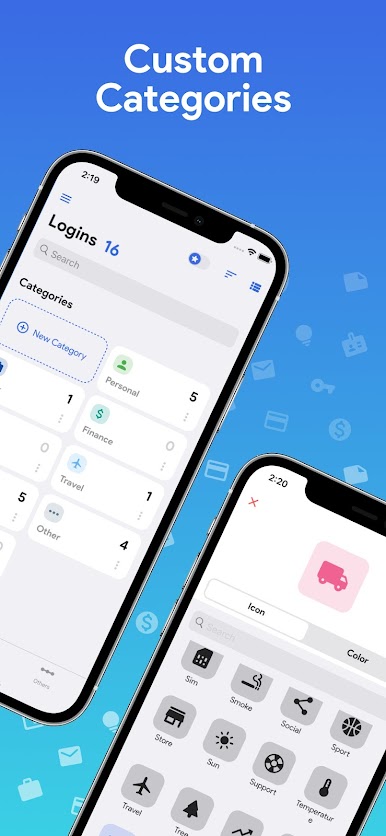
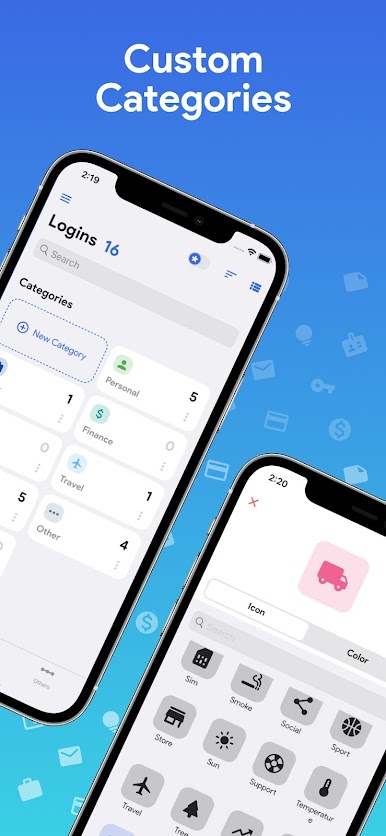
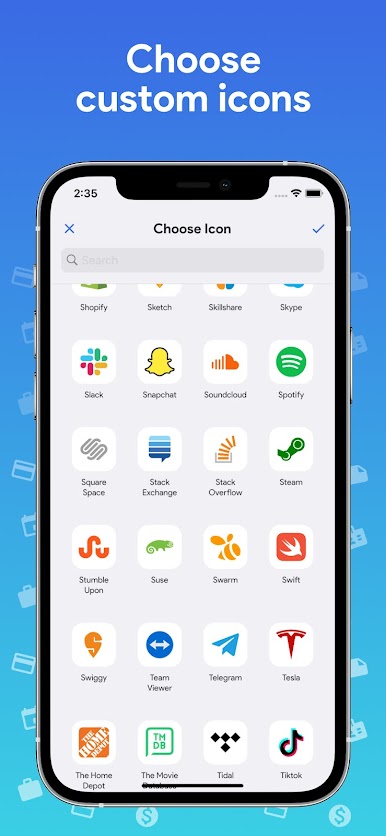
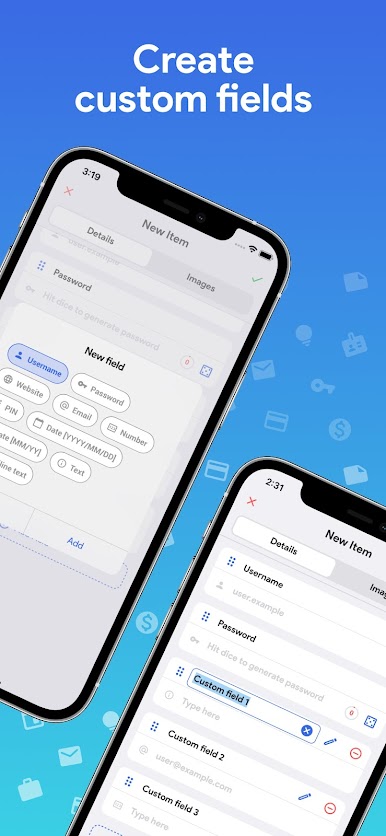
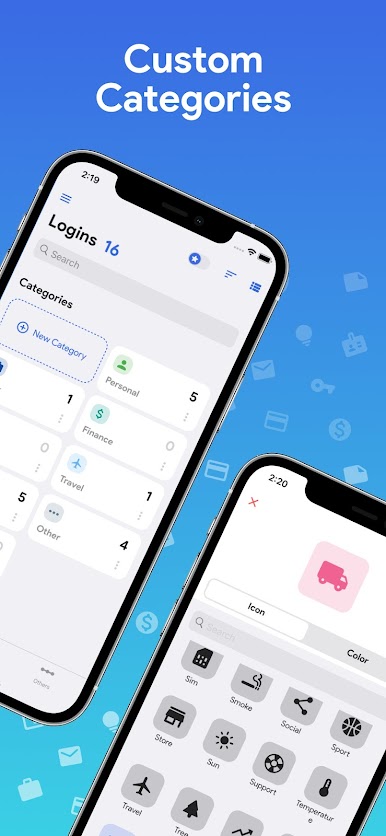
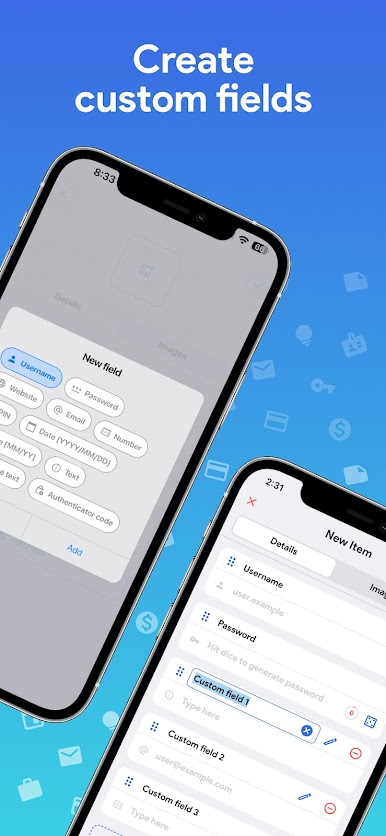
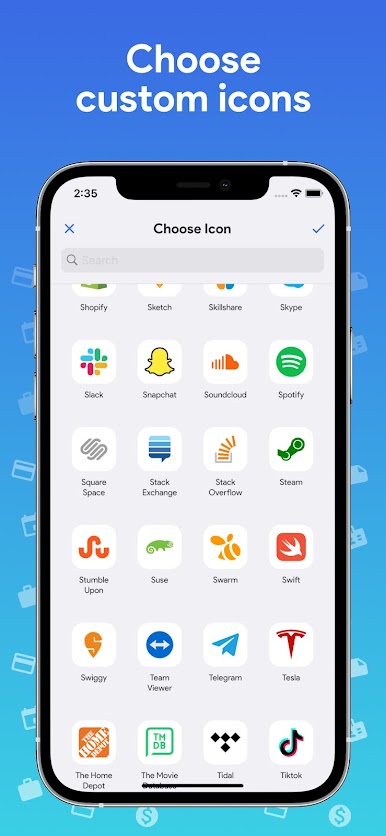
■ Niestandardowe kategorie i niestandardowe pola
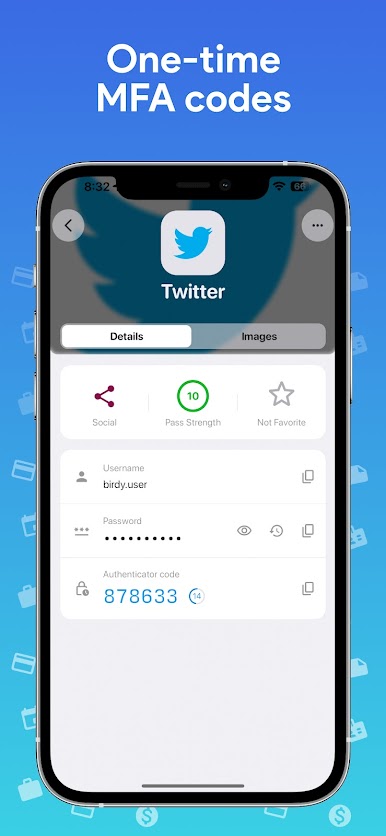
■ Generuj kody OTP/MFA
■ Całkowicie BEZ REKLAM
■ Automatyczne uzupełnianie wszystkich haseł
■ Funkcja eksportu/importu CSV
■ Możliwość tworzenia kopii zapasowych/przywracania
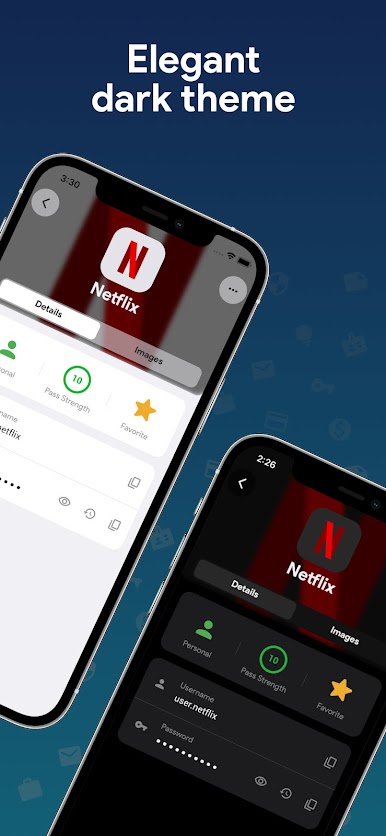
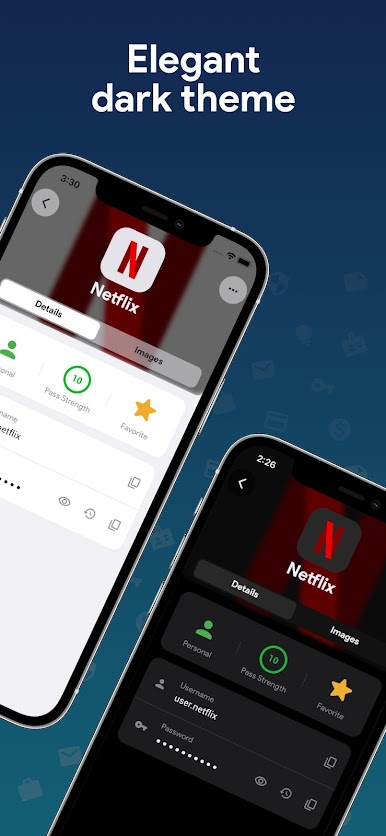
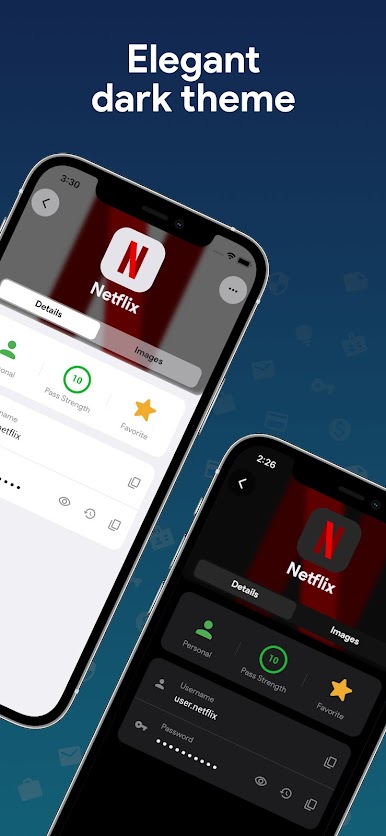
■ Ciemny motyw
Wszystkie funkcje:
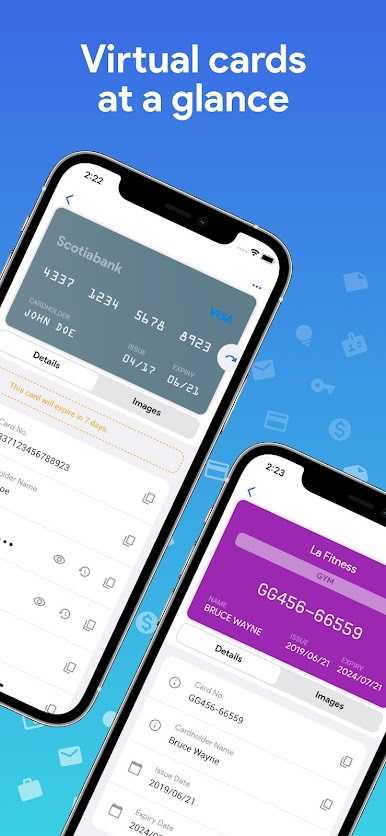
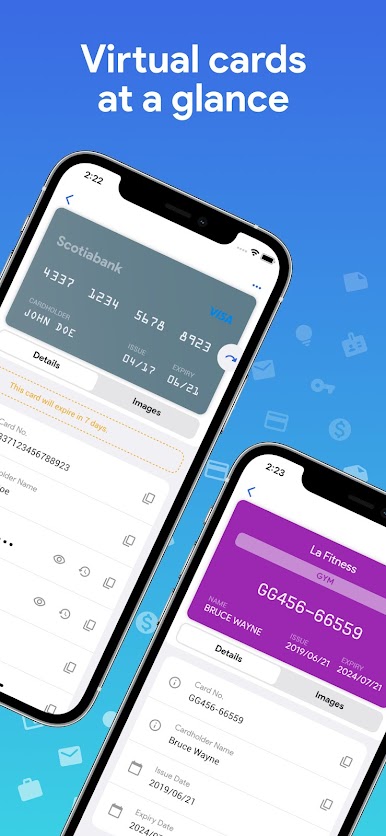
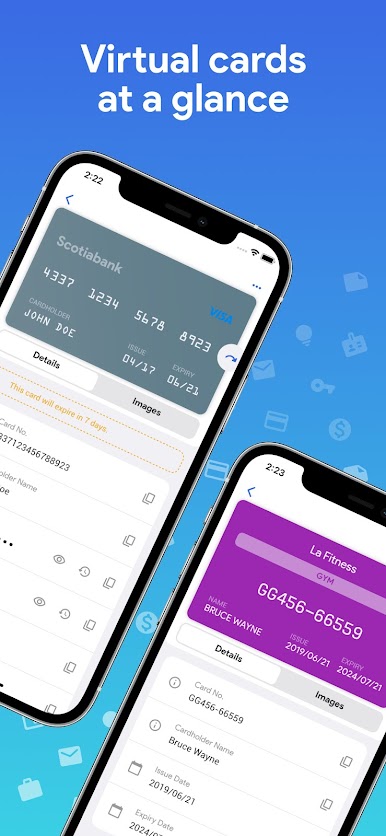
▪ Generowanie kart wirtualnych na podstawie informacji
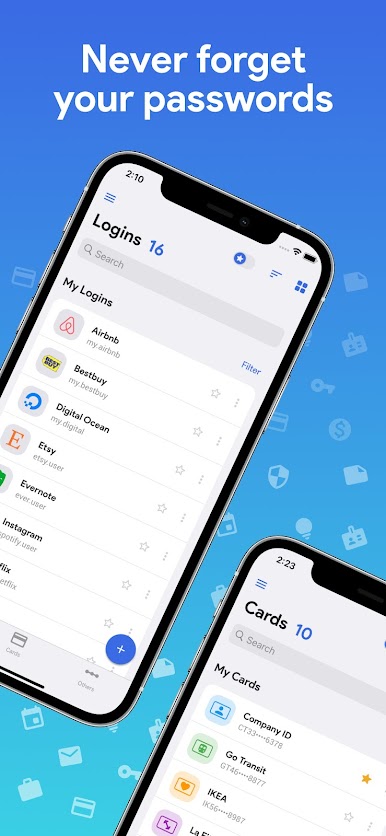
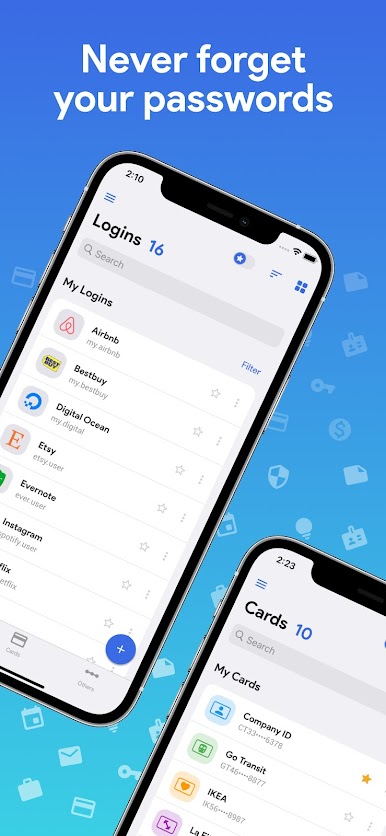
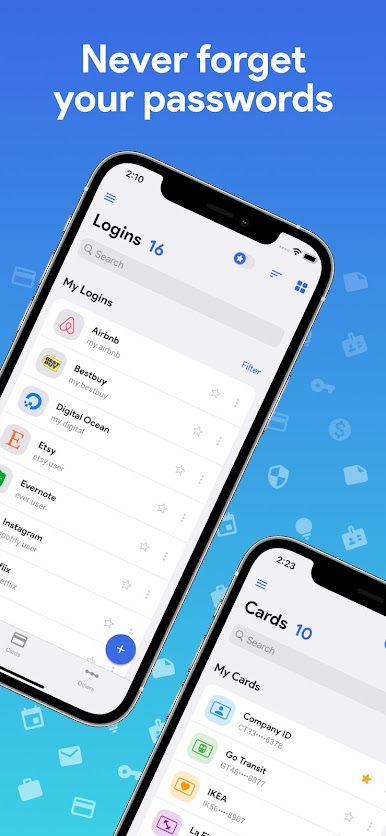
■ Przechowuj dane karty kredytowej, dane logowania do witryny internetowej, dane logowania do bankowości elektronicznej i inne szczegóły
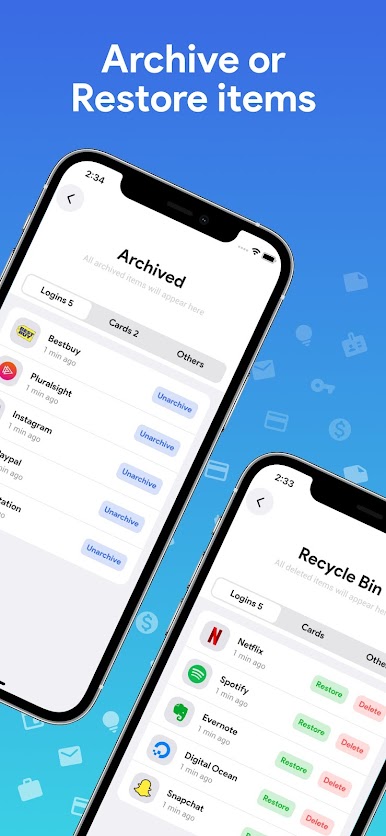
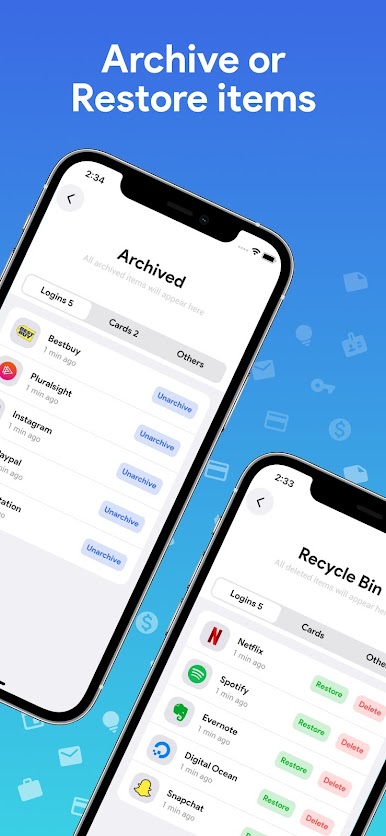
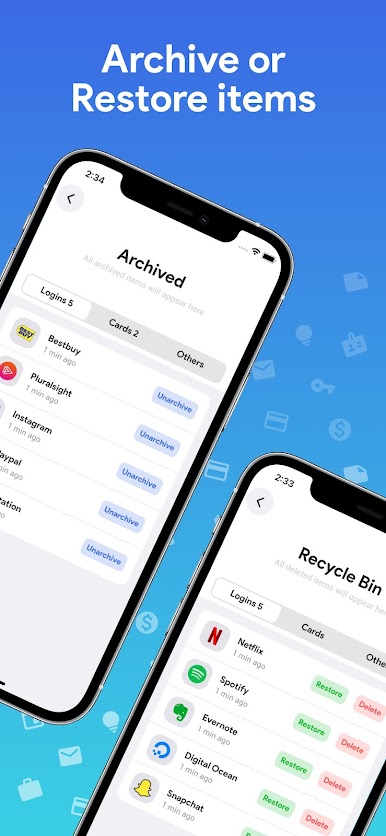
■ Kosz, aby przywrócić lub trwale usunąć wszystkie usunięte hasła
■ Niestandardowe kategorie i niestandardowe pola
■ Możliwość tworzenia kopii zapasowych i przywracania
■ Blokuj zrzuty ekranu
■ Różne kolorowe typy kart dla wygody
■ Piękne animacje i ciemny motyw
■ Hasła są przechowywane przy użyciu silnego szyfrowania AES-256
■ Łatwe wyszukiwanie i sortowanie
s Wskaźnik siły hasła, który pomoże Ci wybrać silne hasło
■ AUTO-BLOKADA na ekranie wyłącza się
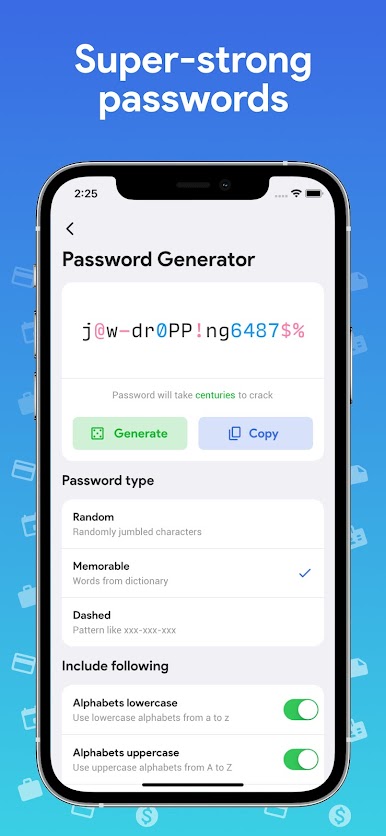
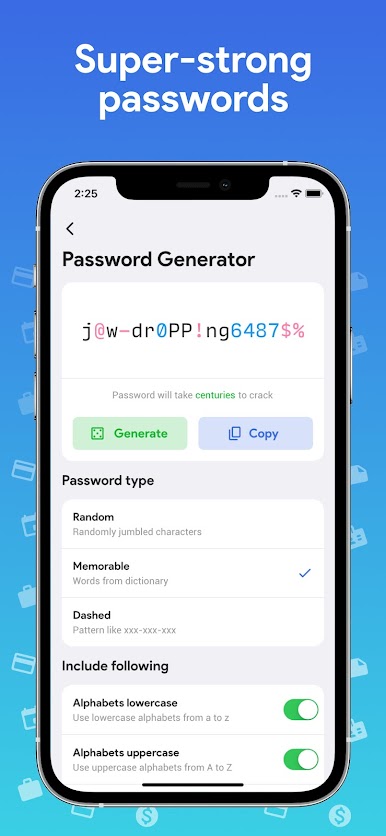
■ Funkcja generatora haseł umożliwia tworzenie silnych haseł
■ Bez reklam
Wyjaśnienie uprawnień:
■ Uruchom przy uruchomieniu — aby włączyć automatyczną kopię zapasową po ponownym uruchomieniu urządzenia
■ Pamięć — bezpieczne przechowywanie wszystkich haseł na urządzeniu
■ Sprawdzanie licencji Google Play – w przypadku zakupów w aplikacji

Zagraj w One Key: password manager na PC. To takie proste.
-
Pobierz i zainstaluj BlueStacks na PC
-
Zakończ pomyślnie ustawienie Google, aby otrzymać dostęp do sklepu Play, albo zrób to później.
-
Wyszukaj One Key: password manager w pasku wyszukiwania w prawym górnym rogu.
-
Kliknij, aby zainstalować One Key: password manager z wyników wyszukiwania
-
Ukończ pomyślnie rejestrację Google (jeśli krok 2 został pominięty) aby zainstalować One Key: password manager
-
Klinij w ikonę One Key: password manager na ekranie startowym, aby zacząć grę

