


Solitaire
Chơi trên PC với BlueStacks - Nền tảng chơi game Android, được hơn 500 triệu game thủ tin tưởng.

Trang đã được sửa đổi vào: Dec 3, 2025
Play Solitaire on PC
HIGHLIGHTS
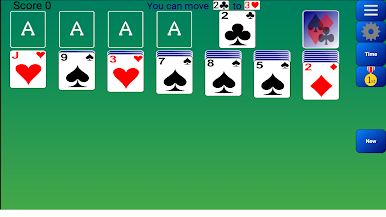
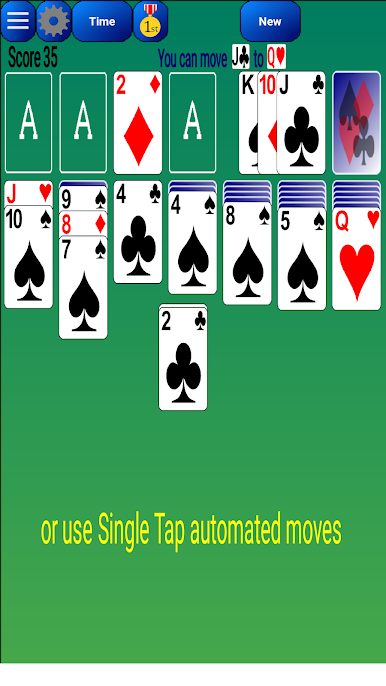
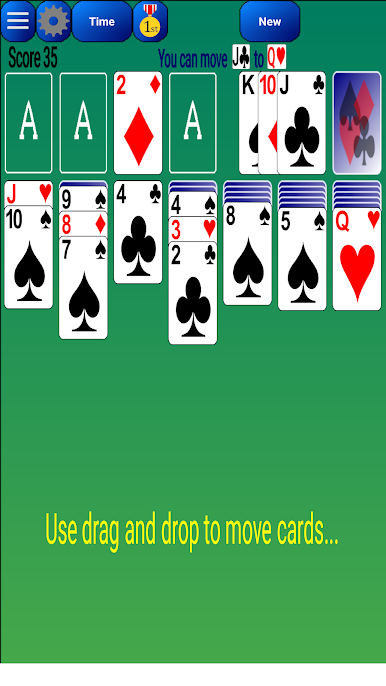
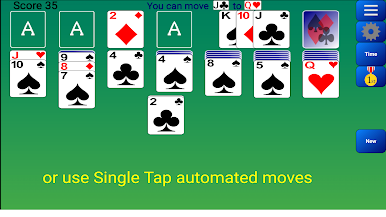
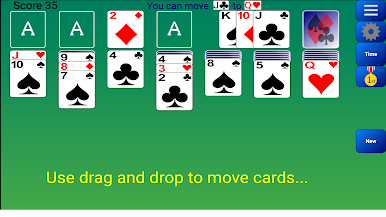
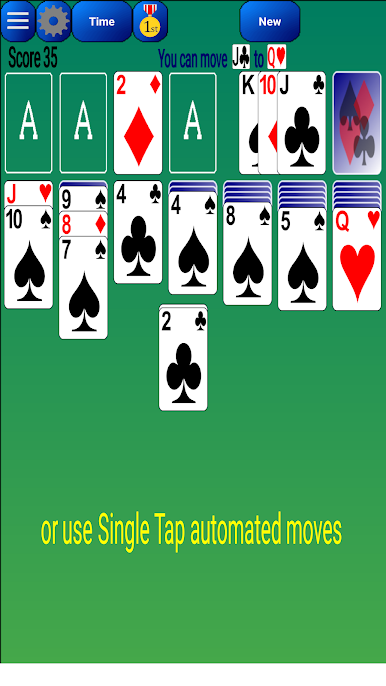
Our Solitaire has one of the best card movements on the market. You don't need to select a specific card in a pile unlike many other Solitaire games. You can move cards with a single tap.
FEATURES
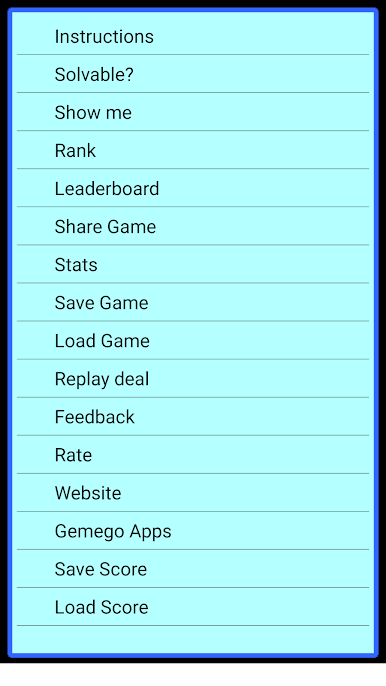
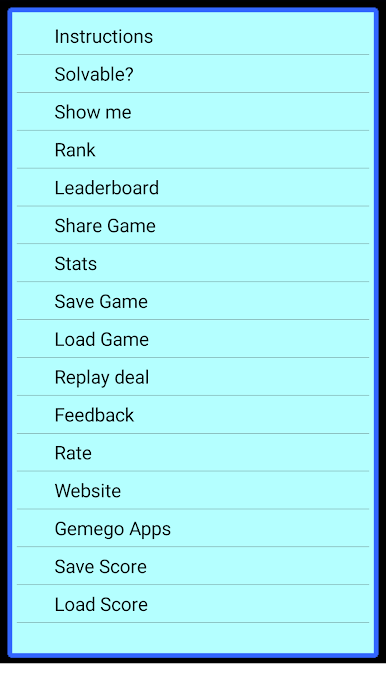
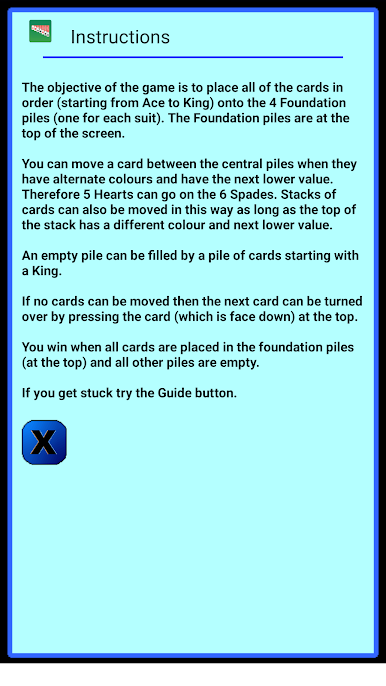
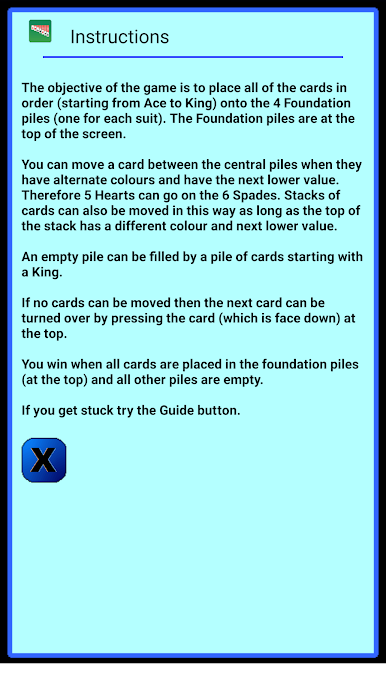
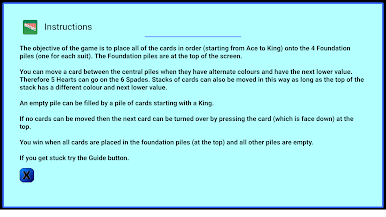
★ Instructions
★ Winning deals
★ Draw 1 Card or 3 Cards (Vegas scoring also available)
★ Undo moves
★ Show Me – Shows you how to solve the current game
★ Online rank & leaderboard in world, country, state and city
★ Guide - suggests a move (Hints)
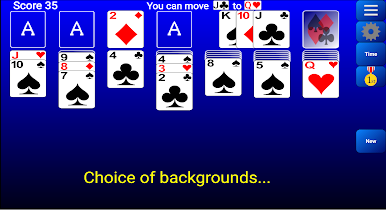
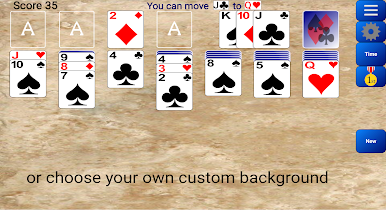
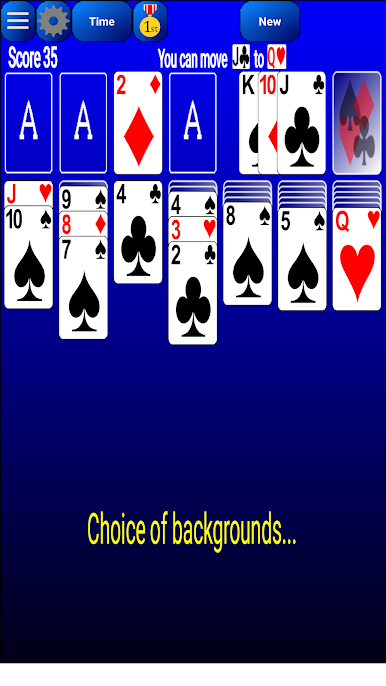
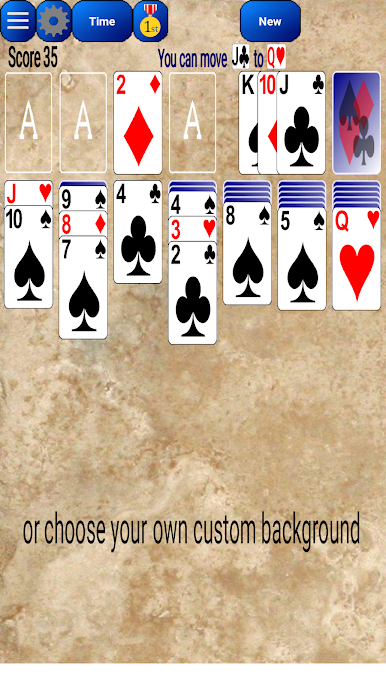
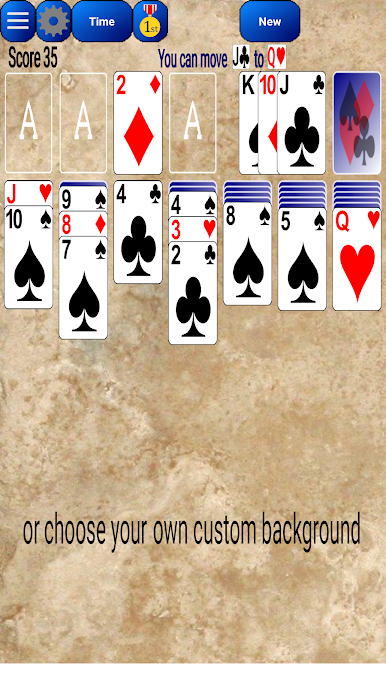
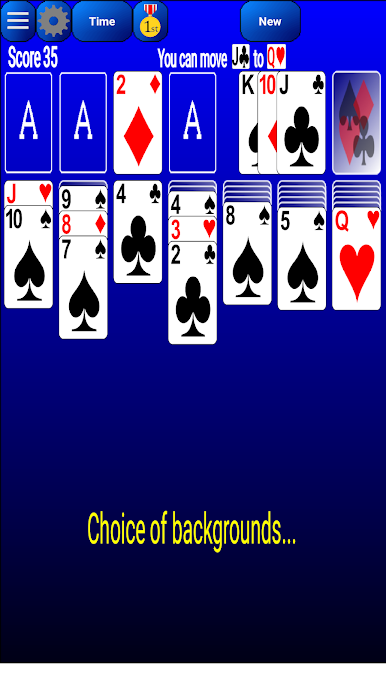
★ Choice of Backgrounds (including custom)
★ Auto-Save game in play
★ Check if Solvable
★ Auto-collect cards on completion
★ Stats - games played, win percentage etc
★ Share – Let friends play the same deal
★ Settings – many options
★ Several styles of card
★ Portrait and Landscape support
★ Designed for Tablets and Phones
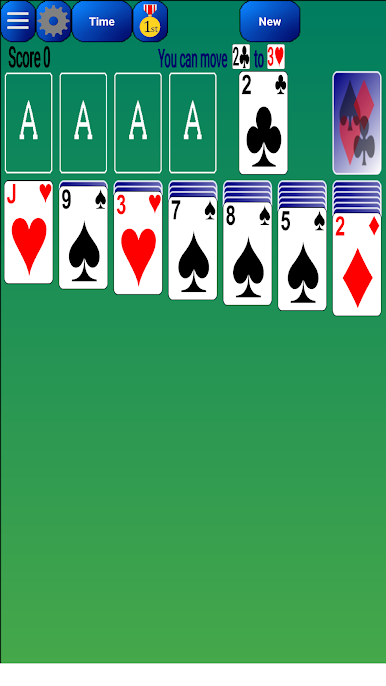
Classic Solitaire is also known as Klondike or Patience and is similar to Windows Solitaire.
We hope you enjoy our game but if you don't please don't hesitate to contact us. We love to hear your feedback.
This game is ad supported.
Download now. It's completely FREE. By downloading you accept the terms of use at www.gemego.com/eula.html
Contact us at contact@gemego.com




Chơi Solitaire trên PC. Rất dễ để bắt đầu
-
Tải và cài đặt BlueStacks trên máy của bạn
-
Hoàn tất đăng nhập vào Google để đến PlayStore, hoặc thực hiện sau
-
Tìm Solitaire trên thanh tìm kiếm ở góc phải màn hình
-
Nhấn vào để cài đặt Solitaire trong danh sách kết quả tìm kiếm
-
Hoàn tất đăng nhập Google (nếu bạn chưa làm bước 2) để cài đặt Solitaire
-
Nhấn vào icon Solitaire tại màn hình chính để bắt đầu chơi

