


YEGO Mobility
Chơi trên PC với BlueStacks - Nền tảng chơi game Android, được hơn 500 triệu game thủ tin tưởng.

Trang đã được sửa đổi vào: Nov 28, 2025
Play YEGO Mobility on PC
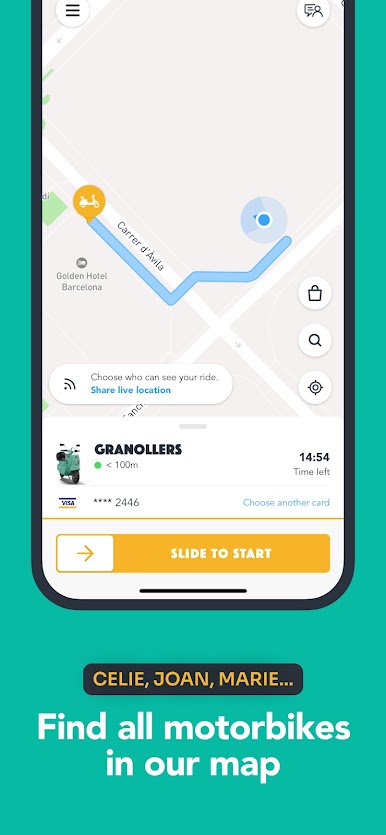
Download YEGO and start riding the most stylish electric motorbikes in France and Spain. Our vintage look stands out on the streets. It's impossible not to spot a YEGO!
Move with ease and style around the city:
- YEGO is for everyone: locals and tourists.
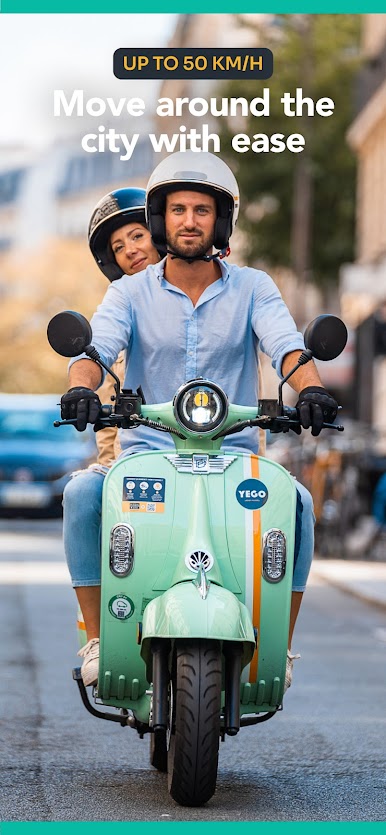
- YEGO is sharing. You will find two helmets to ride with whomever you choose.
- YEGO is always with you. Enjoy your ride to the office, gym or your favourite café.
- YEGO is the best of both worlds. Ride freely as you would with your own motorbike, but with fewer worries — simply enjoy the ride while respecting the city's traffic rules.
- YEGO is green. Our motorbikes are electric, and we take care of recharging them.
- YEGO is convenient. Move around the city up to 50 km/h.
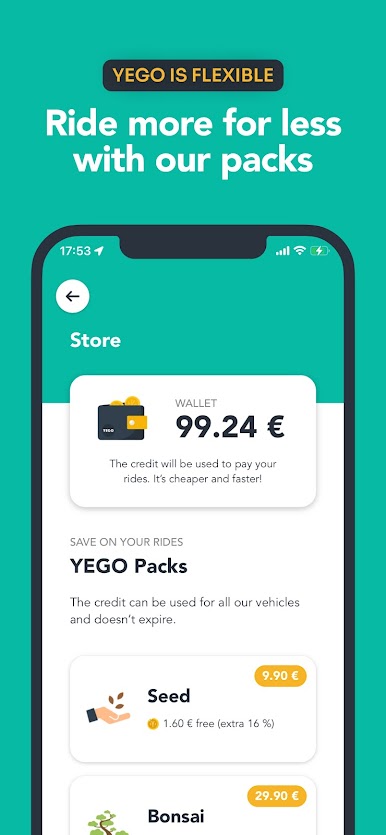
- YEGO is easy. Pay as you go. It will only cost you the time of your ride. The insurance is included.
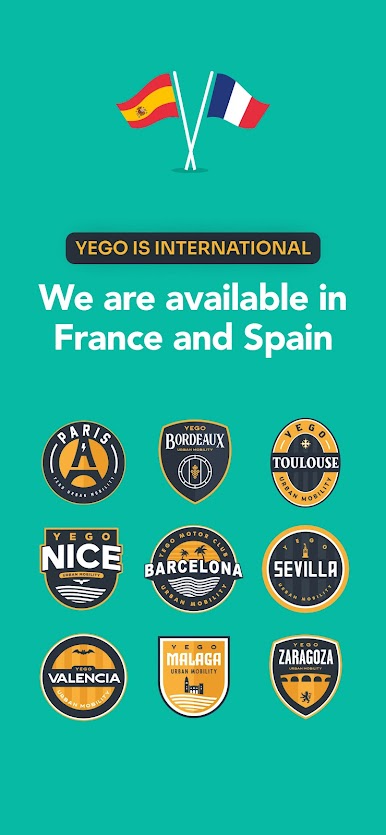
- YEGO is available in several cities. Ride in Barcelona, Valencia, Seville, Malaga, Zaragoza, Paris, Bordeaux, Toulouse, and Nice.
How does it work?
Download the app and create an account in a few minutes.
You'll need your driving licence, ID, and payment method. Once we validate the account, you're ready to go!
Book your YEGO
Book through the app. You have 15 free minutes to get to the motorbike.
Move freely in the city
Unlock the motorbike through the app and open the top case: you'll find 2 helmets to travel with whom you prefer. Enjoy the ride!
Park and finish your ride
Park following the rules in any authorised place for motorbikes within YEGO's operative area. Put the helmets back and finish your ride on the app
Ride green, ride with style, ride YEGO

Chơi YEGO Mobility trên PC. Rất dễ để bắt đầu
-
Tải và cài đặt BlueStacks trên máy của bạn
-
Hoàn tất đăng nhập vào Google để đến PlayStore, hoặc thực hiện sau
-
Tìm YEGO Mobility trên thanh tìm kiếm ở góc phải màn hình
-
Nhấn vào để cài đặt YEGO Mobility trong danh sách kết quả tìm kiếm
-
Hoàn tất đăng nhập Google (nếu bạn chưa làm bước 2) để cài đặt YEGO Mobility
-
Nhấn vào icon YEGO Mobility tại màn hình chính để bắt đầu chơi

