księżniczką babyshower

księżniczką babyshower

Edukacyjna | Ginchu Games

Graj na PC z BlueStacks – Platforma gamingowa Android, która uzyskała zaufanie ponad 500 milionów graczy!

Strona zmodyfikowana w dniu: Nov 24, 2025

Play Princess caring babyshower on PC or Mac

Join millions to experience Princess caring babyshower, an exciting Educational game from Ginchu Games. With BlueStacks App Player, you are always a step ahead of your opponent, ready to outplay them with faster gameplay and better control with the mouse and keyboard on your PC or Mac.

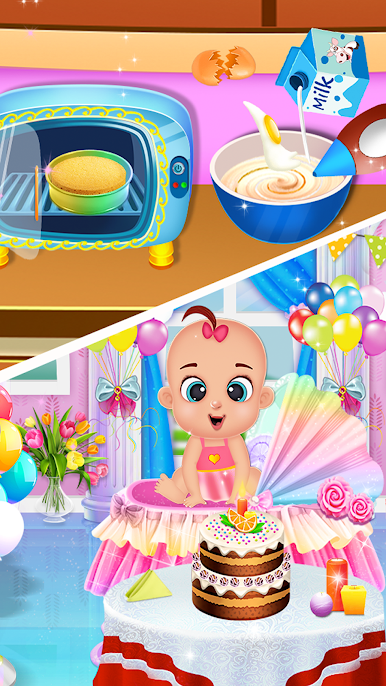
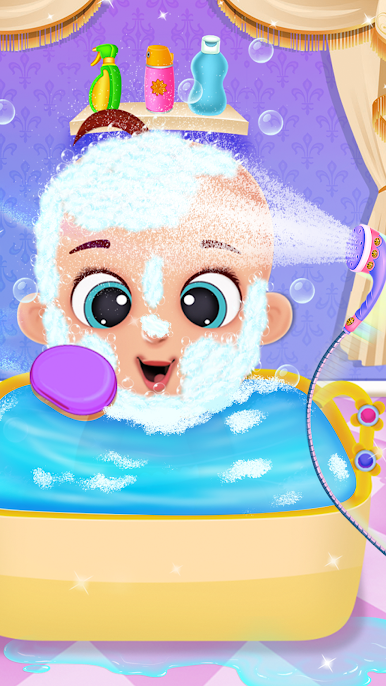
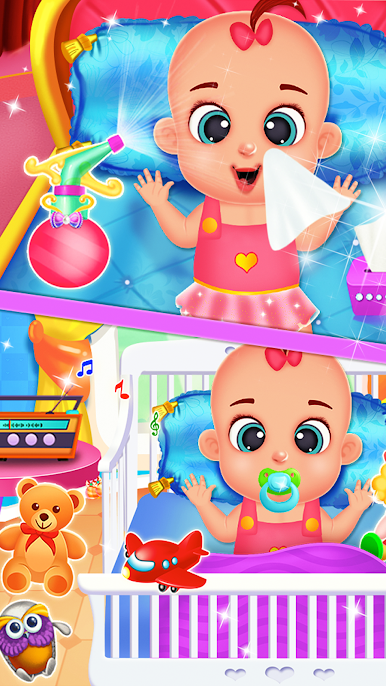
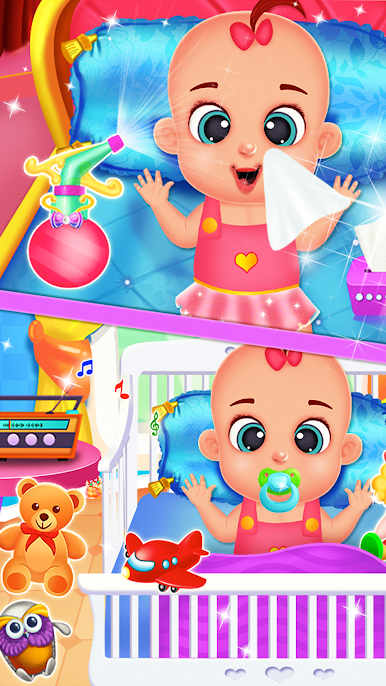
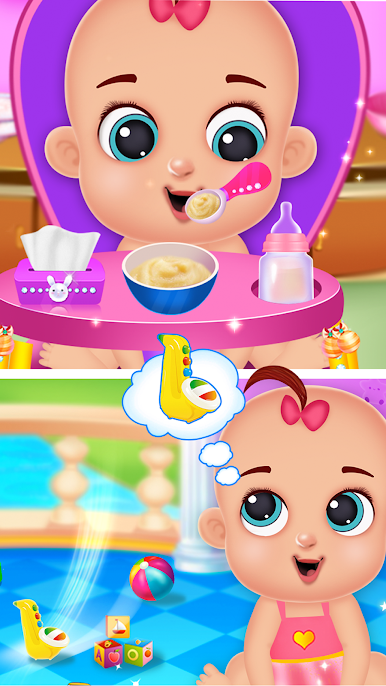
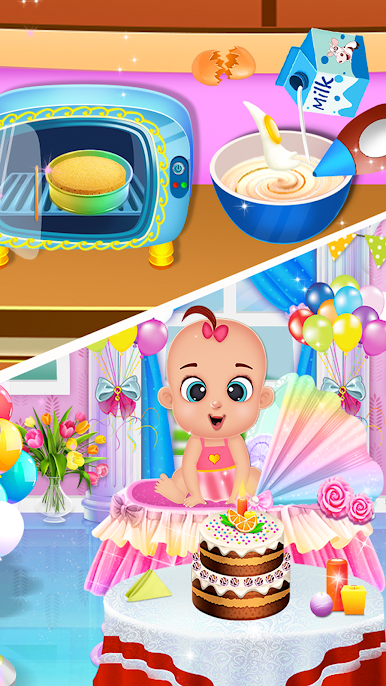
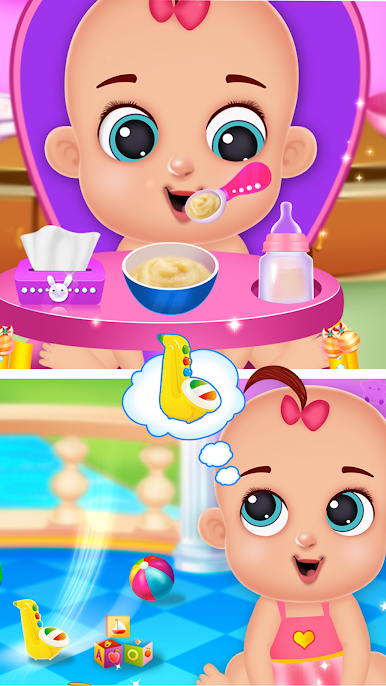
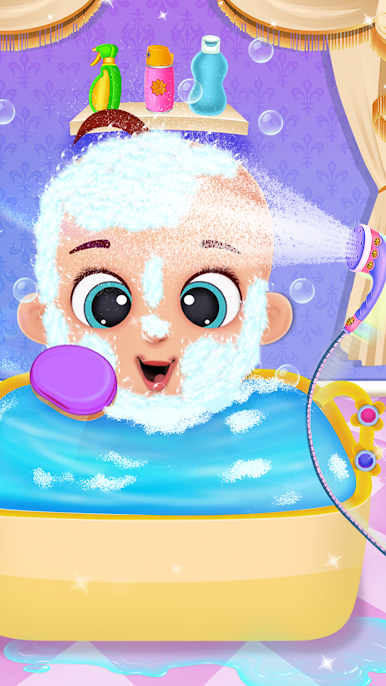
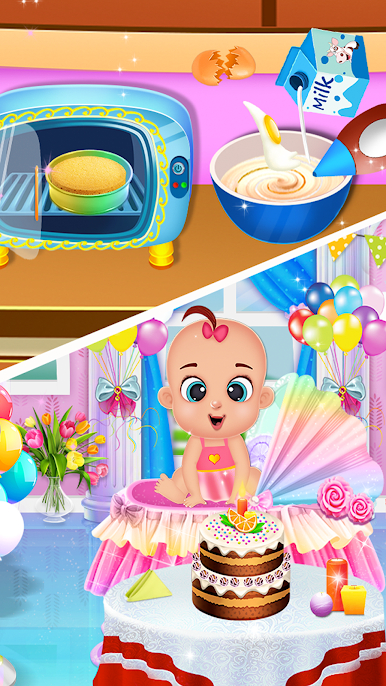
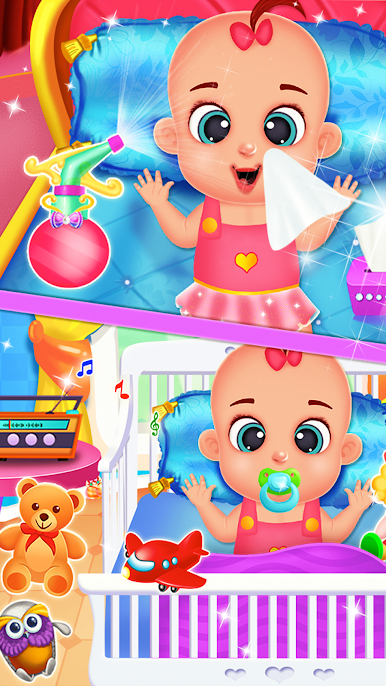
Princess caring babyshower is a gentle, step by step babysitting game where players set up a cute baby shower and look after a royal mom and her newborn. It starts slow and cozy. Wake the princess, give her a warm bath, do a light hair spa and a little body care, then get things ready for the party. After that it shifts into simple care tasks for the baby. There is a tiny doctor checkup where players use basic tools like a thermometer or stethoscope, then it is back to daily care with a bubbly bath and feeding time with soft baby food. Everything is laid out in small actions like tap to wash, drag to rinse, pick the right item, so it feels calm and tidy rather than stressful.

On PC with BlueStacks the mouse clicks make the grooming parts easier, especially the little swipes for washing and combing. The art is bright and cheery, animations are simple but readable, and the sound effects have that soft, toy-like feel that suits the theme. Nothing here is tricky, which is the point. It is more about relaxed pretend play, checking off tasks, watching the newborn react, and feeling like the room is getting cleaner and the baby is happier. Good for players who want a low pressure routine with cute visuals, not a challenge treadmill.

Get ready for a buttery smooth, high-performance gaming action only on BlueStacks.

Zagraj w księżniczką babyshower na PC. To takie proste.

  • Pobierz i zainstaluj BlueStacks na PC

  • Zakończ pomyślnie ustawienie Google, aby otrzymać dostęp do sklepu Play, albo zrób to później.

  • Wyszukaj księżniczką babyshower w pasku wyszukiwania w prawym górnym rogu.

  • Kliknij, aby zainstalować księżniczką babyshower z wyników wyszukiwania

  • Ukończ pomyślnie rejestrację Google (jeśli krok 2 został pominięty) aby zainstalować księżniczką babyshower

  • Klinij w ikonę księżniczką babyshower na ekranie startowym, aby zacząć grę

Obejrzyj Filmik