


Carry The Glass
Graj na PC z BlueStacks – Platforma gamingowa Android, która uzyskała zaufanie ponad 500 milionów graczy!

Strona zmodyfikowana w dniu: Aug 6, 2026
Graj Carry The Glass na PC
Features:
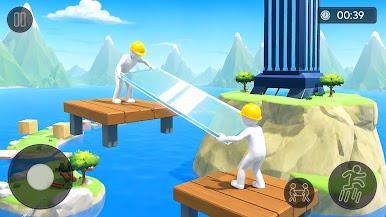
Two-Player Cooperative Game play – Work together to safely carry the fragile glass.
Smooth & Responsive Controls – Enjoy easy-to-learn and precise movement.
Physics-Based Challenge – Balance the glass carefully to avoid breaking it.
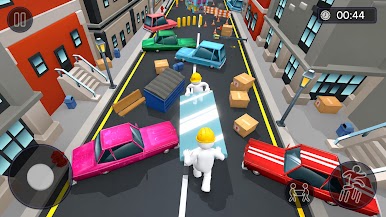
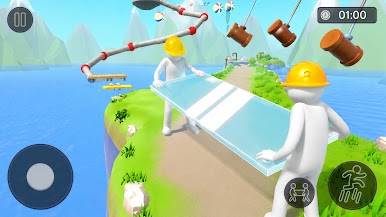
Obstacle-Filled Levels – Navigate through exciting and challenging paths.
Increasing Difficulty – Face tougher obstacles as you progress.
Teamwork & Coordination – Communicate and move in sync to succeed.
Simple to Learn, Hard to Master – Perfect for casual players and challenge seekers alike.
Fun for All Ages – A rewarding experience for friends and family.
Do you have the patience, balance, and needed to keep the glass safe? Take on the challenge, avoid breaking the glass, and see how far you and your partner can go.

Zagraj w Carry The Glass na PC. To takie proste.
-
Pobierz i zainstaluj BlueStacks na PC
-
Zakończ pomyślnie ustawienie Google, aby otrzymać dostęp do sklepu Play, albo zrób to później.
-
Wyszukaj Carry The Glass w pasku wyszukiwania w prawym górnym rogu.
-
Kliknij, aby zainstalować Carry The Glass z wyników wyszukiwania
-
Ukończ pomyślnie rejestrację Google (jeśli krok 2 został pominięty) aby zainstalować Carry The Glass
-
Klinij w ikonę Carry The Glass na ekranie startowym, aby zacząć grę

