

Glextor Folder Organizer Basic
Graj na PC z BlueStacks – Platforma gamingowa Android, która uzyskała zaufanie ponad 500 milionów graczy!

Strona zmodyfikowana w dniu: Jun 26, 2025
Run Glextor Manager & Organizer Basic on PC or Mac
Upgrade your experience. Try Glextor Manager & Organizer Basic, the fantastic Tools app from Glextor Inc., from the comfort of your laptop, PC, or Mac, only on BlueStacks.
About the App
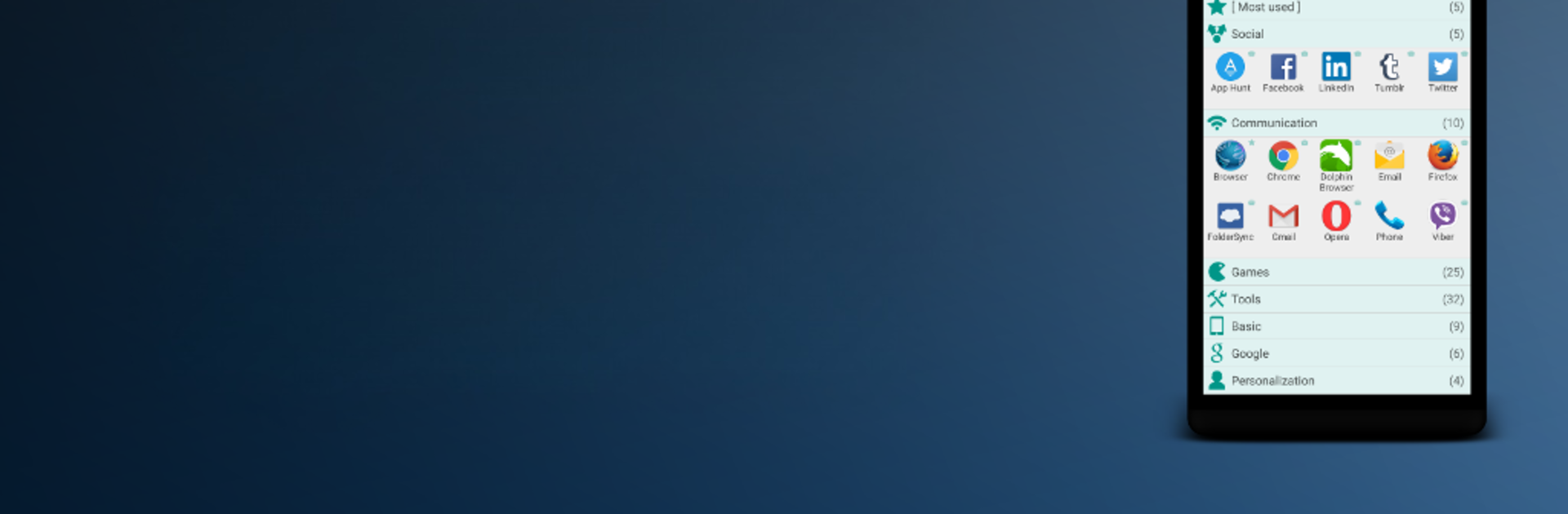
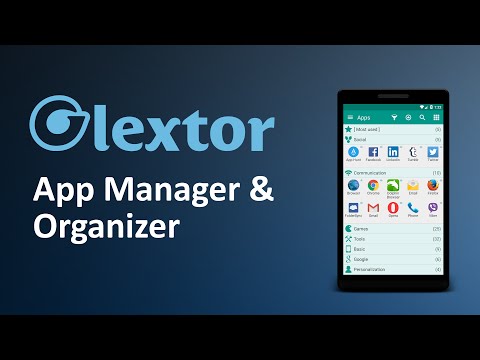
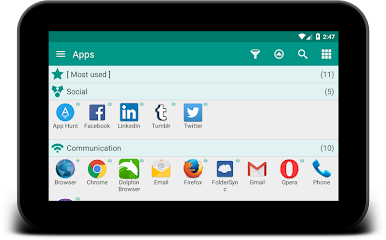
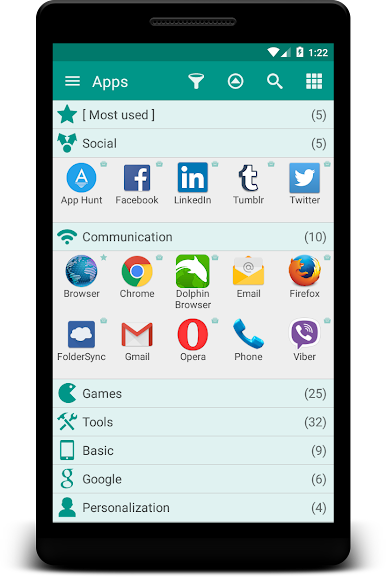
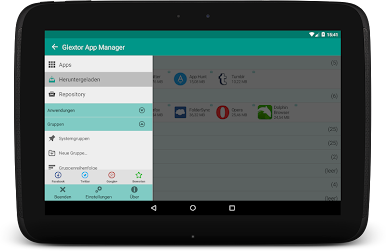
Ever feel like your apps are taking over your phone? Glextor Manager & Organizer Basic is here to bring a little order to the chaos. Whether you’ve got pages of games, productivity tools, or mystery apps you downloaded months ago, this handy app from Glextor Inc. helps you sort things out and keep everything at your fingertips. If you’re one of those folks who have more apps than they care to count, Glextor Manager & Organizer Basic lets you group, back up, and personalize your whole setup. It’s almost like having a mini Start menu right in your pocket—super convenient whether you’re on your phone or even exploring things with BlueStacks.
App Features
-
Smart Grouping
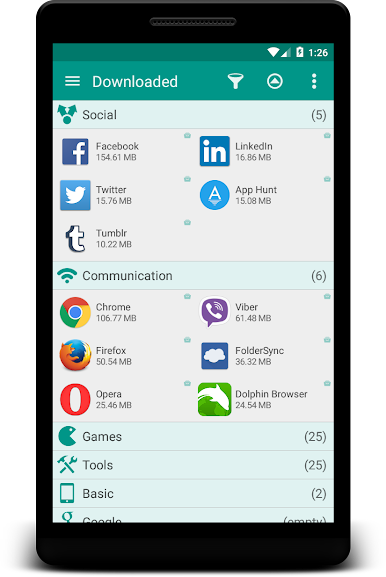
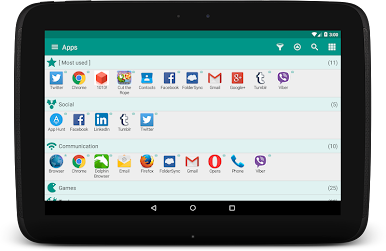
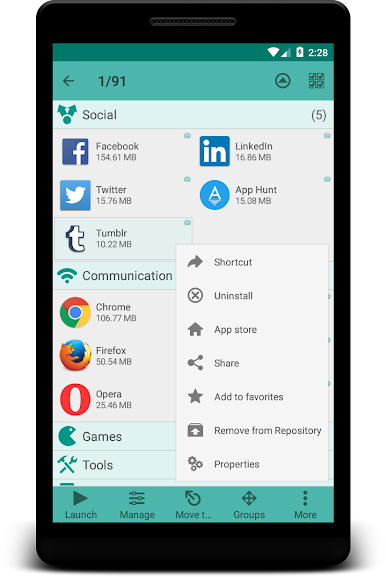
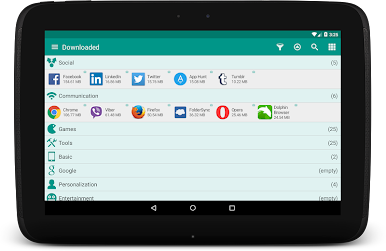
Forget endless scrolling. Automatically sort your apps into folders based on categories, or tweak things however you want by naming and organizing your own folders. -
Personalized App Organization
Into customizing? Fine-tune your folder structure, assign apps to several groups at once, and set up quick folders for those you use the most—or just installed. -
Easy Favorites
Mark your go-to apps and find them in a snap. You can even filter to show just what matters most, so there’s never any digging around. -
Backup & Restore
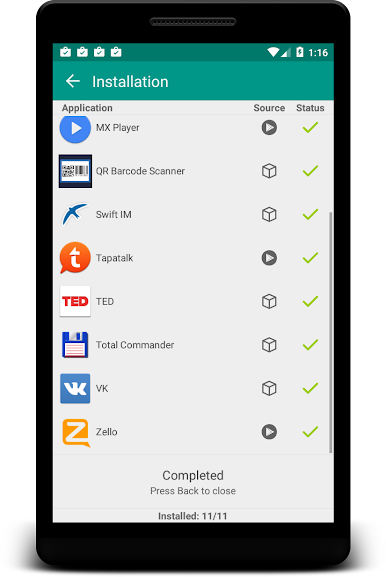
No more reinstalling everything when you get a new phone! Save app backups right to your SD card or just keep links for easy re-downloading. Didn’t like an update? Roll back to an older version you backed up earlier. -
Widget & Shortcut Tools
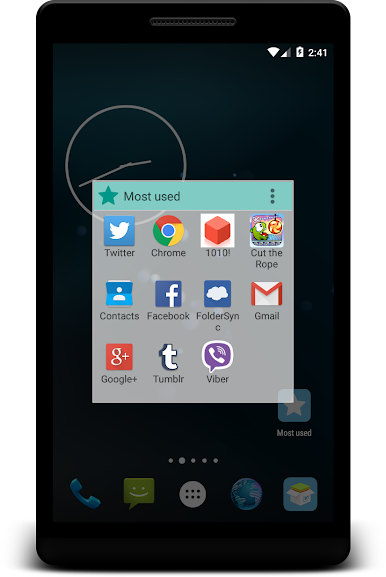
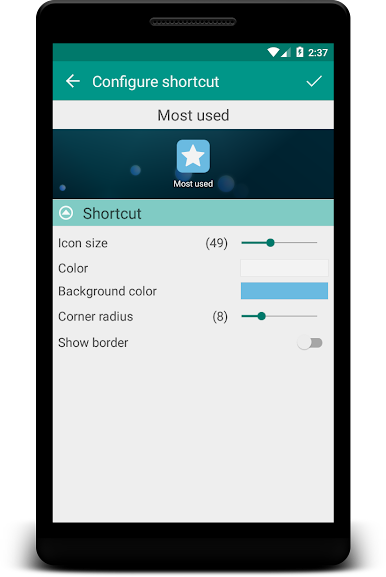
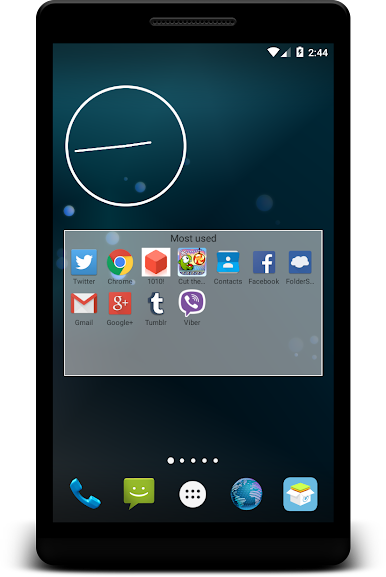
Keep your home screen clutter-free. Add group shortcuts or widgets so you can jump into entire folders of apps right from your desktop. -
Flexible Interface
Make it look and work your way. Change the layout, sort order, icons, or theme to fit your own style. -
Quick Search & Filters
Got a ton of apps? Use the search and filter tools to instantly find what you’re after. -
Hide & Share
Tired of unused apps? Hide them from your view. Want to show off your favorite finds? Easily share app details with friends using social apps, texts, or email. -
Simple Setup Transfers
Moving to a new device? Just export your Glextor setup and restore all your app organization in one go—no need to start from scratch.
With Glextor Manager & Organizer Basic, staying on top of your ever-growing app collection is actually manageable whether you’re on your phone or making use of BlueStacks for a bigger screen.
Switch to BlueStacks and make the most of your apps on your PC or Mac.
Zagraj w Glextor Folder Organizer Basic na PC. To takie proste.
-
Pobierz i zainstaluj BlueStacks na PC
-
Zakończ pomyślnie ustawienie Google, aby otrzymać dostęp do sklepu Play, albo zrób to później.
-
Wyszukaj Glextor Folder Organizer Basic w pasku wyszukiwania w prawym górnym rogu.
-
Kliknij, aby zainstalować Glextor Folder Organizer Basic z wyników wyszukiwania
-
Ukończ pomyślnie rejestrację Google (jeśli krok 2 został pominięty) aby zainstalować Glextor Folder Organizer Basic
-
Klinij w ikonę Glextor Folder Organizer Basic na ekranie startowym, aby zacząć grę

