

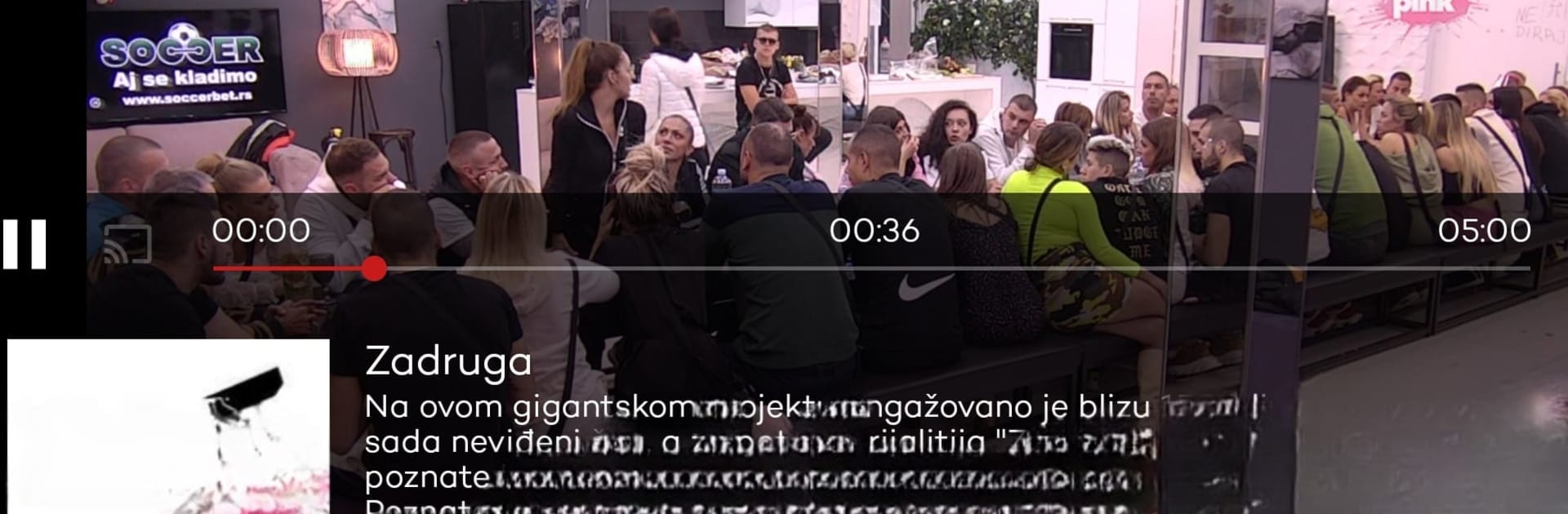
Mtel TV
Graj na PC z BlueStacks – Platforma gamingowa Android, która uzyskała zaufanie ponad 500 milionów graczy!

Strona zmodyfikowana w dniu: Mar 10, 2025
Run Mtel TV on PC or Mac
Multitask effortlessly on your PC or Mac as you try out Mtel TV, a Entertainment app by MTELGlobal on BlueStacks.
About the App
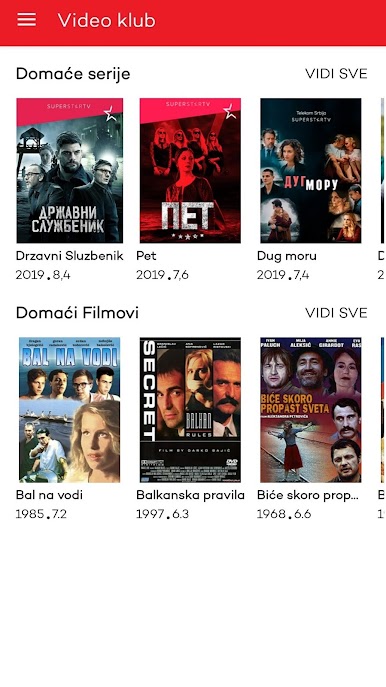
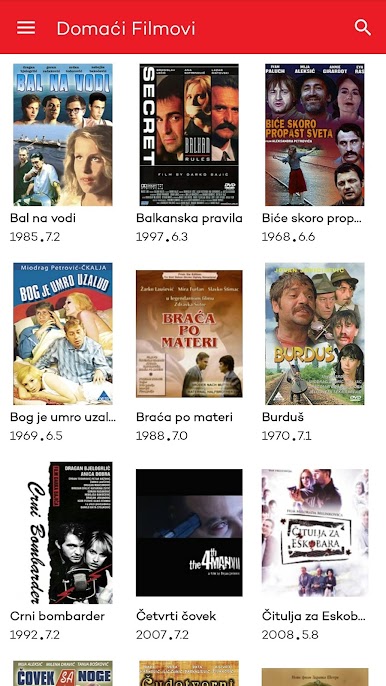
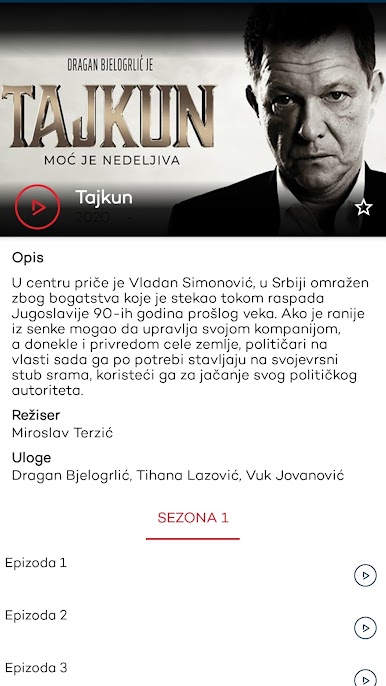
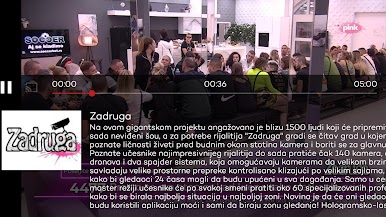
Mtel TV by MTELGlobal transforms your device into a portable entertainment hub. Watch over 250 popular TV channels, classic Yugoslav films, and local hit series. You won’t miss a thing with instant access to news and events. Curious about past shows? Rewind up to 7 days.
App Features
-
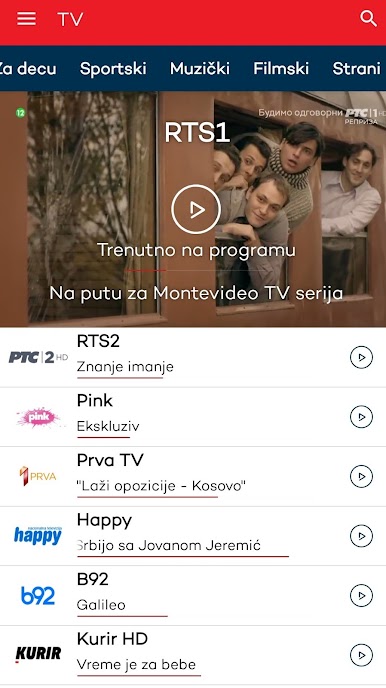
Comprehensive Channel Lineup
Enjoy top sports, kids, film, music, and information channels whenever you want. -
On-the-Go Viewing
Stream content on your smartphone, tablet, Smart TV, or MTEL receiver. Flexibility to choose your viewing period is yours. -
Radio & Movie Access
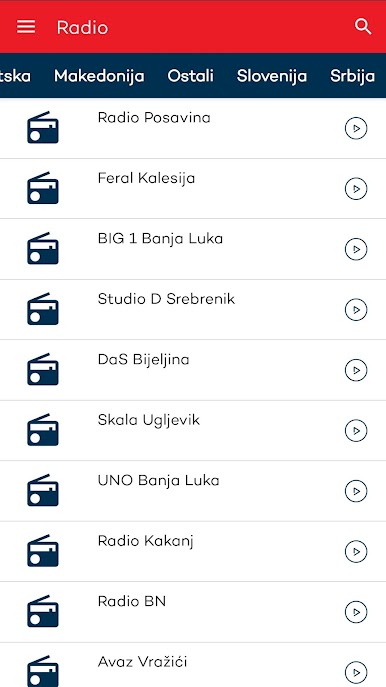
Tune in to over 300 radio stations or explore quality Yugoslav cinema. -
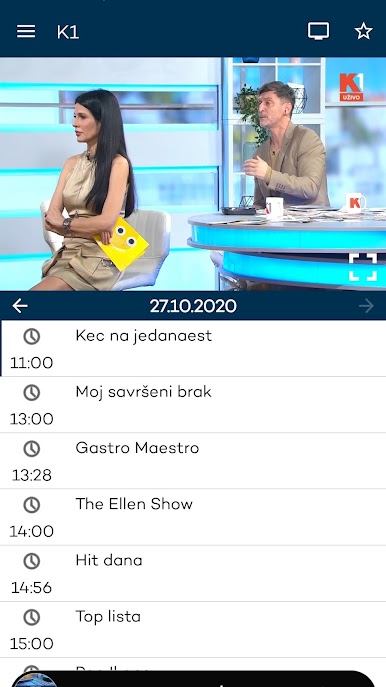
Electronic Program Guide
Save time with insights on current and upcoming shows at your fingertips.
Compatible with BlueStacks for enhanced viewing, Mtel TV offers a seamless entertainment experience across all devices.
BlueStacks brings your apps to life on a bigger screen—seamless and straightforward.

Zagraj w Mtel TV na PC. To takie proste.
-
Pobierz i zainstaluj BlueStacks na PC
-
Zakończ pomyślnie ustawienie Google, aby otrzymać dostęp do sklepu Play, albo zrób to później.
-
Wyszukaj Mtel TV w pasku wyszukiwania w prawym górnym rogu.
-
Kliknij, aby zainstalować Mtel TV z wyników wyszukiwania
-
Ukończ pomyślnie rejestrację Google (jeśli krok 2 został pominięty) aby zainstalować Mtel TV
-
Klinij w ikonę Mtel TV na ekranie startowym, aby zacząć grę

