


Orc Dungeon
Chơi trên PC với BlueStacks - Nền tảng chơi game Android, được hơn 500 triệu game thủ tin tưởng.

Trang đã được sửa đổi vào: Aug 15, 2025
Play Orc Dungeon on PC or Mac
From the innovators and creators at Green Skin, Orc Dungeon is another fun addition to the World of Strategy games. Go beyond your mobile screen and play it bigger and better on your PC or Mac. An immersive experience awaits you.
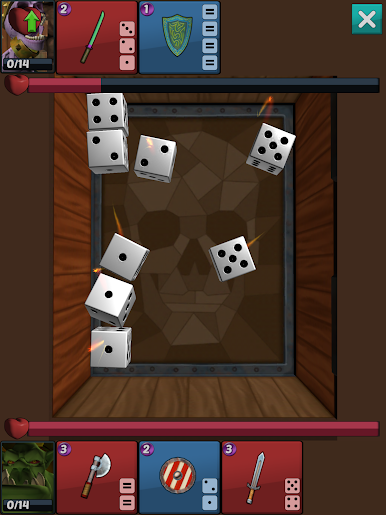
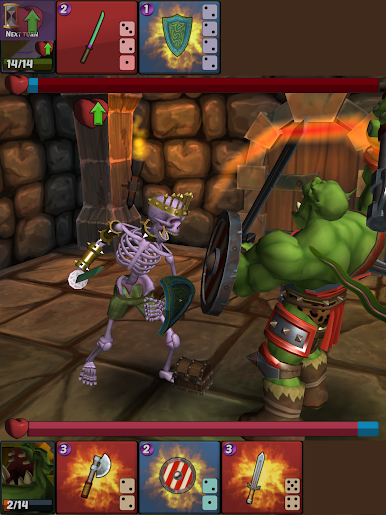
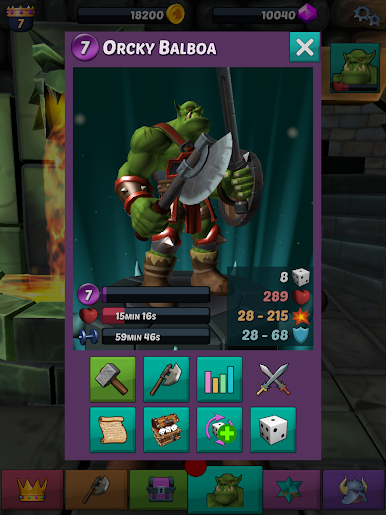
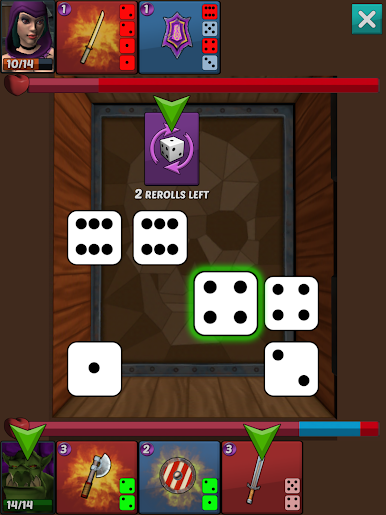
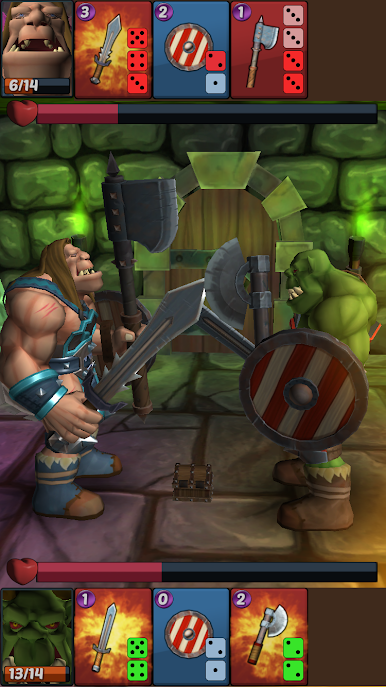
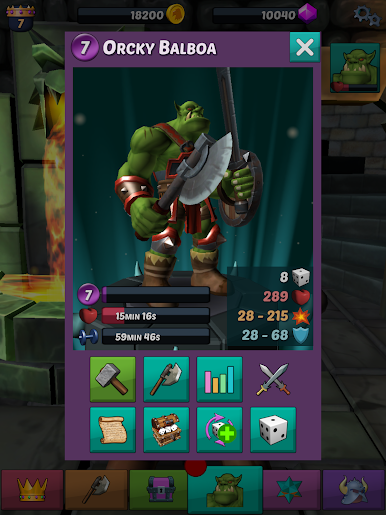
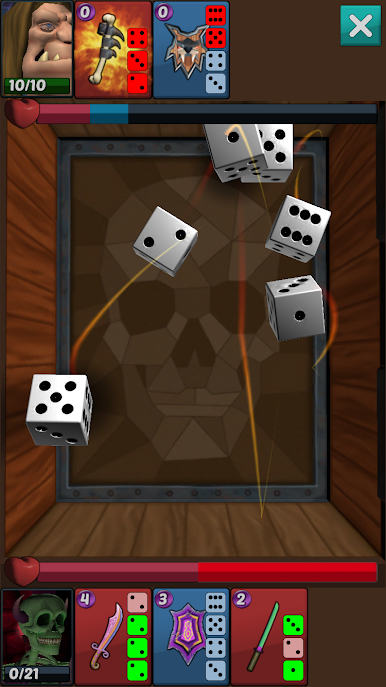
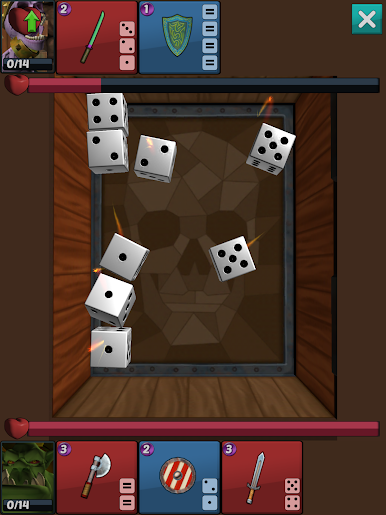
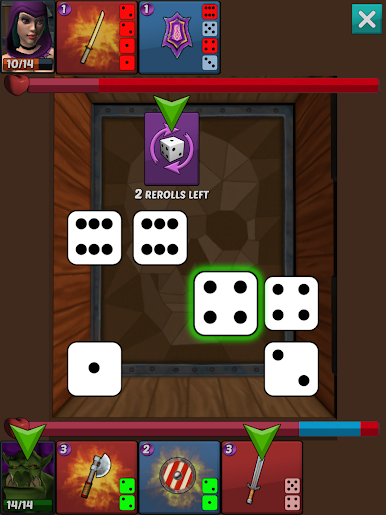
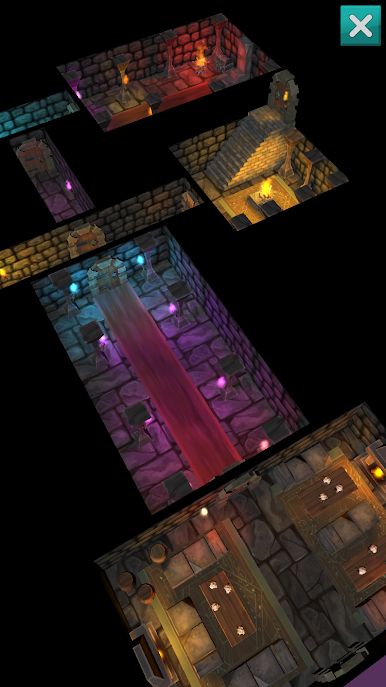
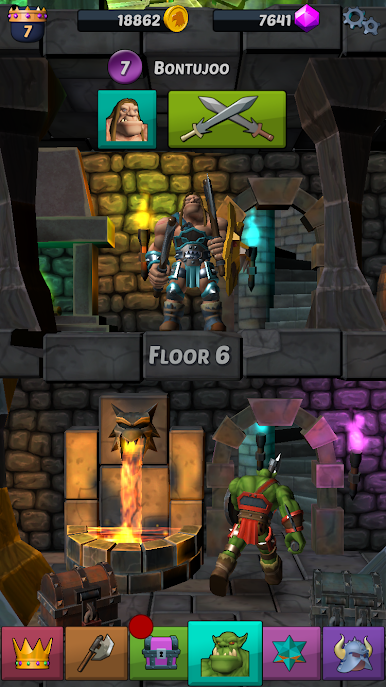
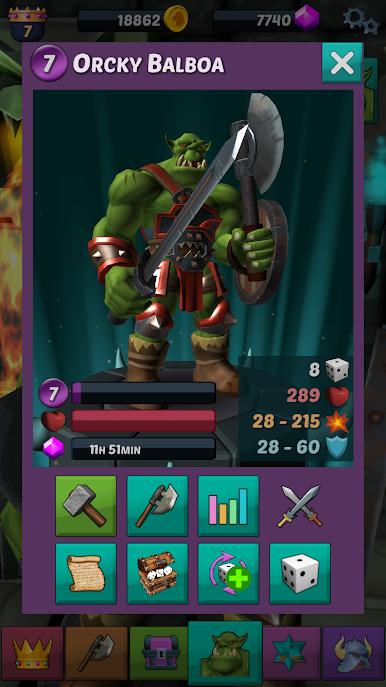
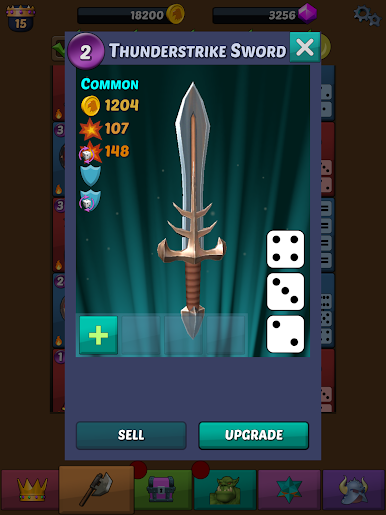
Orc Dungeon is this turn-based strategy game where everyone gets to play as an orc — not the usual heroes you see everywhere. You start out with Orky Balboa, an orc prince who’s basically outcast by his father and has to run around creepy dungeons finding armor so he can go home. The combat is a mix of dice and tactics, which is actually a cool change from just clicking attacks. What stands out is that every turn you roll dice, and then you have to decide where to use them — load them into different weapons or shields, but your opponent uses those same dice too, so it’s always a bit of a mind game.
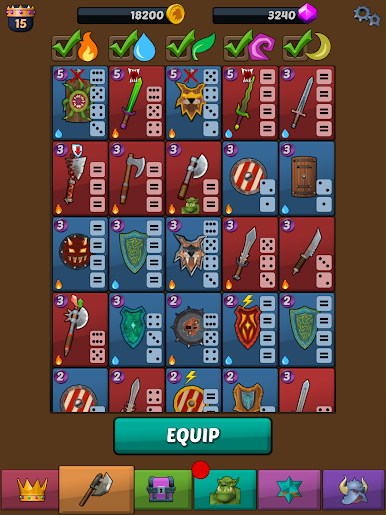
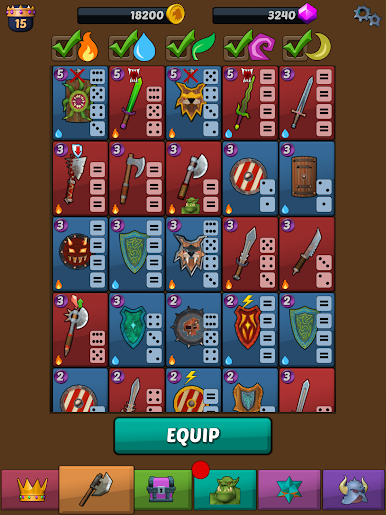
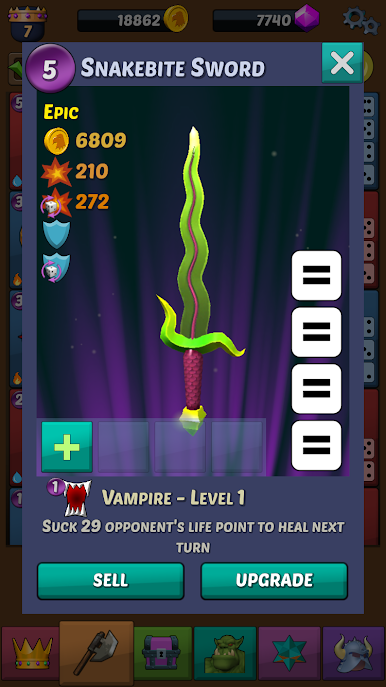
There’s a lot to collect and upgrade, from all sorts of weapons and magic stones to minions that join your team. Minions come from eggs you find on little island levels, which keeps collecting fresh. Plus, you don’t just control one character — you can recruit a crew of various monsters, each with their own strengths and skills to upgrade. There’s a PvP scene as well, so players who like some competition can jump into tournaments and try to climb the ranks. Guilds give it a social side, letting people group up and take on co-op dungeons or chat in-game. For those checking it out on PC, playing through BlueStacks feels smooth, and using a mouse actually makes some of the tactical stuff easier. It’s got a mix of old-school dungeon crawling and newer mobile strategy, so there’s something for both casual players and people who really like to plan out every move.
Get ready for a buttery smooth, high-performance gaming action only on BlueStacks.

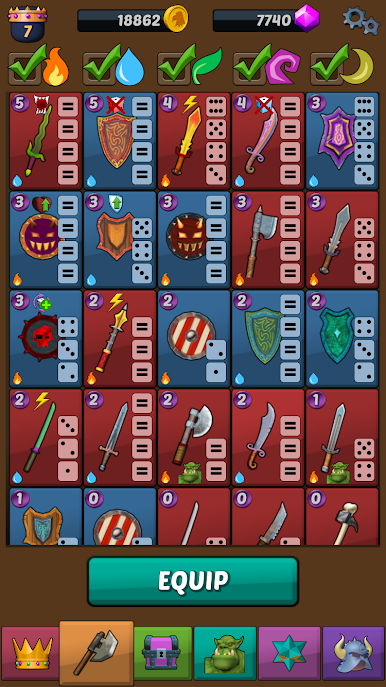
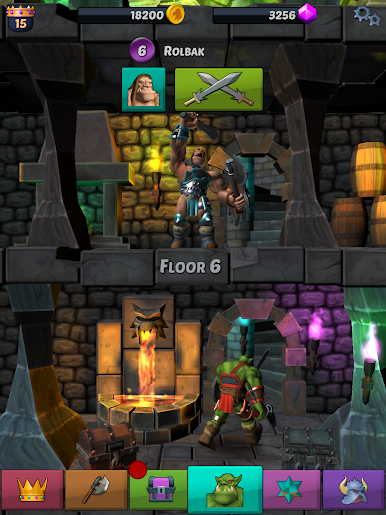
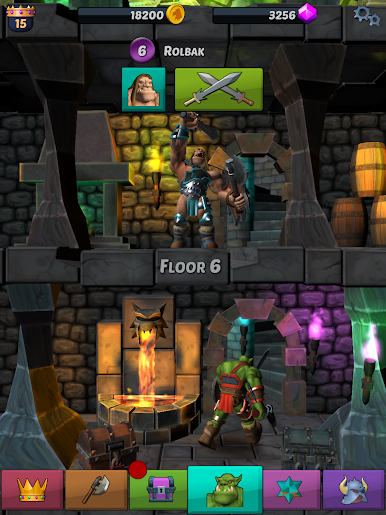
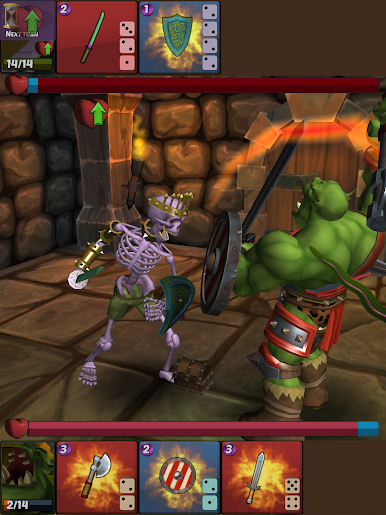
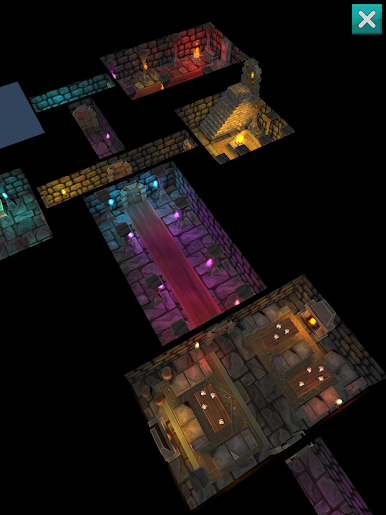
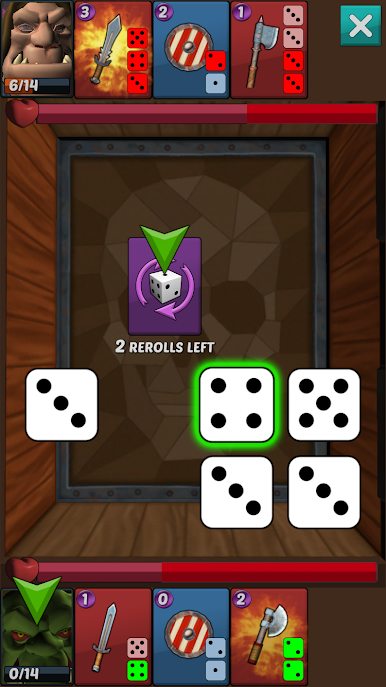
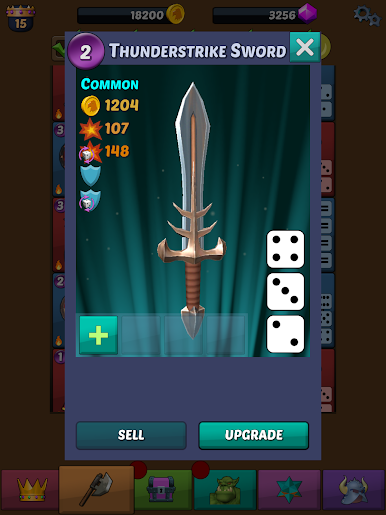
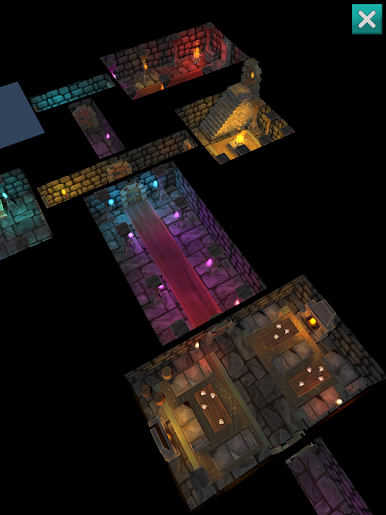
Chơi Orc Dungeon trên PC. Rất dễ để bắt đầu
-
Tải và cài đặt BlueStacks trên máy của bạn
-
Hoàn tất đăng nhập vào Google để đến PlayStore, hoặc thực hiện sau
-
Tìm Orc Dungeon trên thanh tìm kiếm ở góc phải màn hình
-
Nhấn vào để cài đặt Orc Dungeon trong danh sách kết quả tìm kiếm
-
Hoàn tất đăng nhập Google (nếu bạn chưa làm bước 2) để cài đặt Orc Dungeon
-
Nhấn vào icon Orc Dungeon tại màn hình chính để bắt đầu chơi

