

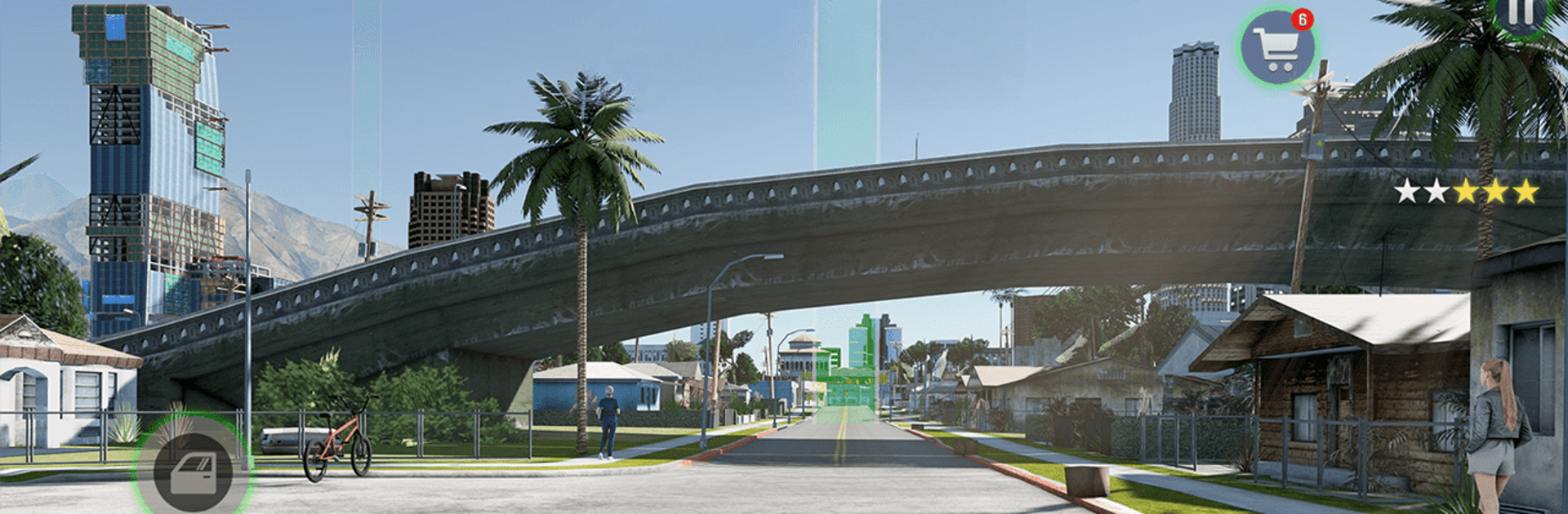
gangster walczący gra mafijna
Graj na PC z BlueStacks – Platforma gamingowa Android, która uzyskała zaufanie ponad 500 milionów graczy!

Strona zmodyfikowana w dniu: Nov 11, 2025
Play Gangster Fighting: Mafia Games on PC or Mac
Step into the World of Gangster Fighting: Mafia Games, a thrilling Role Playing game from the house of Game Stone. Play this Android game on BlueStacks App Player and experience immersive gaming on PC or Mac.
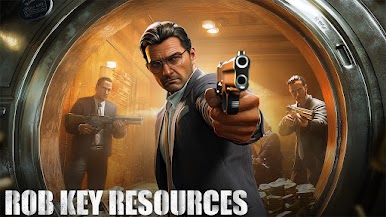
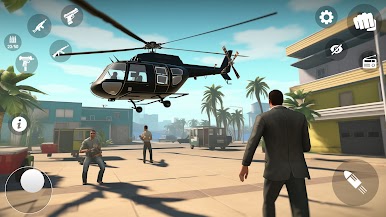
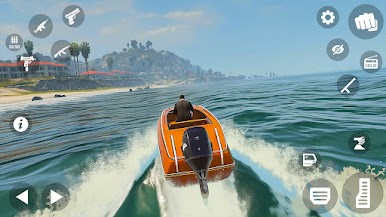
Gangster Fighting: Mafia Games is basically a loose open world crime playground set in a Vegas style city, with a bit of Miami chase energy on top. A player runs jobs for mafia bosses, things like quick robberies, target hits, gunfights in alleys, then long escapes on bikes or stolen cars with police heat pushing hard. The missions bounce between driving and shooting, so one moment it is weaving through traffic on a sport bike, the next it is swapping between a sniper and an SMG to clear a block. Money feeds everything. Win a shootout, grab the payout, unlock another weapon or a skin, take a bigger job. The map keeps objectives simple and the controls are easy enough that a new player will not fight the UI more than the gangs.
What stands out is the mix of short, arcade style fights and longer chases that feel a little chaotic in a fun way. Bikes are twitchy but fast, cars have that chunky street feel, and the gunplay is straightforward with enough variety to keep missions from blending together. The game can be played offline, which makes it good for quick sessions, and it does not bury the player in menus. On PC with BlueStacks, keyboard and mouse aiming helps a lot during rooftop fights and getting clean headshots, and driving on WASD smooths out those wild turns. It is not pretending to be a deep crime drama, it is a simple gangster sandbox where a player steals, shoots, escapes, collects rewards, and jumps right back in.
Get ready for a buttery smooth, high-performance gaming action only on BlueStacks.
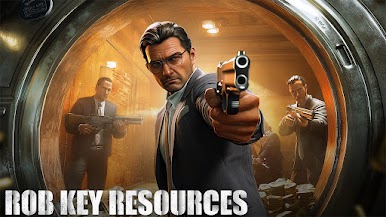


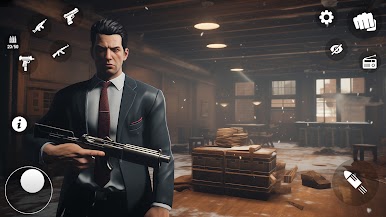

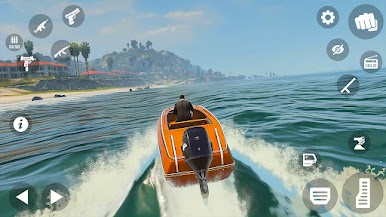
















Zagraj w gangster walczący gra mafijna na PC. To takie proste.
-
Pobierz i zainstaluj BlueStacks na PC
-
Zakończ pomyślnie ustawienie Google, aby otrzymać dostęp do sklepu Play, albo zrób to później.
-
Wyszukaj gangster walczący gra mafijna w pasku wyszukiwania w prawym górnym rogu.
-
Kliknij, aby zainstalować gangster walczący gra mafijna z wyników wyszukiwania
-
Ukończ pomyślnie rejestrację Google (jeśli krok 2 został pominięty) aby zainstalować gangster walczący gra mafijna
-
Klinij w ikonę gangster walczący gra mafijna na ekranie startowym, aby zacząć grę

