


Differences Online Journey
Graj na PC z BlueStacks – Platforma gamingowa Android, która uzyskała zaufanie ponad 500 milionów graczy!

Strona zmodyfikowana w dniu: Oct 27, 2023
Play Differences Online Journey on PC or Mac
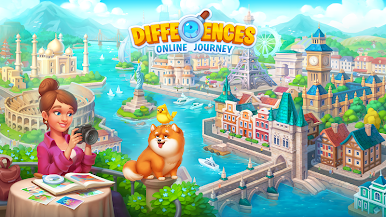
Step into the World of Differences Online Journey, a thrilling Puzzle game from the house of LLC HAPPY GAMES Studio. Play this Android game on BlueStacks App Player and experience immersive gaming on PC or Mac.
About the Game
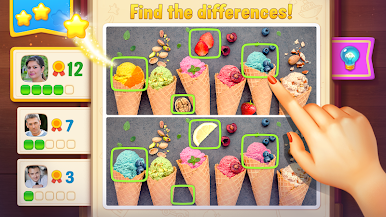
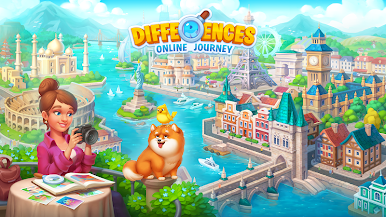
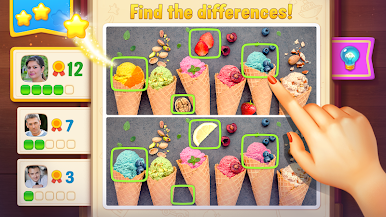
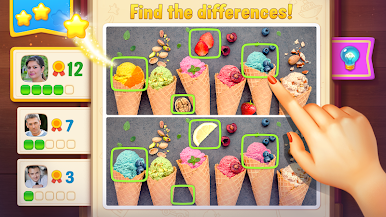
Differences Online Journey offers a chill way to challenge your eyes and your mind. You’ll get two pictures that, at first glance, look almost exactly the same—except they’re not. Can you spot all the differences before time runs out? It’s all about sharp observation and a dash of curiosity, so get ready to put your puzzle skills to the test.
Game Features
-
Picture Pair Puzzles
Every level serves up two nearly matching images. Your job: figure out what’s off by comparing every detail between them. -
Tap to Uncover
Found something that seems out of place? Just tap the spot you think is different—no need for guesswork, just quick fingers and a sharp eye. -
Race Against the Clock
There’s a timer running, so it’s not just about finding the differences, but doing it before the clock hits zero. -
Zoom for Details
Having trouble spotting those tiny, sneaky changes? You can zoom in for a closer look whenever you need. -
Helpful Hints
Stuck on a really tricky spot? Use hints when you’re in a bind, so you never get held up too long. -
Plenty of Puzzles
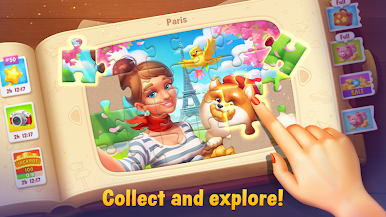
There are loads of unique levels to keep things interesting, with new challenges every time.
You can also experience Differences Online Journey on your PC using BlueStacks for a different twist on controls and screen space.
Slay your opponents with your epic moves. Play it your way on BlueStacks and dominate the battlefield.




Zagraj w Differences Online Journey na PC. To takie proste.
-
Pobierz i zainstaluj BlueStacks na PC
-
Zakończ pomyślnie ustawienie Google, aby otrzymać dostęp do sklepu Play, albo zrób to później.
-
Wyszukaj Differences Online Journey w pasku wyszukiwania w prawym górnym rogu.
-
Kliknij, aby zainstalować Differences Online Journey z wyników wyszukiwania
-
Ukończ pomyślnie rejestrację Google (jeśli krok 2 został pominięty) aby zainstalować Differences Online Journey
-
Klinij w ikonę Differences Online Journey na ekranie startowym, aby zacząć grę

