


Spider Solitaire
Graj na PC z BlueStacks – Platforma gamingowa Android, która uzyskała zaufanie ponad 500 milionów graczy!

Strona zmodyfikowana w dniu: Nov 20, 2025
Graj Spider Solitaire na PC
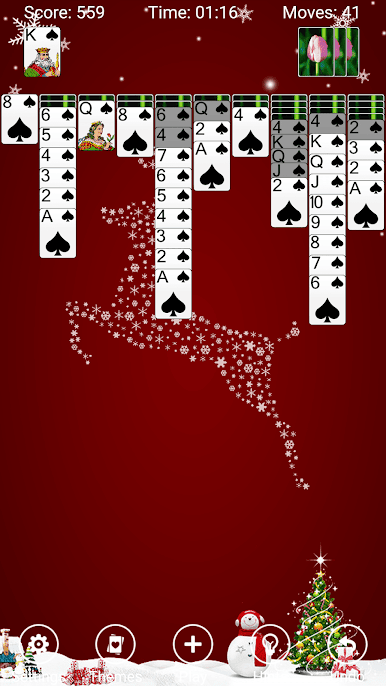
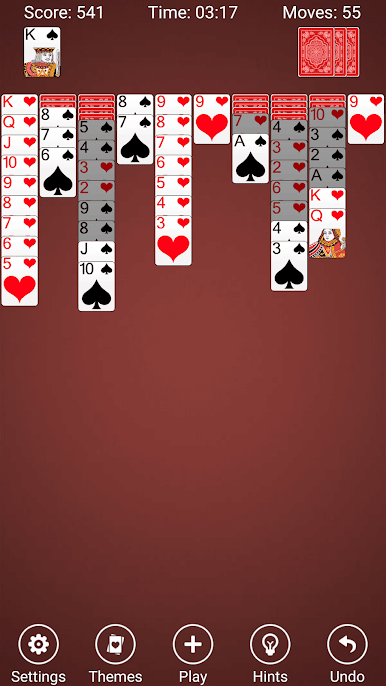
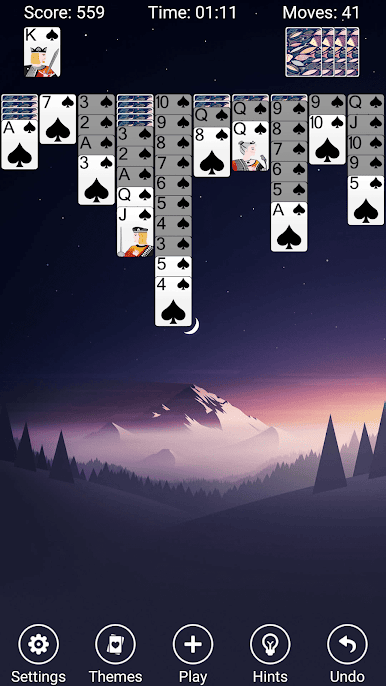
Spider Solitaire Card Games Free ma fantastyczny interfejs użytkownika, piękną grafikę i subtelne efekty dźwiękowe. Przeciągaj, stukaj lub dla większej zabawy, pchnij karty, aby wysłać je w drogę!
Rozgrywka Spider Solitaire
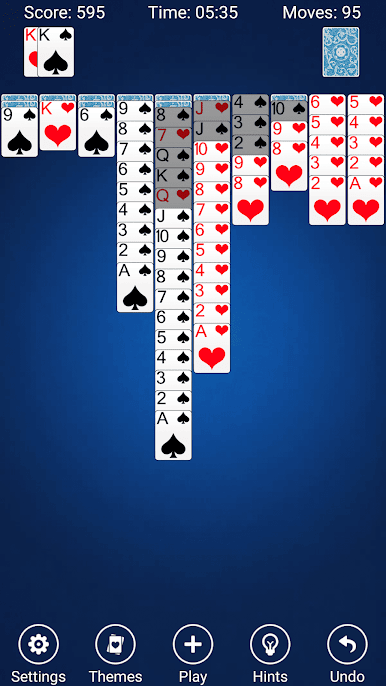
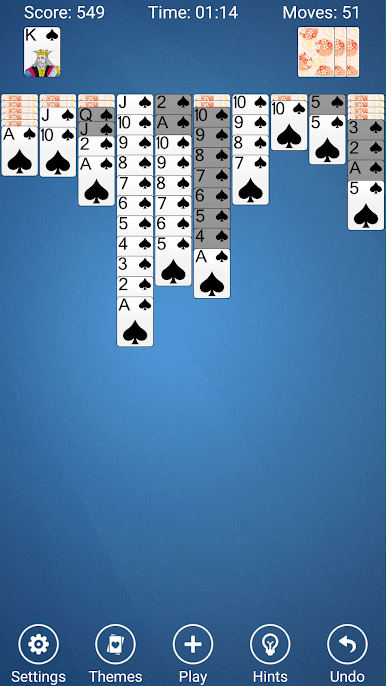
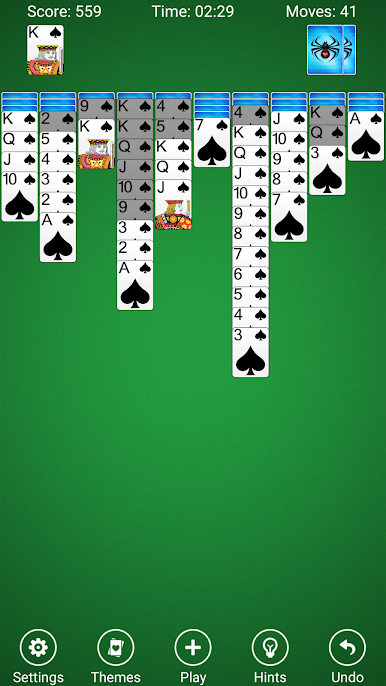
Głównym celem gry karcianej Spider Solitaire Free jest usunięcie wszystkich kart ze stołu, złożenie ich w tableau przed ich usunięciem. Początkowo 54 karty są rozdawane do tableau w dziesięciu stosach, zakryte, z wyjątkiem kart wierzchnich. Stosy tableau są układane w dół według rangi, a sekwencje w kolorze można przenosić razem. Pozostałe 50 kart można rozdać do tableau dziesięć w momencie, gdy żaden ze stosów nie jest pusty.
CECHY PASJANA PAJĄKA
★ 3 odmiany pająka — 1-kolor, 2-kolor, 4-kolor (tradycyjny)
★ Niestandardowe tła i karty ze zdjęć
★ Subtelne efekty dźwiękowe
★ Przeciągaj i upuszczaj karty lub rzucaj nimi!
★ Ustawienie blokady orientacji poziomej i pionowej
★ Fantastyczny i piękny interfejs użytkownika
★ Różnorodne efekty animacji kart
★ Nieograniczone cofanie
★ Pokaż/ukryj pasek stanu ruchów i czasu
★ Szczegółowe zasady gry karcianej Spider Solitaire i standardowe punktowanie
★ Szczegółowe statystyki, dzięki którym zawsze będziesz znać swój rekord
★ Szczegółowe dynamiczne wskazówki, dzięki którym możesz pokonywać przeszkody
Mamy nadzieję, że spodoba Ci się Spider Solitaire Free, Twoje wsparcie będzie naszą największą motywacją!
Chcielibyśmy usłyszeć Twoją opinię. Daj nam znać, co myślisz o Spider Solitaire Free i oceń nas po każdej aktualizacji.
Spider Solitaire Free to jedna z najpopularniejszych darmowych gier karcianych w pasjansa na Androida.
Spider Solitaire Free to klasyczna darmowa gra karciana w pasjansa dla użytkowników ery cyfrowej.
Ta darmowa gra Spider Solitaire to znakomita implementacja darmowych gier karcianych w pasjansa dla wszystkich.
Chociaż w świecie Androida można znaleźć niezliczone gry karciane, ta darmowa gra karciana Spider Solitaire z pewnością Cię nie zawiedzie.
Spider Solitaire Free to najpopularniejsza darmowa gra karciana w pasjansa dostępna na komputerach z systemem Windows na całym świecie.
Teraz przenosimy zabawne wyzwanie na Androida dzięki tej nowej darmowej grze karcianej Spider Solitaire.
Jeśli lubisz grać w darmowe gry karciane w pasjansa, które wymagają umiejętności, strategii i mnóstwa cierpliwości, to ta darmowa gra karciana Spider Solitaire jest najlepszą darmową grą karcianą dla Ciebie.
Zagraj w Spider Solitaire na PC. To takie proste.
-
Pobierz i zainstaluj BlueStacks na PC
-
Zakończ pomyślnie ustawienie Google, aby otrzymać dostęp do sklepu Play, albo zrób to później.
-
Wyszukaj Spider Solitaire w pasku wyszukiwania w prawym górnym rogu.
-
Kliknij, aby zainstalować Spider Solitaire z wyników wyszukiwania
-
Ukończ pomyślnie rejestrację Google (jeśli krok 2 został pominięty) aby zainstalować Spider Solitaire
-
Klinij w ikonę Spider Solitaire na ekranie startowym, aby zacząć grę

