


Rudi Rainbow Pogoda dla dzieci
Graj na PC z BlueStacks – Platforma gamingowa Android, która uzyskała zaufanie ponad 500 milionów graczy!

Strona zmodyfikowana w dniu: Oct 16, 2025
Run Rudi Rainbow: Weather for Kids on PC or Mac
Get freedom from your phone’s obvious limitations. Use Rudi Rainbow: Weather for Kids, made by Fox & Sheep, a Education app on your PC or Mac with BlueStacks, and level up your experience.
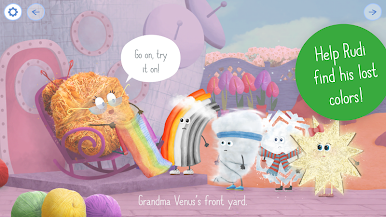
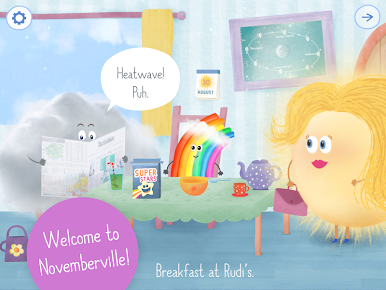
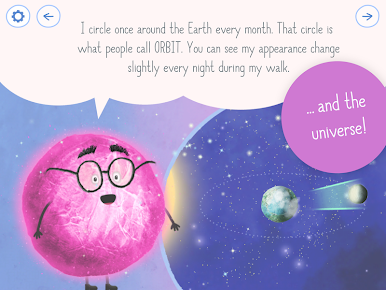
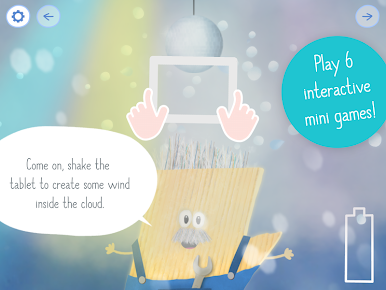
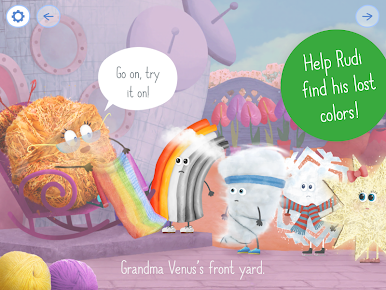
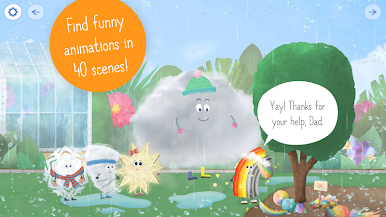
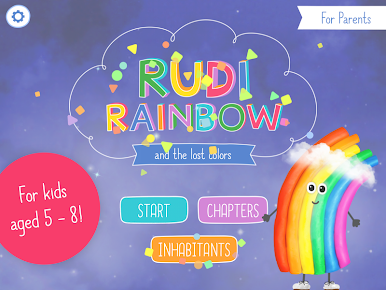
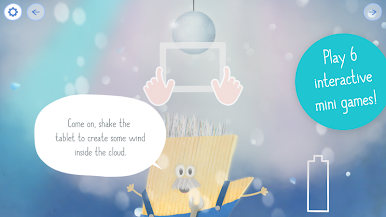
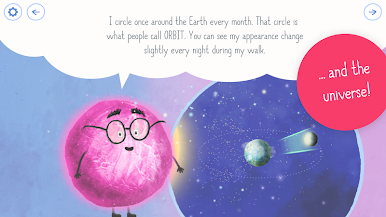
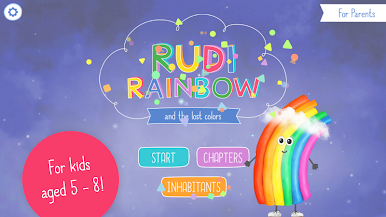
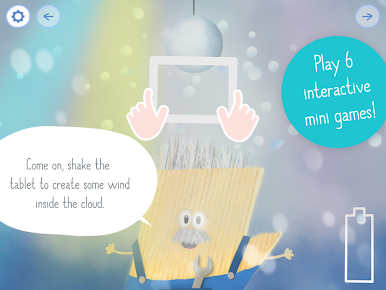
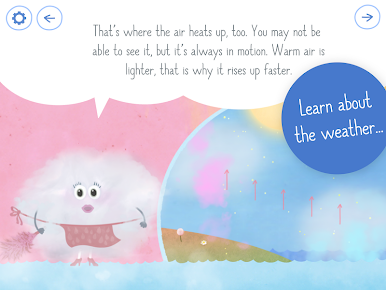
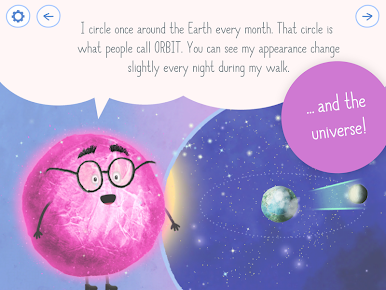
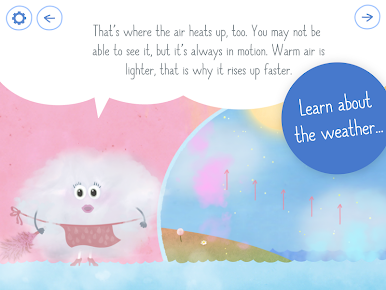
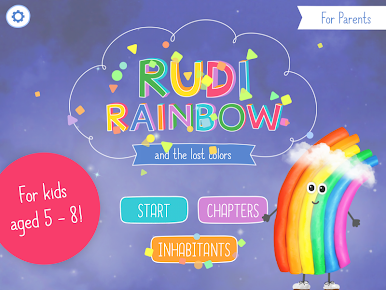
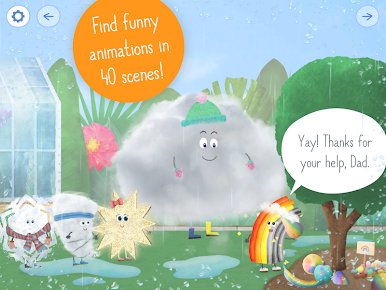
Rudi Rainbow: Weather for Kids feels like a playful picture book that just happens to teach real weather stuff. A tiny rainbow loses its colors and heads across Weatherland to get them back, meeting a sunny mom, a fluffy cloud dad, a very serious mayor, and a hurricane that made the mess in the first place. Each stop is a short scene with things to click, small surprises tucked in the background, and quick mini games that show how wind starts, why rain falls, what hail is, and even a bit about stars and the moon phases. It is gentle and curious rather than loud, with bright handmade art and sounds that make the world feel alive. There are bite sized facts scattered around for older kids or grown ups to read out loud, which makes the exploring feel useful, not just cute.
On PC with BlueStacks it works well because the big screen turns the 40 scenes into a proper storybook spread, and the mouse makes all the tapping and swiping simple. The shake moments translate to easy controls, so nothing feels awkward. Kids can make it rain, charge up thunderclouds, or spot constellations, then move on before they get bored. No ads, no weird pop ups. Voices and text support multiple languages, and there is even a quick way to jump right into the learning parts if a teacher or therapist wants to focus. There is a character room too, where the cast shares little favorites, which is silly but charming and helps kids remember who is who.
Big screen. Bigger performance. Use BlueStacks on your PC or Mac to run your favorite apps.



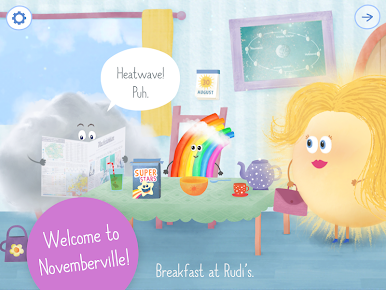
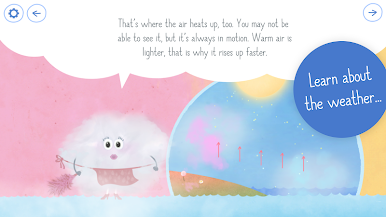
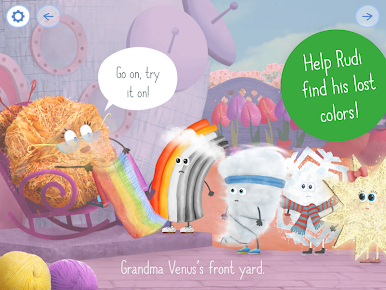
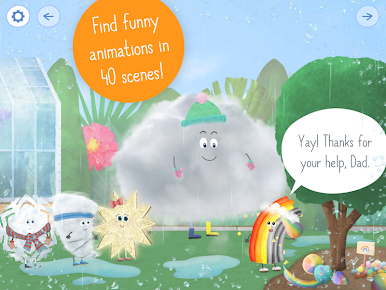

Zagraj w Rudi Rainbow Pogoda dla dzieci na PC. To takie proste.
-
Pobierz i zainstaluj BlueStacks na PC
-
Zakończ pomyślnie ustawienie Google, aby otrzymać dostęp do sklepu Play, albo zrób to później.
-
Wyszukaj Rudi Rainbow Pogoda dla dzieci w pasku wyszukiwania w prawym górnym rogu.
-
Kliknij, aby zainstalować Rudi Rainbow Pogoda dla dzieci z wyników wyszukiwania
-
Ukończ pomyślnie rejestrację Google (jeśli krok 2 został pominięty) aby zainstalować Rudi Rainbow Pogoda dla dzieci
-
Klinij w ikonę Rudi Rainbow Pogoda dla dzieci na ekranie startowym, aby zacząć grę

