


Galaxy Tarot
Graj na PC z BlueStacks – Platforma gamingowa Android, która uzyskała zaufanie ponad 500 milionów graczy!

Strona zmodyfikowana w dniu: Oct 26, 2025
Play Galaxy Tarot on PC
Why Choose Galaxy Tarot?
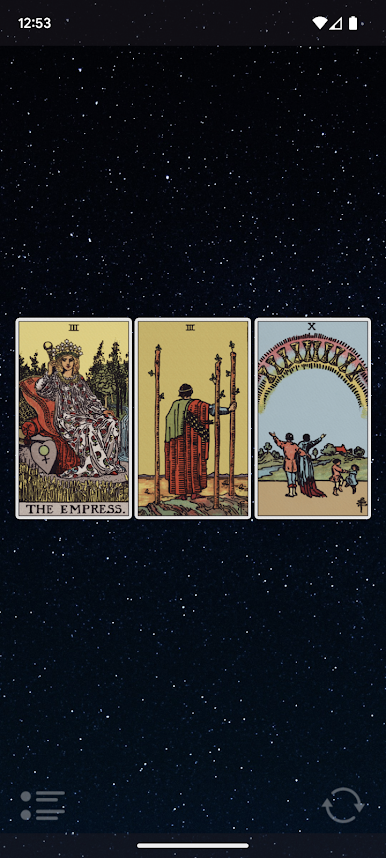
🌟 Daily Inspiration: Begin each day with a Card of the Day, offering insights that illuminate your path and inspire action.
📘 Modern Wisdom: Our interpretations guide you towards self-care, actionable insights, and personal growth.
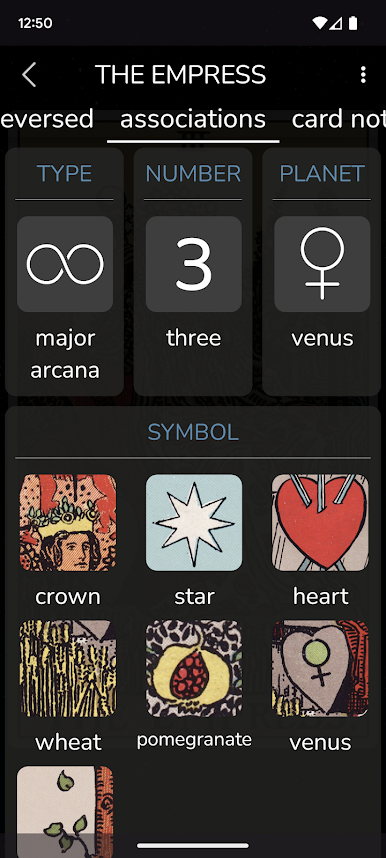
🔍 Explore Tarot's Rich Symbolism: Delve into the intricate associations of each card.
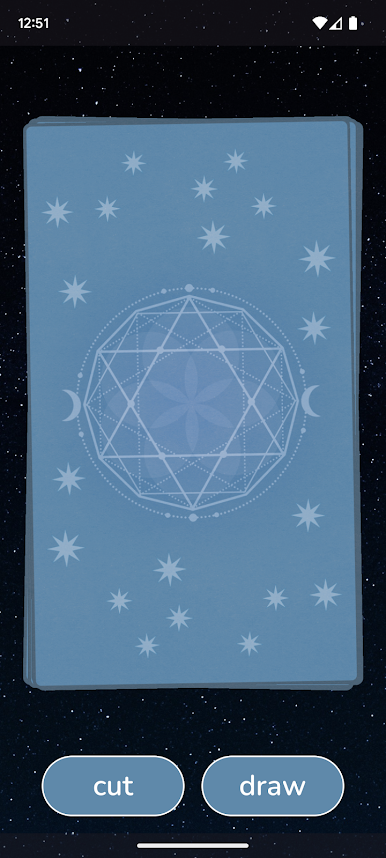
✨ Experience the Magic: Engage with a digital deck that mirrors the tactile and mystical experience of a real tarot deck.
Features Tailored for You
🌅 Personalized Card of the Day: Start benefiting immediately with a card drawn uniquely for you.
🌠 In-depth Insights: Experience readings that resonate deeply.
📚 Tarot Learning, Simplified: Galaxy Tarot supports and enriches your learning journey.
Trusted by Thousands
Galaxy Tarot is backed by tens of thousands of 5-star reviews. Users praise it as "easy to use," "helpful," and "informative." Discover why so many have made it their go-to tarot app.
Begin Your Tarot Adventure Today. Seeking clarity, answers, or a moment of reflection? Galaxy Tarot is your companion. Download now and set forth on a journey of enlightenment and self-discovery.
Have questions about the update? Please contact us at support@galaxytone.com
We're here to help!





Zagraj w Galaxy Tarot na PC. To takie proste.
-
Pobierz i zainstaluj BlueStacks na PC
-
Zakończ pomyślnie ustawienie Google, aby otrzymać dostęp do sklepu Play, albo zrób to później.
-
Wyszukaj Galaxy Tarot w pasku wyszukiwania w prawym górnym rogu.
-
Kliknij, aby zainstalować Galaxy Tarot z wyników wyszukiwania
-
Ukończ pomyślnie rejestrację Google (jeśli krok 2 został pominięty) aby zainstalować Galaxy Tarot
-
Klinij w ikonę Galaxy Tarot na ekranie startowym, aby zacząć grę

