


Deutsche Rechtschreibung
Chơi trên PC với BlueStacks - Nền tảng chơi game Android, được hơn 500 triệu game thủ tin tưởng.

Trang đã được sửa đổi vào: Dec 1, 2025
Run Deutsche Rechtschreibung on PC or Mac
What’s better than using Deutsche Rechtschreibung by Eductify? Well, try it on a big screen, on your PC or Mac, with BlueStacks to see the difference.
About the App
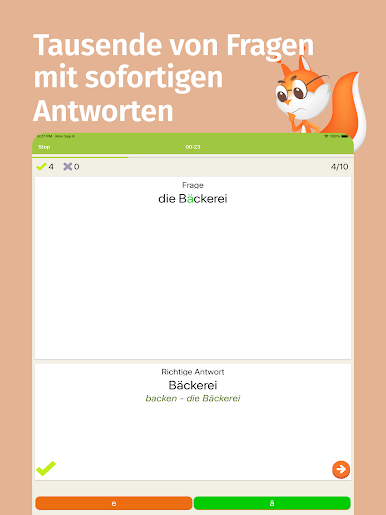
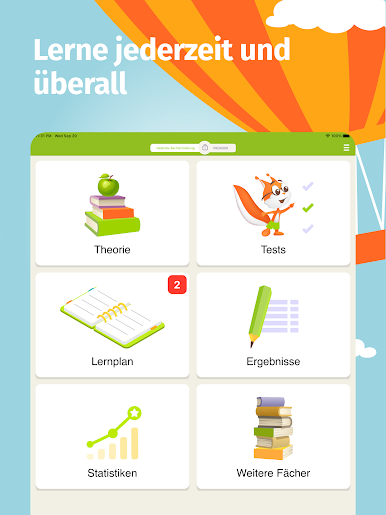
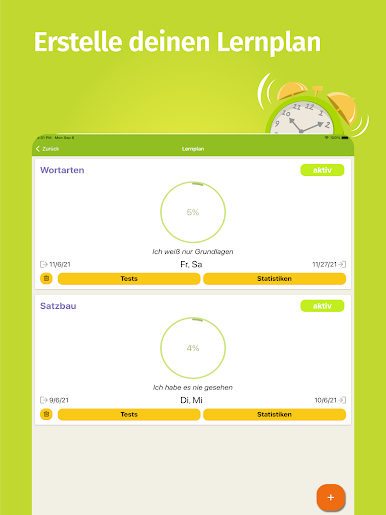
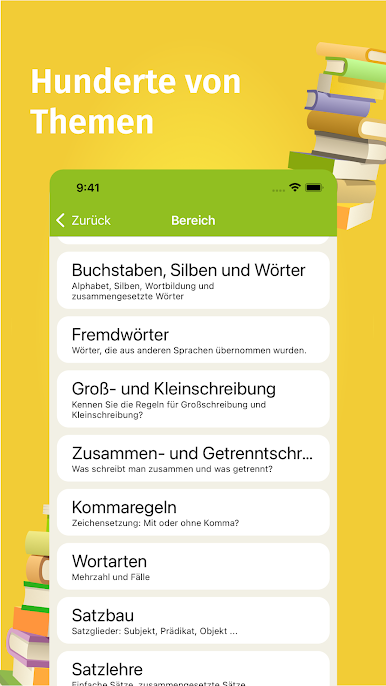
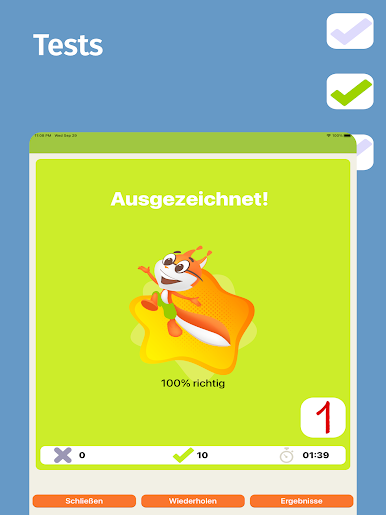
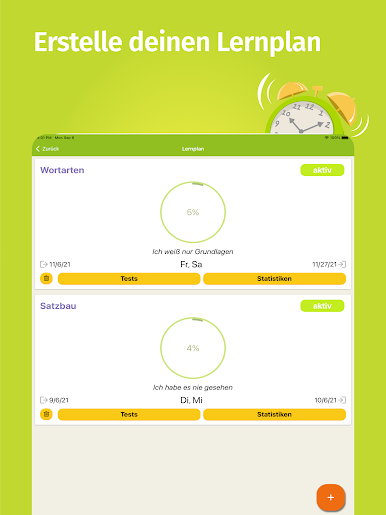
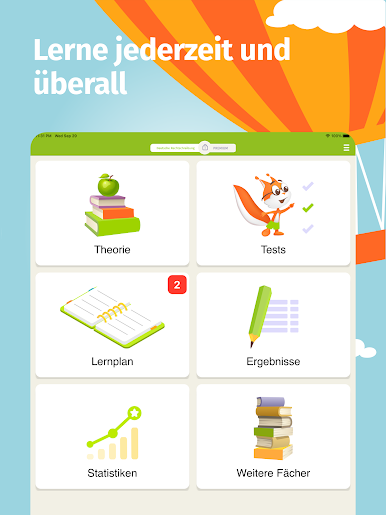
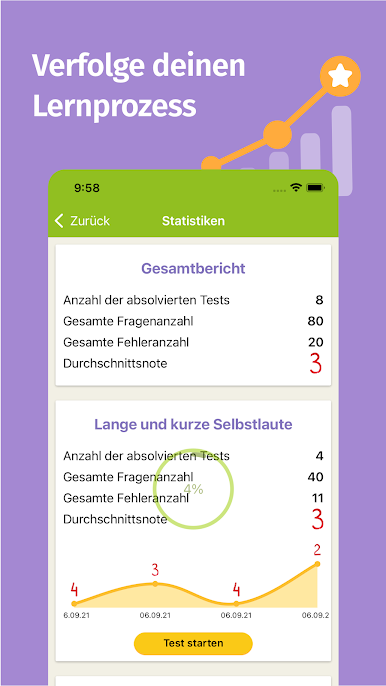
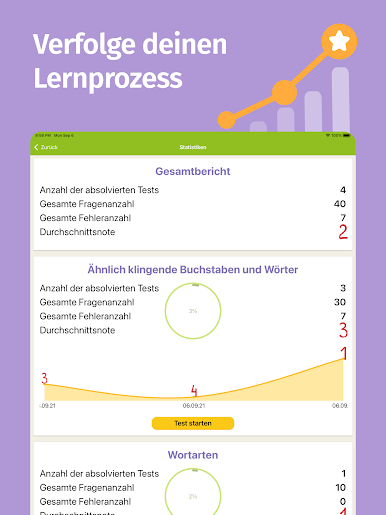
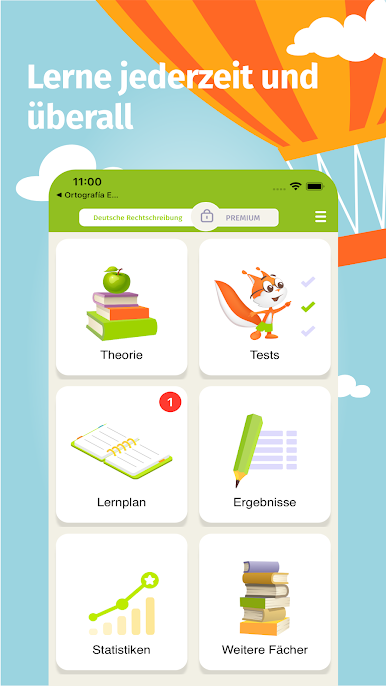
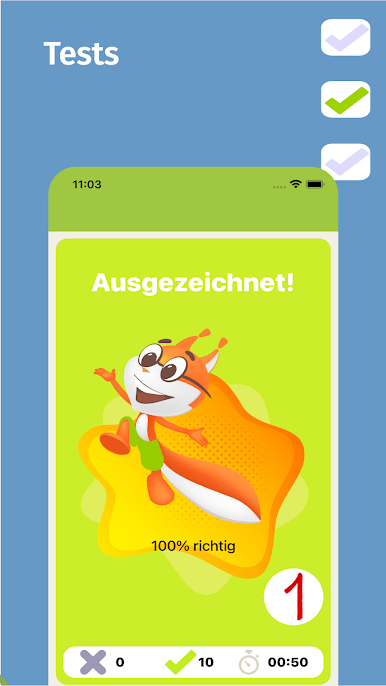
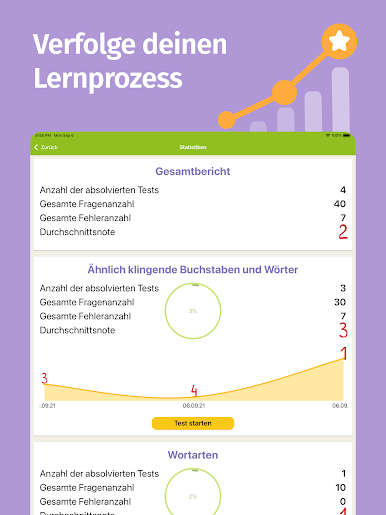
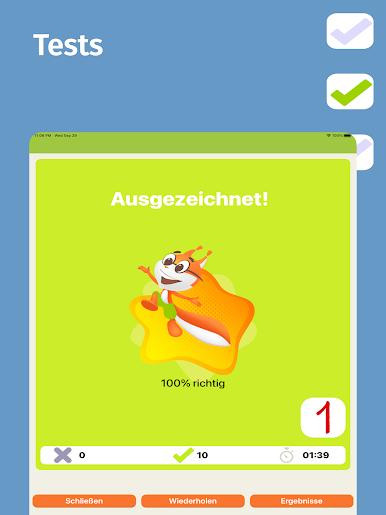
If you’ve ever stumbled over German spelling rules or mixed up those tricky words that sound almost the same, Deutsche Rechtschreibung from Eductify is here to make your life a bit easier. This education app is packed with interactive exercises designed to help anyone—kids or adults—feel more confident in German spelling. Whether you want to brush up for school, prep for a test, or just make fewer slip-ups in everyday writing, you’ll find lots of helpful practice right here.
App Features
-
Word Confusion? Sorted.
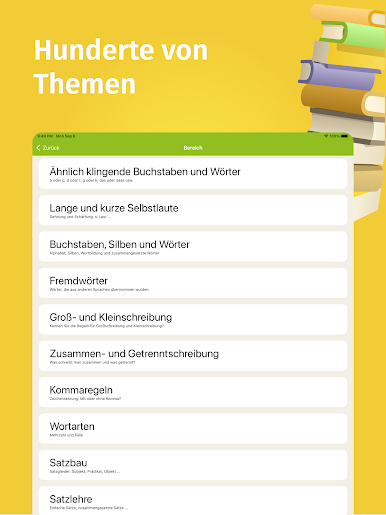
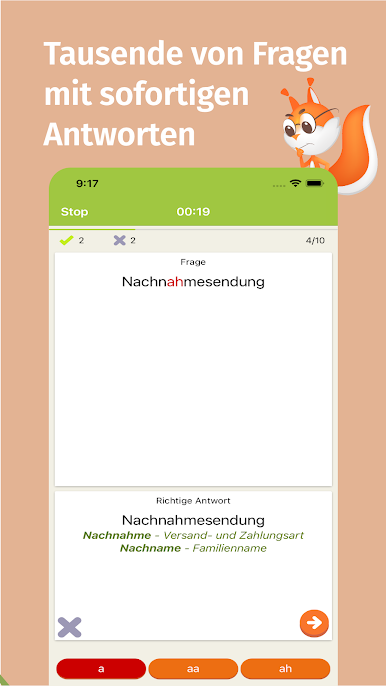
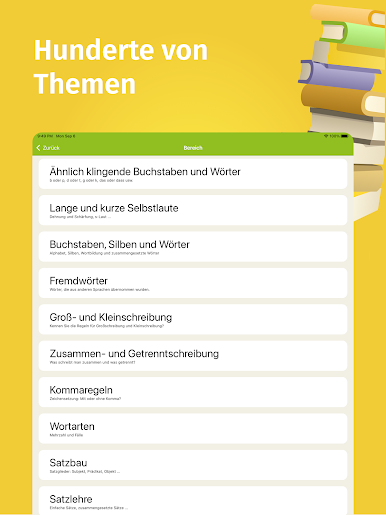
Unsure when it’s “das” or “dass”? Not sure about “wider” and “wieder”? The app gives you clear, bite-sized exercises to nail down these sound-alike words and those pesky letter combos, like b/p or d/t. -
Vowels Made Simple.
German’s a stickler for long and short vowel sounds. Practice games walk you through distinguishing—without the stress—when to stretch out a vowel and when to keep it short and snappy. -
Compound Words Practice.
If hyphens or long words trip you up, you’ll find a whole set of exercises focusing on how to correctly build, split, or write compound words. -
Upper and Lowercase, No Guessing.
Still shaky on what needs that capital letter? The app quizzes you on all the typical trouble spots: time expressions, nouns, and number words, so you’ll get used to spot-on capitalization. -
Writing Together or Apart.
Can’t tell when to keep words together or write them apart? You’ll get targeted lessons on these cases, making those decisions feel almost automatic. -
Grammar Brush-up.
Want to feel more at home with German word types and sentence structure? There’s a neat selection of short exercises and tips, so your grammar game stays strong.
You can even use Deutsche Rechtschreibung on your PC using BlueStacks, which makes diving into extra practice easy no matter where you are.
BlueStacks gives you the much-needed freedom to experience your favorite apps on a bigger screen. Get it now.
Chơi Deutsche Rechtschreibung trên PC. Rất dễ để bắt đầu
-
Tải và cài đặt BlueStacks trên máy của bạn
-
Hoàn tất đăng nhập vào Google để đến PlayStore, hoặc thực hiện sau
-
Tìm Deutsche Rechtschreibung trên thanh tìm kiếm ở góc phải màn hình
-
Nhấn vào để cài đặt Deutsche Rechtschreibung trong danh sách kết quả tìm kiếm
-
Hoàn tất đăng nhập Google (nếu bạn chưa làm bước 2) để cài đặt Deutsche Rechtschreibung
-
Nhấn vào icon Deutsche Rechtschreibung tại màn hình chính để bắt đầu chơi

