


Bàn phím Outer Space
Chơi trên PC với BlueStacks - Nền tảng chơi game Android, được hơn 500 triệu game thủ tin tưởng.

Trang đã được sửa đổi vào: Sep 16, 2020
Play Outer Space Theme on PC
🌟Happy Chatting
Our Keyboard supports 150+ languages, so you can chat with friends from all over the world!
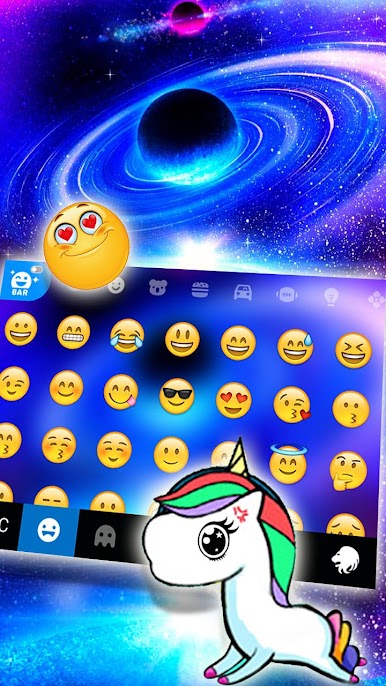
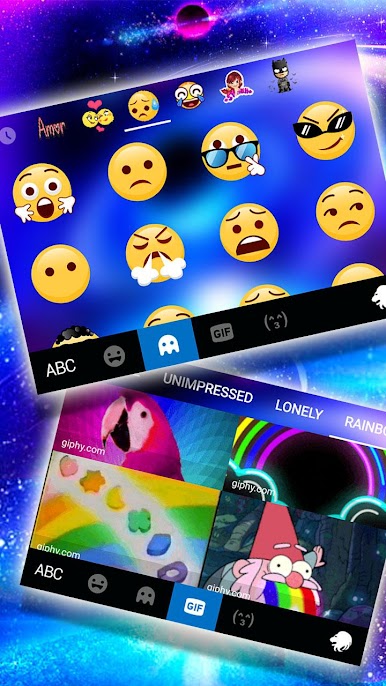
😘Colorful theme,font,emoji&kaomoji
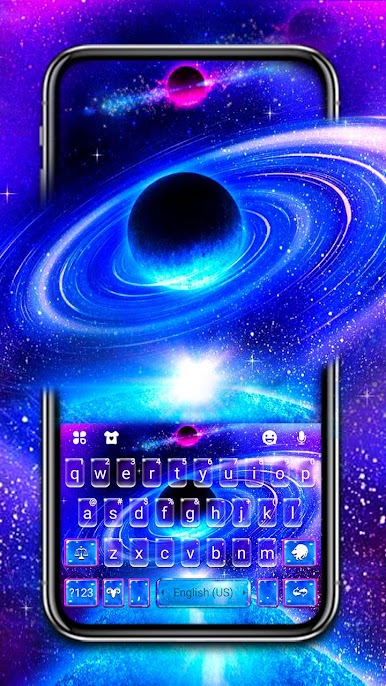
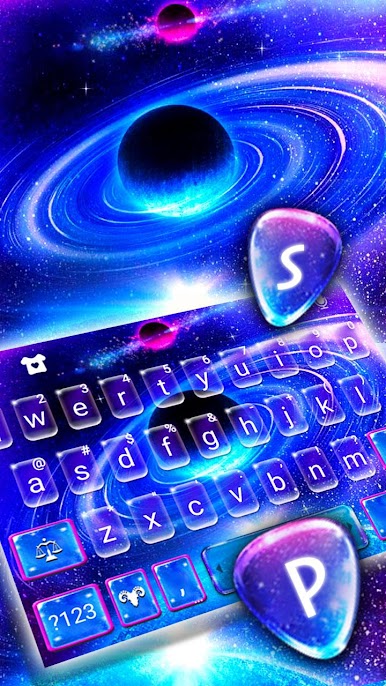
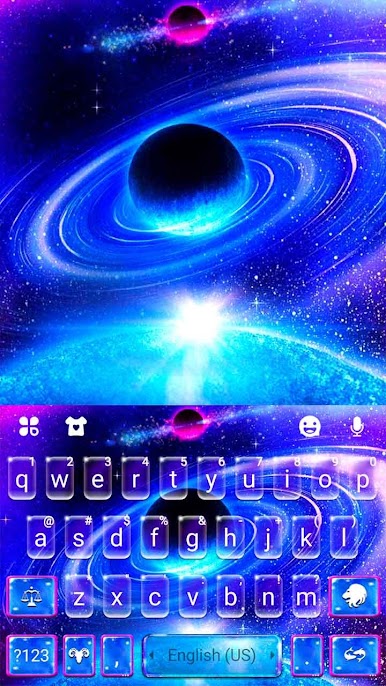
• Stylish keyboard backgrounds turn a plain keyboard into a beautiful and unique one!
• Hot and creative fonts, type fancy texts on all social media!
• Latest trending emojis: input thousands of emojis, GIFs, emoticons, and stickers anywhere conveniently
•Cute text face and kaomoji makes typing more fun~(^з^)-☆
🎨 Custom Keyboard & Photo Keyboard
Choose your photo or wallpaper, make an exclusive keyboard with customizable keyboard colors, wallpaper, sounds, effects, fonts and layout to your liking!
🍀Fast and Smart typing
• Clipboard for multiple fast copy and paste.
• Swipe to type: type faster with smooth gesture typing!
• Contextual prediction: the most powerful error correction. Auto-correct mistyping, spelling errors and capitalization automatically.
• Cloud prediction: enhance next-word prediction and emoji predictions by cloud computing.
⭐️Want more themes? ⭐️
Our Keyboard provides amount of free and perfect stylish & fashion keyboard HD wallpapers to decorate your phone background. (You can get 3D, cool, cute, romantic, cartoon, panda, unicorn, cat, anime, lion, clown, sport,love, girl, skull,soccer, wolf, graffiti life, car, neon, flower, music, colorful, black, gold, green, pink, red, purple, blue, white, etc. and find all your favorite topics in Store). We usually update NEW themes five times a week. Please keep your attention on our Store frequently.
✅How to use Outer Space Keyboard Theme✅
• Download Outer Space Keyboard Theme from Play Store and open it;
• Click the APPLY button or the preview picture of Outer Space Keyboard Theme;
• Bravo! You have installed and applied Outer Space Keyboard Theme;
• Press the Finish then enjoy the Outer Space Keyboard app.
✔️Multi Language Typing?✔️
Our Keyboard has been loved deeply by over 30 million users support over 150 languages and still counting. (Including but not limited to English, Spanish, Indonesia, Hindi, Portugues, Polish, French, Russian, Italian, Arabic, Vietnamese, Malagasy, German,Romanian,Turkish, Ukrainian,etc.)
📲Supported devices?📲
Our Keyboard is compatible with almost all android phones. (Including but not limited to Samsung Galaxy Note 20 ,Note 10, Note 9,Note 8, Note 6, Note 5, Samsung Galaxy J7, Samsung Galaxy S20, S9, S9 +,S8 and S8 Edge; Huawei P40, P10 Plus, Huawei Mate 40,Huawei Mate 30, Huawei P9, Huawei Honor 8; HTC 10, HTC One A9; OPPO Find 9; OPPO F3 Plus; Xiaomi Mix, Xiaomi 6; Nokia 8; VIVO V5 Plus;Sony Xperia Z5, Sony Xperia Z4; Moto, etc.)
🛡Don't worry about privacy and security: 🛡
We will never collect your personal info and collect the photos you set as HD wallpapers. We only use the words typed by you to make the predictions more accurate.
🙌Feeling attractive now? Install Outer Space Keyboard Theme and apply it now!
Chơi Bàn phím Outer Space trên PC. Rất dễ để bắt đầu
-
Tải và cài đặt BlueStacks trên máy của bạn
-
Hoàn tất đăng nhập vào Google để đến PlayStore, hoặc thực hiện sau
-
Tìm Bàn phím Outer Space trên thanh tìm kiếm ở góc phải màn hình
-
Nhấn vào để cài đặt Bàn phím Outer Space trong danh sách kết quả tìm kiếm
-
Hoàn tất đăng nhập Google (nếu bạn chưa làm bước 2) để cài đặt Bàn phím Outer Space
-
Nhấn vào icon Bàn phím Outer Space tại màn hình chính để bắt đầu chơi

