

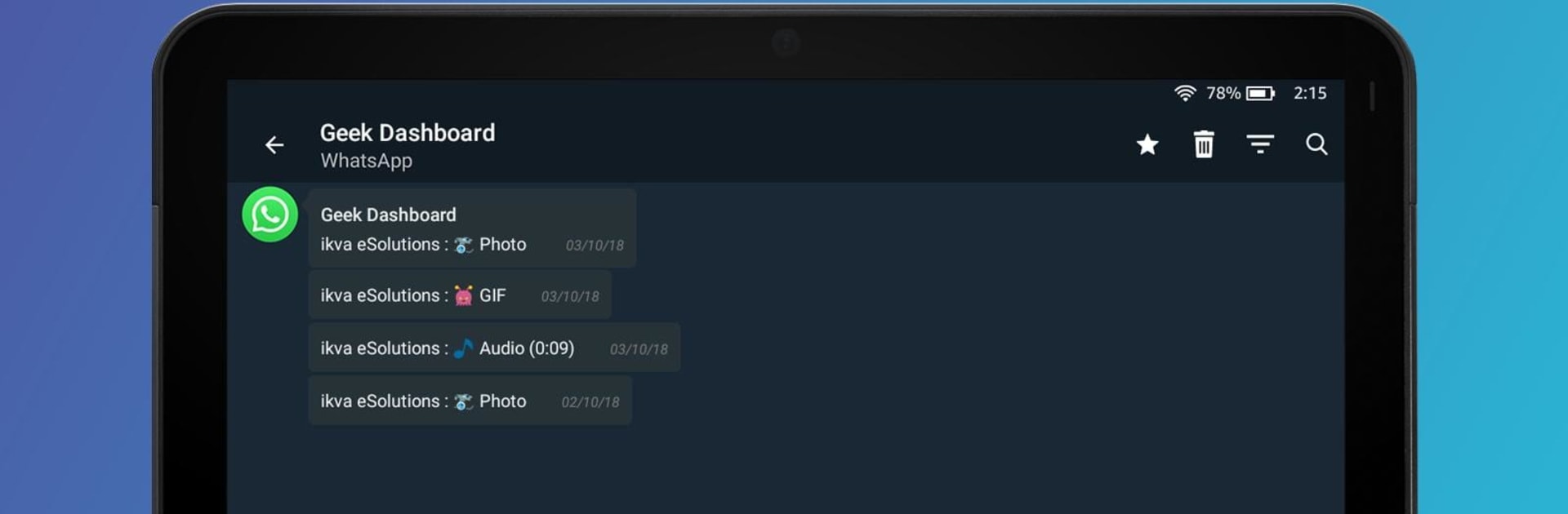
Notification History Log
Graj na PC z BlueStacks – Platforma gamingowa Android, która uzyskała zaufanie ponad 500 milionów graczy!

Strona zmodyfikowana w dniu: Apr 22, 2025
Run Notification History Log on PC or Mac
What’s better than using Notification History Log by ZipoApps? Well, try it on a big screen, on your PC or Mac, with BlueStacks to see the difference.
About the App
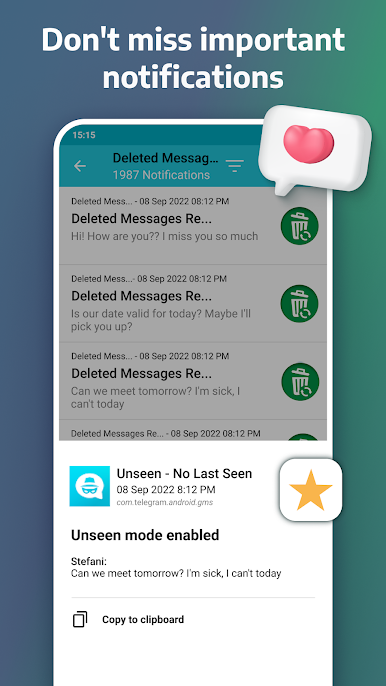
Ever swipe away a notification and instantly regret it? Notification History Log by ZipoApps is built just for those moments. This slick Productivity tool keeps track of your notifications, so you can check back on anything you missed, deleted, or accidentally dismissed. No more scrambling to remember what that vanished alert said — this app’s got your back, all in a friendly, easy-to-use space.
App Features
-
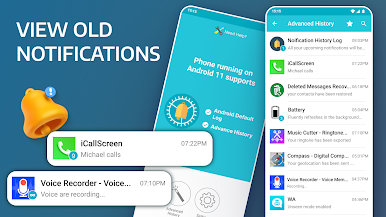
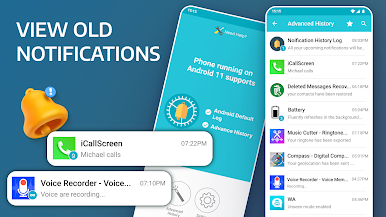
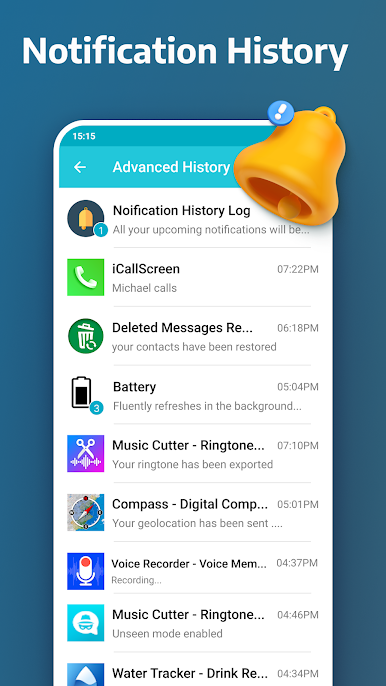
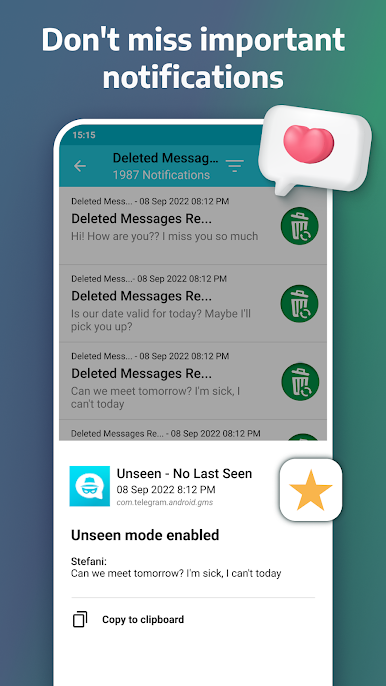
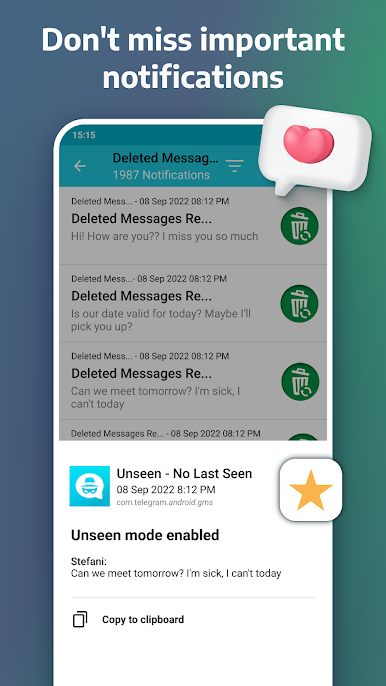
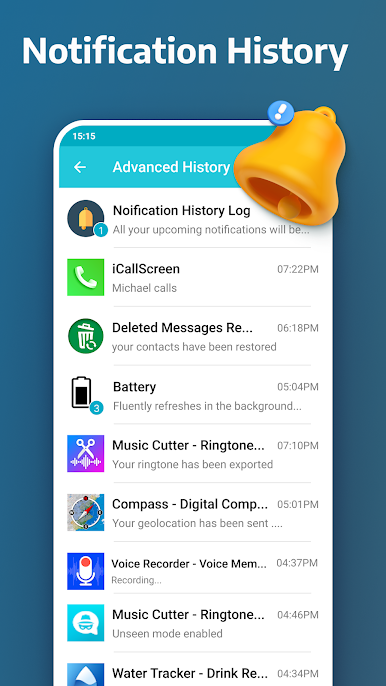
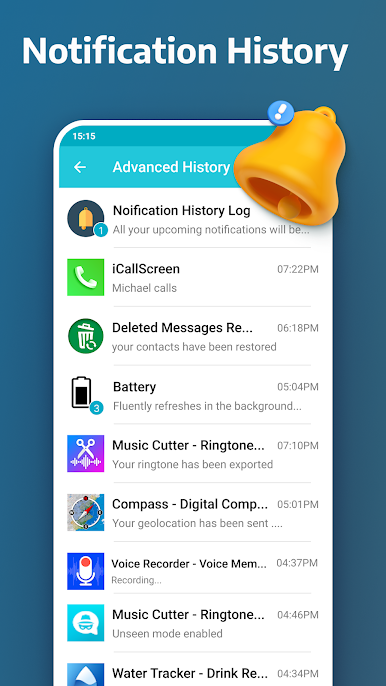
Advanced Notification Log
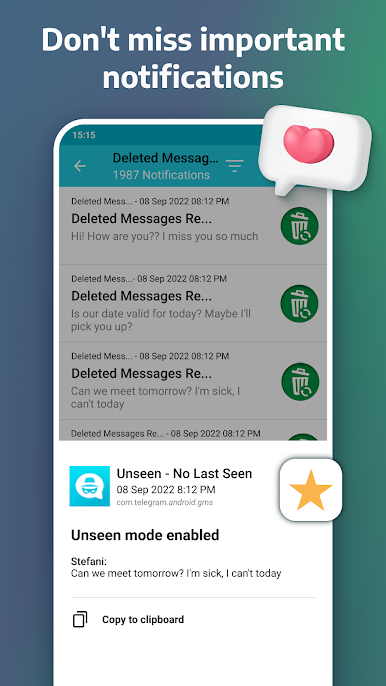
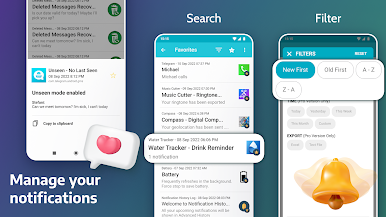
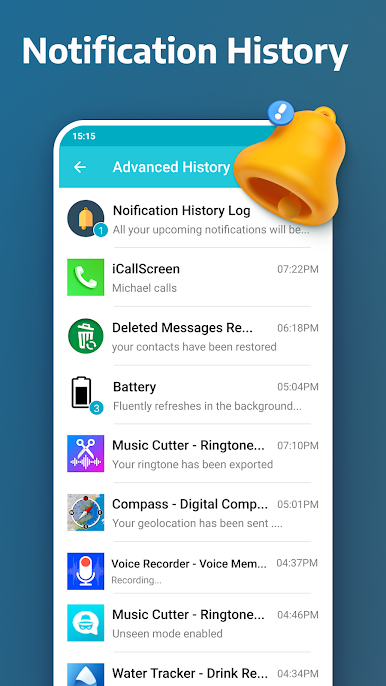
Jump into a detailed overview of every notification you’ve received, even the ones you deleted or cleared. Scroll, search, and rediscover — it’s all organized so you’ll always find what you need. -
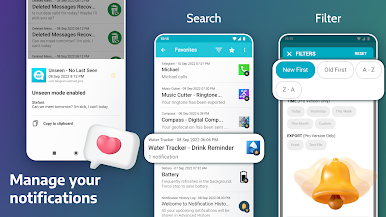
Handy Search & Filters
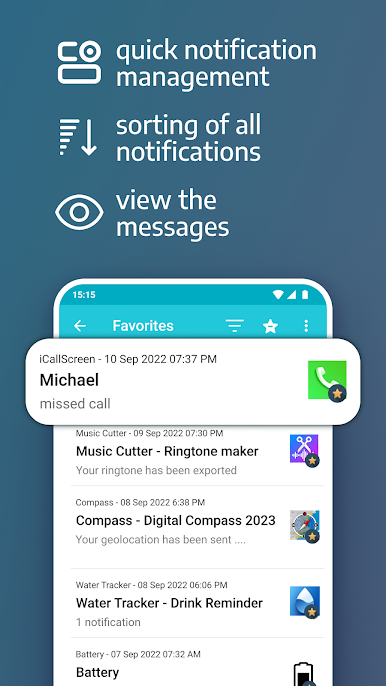
Lost track of that one important message? Use the built-in search or filter by app to quickly locate notifications, no matter how busy your phone gets. -
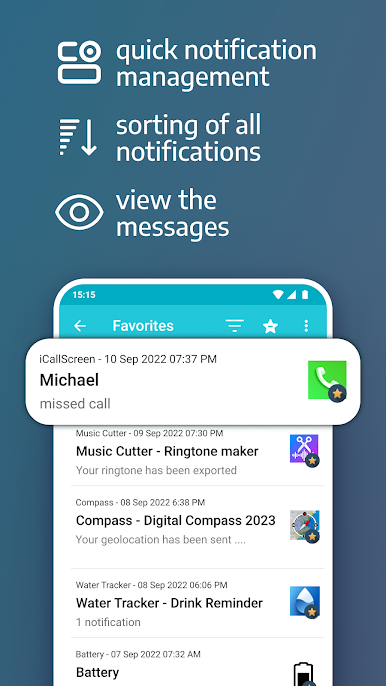
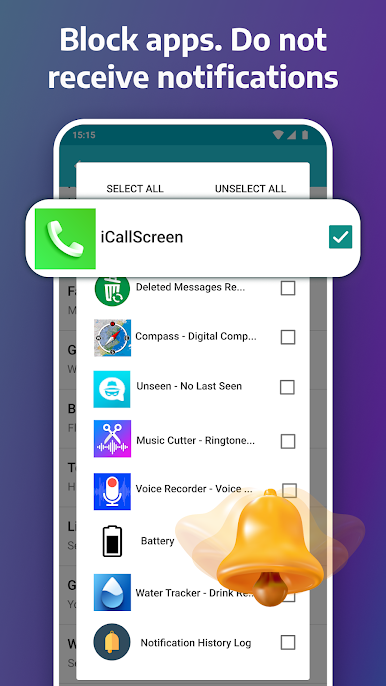
Favorites & Blacklist
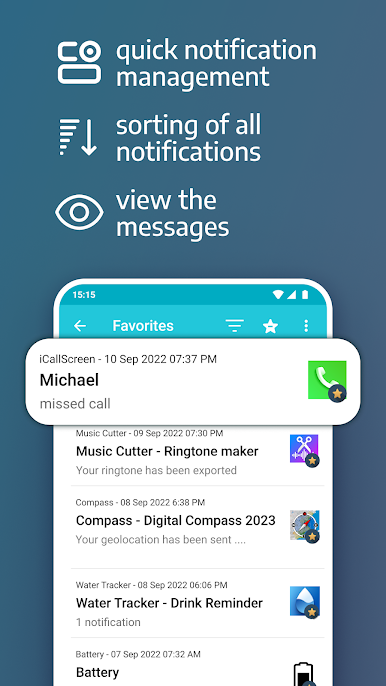
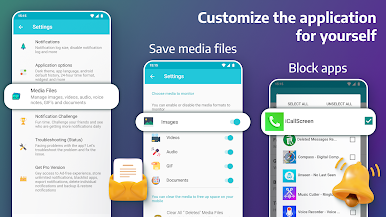
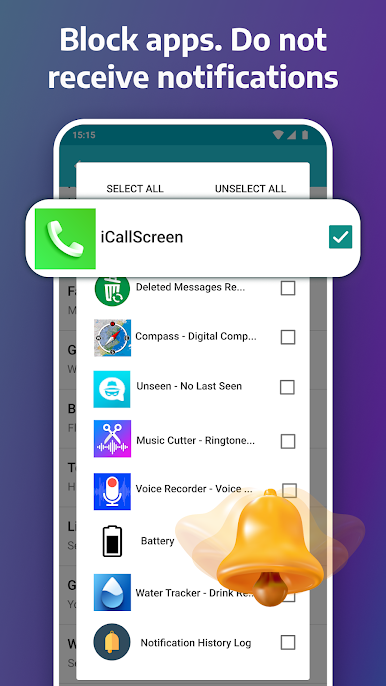
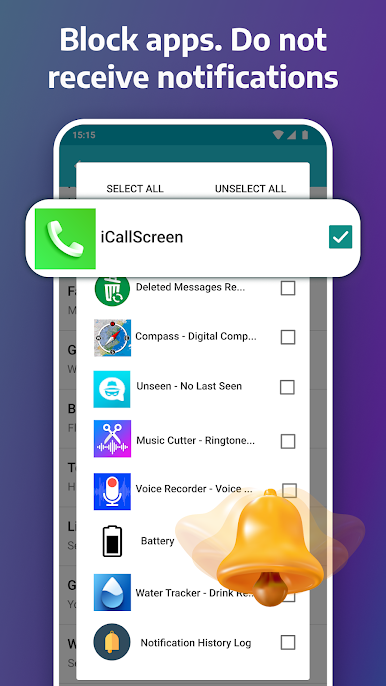
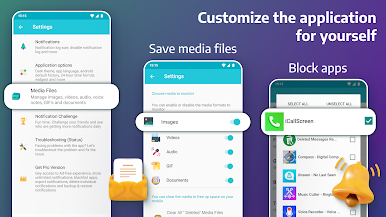
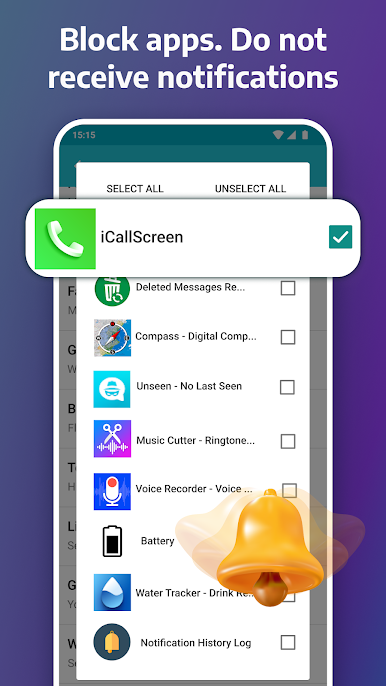
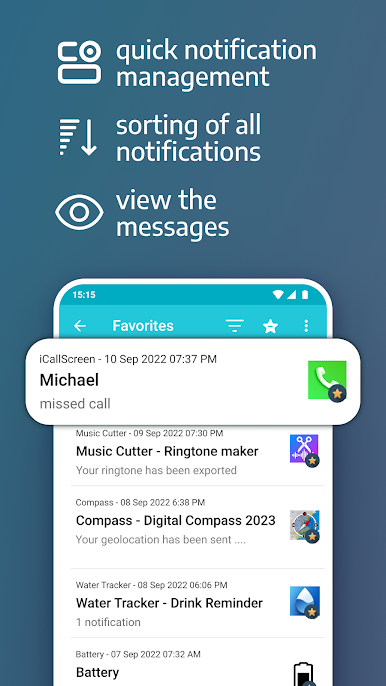
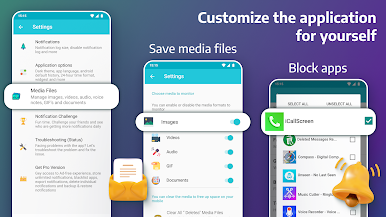
Mark key notifications as favorites for quick access later, or blacklist certain apps so their alerts won’t clutter up your log. Perfect for keeping things tidy. -
Themes for Every Mood
Switch between dark and light themes to match your device (or your mood). Your notification log doesn’t have to look boring. -
Instant Home Screen Widget*
Pop a widget on your home screen for fast access to your entire notification log. No extra steps required. -
Export Options*
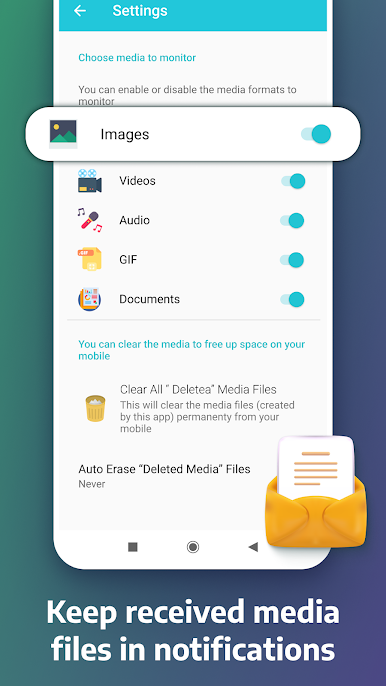
Want a backup? Export your notifications as a text or Excel file — super useful if you need to keep a record for work, school, or anything else. -
Backup and Restore*
Moving to a new device or reinstalling the app? Your notification history can easily come with you. Backups are encrypted and stay right on your phone. -
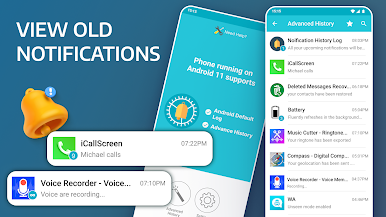
Native Android History Integration
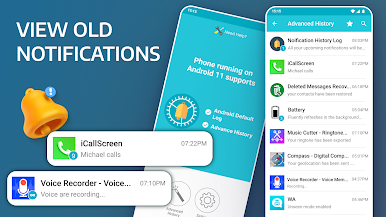
Prefer the traditional view? You can access the default Android notification history on supported devices, all from within the app. -
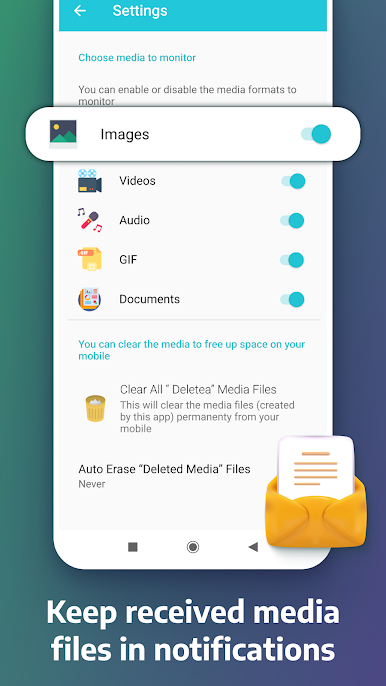
Easy Cleanup
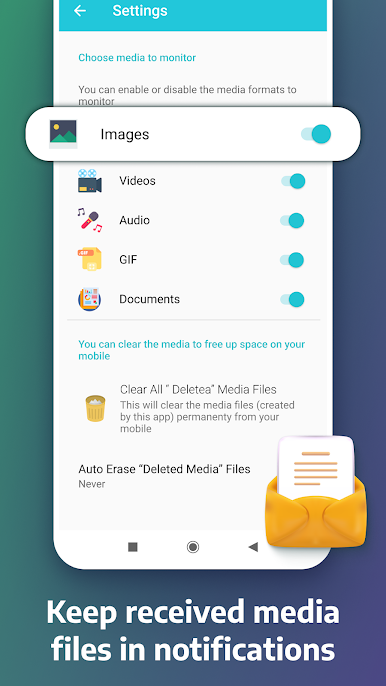
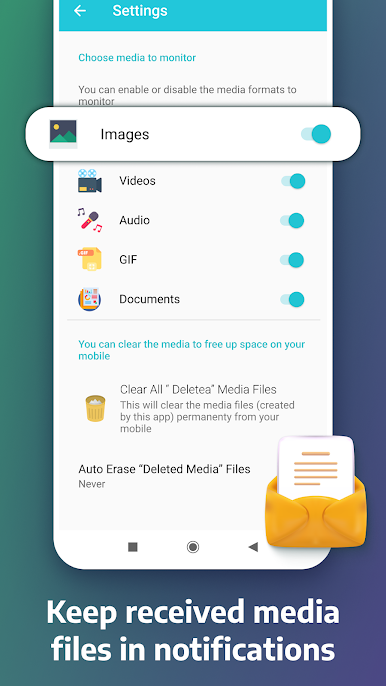
Clear your entire notification history or just wipe alerts from a specific app with a couple taps. Keeps everything running smooth.
Notification History Log runs smoothly on most Android phones and tablets, and you can experience it on your computer with BlueStacks, too.* Features marked with an asterisk are available in the Pro Version.
Ready to experience Notification History Log on a bigger screen, in all its glory? Download BlueStacks now.



Zagraj w Notification History Log na PC. To takie proste.
-
Pobierz i zainstaluj BlueStacks na PC
-
Zakończ pomyślnie ustawienie Google, aby otrzymać dostęp do sklepu Play, albo zrób to później.
-
Wyszukaj Notification History Log w pasku wyszukiwania w prawym górnym rogu.
-
Kliknij, aby zainstalować Notification History Log z wyników wyszukiwania
-
Ukończ pomyślnie rejestrację Google (jeśli krok 2 został pominięty) aby zainstalować Notification History Log
-
Klinij w ikonę Notification History Log na ekranie startowym, aby zacząć grę

