


Image-Line Remote
Chơi trên PC với BlueStacks - Nền tảng chơi game Android, được hơn 500 triệu game thủ tin tưởng.

Trang đã được sửa đổi vào: Jul 27, 2016
Play Image-Line Remote on PC
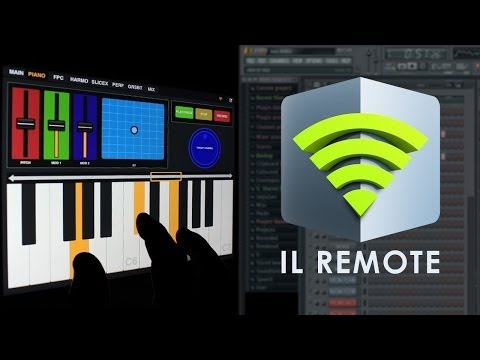
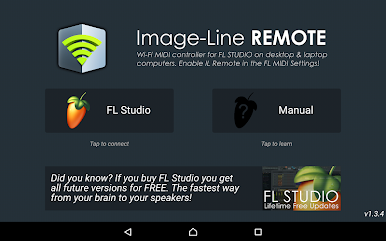
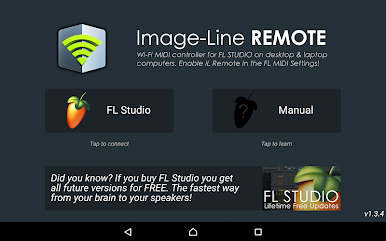
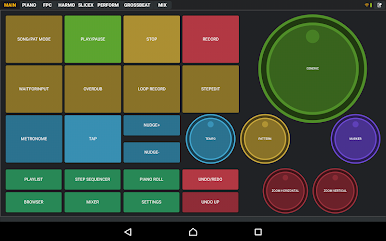
Image-Line Remote ( IL Remote ) is a FREE tablet or phone, user-configurable virtual MIDI controller application for FL Studio and Deckadance 2. IL Remote does not make sound, it controls FL Studio and Deckadance just like a MIDI controller does.
Open FL Studio on your computer plus IL Remote on your mobile device and the connection is automatic.
NOTE: Requires Android 4 or higher. FL Studio 11.1 OR FL Studio 12.3 for control feedback
Control FL Studio instantly or link your favorite instrument and effect plugins just as you can with any MIDI controller. Use a phone, tablet or any combination with up to 15 devices simultaneously.
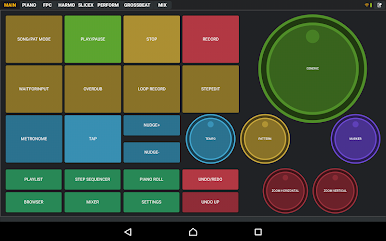
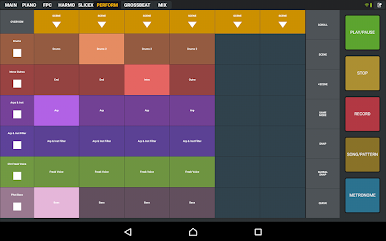
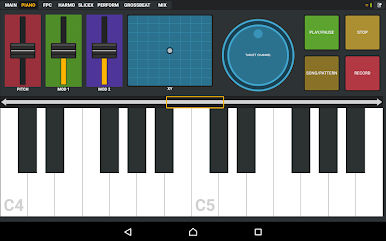
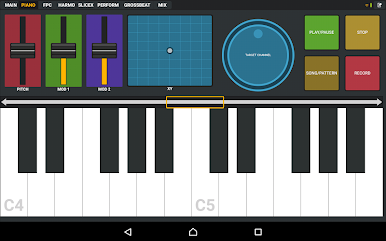
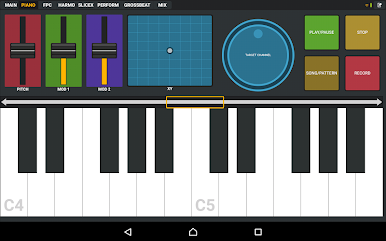
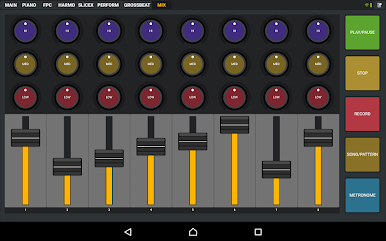
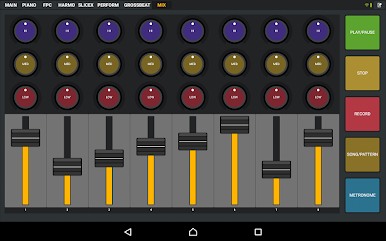
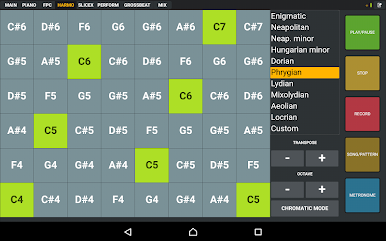
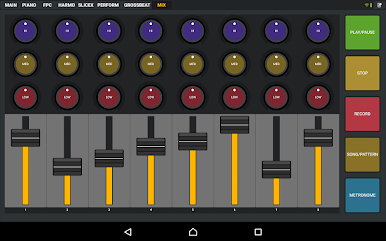
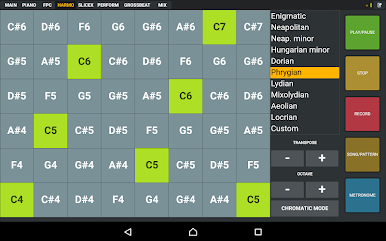
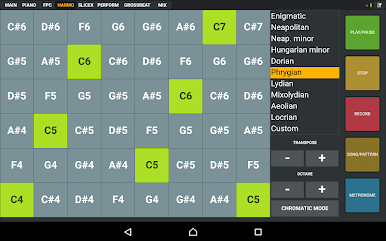
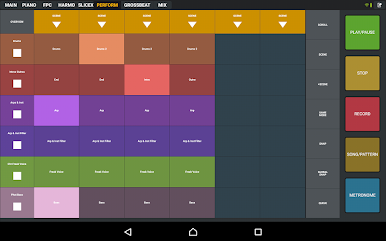
Use the included controller tabs covering functions including; Transport Controls, MIDI Keyboard, FPC control, Harmonizer Keyboard, Performance Mode (Clip Launcher), Gross Beat FX, Mixer and more. If the control you want isn't available then you can create your own.
IL Remote allows you to add custom tabs and add controls including Pads, Faders, Knobs, Jog Wheels, Mixer, Clip Launcher, X/Y Controls, Piano Keyboard, Harmonic Grid and Containers. There is a complete range of customization options for each control so that you can create virtually any virtual MIDI controller to suit your needs.
Please see the user manual here:
http://support.image-line.com/redirect/ILRemoteManual
Trouble with Wi-Fi connection see here:
http://support.image-line.com/redirect/ILRemote_WiFi_Troubleshooting
User forums (log in or create a free account to access):
http://support.image-line.com/redirect/ILRemote_Users_Forum
Video Playlist:
http://www.youtube.com/playlist?list=PLkYsB0Ki9lAdBPjGpa0vEH8PLT5CSoy8L
Enjoy!
Chơi Image-Line Remote trên PC. Rất dễ để bắt đầu
-
Tải và cài đặt BlueStacks trên máy của bạn
-
Hoàn tất đăng nhập vào Google để đến PlayStore, hoặc thực hiện sau
-
Tìm Image-Line Remote trên thanh tìm kiếm ở góc phải màn hình
-
Nhấn vào để cài đặt Image-Line Remote trong danh sách kết quả tìm kiếm
-
Hoàn tất đăng nhập Google (nếu bạn chưa làm bước 2) để cài đặt Image-Line Remote
-
Nhấn vào icon Image-Line Remote tại màn hình chính để bắt đầu chơi

