


Pooza - Educational Puzzles fo
Graj na PC z BlueStacks – Platforma gamingowa Android, która uzyskała zaufanie ponad 500 milionów graczy!

Strona zmodyfikowana w dniu: Sep 17, 2024
Run Pooza - Educational Puzzles for Kids on PC or Mac
What’s better than using Pooza – Educational Puzzles for Kids by ImagiRation LLC? Well, try it on a big screen, on your PC or Mac, with BlueStacks to see the difference.
About the App
Pooza – Educational Puzzles for Kids by ImagiRation LLC turns brain development into playtime for your little ones. Designed with help from brain scientists and child development specialists, this app packs in tons of colorful, engaging puzzles that gently ramp up in challenge as your child learns. Whether your toddler is just starting to explore shapes and patterns or your preschooler loves a good logic game, Pooza offers a playful, curiosity-driven space for early learning. Expect intuitive play, lively rewards, and activities that grow along with your child’s skills.
App Features
-
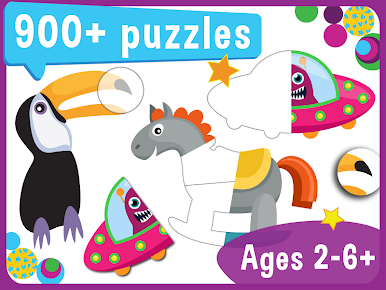
Over 900 Puzzles
There’s no shortage of challenges! Choose from a massive library of puzzles that cover everything from basic shapes to more complex problem-solving. -
Variety of Puzzle Types
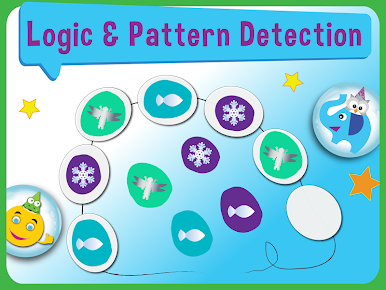
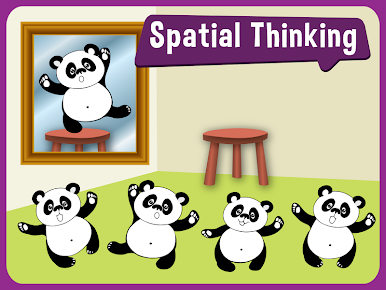
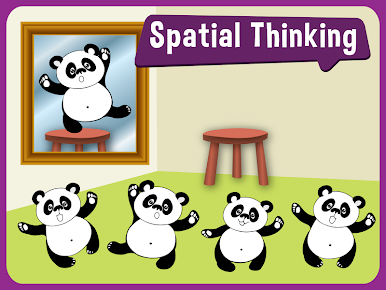
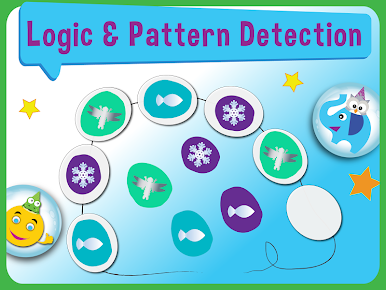
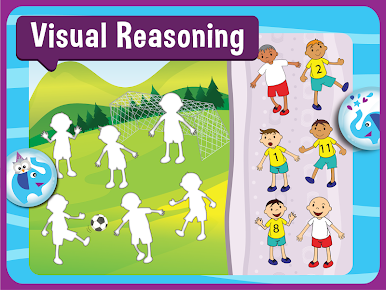
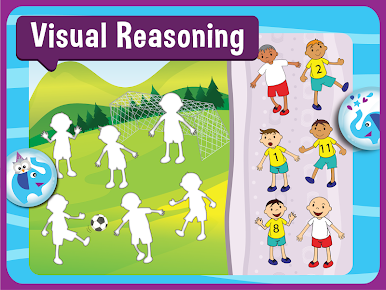
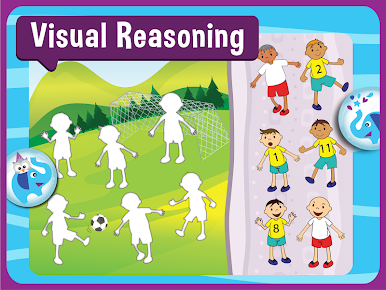
Find something for every mood—visual integration puzzles, pattern spotting, picture completion, logic games, sorting activities, block building, and even beginner-friendly Sudoku with colorful shapes. -
Age-Appropriate Progression
Puzzles are grouped into bundles that match your child’s developmental stage, making it just right for ages 2 through 6 and up. -
Simple Drag-and-Drop Controls
Kids can easily pick up and move pieces around, making the experience frustration-free and friendly for little hands. -
Animated Rewards & Characters
Fun prizes and playful characters pop up as your child solves puzzles, keeping motivation high without overstimulation. -
Gradually Increasing Challenge
Levels start easy and build in complexity, making sure things never get boring while nurturing logic and critical thinking. -
Ad-Free and Ready to Go
No ads, no complicated setup—launch the app and let your child explore independently or with your guidance. -
Rich Graphics & Kid-Approved Visuals
Bright images and cute animations make the whole experience appealing for young eyes. -
Supports Cognitive Growth
Activities are built to boost skills like reasoning, visual learning, concentration, and fine motor control—playful and purposeful at the same time. -
Flexible Play Anywhere
Whether you’re at home or on the move, you can let your little one learn and play—and yes, you can even run Pooza – Educational Puzzles for Kids on a bigger screen with BlueStacks.
Ready to experience Pooza – Educational Puzzles for Kids on a bigger screen, in all its glory? Download BlueStacks now.
Zagraj w Pooza - Educational Puzzles fo na PC. To takie proste.
-
Pobierz i zainstaluj BlueStacks na PC
-
Zakończ pomyślnie ustawienie Google, aby otrzymać dostęp do sklepu Play, albo zrób to później.
-
Wyszukaj Pooza - Educational Puzzles fo w pasku wyszukiwania w prawym górnym rogu.
-
Kliknij, aby zainstalować Pooza - Educational Puzzles fo z wyników wyszukiwania
-
Ukończ pomyślnie rejestrację Google (jeśli krok 2 został pominięty) aby zainstalować Pooza - Educational Puzzles fo
-
Klinij w ikonę Pooza - Educational Puzzles fo na ekranie startowym, aby zacząć grę

