

Demon God
Graj na PC z BlueStacks – Platforma gamingowa Android, która uzyskała zaufanie ponad 500 milionów graczy!

Strona zmodyfikowana w dniu: Sep 12, 2025
Play Demon God on PC
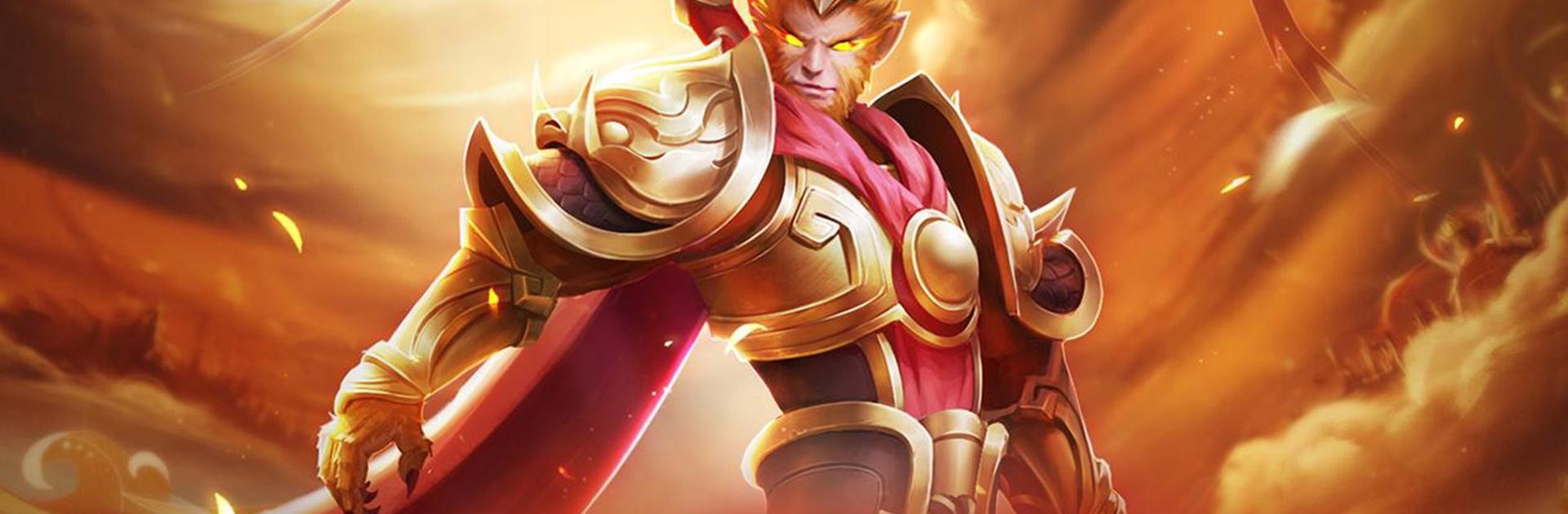
Samadhi flames incinerate the shackles of the three realms as Nezha ascends, cloaked in blazing fury and reborn as the Dragon-Soul War God! Wielding the exclusive "Blazing Dynasty" skin, he strides forth on scorched earth—dragon-scale armor ablaze with glory, spear-tip crackling with celestial lightning. Come to grab it!
**Classic Features**
--SELECT LEGENDARY CLASSES--
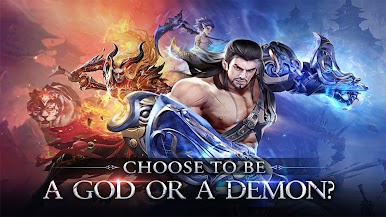
Demon or God?
You decide whether you will be born. Choose your partner during the journey!
--CLAIM RICH REWARDS FOR FREE--
Free VIP 10 for you after you created a role.
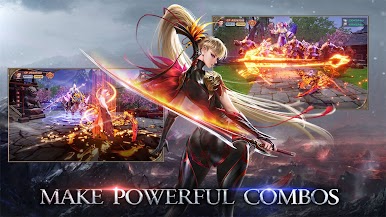
--MAKE POWERFUL FANTASTIC SKILL COMBOS--
You will get excellent visual performance and super exciting battle scenes here.
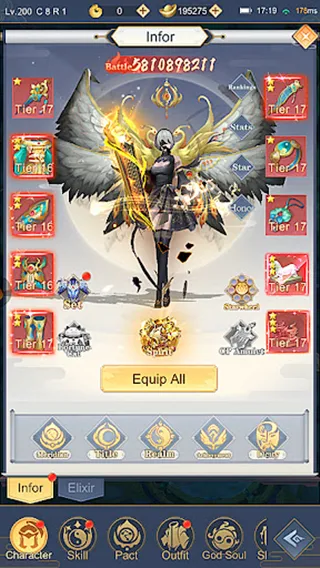
--MORPH 100+ OUTFITS & MOUNTS--
Morph various Outfits & Mounts and find your unique self!
--FIND A ROMANTIC LOVE--
Romantic encounter and sweet love await you in this fantastic world~~
FB: https://www.facebook.com/gaming/DemonGodGlobal
CS: likedreamstar.cs@ijunhai.com


























Zagraj w Demon God na PC. To takie proste.
-
Pobierz i zainstaluj BlueStacks na PC
-
Zakończ pomyślnie ustawienie Google, aby otrzymać dostęp do sklepu Play, albo zrób to później.
-
Wyszukaj Demon God w pasku wyszukiwania w prawym górnym rogu.
-
Kliknij, aby zainstalować Demon God z wyników wyszukiwania
-
Ukończ pomyślnie rejestrację Google (jeśli krok 2 został pominięty) aby zainstalować Demon God
-
Klinij w ikonę Demon God na ekranie startowym, aby zacząć grę

