


iZurvive - Map for DayZ & Arma
Graj na PC z BlueStacks – Platforma gamingowa Android, która uzyskała zaufanie ponad 500 milionów graczy!

Strona zmodyfikowana w dniu: Dec 5, 2025
Run iZurvive - Map for DayZ & Arma on PC or Mac
What’s better than using iZurvive – Map for DayZ & Arma by Innovaptor OG? Well, try it on a big screen, on your PC or Mac, with BlueStacks to see the difference.
About the App
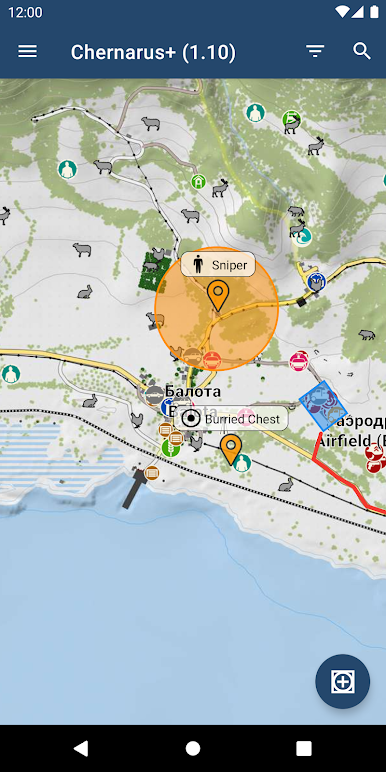
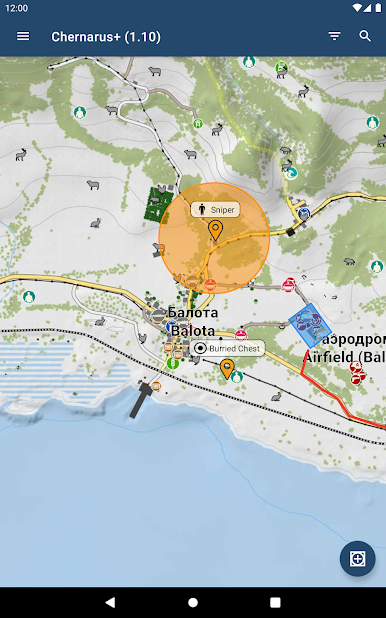
Ever get lost roaming around in DayZ or Arma? iZurvive – Map for DayZ & Arma is kind of like carrying an interactive map and group planner right in your pocket. Whether you’re plotting your squad’s next move or hunting down the best loot, this lightweight tool from Innovaptor OG keeps your group organized and in sync—no signups or fuss required.
App Features
-
Maps at Your Fingertips
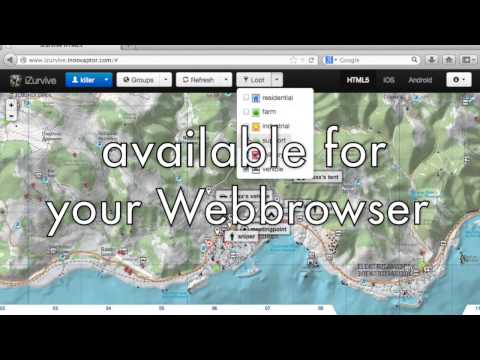
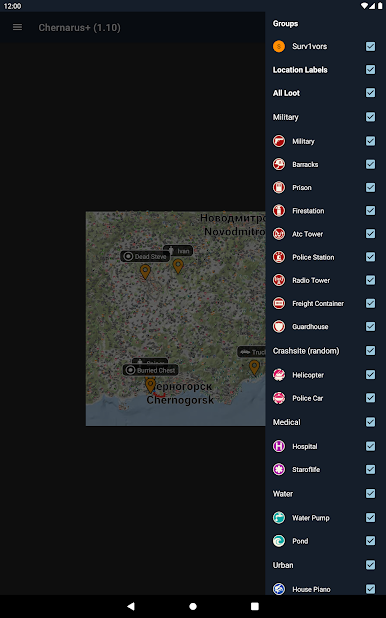
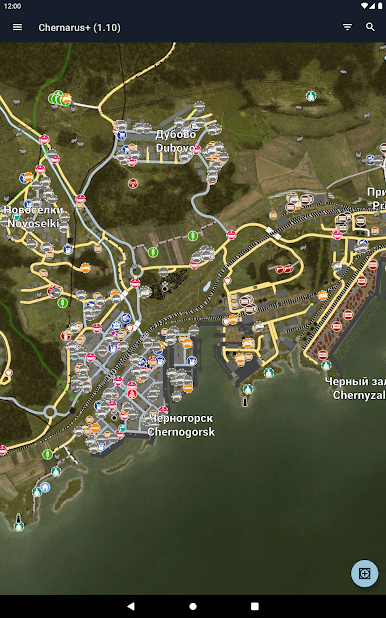
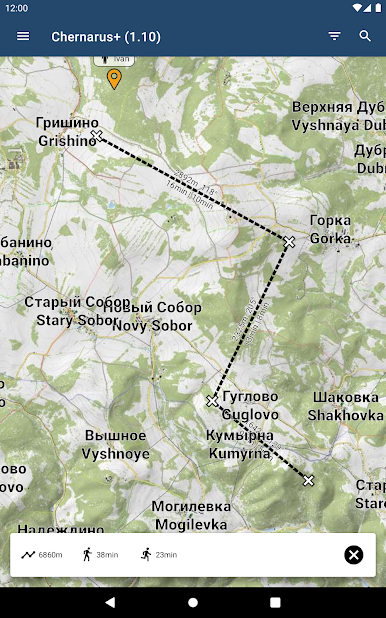
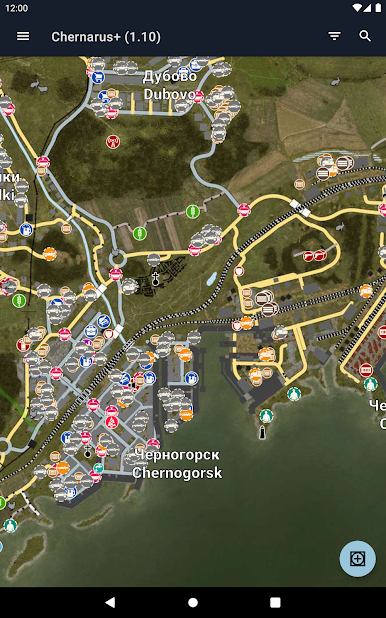
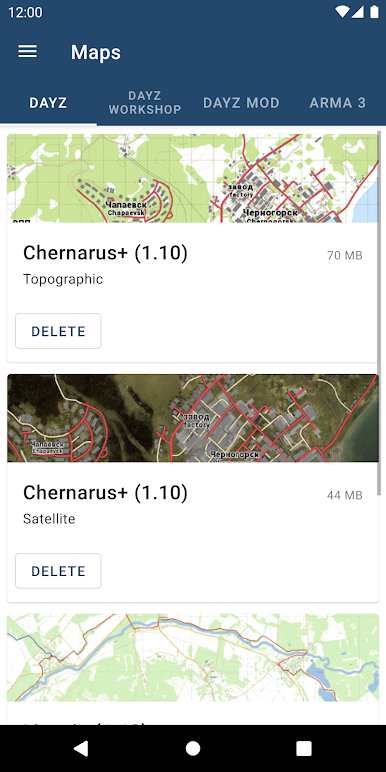
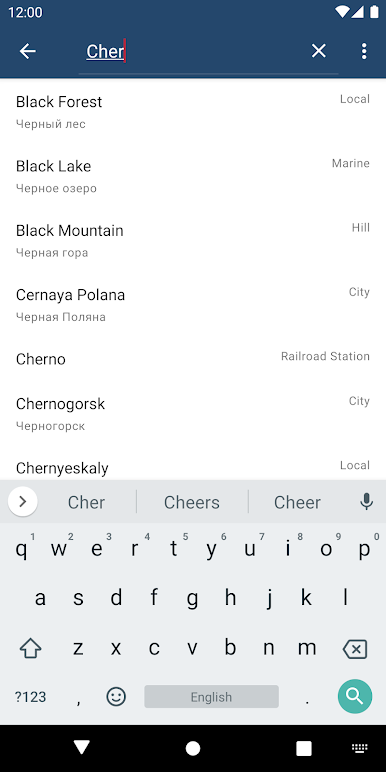
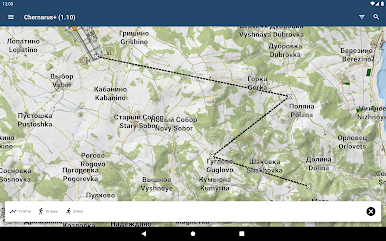
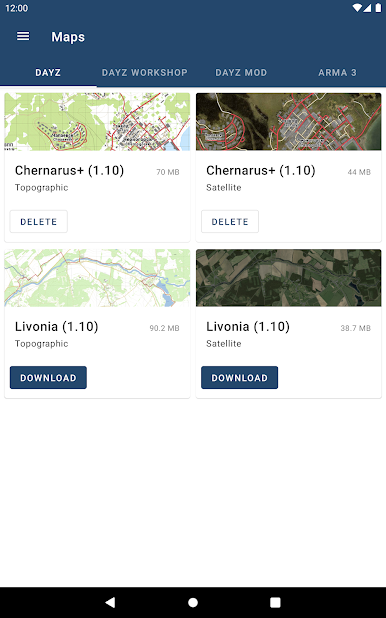
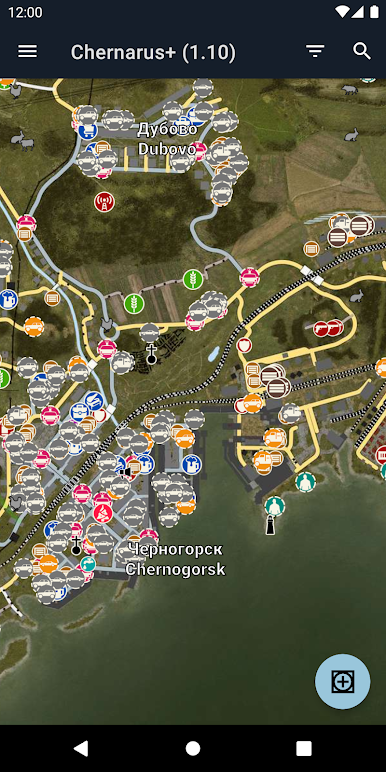
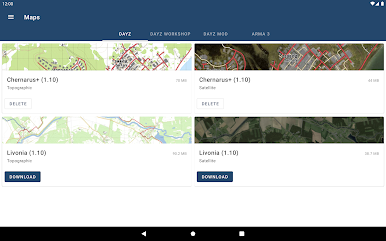
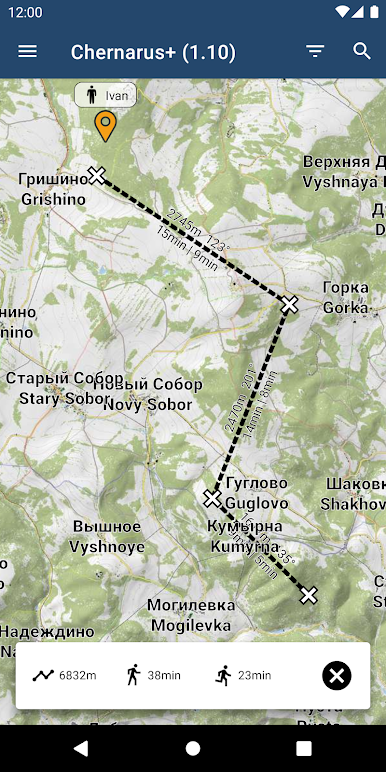
Check out detailed, high-res maps for pretty much every popular area across DayZ Standalone, DayZ Mod, and Arma 3. Navigate Chernarus, Altis, Tanoa, and more—even offline, so you’re never left guessing in the wild. -
Offline Map Access
Once you download a map, you’re all set—even off the grid. No worries if your internet is wonky; your maps will still work, stored right on your device. -
Tactical Markers
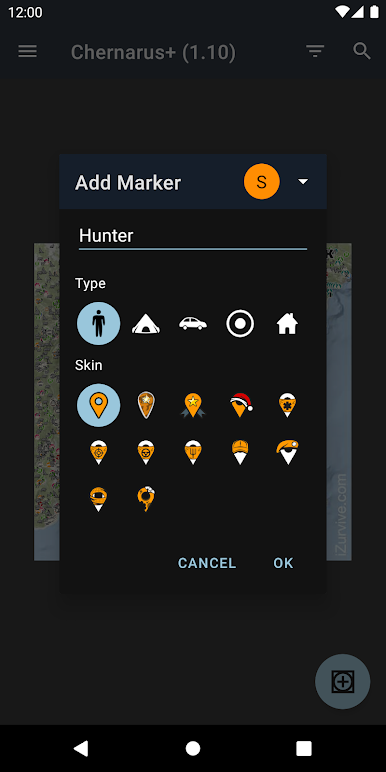
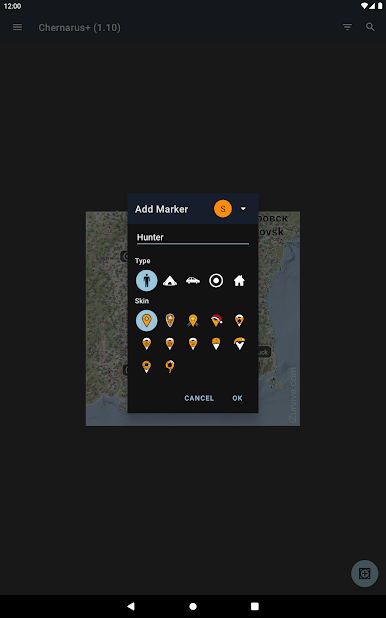
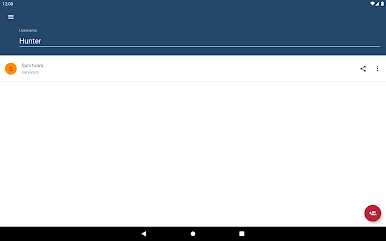
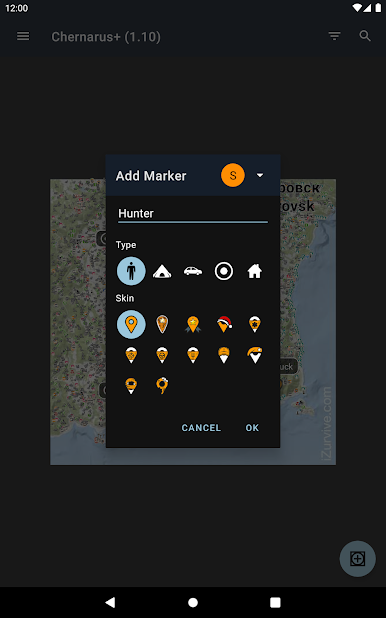
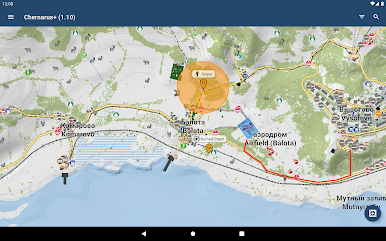
Mark player spots, vehicles, campsites, meeting points—add as many markers as you need. Figure out strategies with your friends without any confusion. -
Effortless Group Sharing
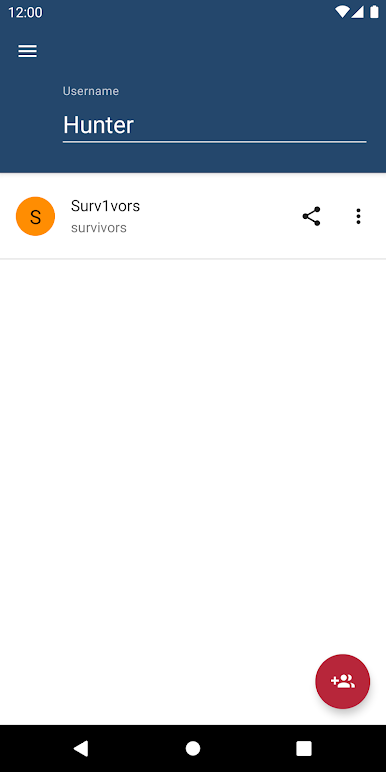
Share markers and coordinate locations with everyone in your group instantly, all without setting up profiles or dealing with registrations. -
Handy Lootmaps
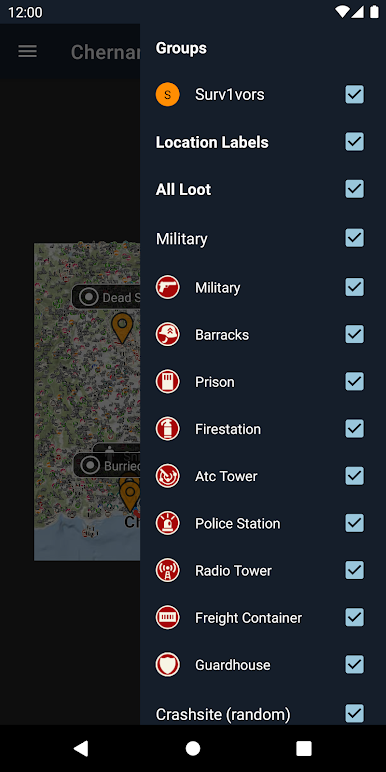
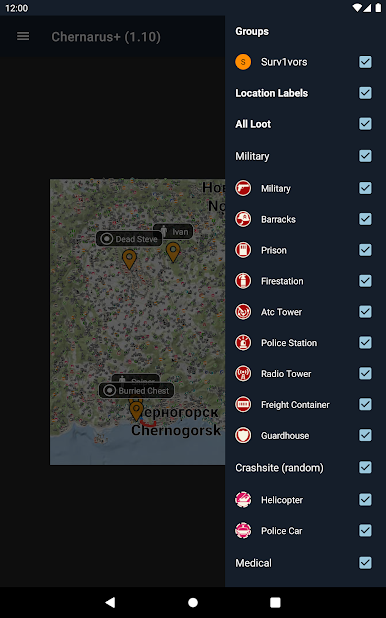
Get extra help spotting loot with specialized lootmaps for every DayZ Standalone map. No more combing empty houses for hours. -
Intuitive Map Controls
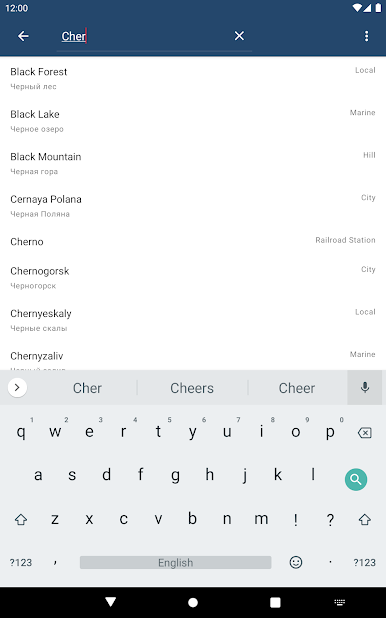
Pinch, scroll, zoom—it’s easy to find what you need and quickly pinpoint spots, just like on your favorite navigation app. -
Diverse Group Tools
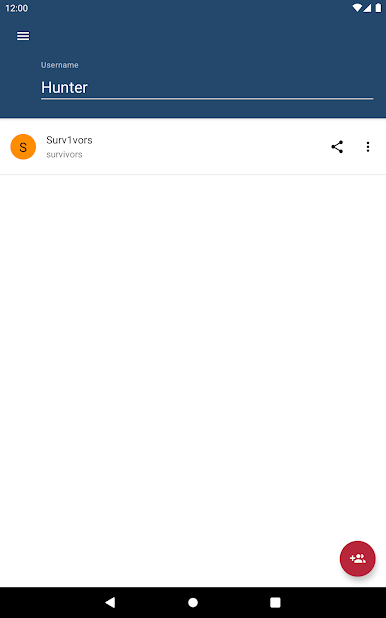
Jump in and join groups on the fly. Chat, plan, and keep your squad synced without jumping through hoops.
Playing on a bigger screen with BlueStacks can make those maps look even sharper, especially when you’re planning with friends.
Switch to BlueStacks and make the most of your apps on your PC or Mac.
Zagraj w iZurvive - Map for DayZ & Arma na PC. To takie proste.
-
Pobierz i zainstaluj BlueStacks na PC
-
Zakończ pomyślnie ustawienie Google, aby otrzymać dostęp do sklepu Play, albo zrób to później.
-
Wyszukaj iZurvive - Map for DayZ & Arma w pasku wyszukiwania w prawym górnym rogu.
-
Kliknij, aby zainstalować iZurvive - Map for DayZ & Arma z wyników wyszukiwania
-
Ukończ pomyślnie rejestrację Google (jeśli krok 2 został pominięty) aby zainstalować iZurvive - Map for DayZ & Arma
-
Klinij w ikonę iZurvive - Map for DayZ & Arma na ekranie startowym, aby zacząć grę

