


Linux Command Library
Chơi trên PC với BlueStacks - Nền tảng chơi game Android, được hơn 500 triệu game thủ tin tưởng.

Trang đã được sửa đổi vào: Nov 15, 2025
Play Linux Command Library on PC
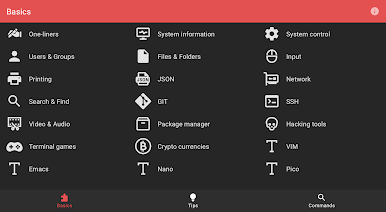
Categories
* One-liners
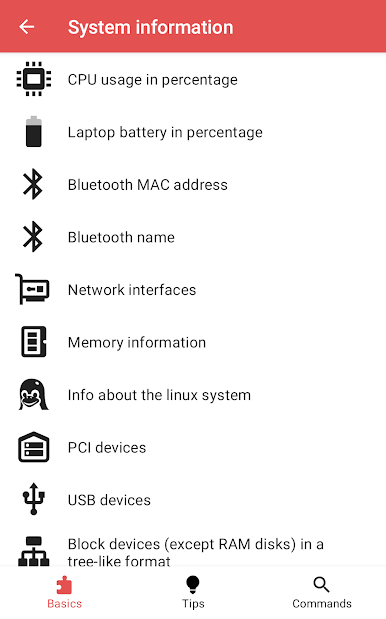
* System information
* System control
* Users & Groups
* Files & Folders
* Input
* Printing
* JSON
* Network
* Search & Find
* GIT
* SSH
* Video & Audio
* Package manager
* Hacking tools
* Terminal games
* Crypto currencies
* VIM
* Emacs
* Nano
* Pico
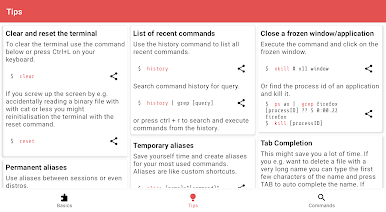
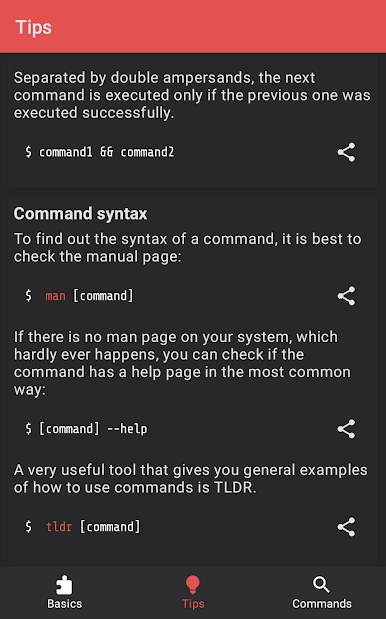
Tips
* Clear and reset the terminal
* List of recent commands
* Close a frozen window/application
* Tab Completion
* Temporary aliases
* Permanent aliases
* Chain commands
* Command syntax
* Cursor navigation
* Redirection
* Special characters in commands
* View file permissions
* Modify file permissions
* Set file permissions via binary references
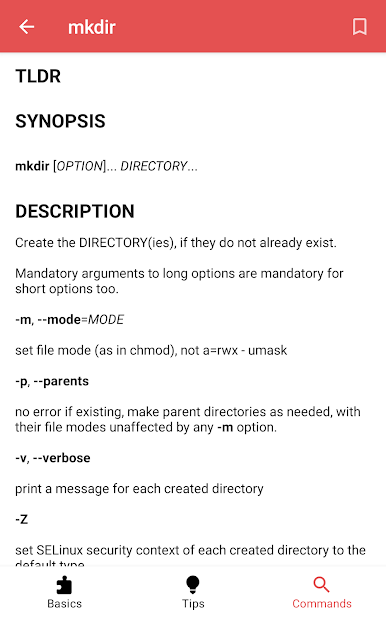
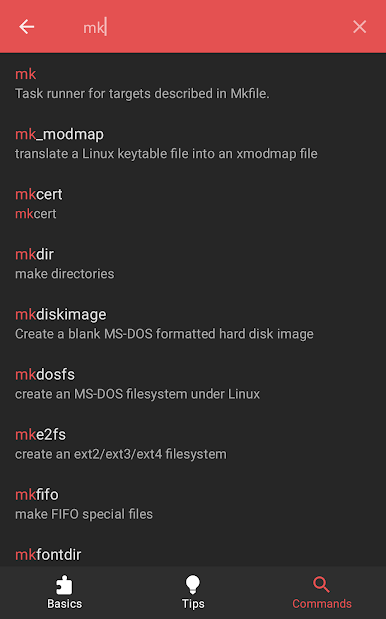
Chơi Linux Command Library trên PC. Rất dễ để bắt đầu
-
Tải và cài đặt BlueStacks trên máy của bạn
-
Hoàn tất đăng nhập vào Google để đến PlayStore, hoặc thực hiện sau
-
Tìm Linux Command Library trên thanh tìm kiếm ở góc phải màn hình
-
Nhấn vào để cài đặt Linux Command Library trong danh sách kết quả tìm kiếm
-
Hoàn tất đăng nhập Google (nếu bạn chưa làm bước 2) để cài đặt Linux Command Library
-
Nhấn vào icon Linux Command Library tại màn hình chính để bắt đầu chơi

