

Blocky Castle: Tower Climb
Chơi trên PC với BlueStacks - Nền tảng chơi game Android, được hơn 500 triệu game thủ tin tưởng.

Trang đã được sửa đổi vào: Jul 22, 2025
Play Blocky Castle: Tower Climb on PC or Mac
Step into the World of Blocky Castle: Tower Climb, a thrilling Adventure game from the house of isTom Games. Play this Android game on BlueStacks App Player and experience immersive gaming on PC or Mac.
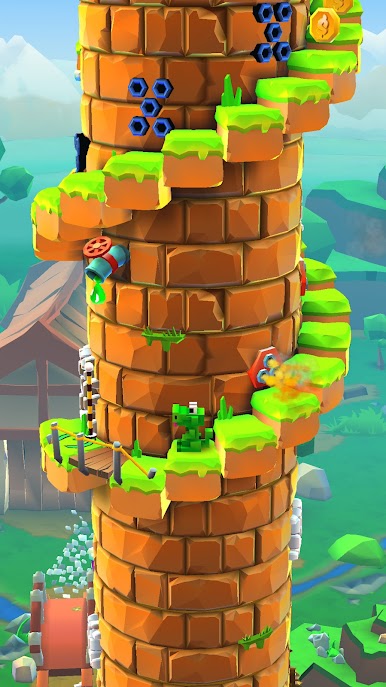
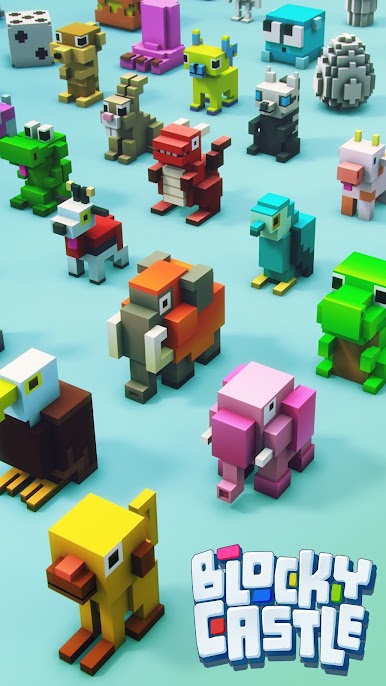
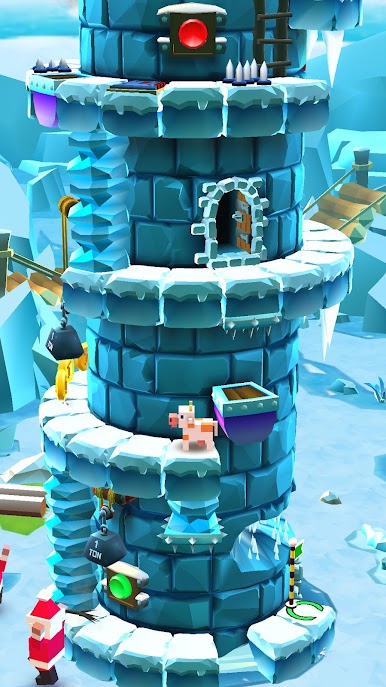
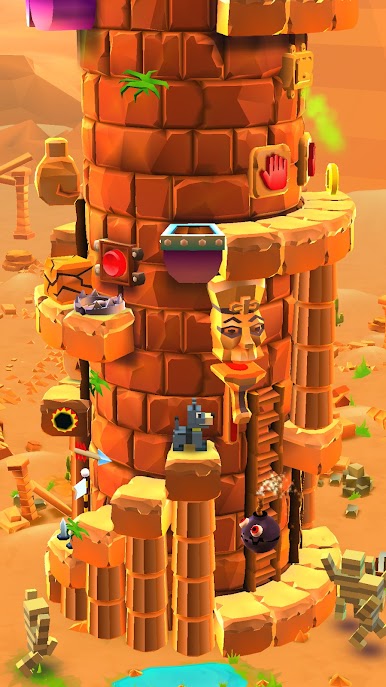
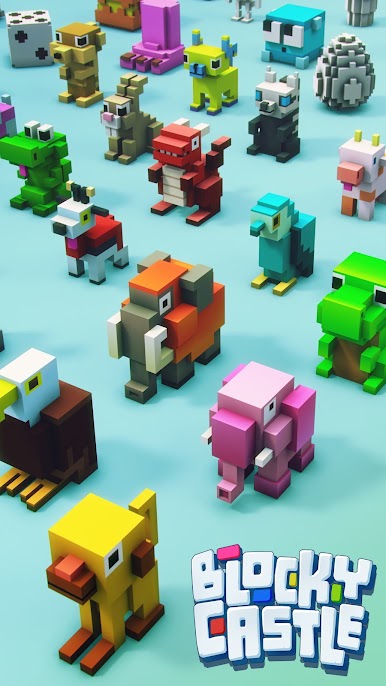
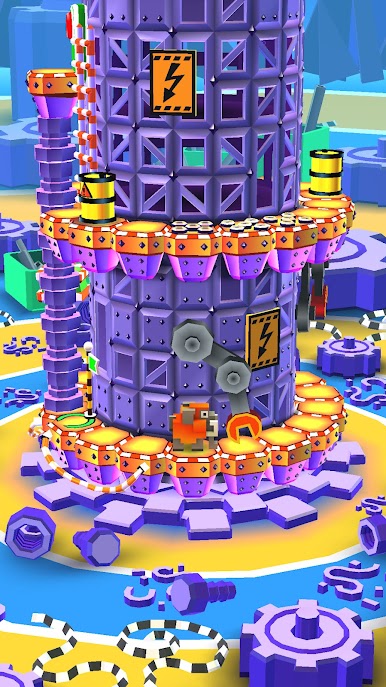
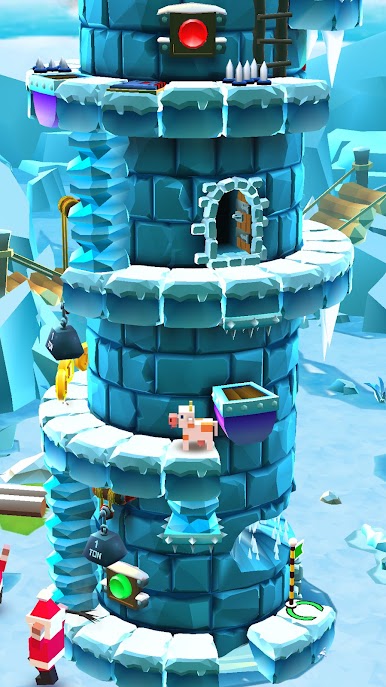
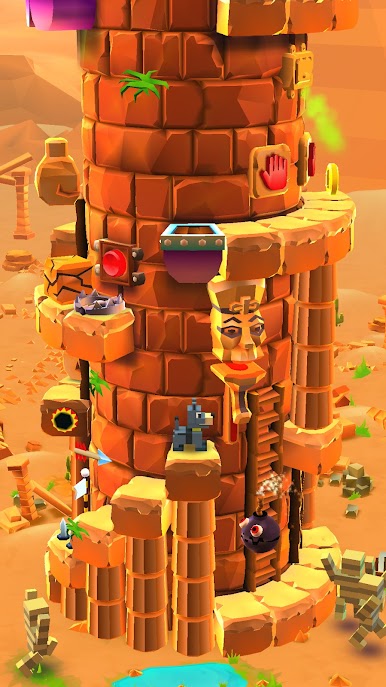
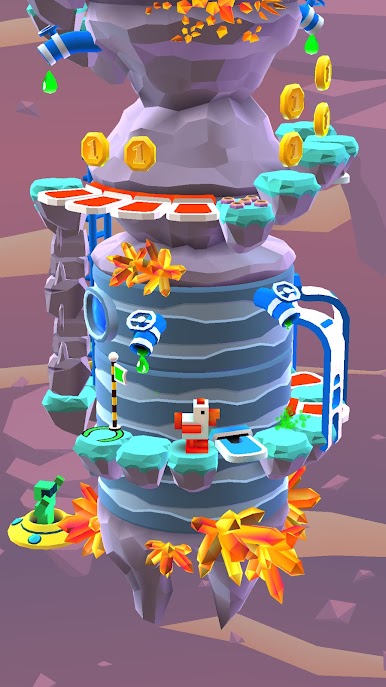
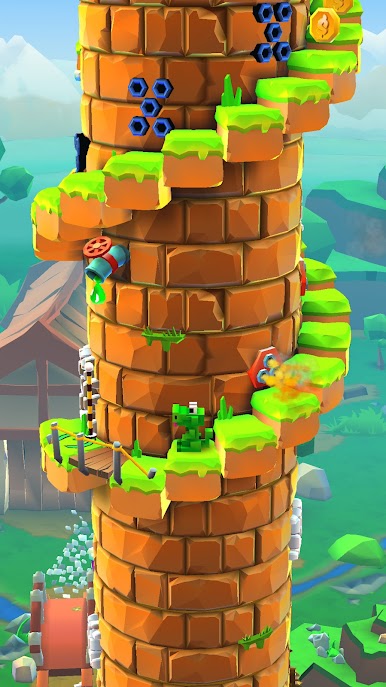
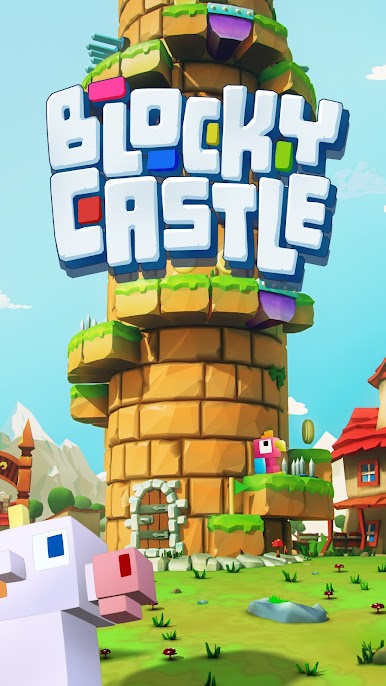
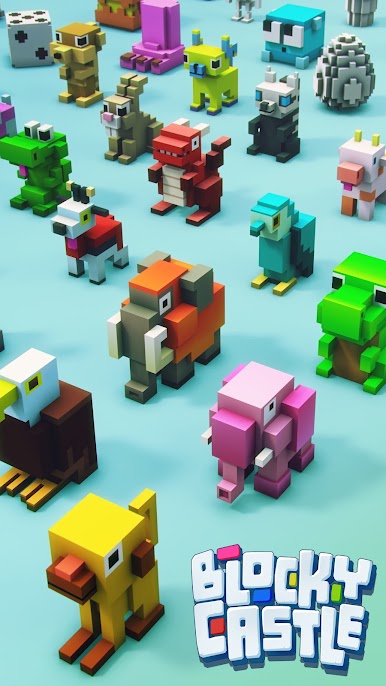
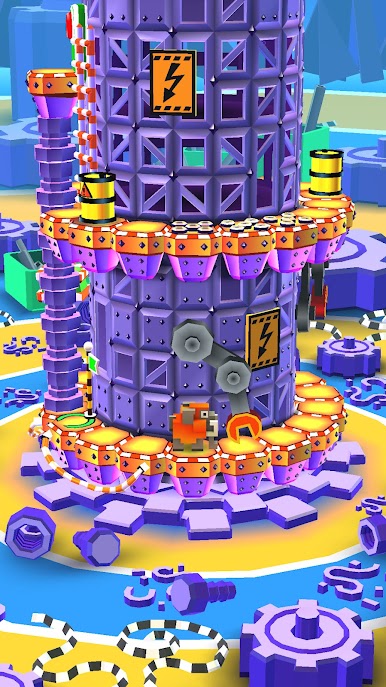
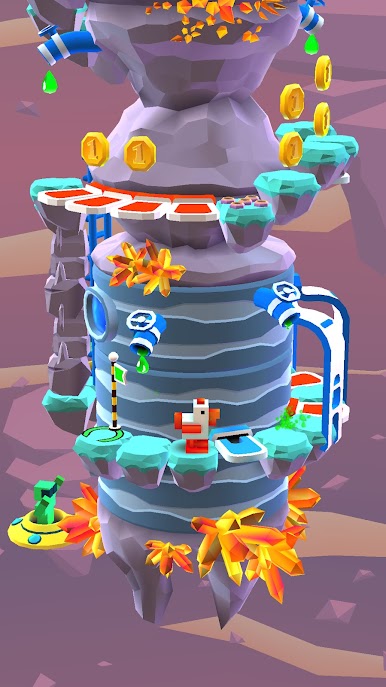
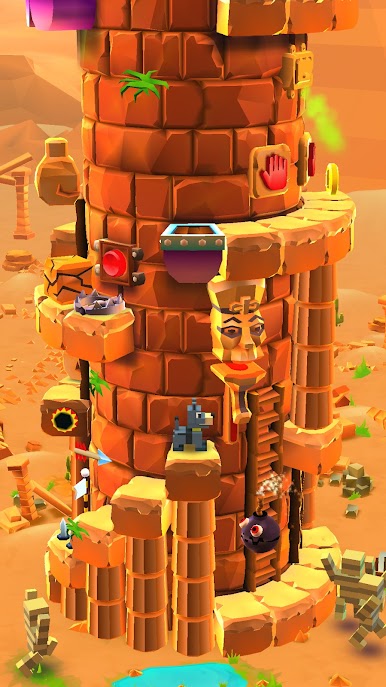
Blocky Castle: Tower Climb is a cute little chaos generator where a bunch of square pets race up a spiral tower filled with traps. Think cats, dogs, even a chunky mammoth, all sprinting around helix stairs that twist like a maze. The tower wraps around so the next platform is always a half-step away, and it becomes a timing game more than a speed run. It looks light and colorful, but it is not a walk in the park. Spikes poke out, barrels roll in, rocks drop, floors give way, bombs hop in at the worst second, and sometimes there are doors or switches or ladders that change the route. The fun is that everything has a rhythm. Learn the patterns, watch the whole screen, and it clicks.
Controls are super simple. Swiping left or right moves to the next ledge, up hits switches or climbs, down drops off a ladder. On PC with BlueStacks, those swipes map clean to keys or mouse, so the timing feels snappy and the bigger screen helps spot traps before they slap someone off the edge. Runs are short and restart fast, which keeps the just-one-more-try loop strong. There is a steady drip of coins even when a run ends in disaster, so new characters unlock without feeling grindy. It suits anyone who enjoys precise jumps, near-miss escapes, and laughing when a frog gets punted by a barrel that absolutely looked safe a second ago.
Slay your opponents with your epic moves. Play it your way on BlueStacks and dominate the battlefield.

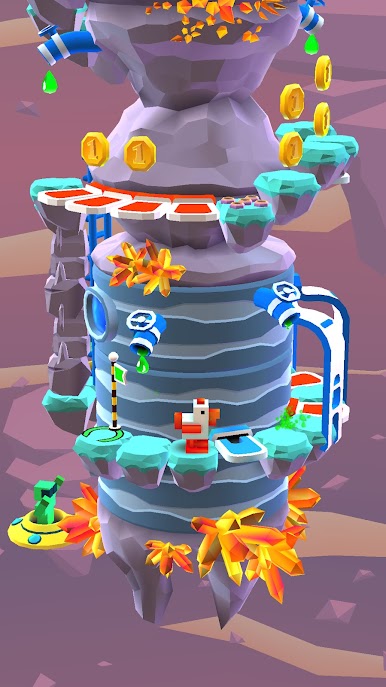
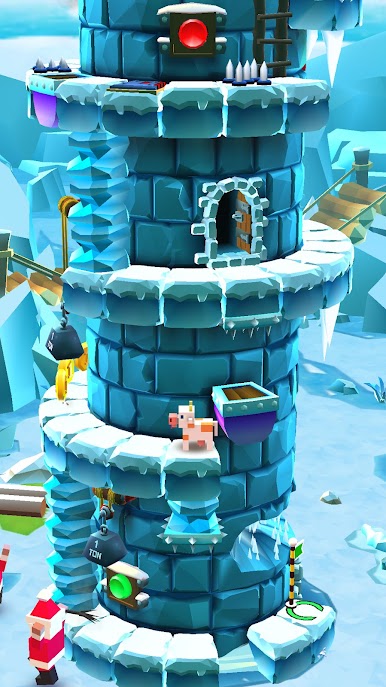
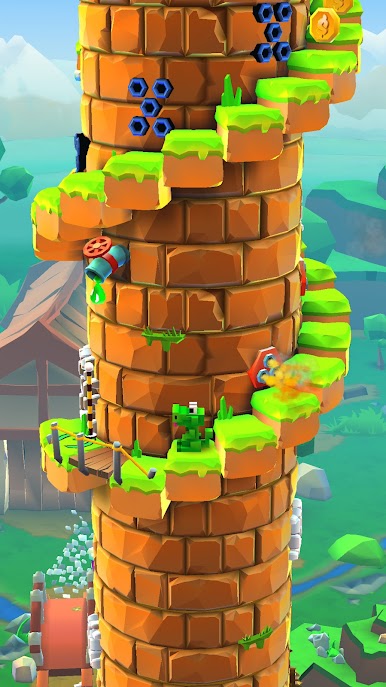
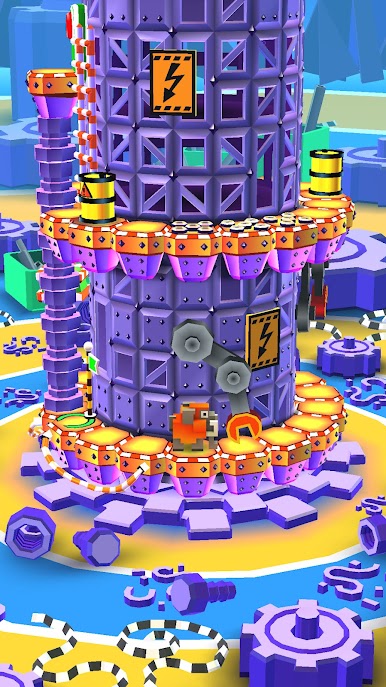


Chơi Blocky Castle: Tower Climb trên PC. Rất dễ để bắt đầu
-
Tải và cài đặt BlueStacks trên máy của bạn
-
Hoàn tất đăng nhập vào Google để đến PlayStore, hoặc thực hiện sau
-
Tìm Blocky Castle: Tower Climb trên thanh tìm kiếm ở góc phải màn hình
-
Nhấn vào để cài đặt Blocky Castle: Tower Climb trong danh sách kết quả tìm kiếm
-
Hoàn tất đăng nhập Google (nếu bạn chưa làm bước 2) để cài đặt Blocky Castle: Tower Climb
-
Nhấn vào icon Blocky Castle: Tower Climb tại màn hình chính để bắt đầu chơi

