


Pixel Brush: Pixel Art Drawing
Chơi trên PC với BlueStacks - Nền tảng chơi game Android, được hơn 500 triệu game thủ tin tưởng.

Trang đã được sửa đổi vào: Oct 2, 2025
Play Pixel Brush: Pixel Art Drawing on PC
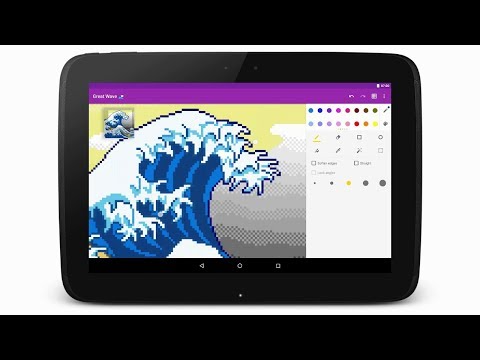
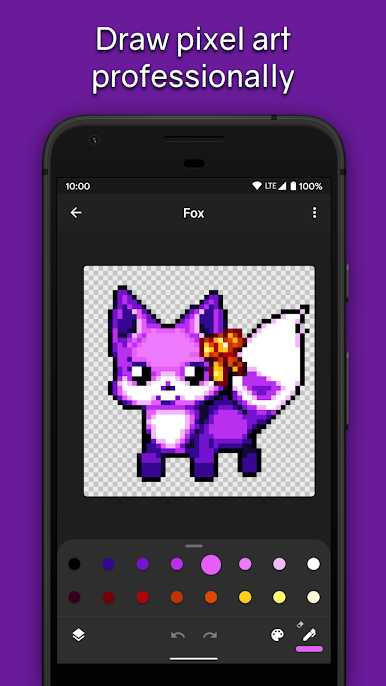
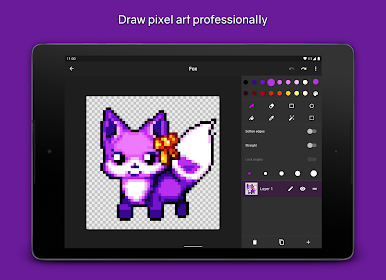
This drawing app for kids and adults helps you learn to draw art! You can draw 8 and 16 bit graphics, share to the community, and gain feedback.
Import your pixel art from Aseprite into Pixel Brush, and export it back to Aseprite.
Intuitive for beginners
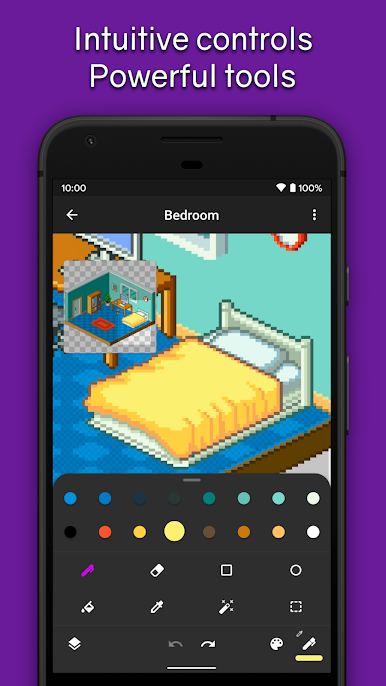
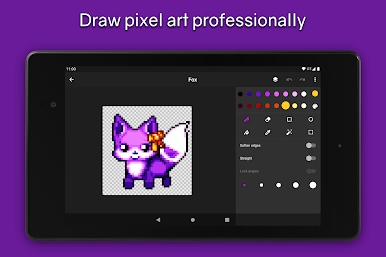
• Pinch to zoom and tap to draw
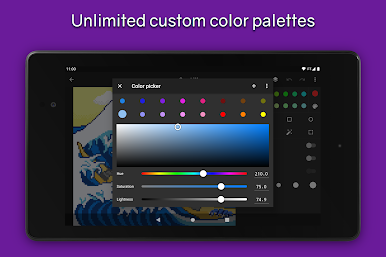
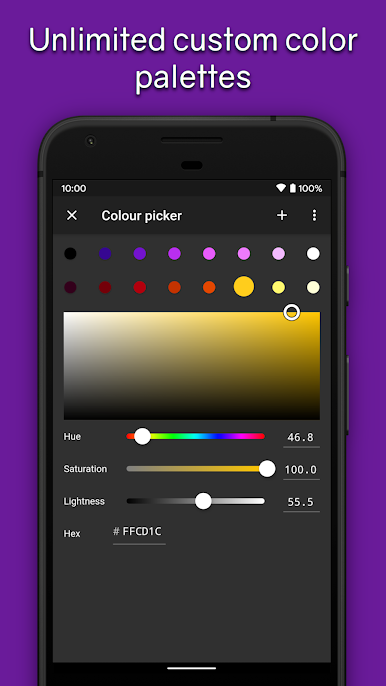
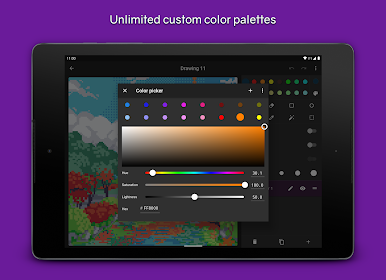
• Pick from professional built-in color palettes, or import one from Lospec
• Zooming in reveals a mini-preview (try dragging it around)
Animate like a pro
• Create beautiful animations with onion-skinning, then share your pixel animation as a GIF/MP4
• Speed up or slow down individual frames
• Layers let you separate elements of your art, handy for organization
Grow as an artist
• Share your pixel art with the friendly community, we'd love to see your creations!
• Create art on canvases up to 1024x1024
• Save unlimited color palettes (including 8 bit palettes)
Other features:
• Export and import Aseprite files
• No ads
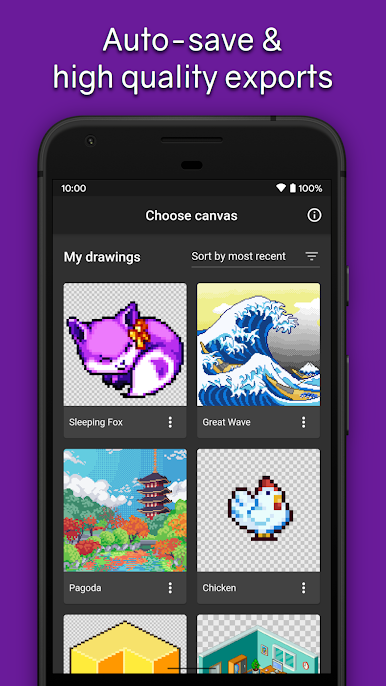
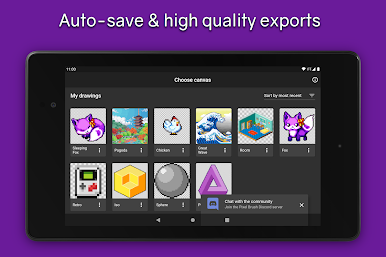
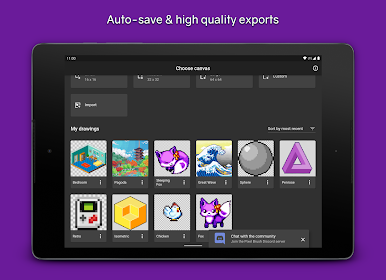
• Saving happens automatically, so you can focus on your creations
• Sharp exports with no blurring
• Create Isometric lines
• You can use a mouse if you'd prefer!
Designed for easy drawing, Pixel Brush is a pixel art creator app which can help you learn how to draw and start your new hobby!
Plenty more features are coming soon, so follow on social media (links in app) and stay tuned!
Chơi Pixel Brush: Pixel Art Drawing trên PC. Rất dễ để bắt đầu
-
Tải và cài đặt BlueStacks trên máy của bạn
-
Hoàn tất đăng nhập vào Google để đến PlayStore, hoặc thực hiện sau
-
Tìm Pixel Brush: Pixel Art Drawing trên thanh tìm kiếm ở góc phải màn hình
-
Nhấn vào để cài đặt Pixel Brush: Pixel Art Drawing trong danh sách kết quả tìm kiếm
-
Hoàn tất đăng nhập Google (nếu bạn chưa làm bước 2) để cài đặt Pixel Brush: Pixel Art Drawing
-
Nhấn vào icon Pixel Brush: Pixel Art Drawing tại màn hình chính để bắt đầu chơi

