

TrackSolid
Graj na PC z BlueStacks – Platforma gamingowa Android, która uzyskała zaufanie ponad 500 milionów graczy!

Strona zmodyfikowana w dniu: Apr 17, 2025
Run TrackSolid on PC or Mac
What’s better than using TrackSolid by Shenzhen Jimi Software Co., Ltd.? Well, try it on a big screen, on your PC or Mac, with BlueStacks to see the difference.
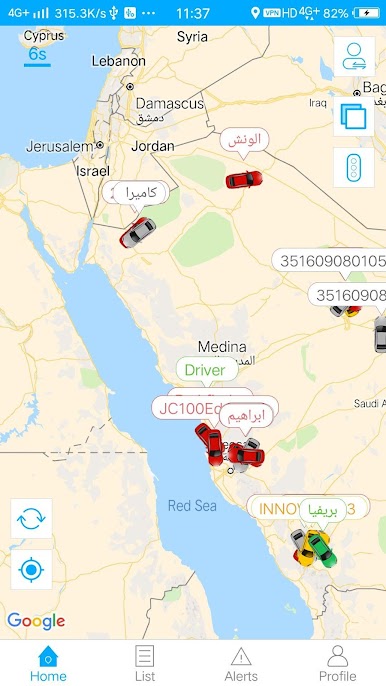
TrackSolid feels like a simple control room for keeping an eye on stuff that moves. The home screen is a map with live dots for each tracker, and tapping one opens tidy details like speed, direction, last time seen, even battery in many cases. It is not flashy, just clear. Trips playback is the neat part. Slide through the day and watch a route rebuild itself, with stops and idle time marked so someone can tell where time went. Reports are laid out in a way that actually makes sense, with daily or custom ranges and filters that do not fight back. Alerts cover the usual things people worry about, like speeding, geofence enter or exit, device offline, low battery, SOS. Geofences are quick to set up, draw a shape, save it, done.
It works for one scooter or a whole fleet of vans, and switching between devices is quick. Language can be changed inside the app, which helps if a team is mixed. On a bigger screen through BlueStacks, the map and timelines are easier to read, especially when juggling many trackers at once. It feels stable and secure, logins behave, and location updates come in without weird gaps. As long as the trackers are paired and active, the app keeps the picture fresh.
Ready to experience TrackSolid on a bigger screen, in all its glory? Download BlueStacks now.
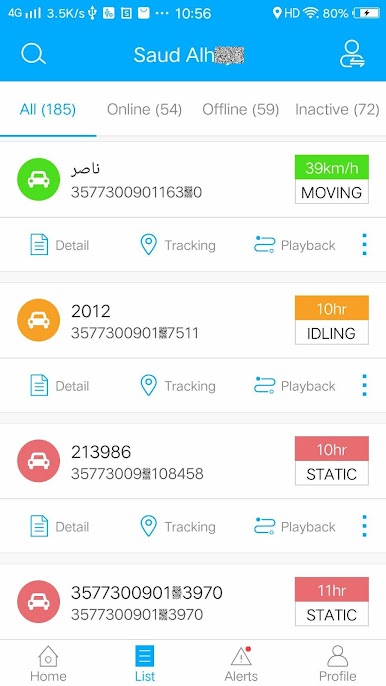
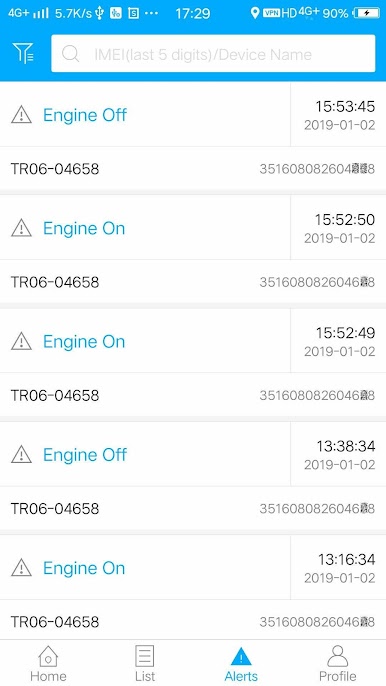
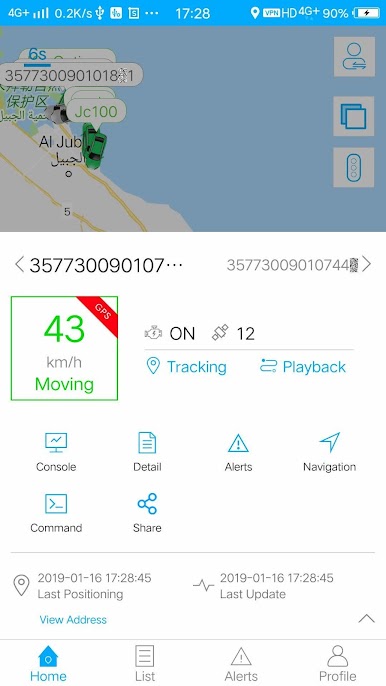
Zagraj w TrackSolid na PC. To takie proste.
-
Pobierz i zainstaluj BlueStacks na PC
-
Zakończ pomyślnie ustawienie Google, aby otrzymać dostęp do sklepu Play, albo zrób to później.
-
Wyszukaj TrackSolid w pasku wyszukiwania w prawym górnym rogu.
-
Kliknij, aby zainstalować TrackSolid z wyników wyszukiwania
-
Ukończ pomyślnie rejestrację Google (jeśli krok 2 został pominięty) aby zainstalować TrackSolid
-
Klinij w ikonę TrackSolid na ekranie startowym, aby zacząć grę

