

John GBC Lite
Chơi trên PC với BlueStacks - Nền tảng chơi game Android, được hơn 500 triệu game thủ tin tưởng.

Trang đã được sửa đổi vào: Nov 29, 2025
Play John GBC Lite on PC or Mac
Step into the World of John GBC Lite, a thrilling Arcade game from the house of John emulators. Play this Android game on BlueStacks App Player and experience immersive gaming on PC or Mac.
About the Game
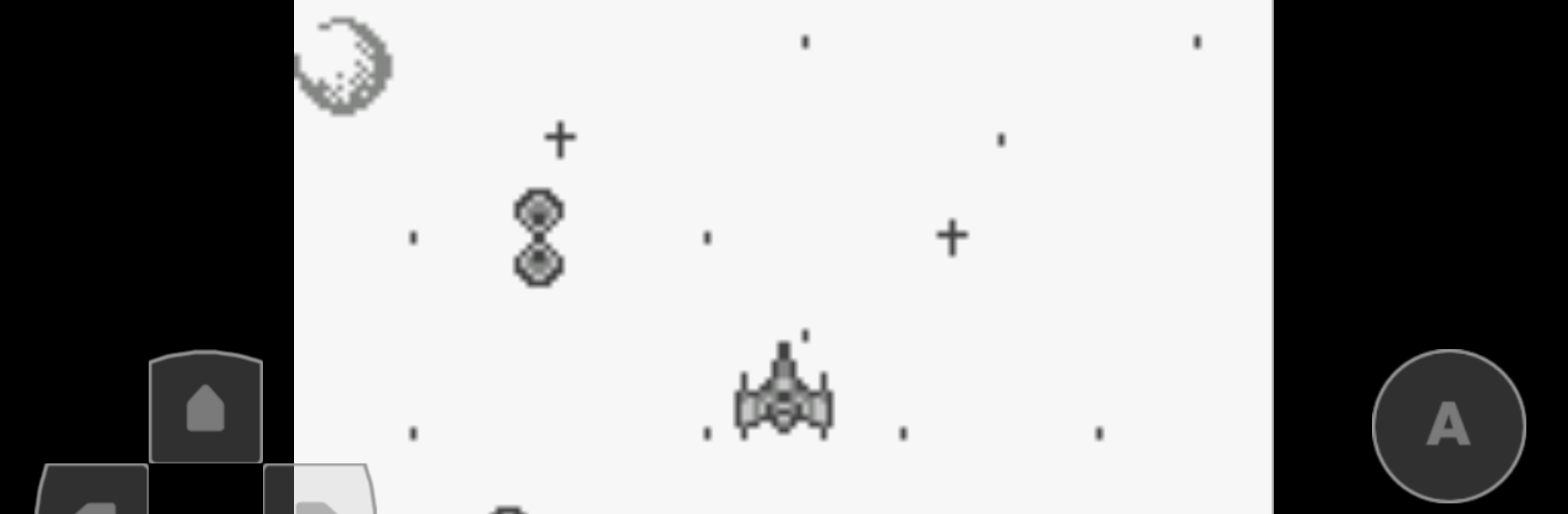
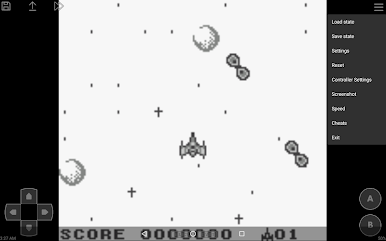
John GBC Lite brings classic handheld memories right to your phone, letting you revisit all those pixel-packed games from the old school days. If you ever loved tapping away on a Game Boy or Game Boy Color, this emulator’s all about making that experience smooth and simple. Whether you’re after a quick nostalgia trip or a chance to play long-lost favorites, you’ll find it easy to pick up and play.
Game Features
-
Faithful Emulation
John GBC Lite faithfully recreates the original look and feel you remember, thanks to its solid GB and GBC engine. -
Crisp Visuals & Speed Options
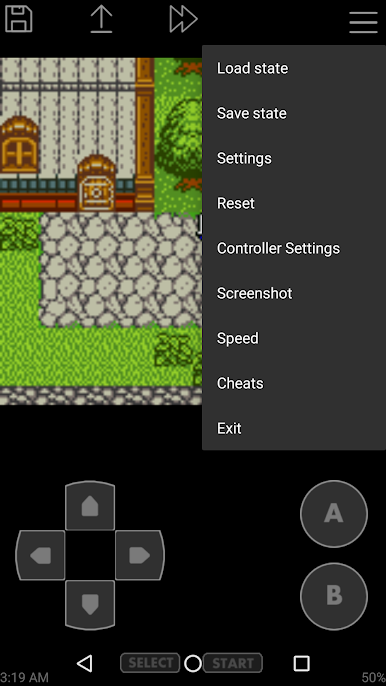
Games look sharp and clear, with high-quality graphics and fast performance. Need things a little quicker (or slower)? Speed controls let you tweak the pace, anywhere from quarter speed to wild fast-forward. -
Easy File Access
Searching for your game files is hassle-free—the app checks both your SD card and device storage, so you can load up a game in no time. -
Custom Controls
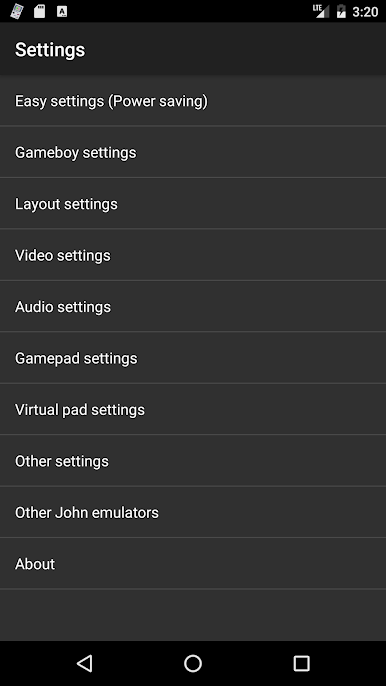
A virtual on-screen keypad comes standard, but you’re not stuck with the default: change up the key layout, use turbo buttons for faster action, or even hook up a Bluetooth controller for way more comfortable play. -
Save and Snapshot
Save your progress whenever you like. Each save shows a preview, so you always know where you left off. Snap screenshots easily if you want to share your favorite moments. -
Cheat Support
Feeling sneaky? Turn on cheat codes—Game Genie, Game Shark, and PAR are all built-in. -
Comfort Features
Whether it’s zipped ROM support or Super Gameboy borders for that authentic look, little touches make gameplay smoother. -
Cloud Convenience
Sync your saves using Dropbox (requires John DataSync), so you can pick up your progress on another device without hassle.
Got a favorite game file ready to go? You’re set. And if you want to enjoy your classic games with a bit more comfort, running John GBC Lite on BlueStacks is a solid move.
Ready to top the leaderboard? We bet you do. Let precise controls and sharp visuals optimized on BlueStacks lead you to victory.
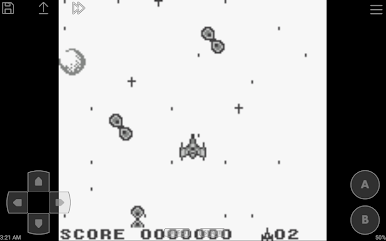
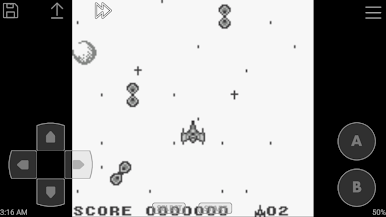
Chơi John GBC Lite trên PC. Rất dễ để bắt đầu
-
Tải và cài đặt BlueStacks trên máy của bạn
-
Hoàn tất đăng nhập vào Google để đến PlayStore, hoặc thực hiện sau
-
Tìm John GBC Lite trên thanh tìm kiếm ở góc phải màn hình
-
Nhấn vào để cài đặt John GBC Lite trong danh sách kết quả tìm kiếm
-
Hoàn tất đăng nhập Google (nếu bạn chưa làm bước 2) để cài đặt John GBC Lite
-
Nhấn vào icon John GBC Lite tại màn hình chính để bắt đầu chơi

