


TV Show & Movie Tracker Trakt
Chơi trên PC với BlueStacks - Nền tảng chơi game Android, được hơn 500 triệu game thủ tin tưởng.

Trang đã được sửa đổi vào: Dec 15, 2025
Run TV Show Tracker - Trakt client on PC or Mac
Let BlueStacks turn your PC, Mac, or laptop into the perfect home for TV Show Tracker – Trakt client, a fun Entertainment app from Jonathan ANTOINE.
About the App
TV Show Tracker – Trakt client is your easy, no-fuss way to keep up with everything you watch. Add your series, check what’s next, and see where you left off—on any device you use. Built around your Trakt account, it gives you a clear, personalized view of your TV life without getting in the way.
App Features
- Trakt Sync: Sign in with Trakt to sync your shows, watch history, and lists across phones, tablets, and more.
- Instant Access: Jump straight to your shows, seasons, and episodes with fast loading and a clean, straightforward layout.
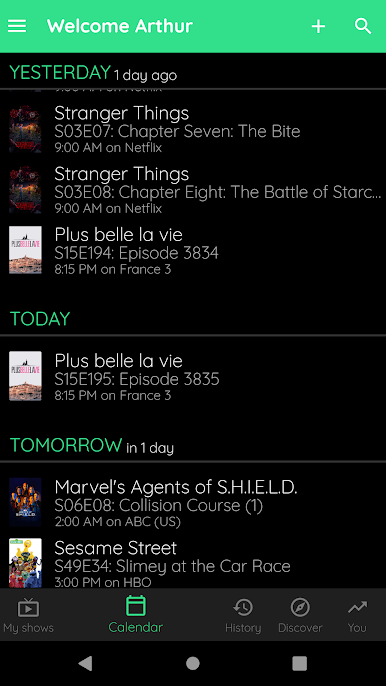
- Smart Calendar & Alerts: See upcoming air dates at a glance and get notifications when new episodes or season premieres are on the way.
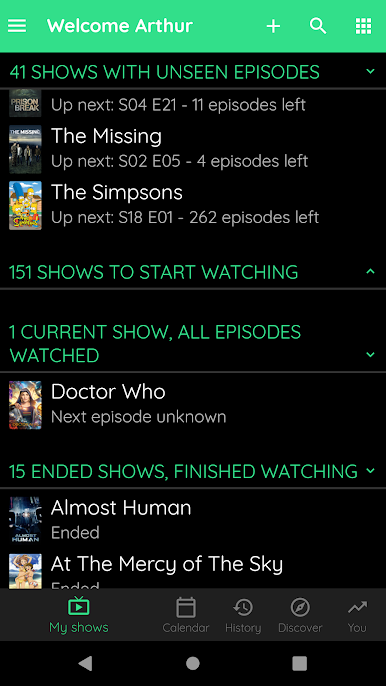
- Progress Tracking: Mark episodes as watched and always know the next episode you should play.
- What to Watch Next: A handy “next up” view highlights the exact episode waiting for you, complete with details.
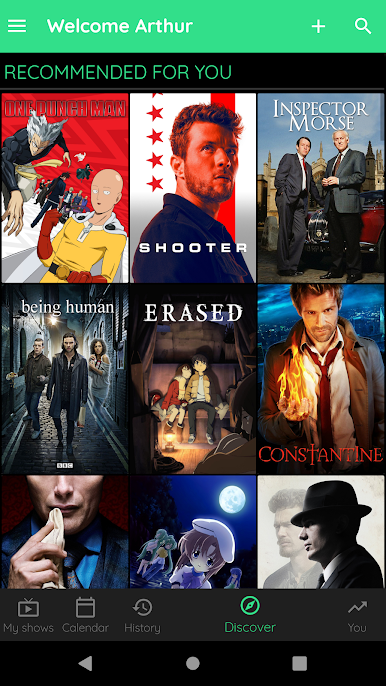
- Discover New Series: Browse popular and trending picks from Trakt to find your next obsession.
- Stats & Insights: Get a snapshot of your viewing habits and time spent watching—curious, a little nerdy, and surprisingly useful.
- Offline Mode: No signal? Your data’s still there, so you can manage lists and mark episodes on the go.
- Cross-Device Notifications: Turn on alerts and receive them on every device where the app is installed.
- Channel & Network Info: See where a series airs and keep track of its home network.
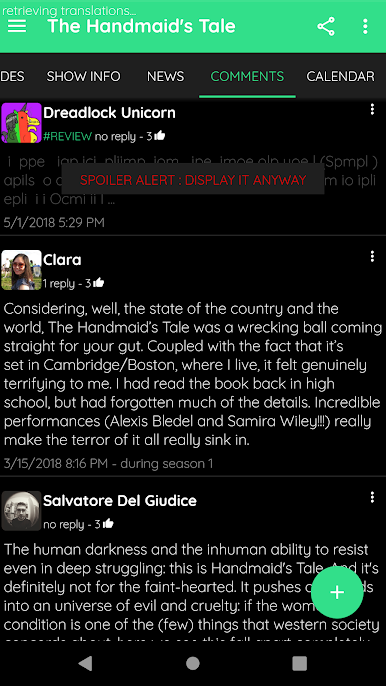
- Massive Library: Explore a huge catalog of shows and browse full episode lists in an organized, friendly interface.
- Unwatched Counter: Quickly check how many episodes you’ve got left for each series.
- Backup Made Simple: Your Trakt account safely stores your backup and keeps everything consistent.
- PC-Friendly Option: Prefer a bigger screen? You can run it on your computer with BlueStacks.
- Notes on Accounts & Data: A Trakt account is required for online sync. Images and info come from established databases, and the app focuses on displaying that data cleanly rather than producing it. It doesn’t integrate with other tracking services.
BlueStacks gives you the much-needed freedom to experience your favorite apps on a bigger screen. Get it now.

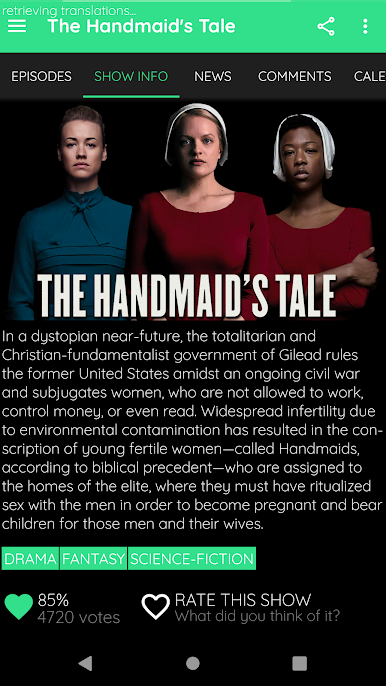
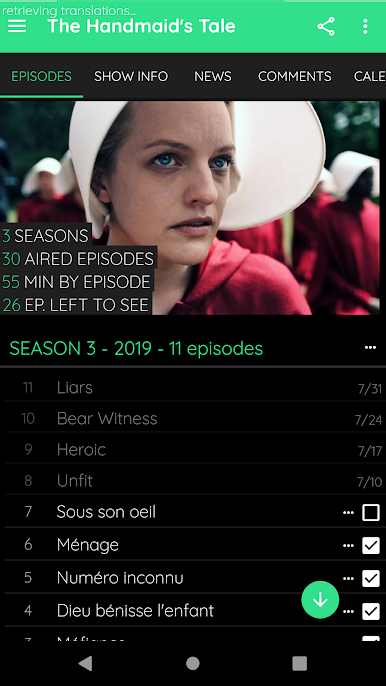
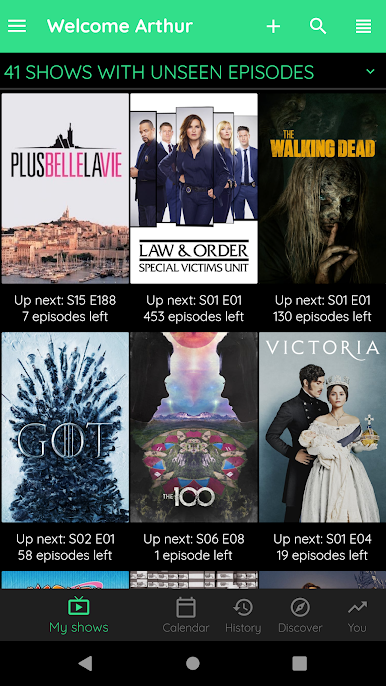
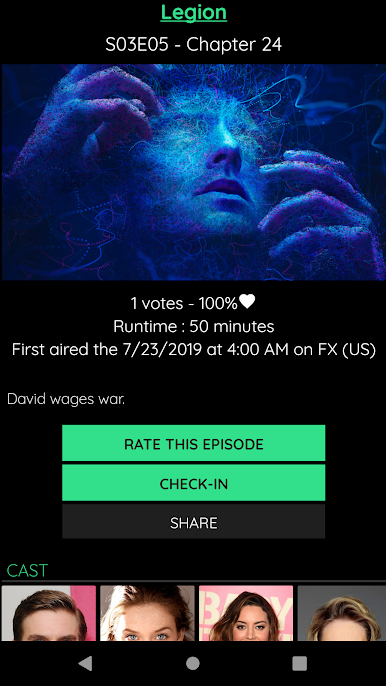
Chơi TV Show & Movie Tracker Trakt trên PC. Rất dễ để bắt đầu
-
Tải và cài đặt BlueStacks trên máy của bạn
-
Hoàn tất đăng nhập vào Google để đến PlayStore, hoặc thực hiện sau
-
Tìm TV Show & Movie Tracker Trakt trên thanh tìm kiếm ở góc phải màn hình
-
Nhấn vào để cài đặt TV Show & Movie Tracker Trakt trong danh sách kết quả tìm kiếm
-
Hoàn tất đăng nhập Google (nếu bạn chưa làm bước 2) để cài đặt TV Show & Movie Tracker Trakt
-
Nhấn vào icon TV Show & Movie Tracker Trakt tại màn hình chính để bắt đầu chơi

